
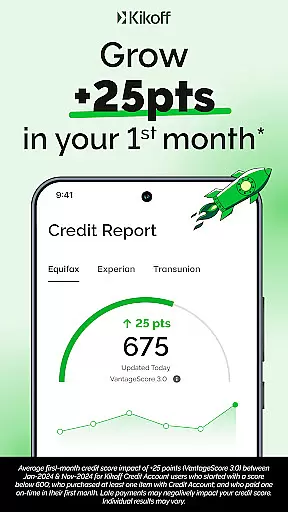
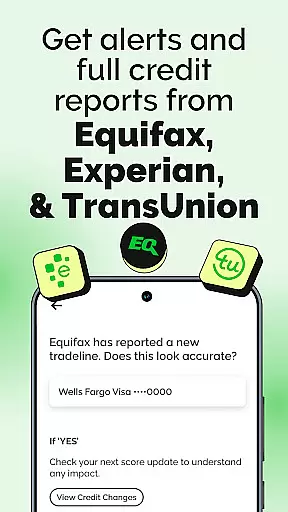
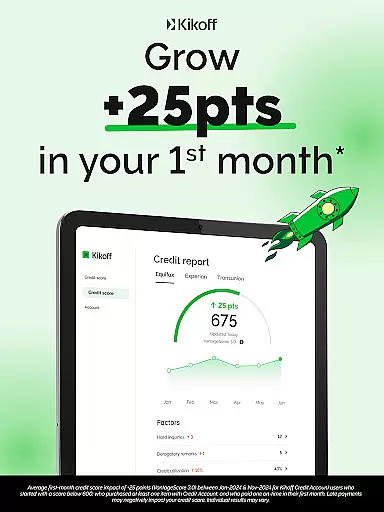
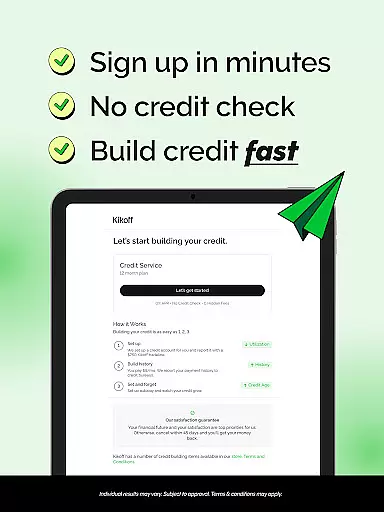
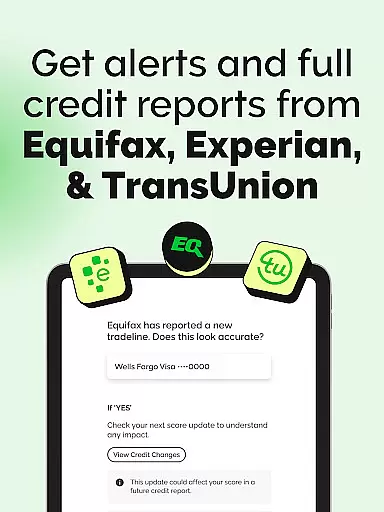
Kikoff is a financial application designed to help users build and improve their credit scores efficiently. The app offers two subscription plans, Basic at $5/month and Premium at $20/month, both providing a tradeline reported to major credit bureaus - Equifax, Experian, and TransUnion. By making timely payments on purchases limited to Kikoff's platform, users can establish a positive payment history, which is crucial for credit score enhancement.
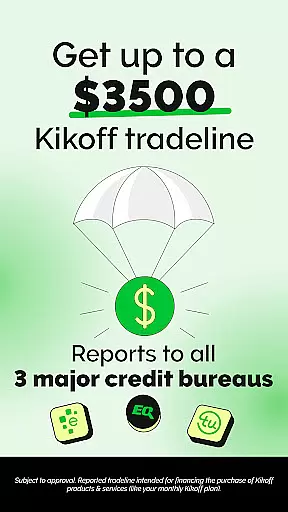
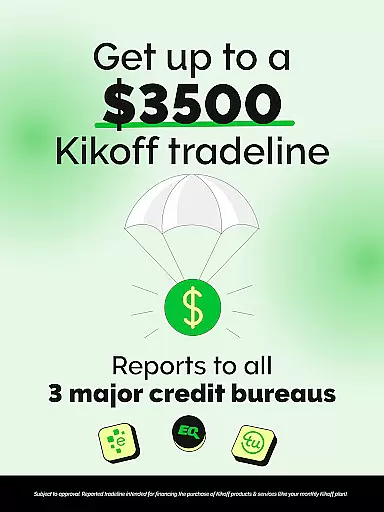
One of the standout features of Kikoff is its ability to lower credit utilization with tradelines valued at either $750 or $2,500. This approach not only helps in building credit but also ensures that users maintain a low credit utilization rate, which is beneficial for their overall credit health. Additionally, the option to enable AutoPay allows users to automate their credit-building process, making it a hands-free experience after the initial setup.
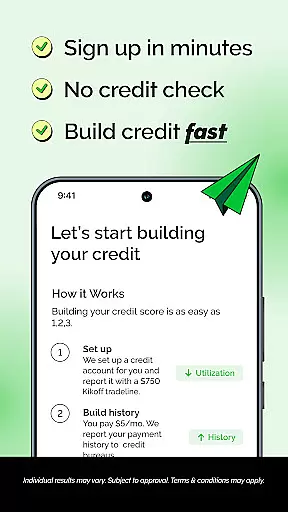
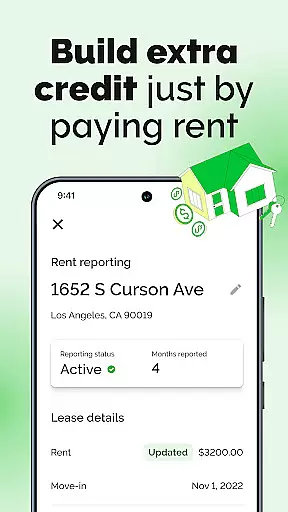
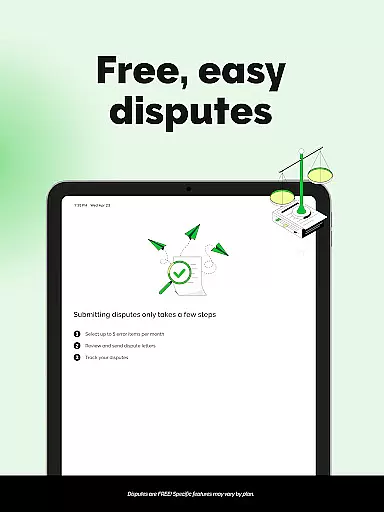
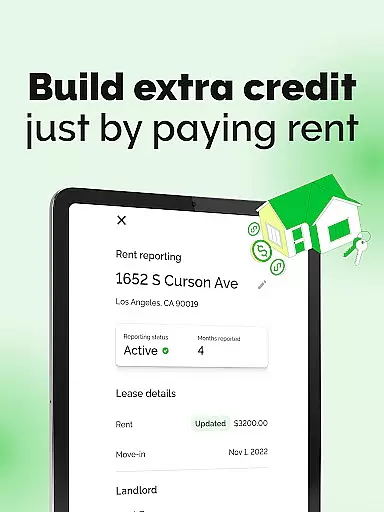
The app targets individuals with low or no credit history by eliminating the need for a credit check during the application process. Furthermore, Kikoff provides additional services such as flagging errors on credit reports and an optional Rent Reporting feature for Premium users, allowing rent payments to be reported, thus further aiding in credit improvement.
Kikoff stands out with its unique approach to credit building without requiring a traditional credit check, making it accessible for those with limited or no credit history. The app reports your payment activity to all three major credit bureaus, ensuring comprehensive coverage and maximizing the impact on your credit score. With plans starting at just $5 per month, it offers an affordable entry point compared to other credit-building solutions.
A key feature of Kikoff is its AutoPay functionality, which lets users automate their payments after setting up their account. This automation reduces the effort required from the user and minimizes the risk of missing payments, which could negatively affect credit scores. Moreover, the app's ability to lower credit utilization through substantial tradelines of $750 or $2,500 provides a significant boost to users' credit profiles.
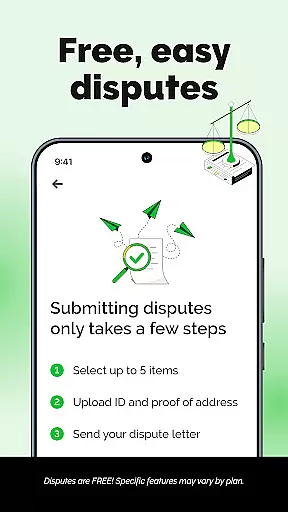
For users seeking more advanced features, Kikoff's Premium plan offers Rent Reporting, allowing rent payments to be reported to credit bureaus. This feature can be particularly advantageous for renters looking to leverage their regular housing expenses to build credit. Additionally, the app flags errors on credit reports, helping users maintain accurate credit information and avoid potential pitfalls that could harm their credit standing.
When it comes to financial applications like Kikoff, account and fund security are of utmost importance. The app ensures that your personal and financial information is protected through advanced encryption protocols. This means that all data transmitted between your device and Kikoff's servers is securely encrypted, safeguarding it from unauthorized access.
Kikoff also implements multi-layered authentication processes to verify user identity. This includes secure login credentials and additional verification steps that ensure only authorized users can access the account. By not requiring a credit check and offering services that report to major credit bureaus, Kikoff minimizes risks associated with sensitive financial inquiries while still providing credit-building opportunities.
The real value for users lies in the peace of mind that their financial activities within the app, such as payments and credit line management, are secure. With no unexpected fees or interest, Kikoff provides a trustworthy environment where users can focus on building their credit score without worrying about the safety of their funds.
A seamless transaction experience is crucial for any finance application, and Kikoff excels in providing an efficient and user-friendly process. Users can easily make purchases limited to the Kikoff platform and pay back exactly what they spend, with popular payment amounts starting as low as $5 per month. This straightforward approach simplifies budgeting and allows users to manage their finances without confusion or hidden costs.
Kikoff enhances the transaction experience by reporting each on-time payment to Equifax, Experian, and TransUnion, helping users build a positive payment history. This feature not only facilitates better financial habits but also contributes to improving credit scores over time. Additionally, the option to enable AutoPay allows users to automate their credit-building process after the initial account setup.
By maintaining a low credit utilization rate and ensuring timely reporting, Kikoff empowers its customers with tools that support financial growth. Users benefit from an intuitive interface that makes managing their credit lines effortless, enabling them to focus on achieving their financial goals with confidence.
User-friendly interface
Affordable subscription plans
No credit check required
Reports to all major credit bureaus
Optional autopay feature
Limited to Kikoff purchases
Premium plan is costly
Requires monthly payments
Not a traditional credit card
Additional fees may apply

Secure, simple money transfer app. Send money to Mexico and worldwide fast.
 4.80
4.80
Bill Manager is a simple app to help you keep track of your upcoming bills.
4.0
Money transfer made easy. Send money to friends and family with great rates.
4.70
Managing your money just got easier. Get the new Mobile app.
4.70
Your Big Financial Friend
4.70
Money App - Earn Cash back, Fast Cash Advance, Personal Loan Offers, Banking
4.70
Earn cash back. Build credit.
4.60
Keep track of your subscriptions with no limitations
4.80
The PayPal app is the secure way to send and receive money, shop and pay in 4.
4.20
Manage your Discover account conveniently from anywhere.
4.80
PayMe helps you claim money from settlements on companies that harmed you.
4.80
Check EBT, SNAP, WIC balances, manage food stamps, and save money with benefits
4.80
Manage your credit card account with the Credit One Bank mobile app.
4.70
Get a cash advance instantly. File taxes & cover unexpected bills in minutes.
4.60
Payday cash advance & Instant cash advance: Borrow money instantly, Get cash now
4.60
Car Insurance Made For You.
4.50
Mine Bitcoin in the cloud! Earn BTC daily with high-speed mining power.
4.30
Venmo is the fun and easy way to pay and get paid.
4.10
Bitcoin gpu app helps you remote mine using your cell phone easily .
3.60


User Reviews