
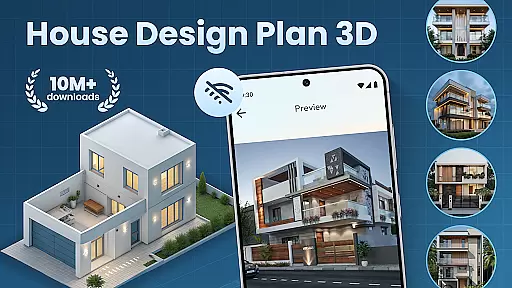
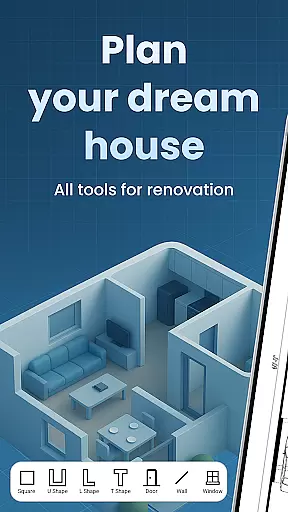
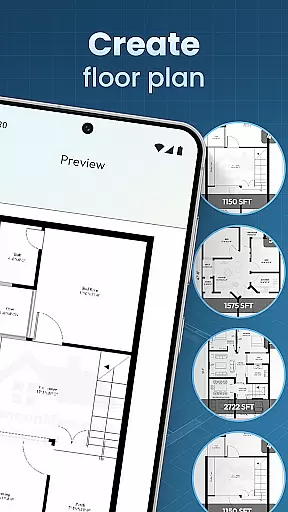
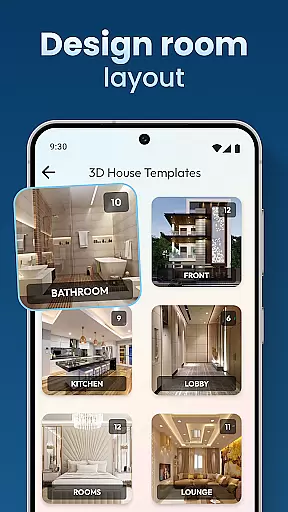
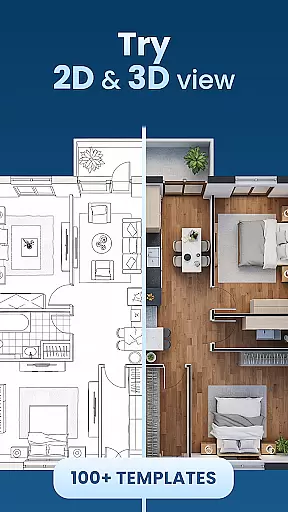
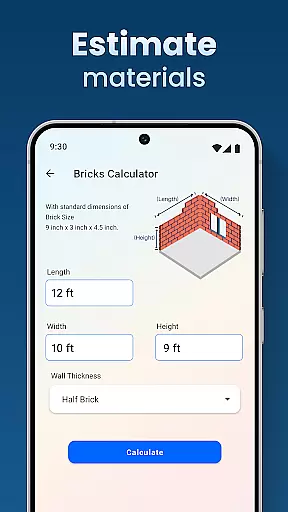
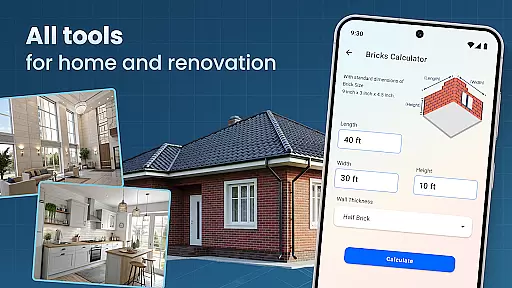
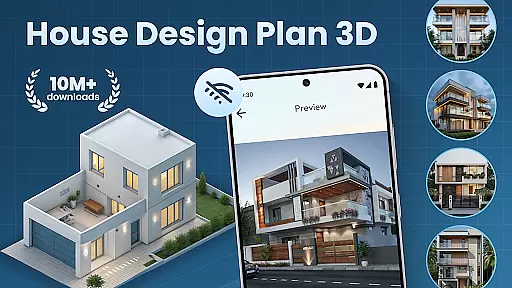
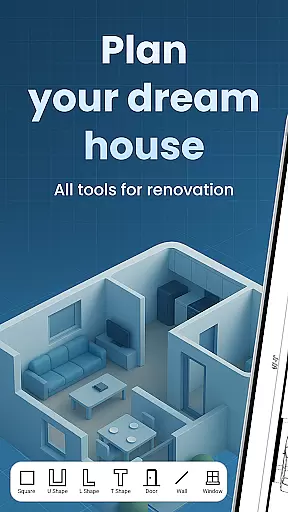
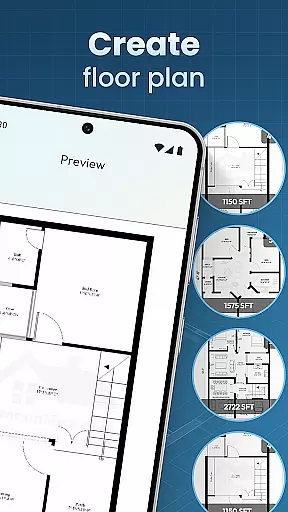
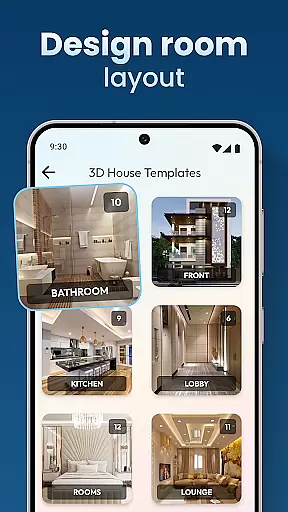
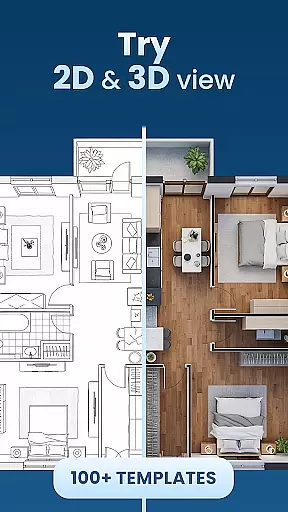
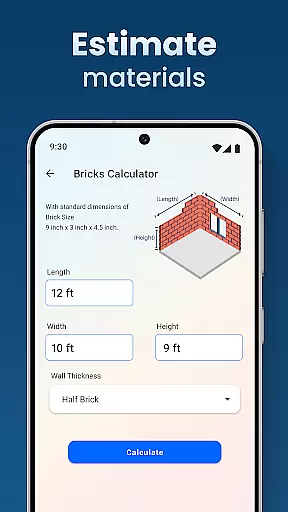
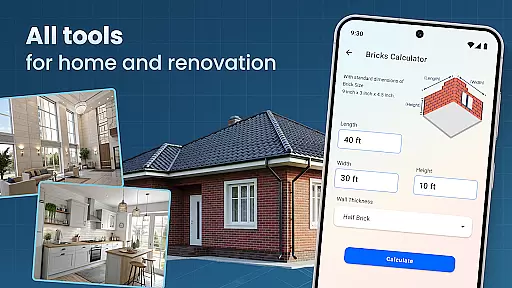
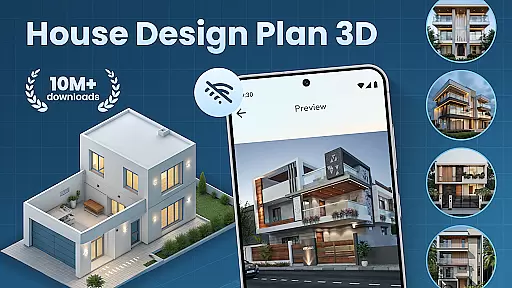
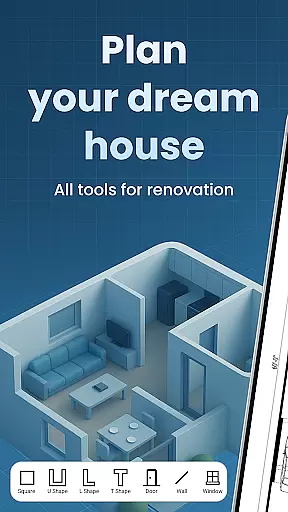
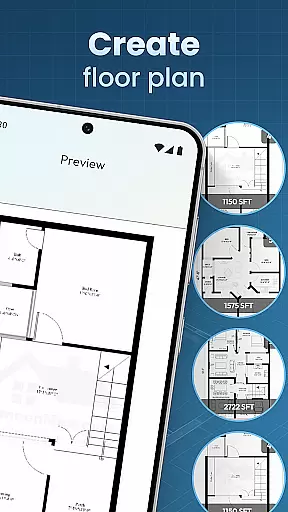
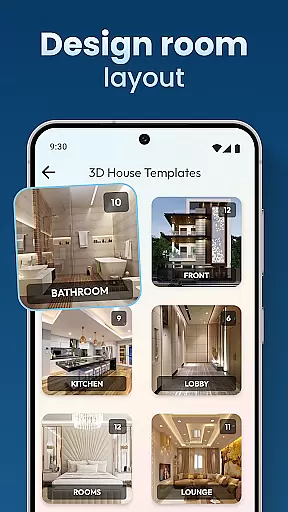
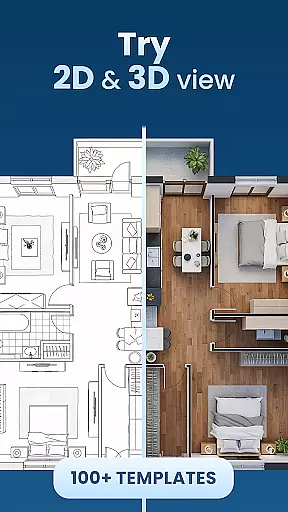
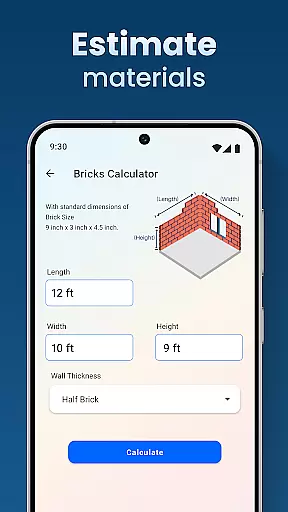
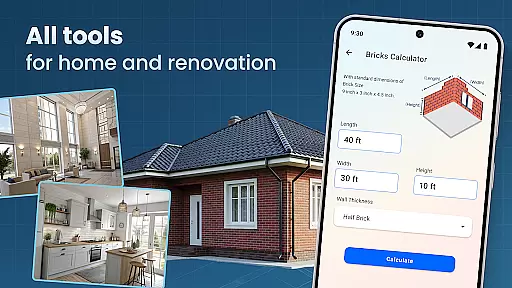
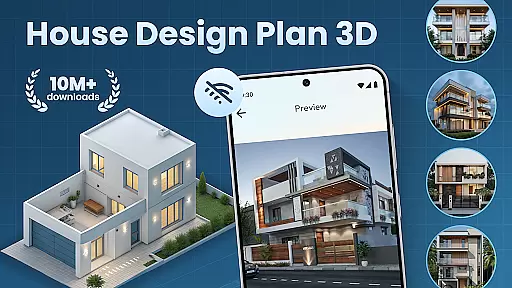
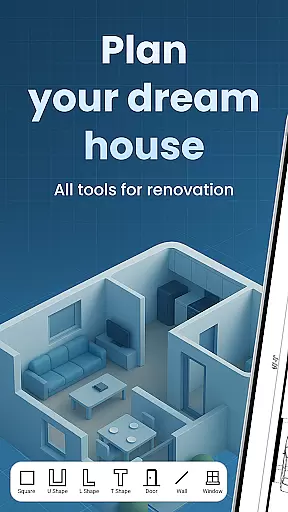
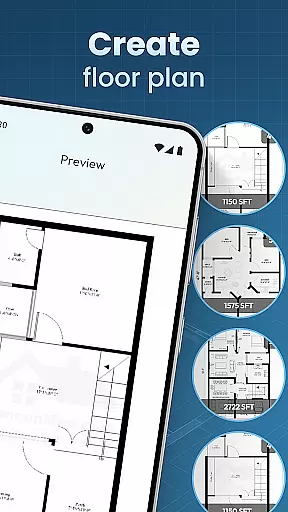
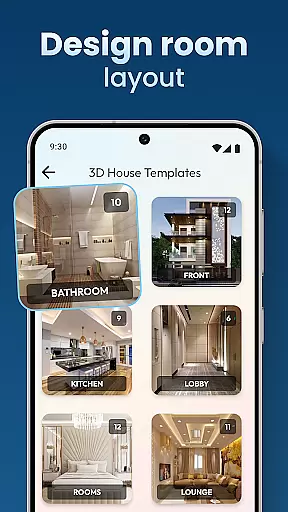
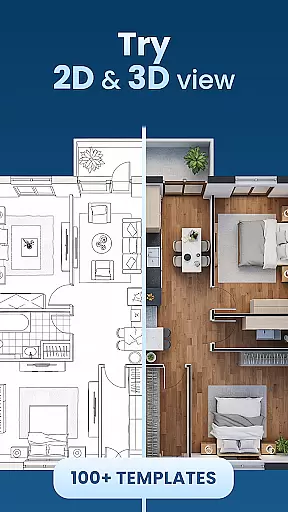
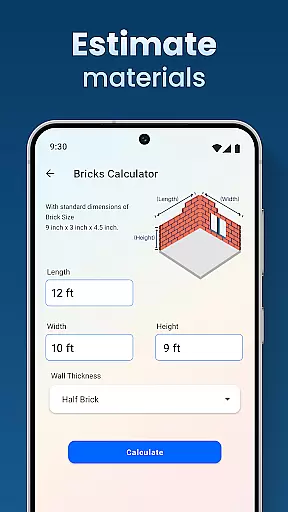
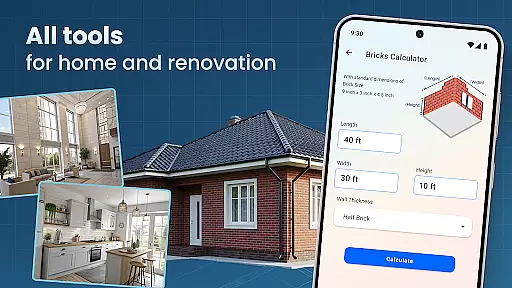
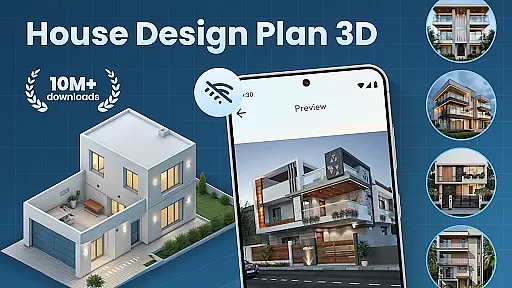
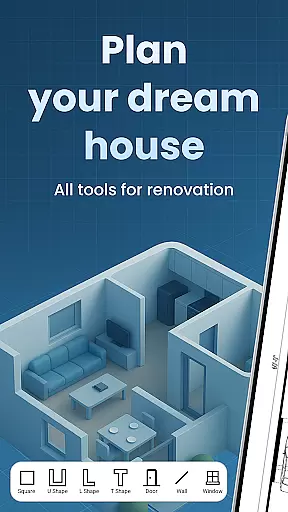
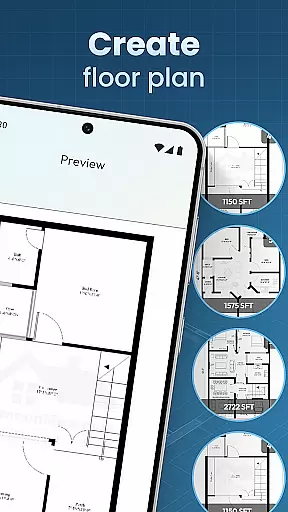
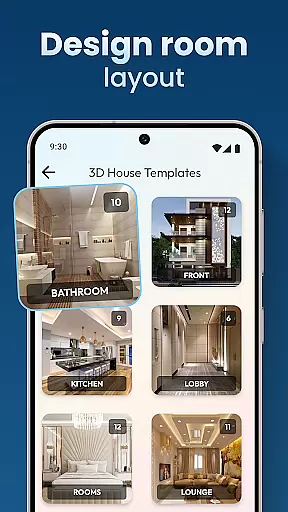
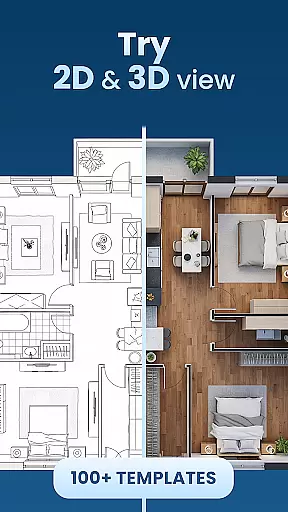
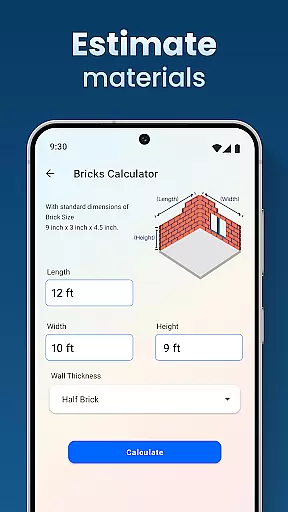
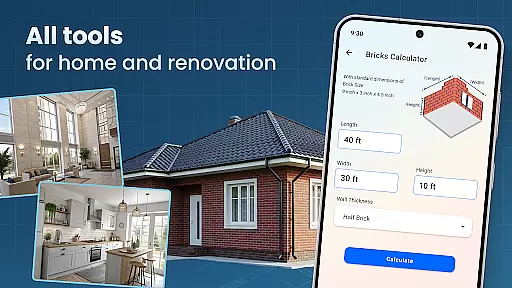
House Design Plan 3D App is an innovative home design application tailored for both beginners and experienced designers. This powerful tool allows users to create detailed floor plans, customize room interiors, and visualize their designs in fully-rendered 3D environments. With its intuitive drag-and-drop interface, users can effortlessly build walls, arrange furniture, and experiment with various color schemes.
The app stands out with its professional-grade features including guided step-by-step assistance, pre-designed templates, and precise measurement tools. These capabilities ensure that every project meets industry standards while maintaining user-friendly accessibility. Whether you're redesigning a single room or planning an entire house, this application provides the necessary tools to bring your vision to life with remarkable accuracy.
Ideal for homeowners, interior designers, and architecture enthusiasts, House Design Plan 3D App transforms complex design processes into an enjoyable creative journey. Its seamless integration of functionality and design makes it an indispensable tool for anyone looking to visualize and implement their home improvement ideas effectively.
House Design Plan 3D App distinguishes itself through its comprehensive feature set designed to streamline the home planning process. The application's core strength lies in its robust 3D visualization capabilities, allowing users to instantly view changes in real-time as they modify room layouts and furniture arrangements. This immediate feedback helps users make informed design decisions while maintaining creative flow.
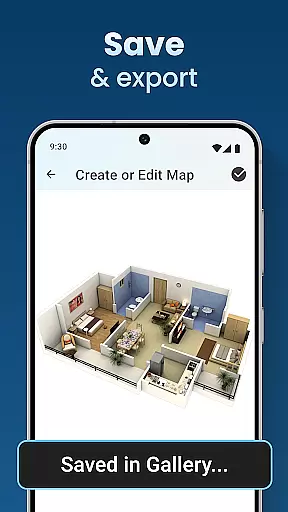
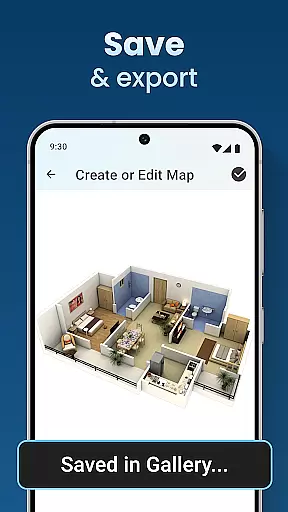
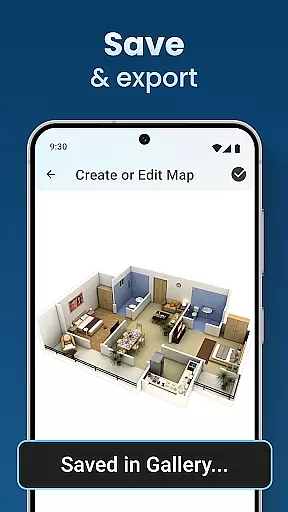
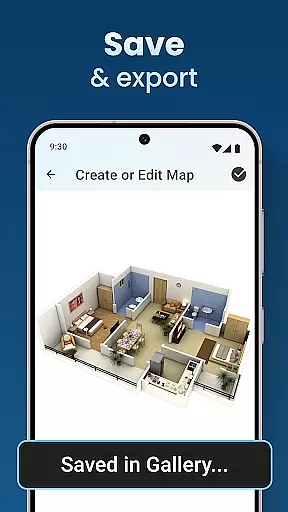
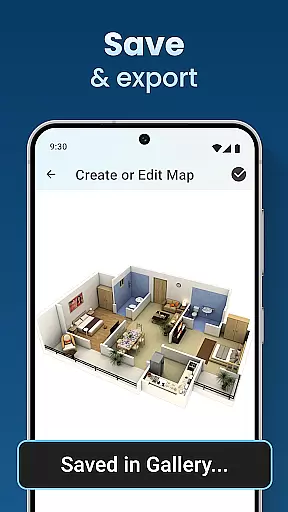
Advanced customization options enable precise control over every design aspect, from wall textures and flooring materials to lighting placement and furniture selection. The app's extensive library of design elements and templates caters to various architectural styles, ensuring flexibility for diverse projects. Additionally, the integrated save and preview function lets users store multiple design variations and compare them side-by-side.
Professional-grade tools such as accurate measurement instruments and detailed floor plan generators guarantee precision in every design. The application's user-friendly interface combines these sophisticated features with intuitive controls, making professional-quality home design accessible to users of all skill levels. Whether creating simple room layouts or complex multi-story buildings, these tools ensure each project maintains both aesthetic appeal and technical accuracy.
In the realm of house and home design, ensuring the authenticity of property listings is paramount. The House Design Plan 3D App addresses this by providing users with tools to create precise and realistic 3D models of their envisioned or existing spaces. This accuracy in representation allows for a trustworthy depiction of properties, which is crucial when planning or showcasing a home's potential.
The app employs advanced 3D visualization technology that enables users to craft detailed floor plans and structured layouts. With features like real-time 3D room viewing and guided step-by-step help in designing, it ensures that every aspect of a home plan is represented authentically. Users can experiment with different furniture arrangements, color schemes, and styles, thus optimizing their designs to reflect genuine property aesthetics.
By offering functionalities such as saving and previewing projects, the application guarantees that users' creations are not only accurate but also verifiable over time. This means changes can be tracked, and updates to the design can maintain the integrity of the original vision, fostering confidence in the authenticity of each property listing created within the app.
Effective home management features are essential for overseeing various aspects of a household, from maintenance schedules to smart device integration. The House Design Plan 3D App offers innovative solutions that cater to these needs by integrating comprehensive design tools with practical home management capabilities. This dual functionality empowers homeowners to not only visualize their space but also manage its development efficiently.
With the ability to customize room furnishings and interior elements, users gain control over how they want their homes to look and feel. The app provides an ultimate power to dictate every detail, from furniture selection to wall textures and lighting. Such granular control ensures that all home management decisions are reflected accurately in the digital blueprint, making it easier to implement them in reality.
Moreover, the inclusion of professional-grade templates and rendering options supports users in maintaining high standards throughout their projects. Whether redesigning a single room or constructing a multi-level residence, these features ensure that each choice contributes towards a cohesive and well-managed living environment. By leveraging the appu2019s robust suite of tools, users can seamlessly blend design creativity with functional home management.
User-friendly interface
Real-time 3D visualization
Extensive design library
Precise measurement tools
Project saving capability
Occasional performance lag
Limited free templates
Advanced tools require learning
Storage space intensive
Premium features locked

Map-based search app for apartments and homes for rent.
 4.60
4.60
Technology powering many in-home services for residents across the United States
3.80
Turn your phone into a wifi cam with smart features and umlimited reach.
4.20
Smart AI plant care schedules, Real plant experts, support & Thriving community!
4.20
IP camera view and playback, for your WiFi cam or home security cctv system.
3.70
Book your local plumber 24/7, track your service order & get exclusive coupons
4.00
An easier way to make payments and maintenance requests from anywhere.
3.50
A Smarter Home in Seconds
4.70
Set up your devices, customize settings, and monitor your home—from anywhere
4.40
B-hyve Pro App for landscape irrigation professionals
4.70
The Merkury Smart app makes it easy to control your smart devices.
4.50
Apartment finder for apartments for rent. Compare prices, amenities & rentals.
4.50
Wobble Fix Tool
4.40
Control your Daikin, Amana & Goodman heating & cooling systems from anywhere
4.40
Fully control your Philips TV with this all-in-one remote control app.
4.20
Samsung remote app helps control all Samsung Smartthings TVs. Fast and Stable!
4.10
AI floor creator to design your dream house, plan rooms & style your home
4.00
Schlage Lock Company LLC
4.00
Unlock AI-based barcode scanning and support the development of Grocy Android
4.5


User Reviews