
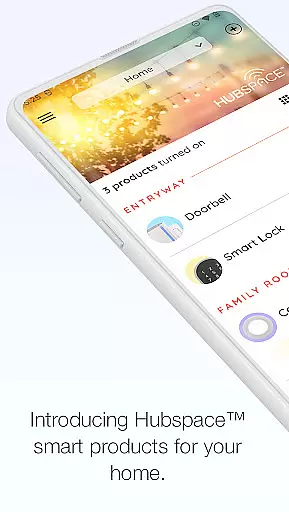
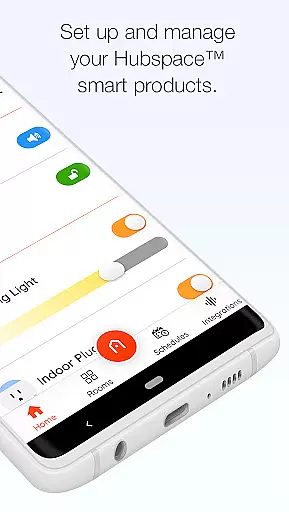
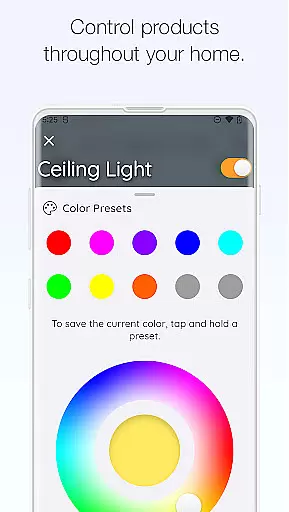
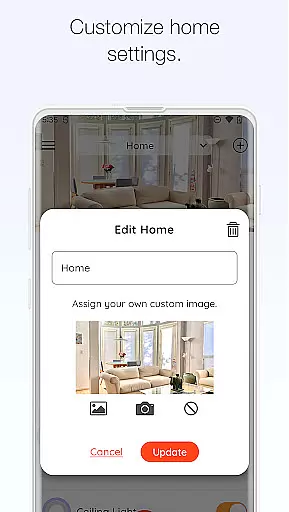
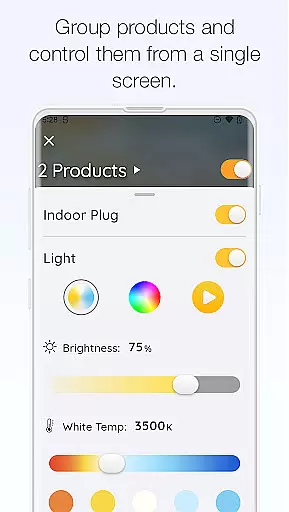
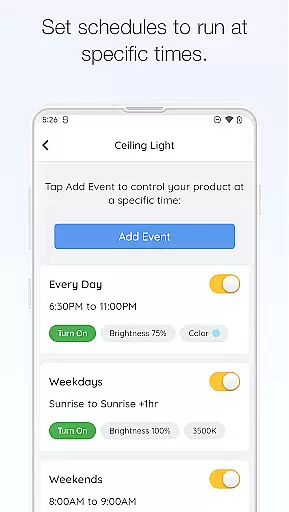
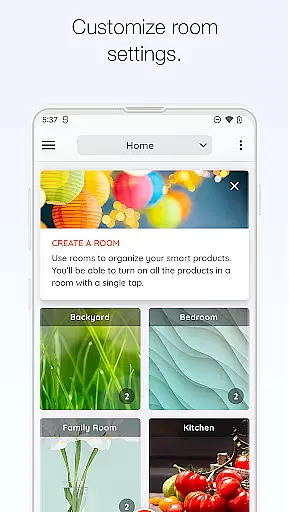
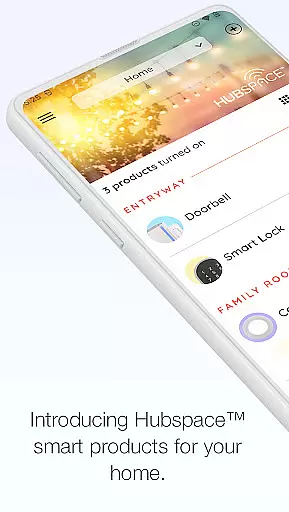
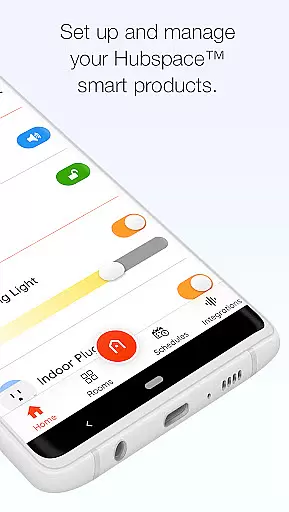
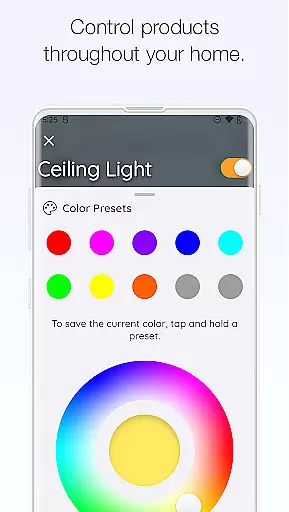
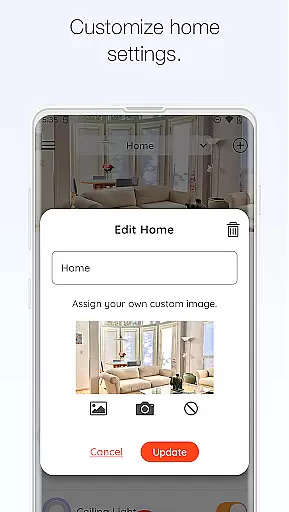
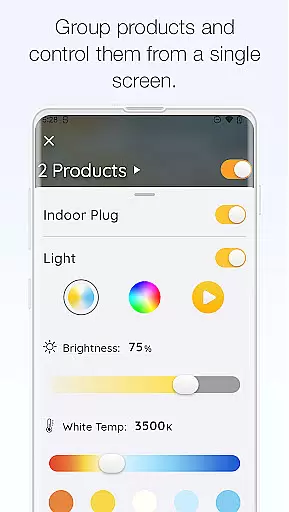
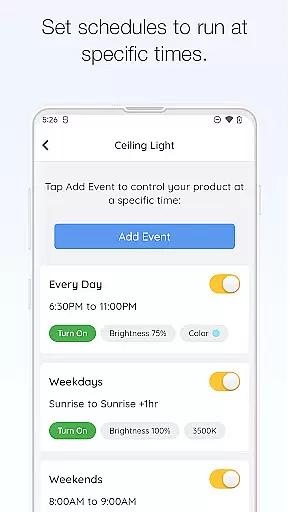
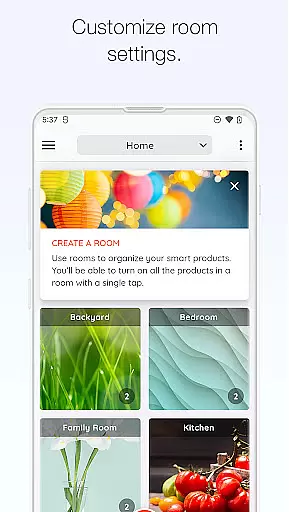
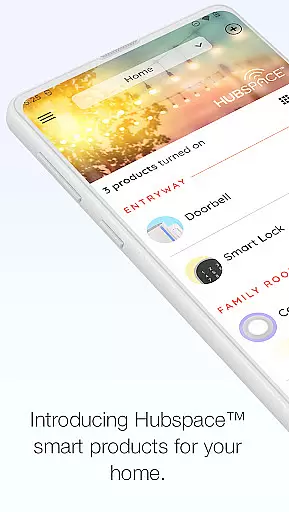
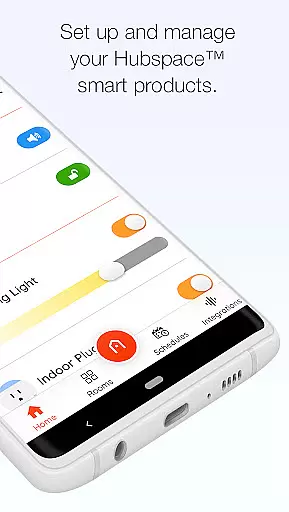
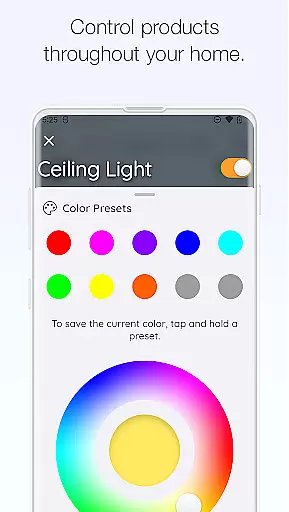
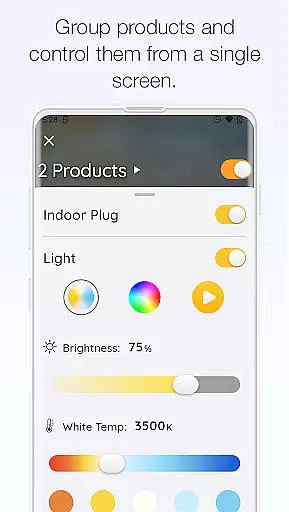
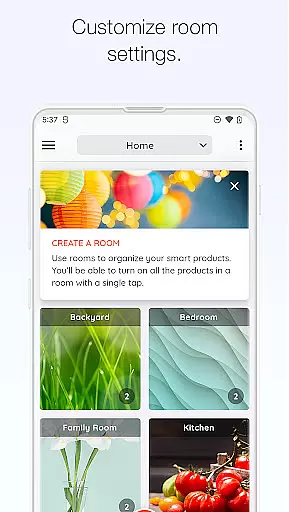
Hubspace is a smart home management application designed to help users efficiently organize and control their connected devices. With Hubspace, you can easily set up and manage smart products by room and property, allowing for customized schedules and remote access. The app provides essential controls such as on/off functionality, light color temperature adjustments, fan speed settings, and product grouping.
In addition to basic device management, Hubspace integrates seamlessly with popular voice assistants like Google Assistant and Alexa, enhancing the smart home experience. Whether you're at home or away, you can monitor and adjust your devices to suit your lifestyle, ensuring convenience, energy efficiency, and peace of mind.
Hubspace offers a comprehensive suite of features that cater to various smart home needs. One standout capability is its versatile device settings, which include on/off controls, customizable light color temperatures, fan speed adjustments, and product grouping options. These features allow users to tailor their smart home environment to their specific preferences.
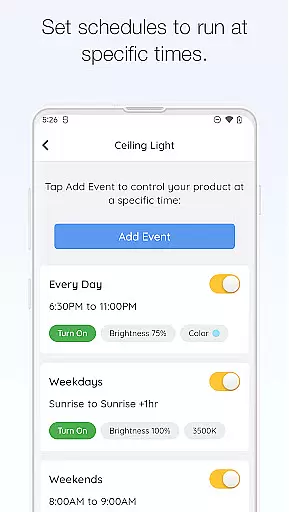
The app also excels in automation and integration. Users can set detailed schedules for their devices, ensuring optimal performance and energy savings. Furthermore, Hubspace's compatibility with Google Assistant and Alexa enables voice control, making daily tasks more convenient. This combination of customization, automation, and third-party integration positions Hubspace as a valuable tool for modern smart home management.
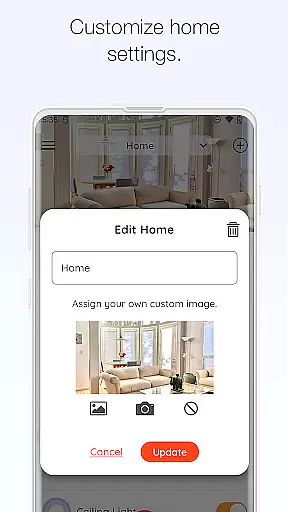
When managing a connected home through the Hubspace app, ensuring the authenticity of your property listings is crucial. The app allows users to organize smart products by room and property, which means accurate representation of these properties is essential for proper device management.
Hubspace provides verified setup processes that match each product with its designated space in your home. This verification ensures that every listed property genuinely reflects the actual devices present, giving you peace of mind when managing settings remotely or at home.
The benefit to users is significant; they can trust that changes made via the app will correctly apply to their intended devices without confusion or error. This level of authenticity not only simplifies home management but also enhances security and efficiency within your smart home ecosystem.
Hubspace offers an array of home management features designed to streamline the control of your smart products. With capabilities such as setting schedules, grouping products, and integrating with voice assistants like Google Assistant and Alexa, it provides comprehensive tools for efficient home automation.
Users have access to intuitive controls for adjusting fan speeds, changing light color temperatures, and managing on/off functions for their devices. These features are accessible both locally and remotely, providing flexibility and convenience in everyday use.
This robust set of functionalities empowers homeowners by allowing them to customize their living spaces according to personal preferences while maintaining ease of operation. Such advanced yet user-friendly home management significantly improves overall quality of life within smart homes.
User-friendly interface
Wide device compatibility
Remote access capabilities
Voice assistant integration
Customizable scheduling
Limited advanced features
Occasional connectivity issues
Basic design aesthetics
Dependent on internet connection
Fewer integrations than competitors

Draw house plans, floor plans 3d & house design with house plan drawing 3d app
 3.60
3.60
Make Renting Easy
4.40
Download today to join the community to help bring lost pets home faster.
4.70
Fully control your Philips TV with this all-in-one remote control app.
4.20
Smart AI plant care schedules, Real plant experts, support & Thriving community!
4.20
Night Owl Protect helps you secure, protect, and connect your world!
4.60
Control your Vivint Smart Home with the next generation Vivint App.
4.30
WiZ smart light system
4.40
Connect with reliable pros for maintenance services, plumbing, and home design!
4.80
Convert your Phone to HiSense Smart TV Remote Control
4.70
Find your next home, house, apartment, condo, casa, flat, rental, studio, or bed
4.70
Map-based search app for apartments and homes for rent.
4.60
Rent on-the-go with TurboTenant’s app made just for renters
4.50
Control the scent and ambiance of your home and car, right from your phone.
4.50
Plan your remodel AI home renovation easily using planner 5D and home decor AI.
4.40
Make your phone a surveillance camera remote with a home camera app for Android!
4.40
Design house plans in 2D & 3D, style furniture, and preview renovation layouts
3.70
Find paints using a Color Muse & ColorSnap® Match
3.60
An easier way to make payments and maintenance requests from anywhere.
3.50


User Reviews