
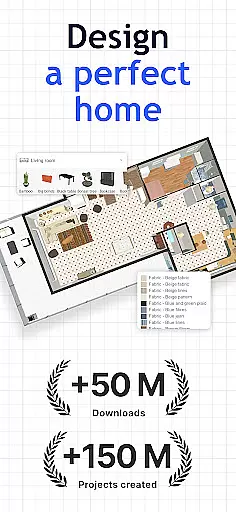
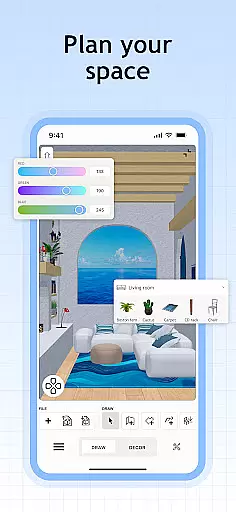
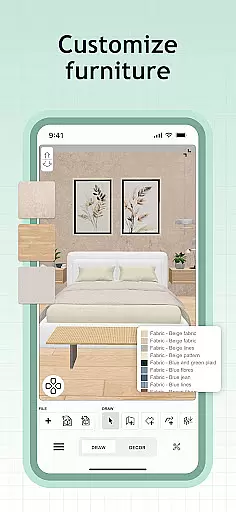
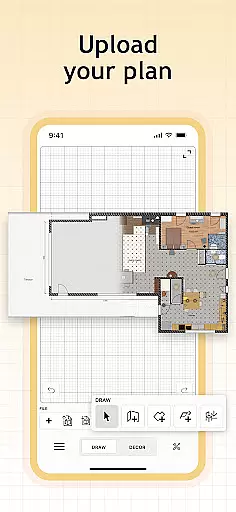
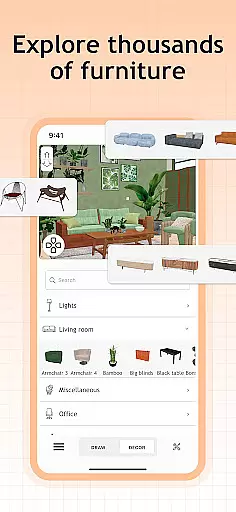
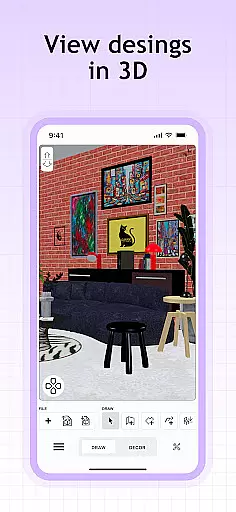
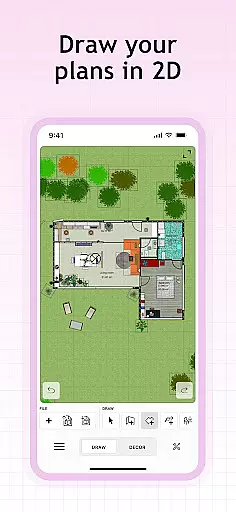
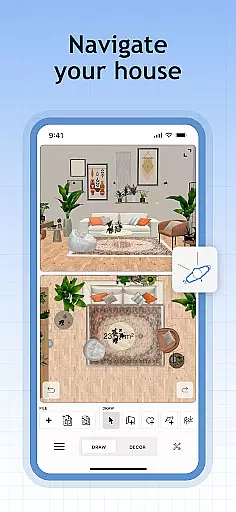
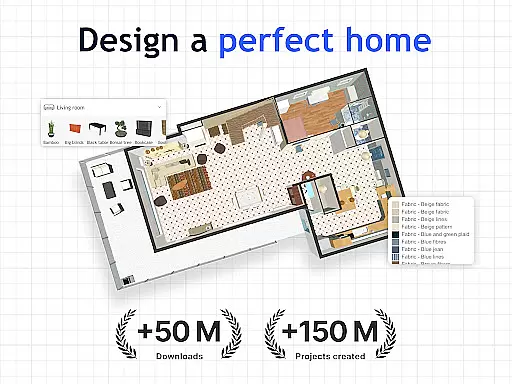
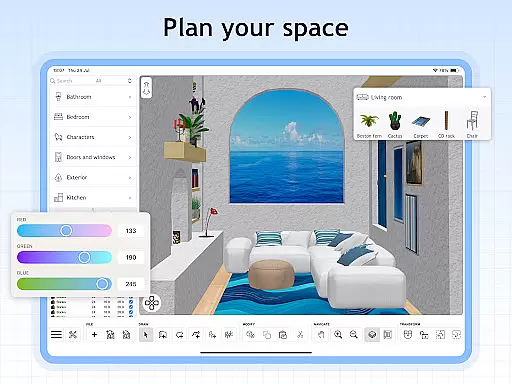
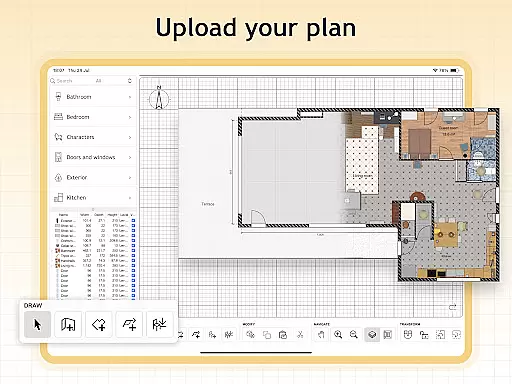
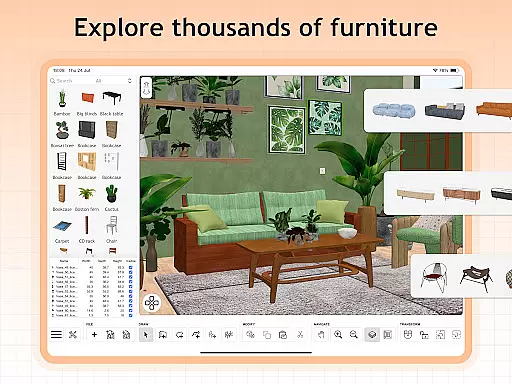
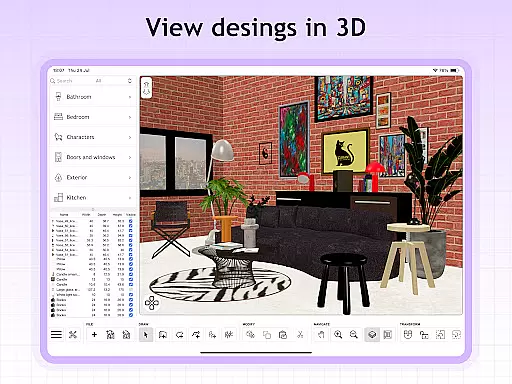
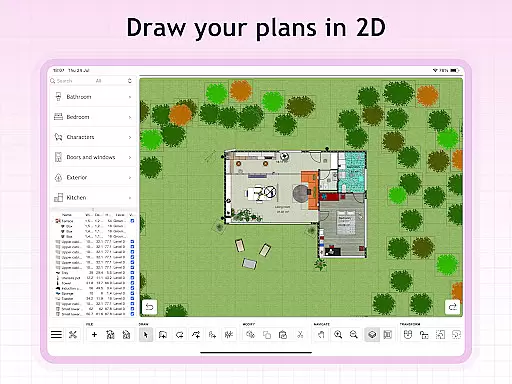
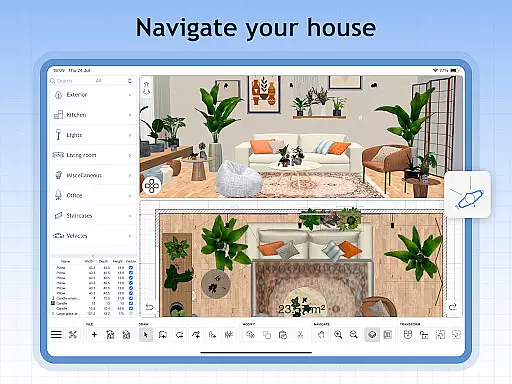
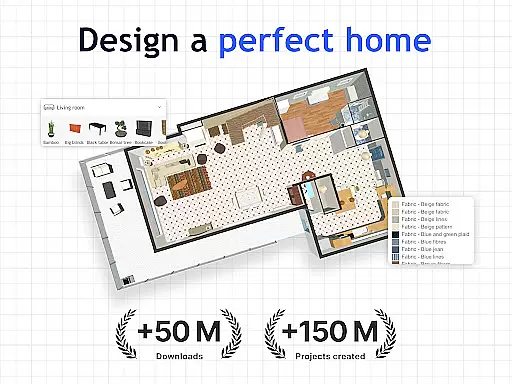
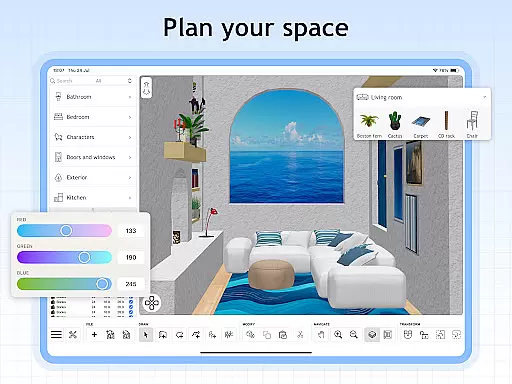
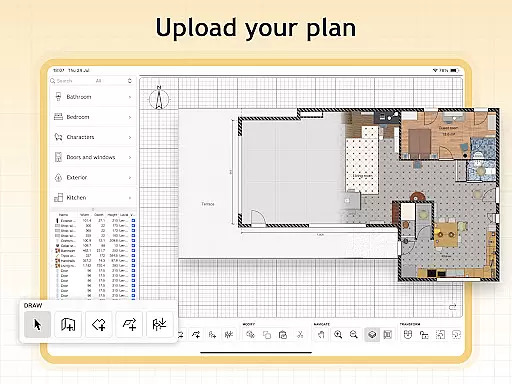
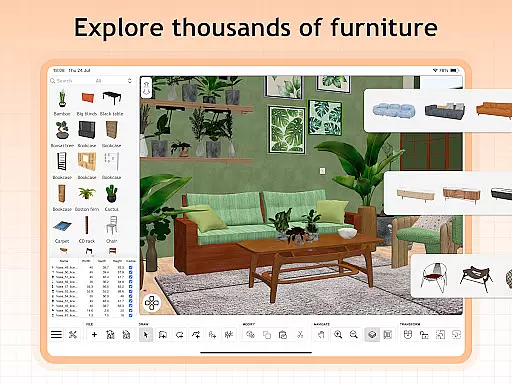
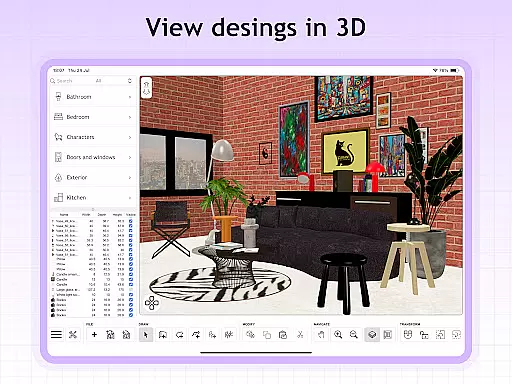
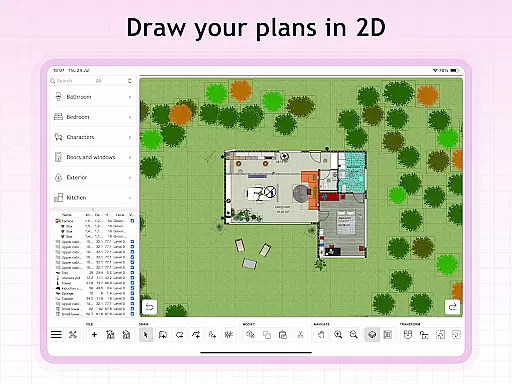
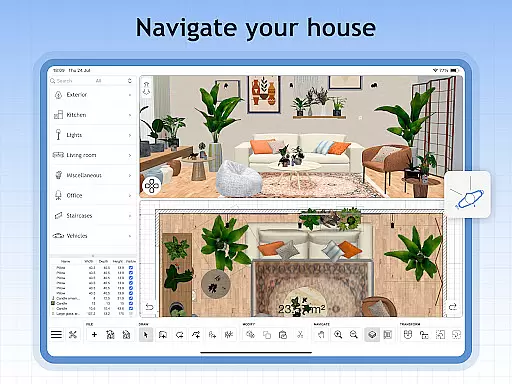
Sweet Home 3D is a comprehensive house and apartment design planner that offers users an intuitive platform to create detailed 2D floor plans with instant 3D visualization. The app provides an extensive library of over 800 furniture pieces, lighting options, and decor items, allowing for highly customized interior designs. Users can adjust room layouts with precision, import custom 3D models, and visualize their designs from multiple perspectives.
One of the standout features of Sweet Home 3D is its ability to cater to both novice and professional designers through its user-friendly interface. With simple drag-and-drop functionality, users can easily place furniture and design elements. The app supports multi-language accessibility, making it a globally accessible tool for home design enthusiasts. Whether planning a small apartment or a large house, Sweet Home 3D ensures accuracy and compatibility with actual spaces, providing an unparalleled planning experience.
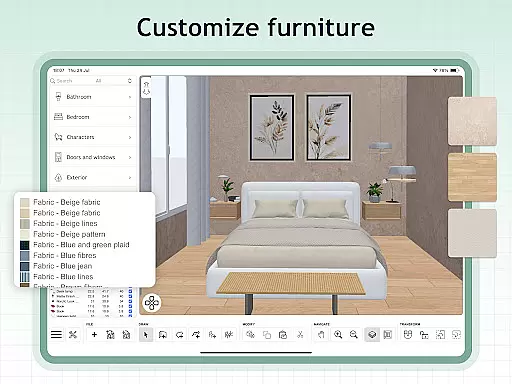
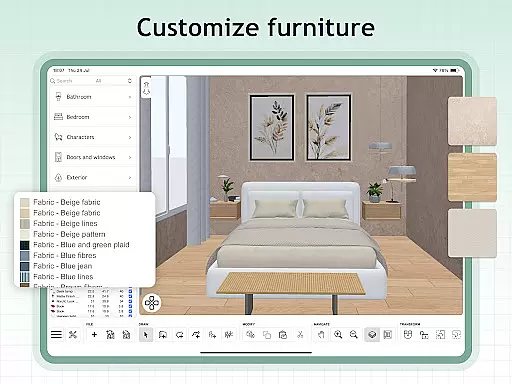
Sweet Home 3D stands out with its robust feature set tailored for detailed home planning. The app allows users to create easy-to-use 2D floor plans that instantly render in 3D, offering simultaneous views to explore designs from different angles. With over 800 customizable items, users can modify dimensions and colors to match their envisioned space precisely.
In addition to its core functionalities, Sweet Home 3D supports importing custom 3D models and textures, enabling unique and personalized designs. The app facilitates unlimited project creation and provides access to a supportive online community where users can seek tips, inspiration, and feedback. These features collectively ensure that Sweet Home 3D remains a versatile and indispensable tool for anyone looking to bring their dream home to life.
When designing a home in Sweet Home 3D, the authenticity of property listings is paramount. The app provides users with accurate and detailed representations of furniture and decor items, ensuring that each piece placed in the design reflects real-world dimensions and aesthetics.
The extensive library of over 800 furniture pieces, complete with textures, allows for precise customization of your space. This attention to detail guarantees that users can create designs that are not only visually appealing but also practically feasible when implemented in their actual homes.
Furthermore, Sweet Home 3D supports importing custom 3D models, which adds another layer of authenticity to user designs. By incorporating unique elements, users ensure their plans are as individualized and true to their vision as possible.
Sweet Home 3D offers an array of home management features that streamline the design process. With its intuitive drag-and-drop interface, users can effortlessly place and adjust furniture within their virtual spaces, making room layout planning both efficient and enjoyable.
The simultaneous 2D and 3D visualization feature empowers users to see their designs from multiple perspectives. This dual-view capability aids in better understanding spatial relationships and enhances decision-making during the planning phase.
Additionally, the ability to set precise dimensions and save designs ensures that users maintain control over every aspect of their projects. Whether adjusting room layouts or finalizing decor choices, Sweet Home 3D equips users with tools necessary for meticulous home management.
User-friendly interface
Extensive furniture library
Precise dimension settings
Real-time 2D and 3D views
Multi-language support
Limited free trial
Subscription-based model
No refunds for remaining periods
Auto-renewal by default
Complex for beginners

The official app for Home Assistant. Control your home anywhere in the world.
 4.30
4.30
Calculate baluster spacing with ease and precision.
4.0
Turn your phone into a wifi cam with smart features and umlimited reach.
4.20
AI-powered home design, interior design, home decor, and room design solutions
4.50
View houses and apartments for rent, updated daily.
4.80
Design your dream home with 3D planning app, Visualize your dream home in 3D.
4.20
MLS-powered real estate app to find homes for sale & apartments for rent
4.70
Samsung remote app helps control all Samsung Smartthings TVs. Fast and Stable!
4.10
An easier way to make payments and maintenance requests from anywhere.
3.50
Tailored Care Guides For Houseplants, Indoor Plants, Garden Plants & Flowers.
4.60
Night Owl Protect helps you secure, protect, and connect your world!
4.60
Control the scent and ambiance of your home and car, right from your phone.
4.50
The Merkury Smart app makes it easy to control your smart devices.
4.50
Apartment finder for apartments for rent. Compare prices, amenities & rentals.
4.50
Wobble Fix Tool
4.40
AI Home Designer & Room Planner: Decorate your interior space with AI
4.40
Control your thermostat, comfort, and home monitoring from your phone
4.30
Find contractors for all home renovation projects. Remodeling, repair, and more.
4.20
AI floor creator to design your dream house, plan rooms & style your home
4.00


User Reviews