
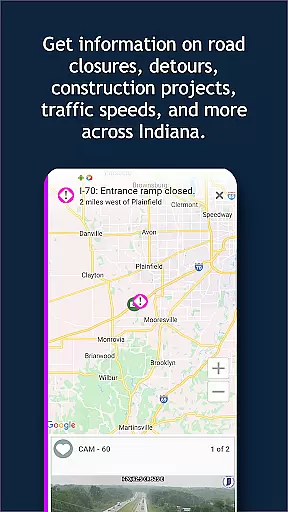
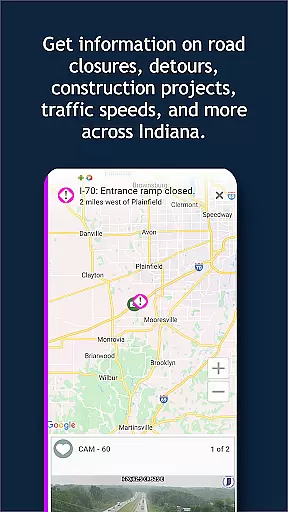
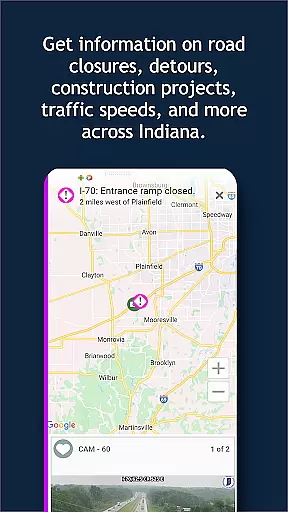
INDOT Trafficwise serves as the official traffic and traveler information application from the Indiana Department of Transportation. It delivers real-time traffic updates for all major roadways across Indiana, including interstates, U.S. routes, and state highways. The app is designed to enhance driver awareness and safety by providing timely alerts on traffic incidents, construction zones, truck restrictions, flooding, and road closures.
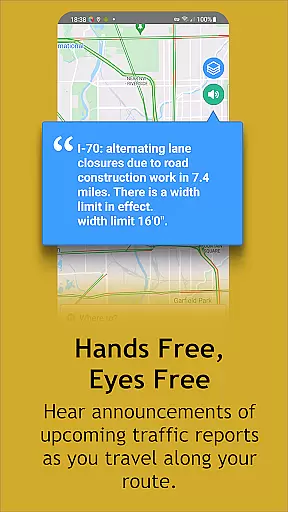
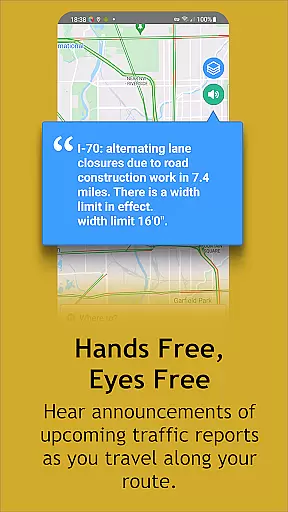
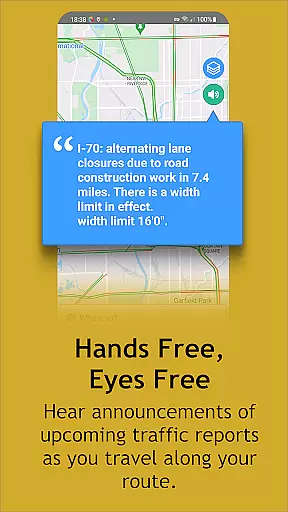
One of the standout features of INDOT Trafficwise is its hands-free audio notifications, which allow drivers to receive important traffic updates without taking their eyes off the road. Additionally, users can personalize their experience by creating My INDOT accounts, where they can save preferred routes, camera views, and set up email or text alerts. This ensures that travelers have quick access to the specific traffic information they need, making it an essential tool for both daily commuters and long-distance travelers in Indiana.
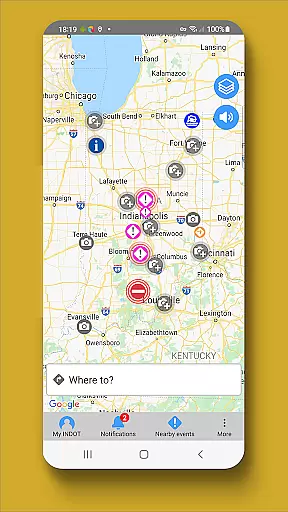
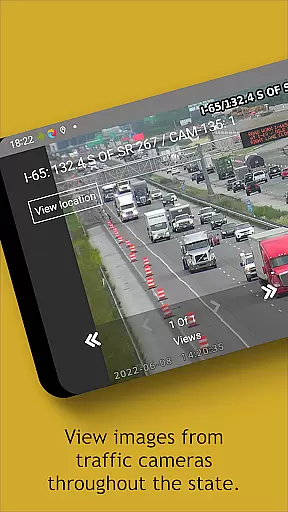
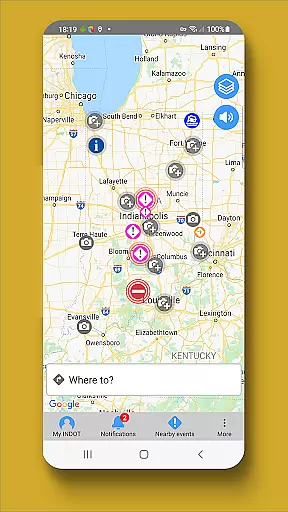
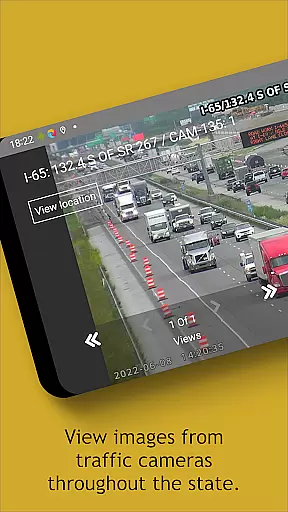
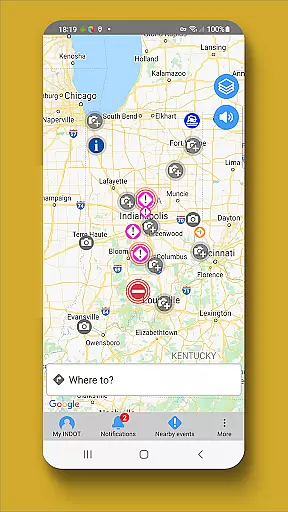
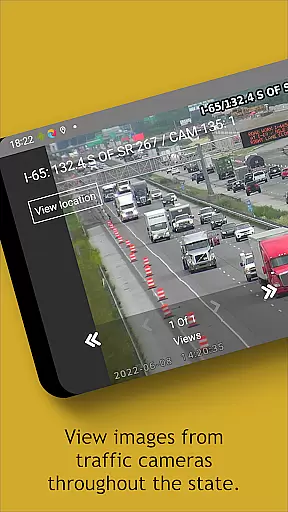
INDOT Trafficwise offers a comprehensive suite of features tailored to provide detailed traffic insights. A key highlight is the zoom-enabled interactive map, which displays tappable icons representing traffic events. Users can tap these icons to view nearby camera feeds, offering visual confirmation of current road conditions. The app also provides near real-time updates on traffic speeds, incidents, and weather-related disruptions, ensuring drivers are always informed.
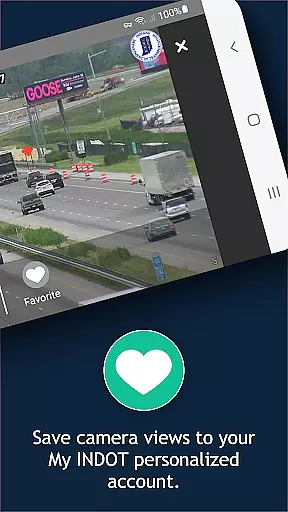
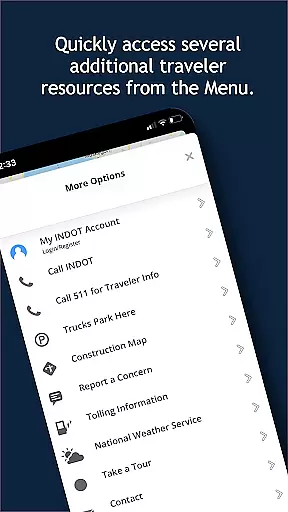
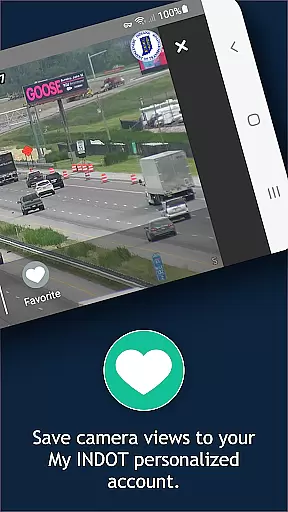
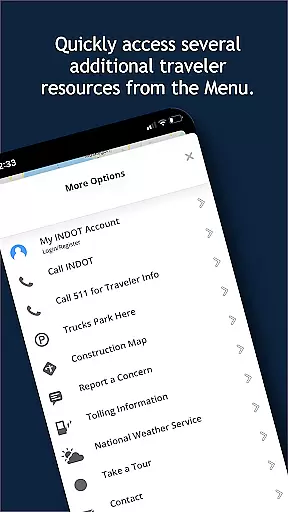
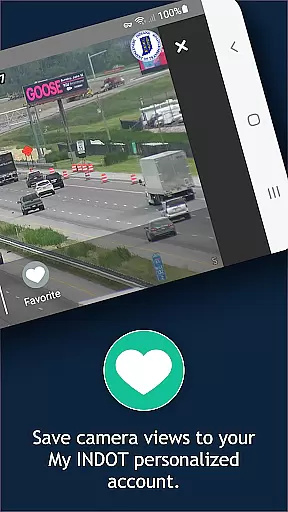
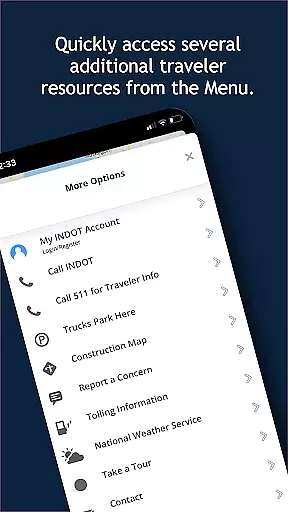
For added convenience, INDOT Trafficwise allows users to create personalized My INDOT accounts. These accounts enable users to save frequently traveled routes, bookmark favorite camera views, and subscribe to customized email or text alerts. The app further supports streaming video from traffic cameras and displays images from plow trucks, giving users a complete picture of road conditions. With additional resources accessible via the 'Menu,' INDOT Trafficwise stands out as a versatile and reliable travel companion for navigating Indiana's roadways.
Booking authenticity is a crucial aspect of any travel application, ensuring that all reservations and information provided are accurate and reliable. INDOT Trafficwise offers users verified traffic data and traveler information for Indiana's interstates, U.S. routes, and state highways.
The app provides near real-time updates on traffic incidents, construction, truck restrictions, flooding, and road closures, which ensures that the information displayed is current and trustworthy. This feature allows travelers to make informed decisions about their routes and travel times.
Moreover, INDOT Trafficwise enables users to create personalized accounts called 'My INDOT', where they can save routes, areas, favorite camera views, and set up email and text alerts. This personalization confirms the authenticity of user preferences and enhances the reliability of notifications received.
By integrating with various data sources and offering features such as streaming video from traffic cameras and images from plows, the app assures users of the authenticity of the visual information regarding road conditions. This comprehensive approach to providing credible and timely travel information makes INDOT Trafficwise an essential tool for safe and efficient travel planning.
Price transparency in the context of a travel app like INDOT Trafficwise refers to the clarity and openness in presenting any potential costs associated with using roads and highways. While the app itself is free to use, it provides valuable information that could lead to cost savings for travelers.
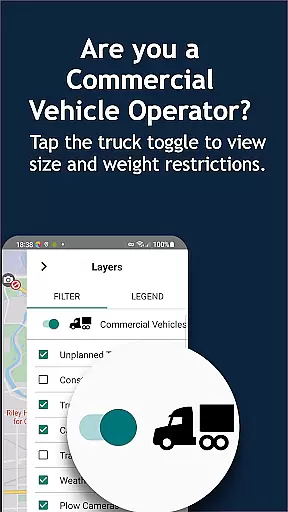
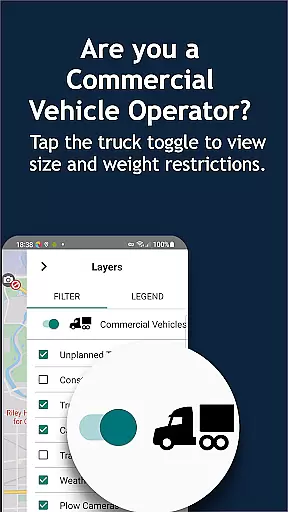
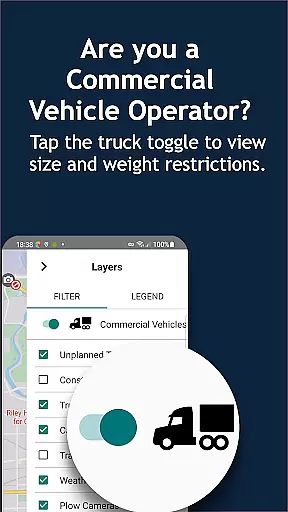
INDOT Trafficwise keeps users informed about truck restrictions and road closures across Indiana, which can help commercial drivers avoid fines and penalties associated with non-compliance. By delivering this information directly to the user, the app removes hidden costs and ensures drivers are well-prepared.
In addition, by displaying current traffic speeds and offering live camera views, the app empowers drivers to choose the most efficient routes, potentially saving on fuel costs and vehicle wear-and-tear. The ability to view traffic patterns and make adjustments accordingly represents a form of financial transparency.
Although INDOT Trafficwise does not involve direct monetary transactions within the app, its transparent presentation of roadway conditions and regulations equips users with knowledge that can lead to more cost-effective and safer travel throughout the state. This focus on clear communication without unexpected charges builds trust between the service provider and its users.
User-friendly interface
Real-time traffic updates
Customizable alerts
Comprehensive camera network
Hands-free notifications
Battery consumption with GPS
Limited to Indiana roads
No offline functionality
Requires account setup
Background data usage

Find the best prices, pay for the cheapest gas, and save on every fill up
 3.30
3.30
It drives. You ride.
4.90
Real-time flight tracking with live maps and flight status updates.
3.70
With the Spirit Airlines app, easily manage all your trips in one place.
4.70
Maps, Wait Times, Park Hours
4.40
The official app of Allegiant Travel & Allegiant Airlines
3.30
Travel light with our easy-to-use mobile app, the perfect flying companion.
4.40
Rent the perfect car for wherever you’re going
4.90
Book flight, car or packages. Instant access to hotel discounts & travel deals
4.80
Find the perfect vacation rental. Search from over 2 million properties.
4.80
Manage your travel on Delta with access to boarding passes, flight info & more.
4.80
Maximize your cruise vacation with the Royal Caribbean app
4.70
The United app puts valuable travel information in the palm of your hand.
4.70
Download now and start earning rewards on hotels, tours, and everything travel.
4.50
A tool for outdoor activities.
4.30
Navigate your world faster and easier with voice navigation & street view map
4.20
GPS Live Satellite Earth to find route navigation and current location map
4.00
Get Moving Made Easier® with the official U-Haul® Moving & Storage app.
3.40
Learn about one of the most famous Victorian cemeteries in the world
2.80


User Reviews