
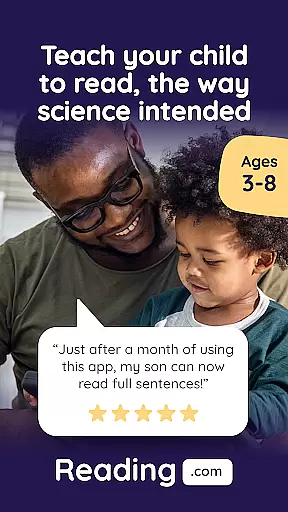
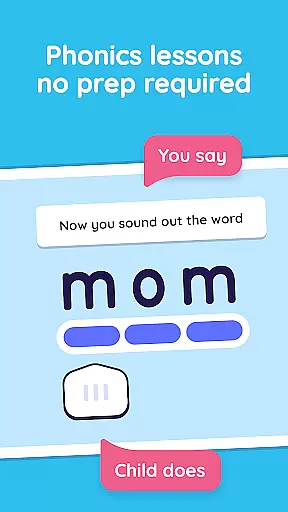
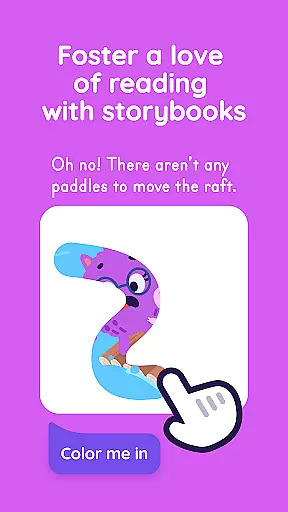
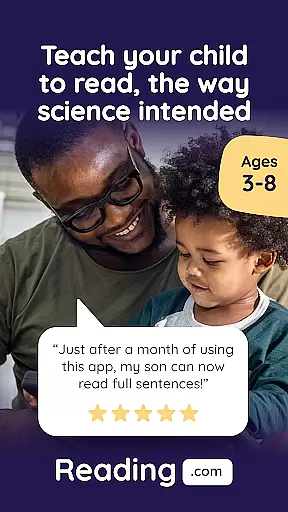
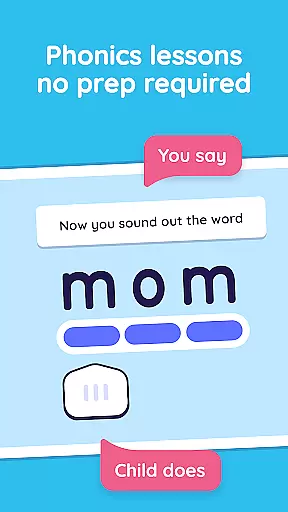
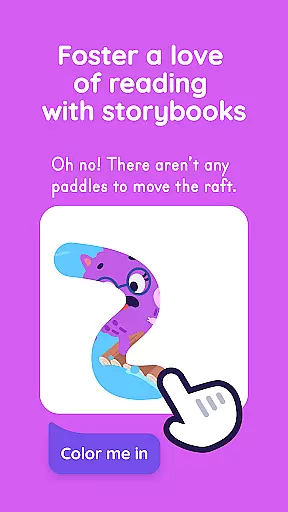
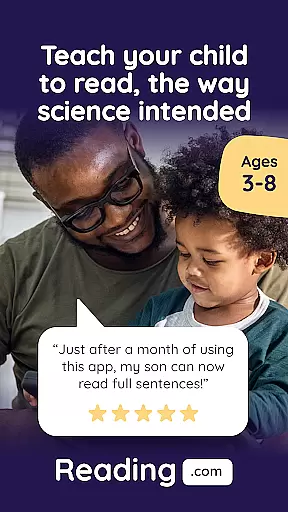
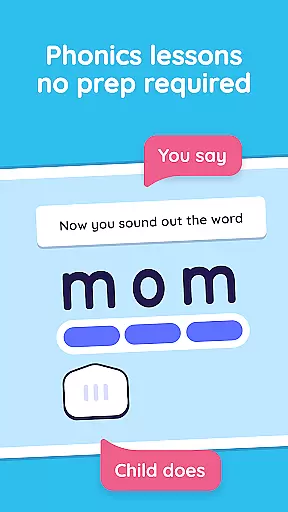
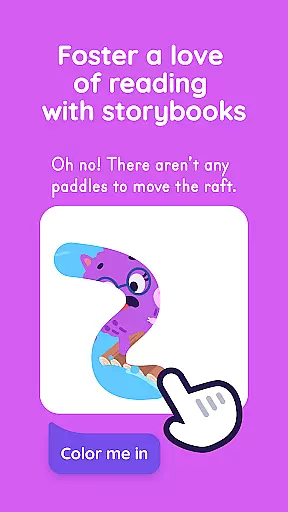

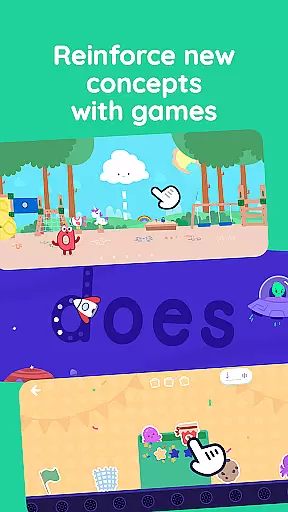
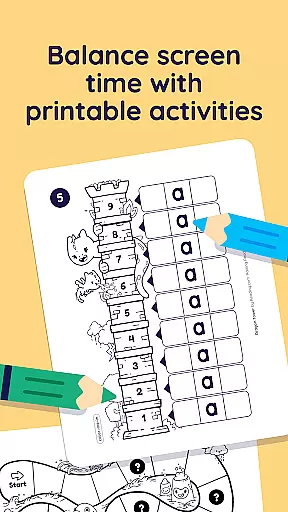
Learn to Read is an innovative educational app designed specifically for young learners and their parents. Developed by Teaching.com, this phonics-based reading program helps children in preschool through first grade develop essential reading skills. The app features a co-play experience that encourages parental involvement, making learning to read a shared journey. With 99 step-by-step phonics lessons, interactive books, engaging videos, and educational games, the app creates a comprehensive learning environment.
The app's research-backed methodology ensures effective learning without requiring special training from parents. Each lesson takes only 15-20 minutes, covering letters, sounds, blends, and decoding skills. As children progress, they unlock interactive books and reading activities, achieving significant milestones like reading their first book by lesson ten. This makes Learn to Read an invaluable tool for early childhood education.
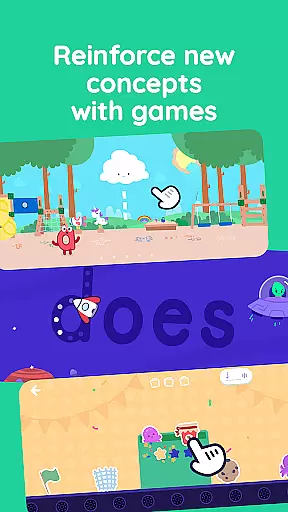
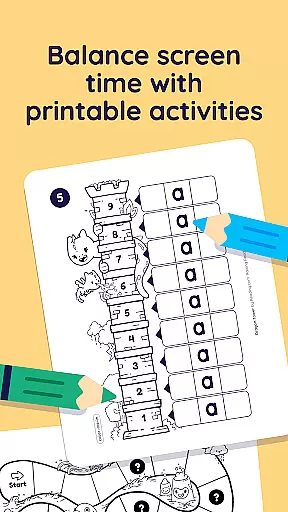
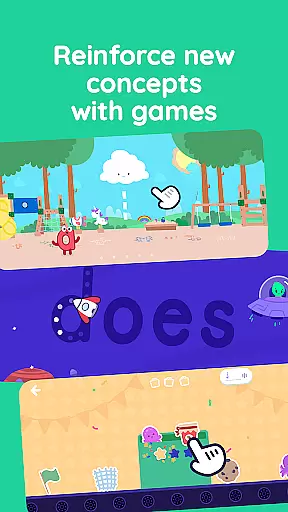
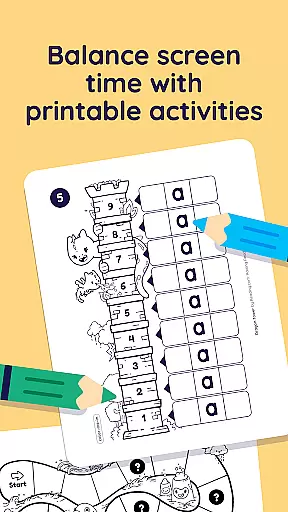
Learn to Read offers an impressive array of features designed to make learning engaging and effective. The app includes 60 decodable digital books, 42 educational videos featuring letters and sounds, and three expertly-designed reading games for independent practice. These games focus on crucial skills such as letter recognition, phoneme correlation, and vocabulary building. The app also provides printable activities for offline reinforcement and supports up to three child profiles per subscription.
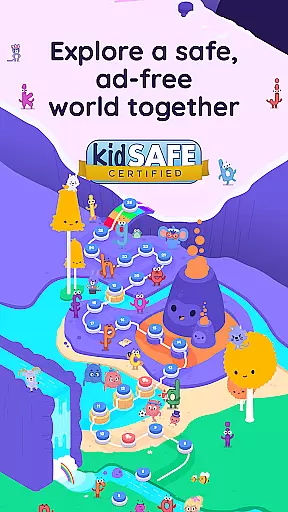
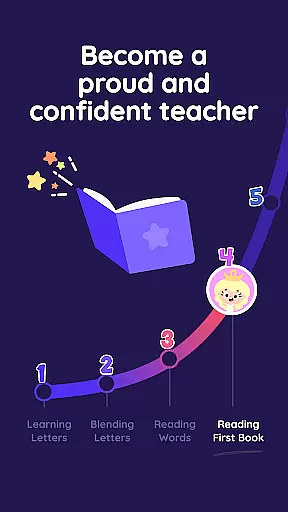
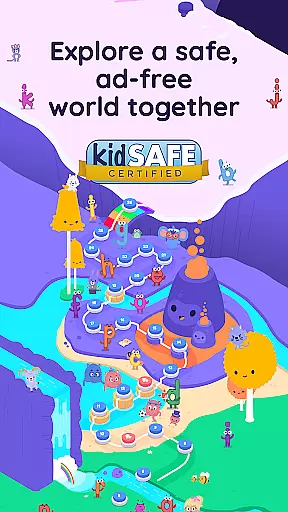
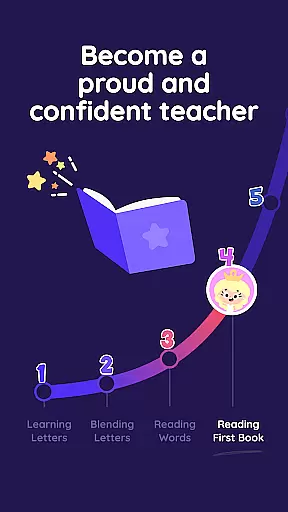
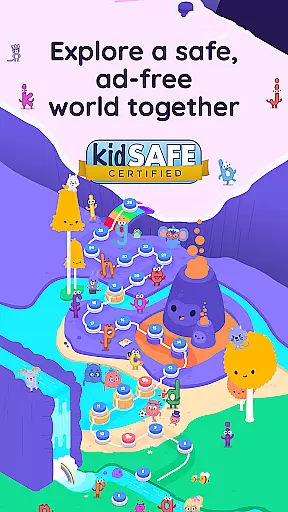
What sets Learn to Read apart is its structured approach to reading development. The program progresses through five distinct phases, from basic letter recognition to advanced reading fluency. Each phase builds upon the previous one, ensuring steady progress. The app's ad-free environment and family-friendly subscription model make it an excellent choice for households with multiple children. Parents appreciate the simple guided instruction that helps them track their child's progress while fostering a love for reading.
When it comes to educational applications, especially those focused on foundational skills like reading, content accuracy and authority are paramount. Reading.com ensures that all its materials are developed based on thorough research and pedagogical expertise. The app's phonics-based lessons are meticulously crafted to align with proven educational methodologies.
The structured curriculum is designed by education professionals who understand the nuances of early childhood literacy development. Each lesson is fully scripted, removing the need for any specialized training or prior knowledge from the parent or educator. This guarantees that the teaching process remains consistent and reliable, adhering to high educational standards.
For children progressing through preschool, kindergarten, and 1st grade, the assurance that they are learning from accurate and authoritative content provides peace of mind for parents. As kids master letters, sounds, and words, they unlock a world of interactive books, videos, and games, reinforcing their learning in an engaging manner.
By embedding expertly-designed activities within its framework, Reading.com not only teaches essential reading skills but also fosters a lifelong love for reading. This dual focus on precision and enjoyment underscores the app's commitment to delivering trustworthy and effective educational content.
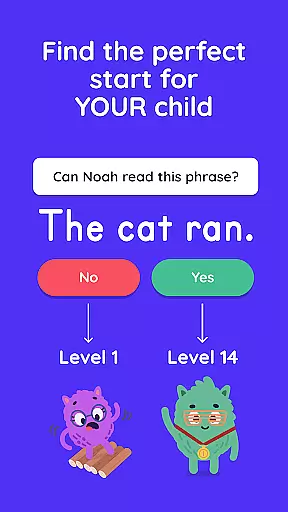
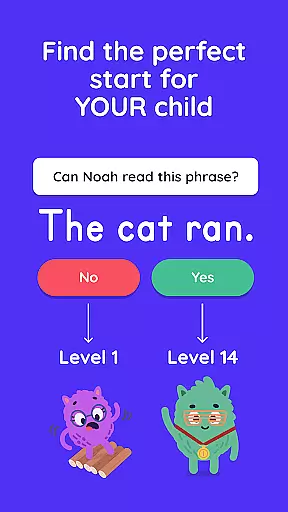
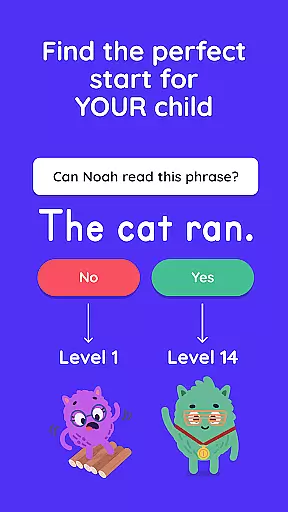
One of the standout features of Reading.com is its ability to create personalized learning paths tailored to each child's unique pace and style of learning. The app recognizes that every child embarks on their reading journey differently and offers a customizable experience that adapts to individual needs.
Through its step-by-step phonics lessons, children can progress from basic letter recognition to confident reading at their own speed. The appu2019s guided instruction allows parents to witness their child mastering each lesson, ensuring steady progress without overwhelming the learner. This adaptability makes it an ideal tool for young learners in preschool through 1st grade.
Interactive elements such as decodable books, videos, and reading games further enhance this personalization. These resources provide varied ways for children to engage with the material, catering to different learning preferences. Additionally, printable activities offer offline reinforcement, accommodating diverse learning environments.
With up to three kid profiles per subscription, Reading.com supports multiple children in a household, each following their distinct learning path. This flexibility ensures that every child receives the attention and guidance necessary to develop strong reading skills effectively and enjoyably.
User-friendly interface
Comprehensive phonics coverage
Engaging co-play experience
Structured learning progression
Offline activity options
Requires parental involvement
Limited to early grades
Premium subscription required
Internet connection needed
No advanced reading levels

Watch and Play Elmo's World!
 4.00
4.00
Grazing Risk Monitoring Service
4.2
Astronomy app ? Discover the universe scope, explore solar system model in 3D.
4.20
Explore myths and gods across cultures with in-depth insights and stories.
5.00
2026 DVSA Driving Theory Test revision with Hazard Perception + Highway Code
4.60
Quiz App to help case managers studying for CCMC Certification, 200+ Questions
3.40
Listen, request and record pronunciations in more than 450 languages. Everywhere
3.90
Train, track, and reward potty training using Potty with Pull-Ups® ft. Disney®
4.70
Fun, personalized math learning games that adapt to your child’s needs.
4.40
Hebrew Vocab
4.90
Learn Japanese in an immersive educational game set in Japan!
4.90
Age-Related Child Developmental Milestones
4.80
Learning the ancient Viking language made simple
4.70
Practice Casino Roulette Payouts for Table Game Dealers and Croupiers
4.40
The "Go To" app for Airmen studying for promotion to SSgt and TSgt
4.30
Nighty Night Circus - Bedtime story for kids
4.10
An aviator’s preparation, study and test tool for FAA Knowledge Exams.
3.80
The official CCM Glossary app, including 700+ terms and definitions.
2.90
AR planetarium app that brings the solar system to you via XREAL Glasses.
4.0


User Reviews