
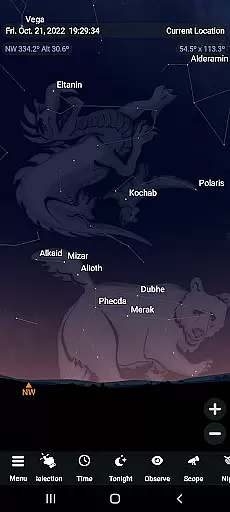
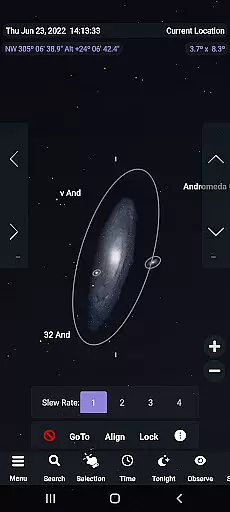
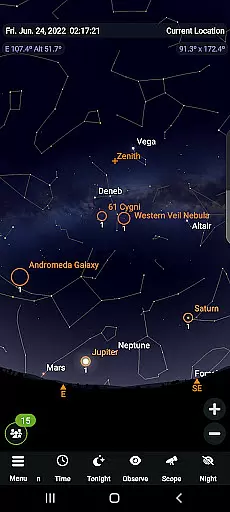
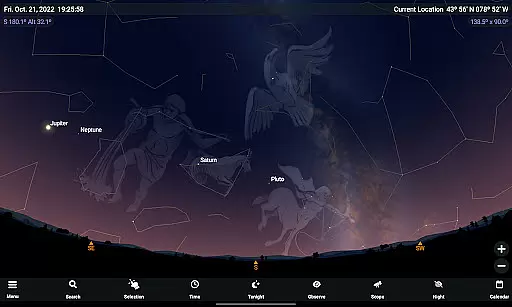
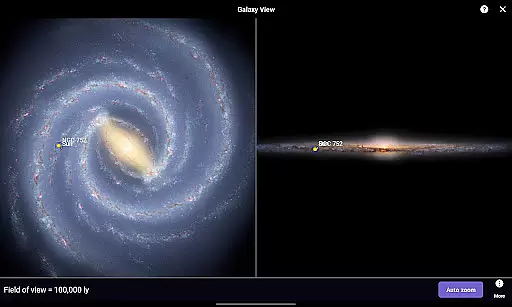
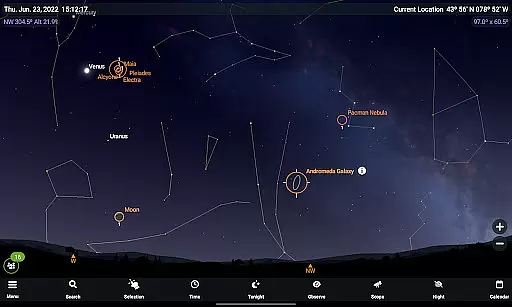
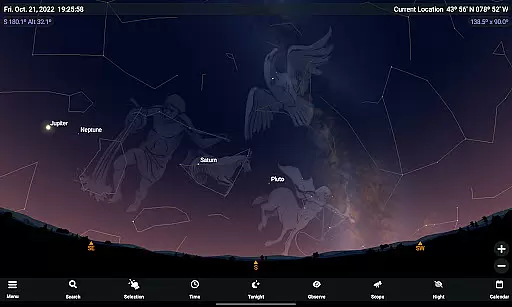
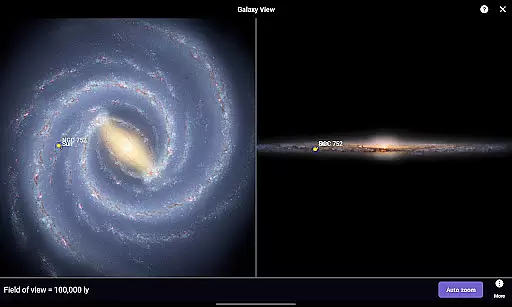
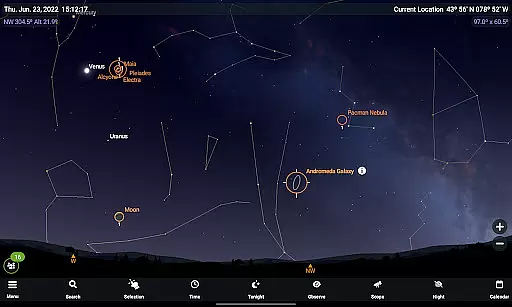
SkySafari 7 Plus is an advanced educational tool designed for both amateur and professional astronomers. This app goes beyond basic stargazing by offering a complete space simulator with telescope control capabilities. Users can explore the night sky, simulate celestial events, and even plan astronomical observations with precision.
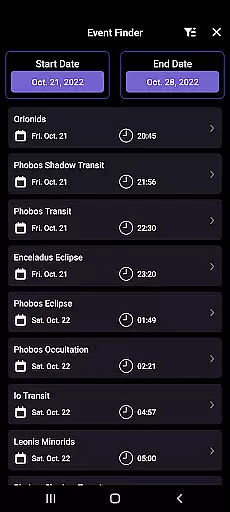
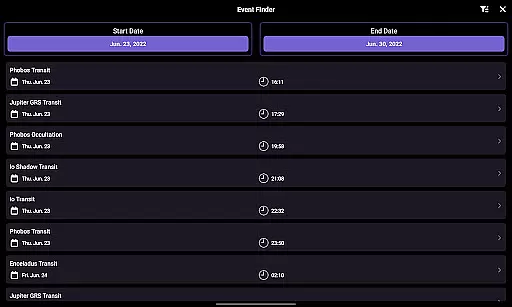
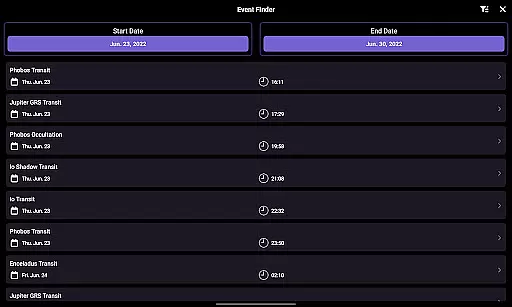
The app supports the latest Android versions and introduces innovative features such as the Events Finder, which helps users discover moon phases, eclipses, and meteor showers. With its powerful telescope support using ASCOM Alpaca and INDI protocols, SkySafari 7 Plus allows seamless connection to numerous astronomical devices. Whether you're a beginner or an experienced stargazer, this app provides all the tools needed for an immersive astronomy experience.
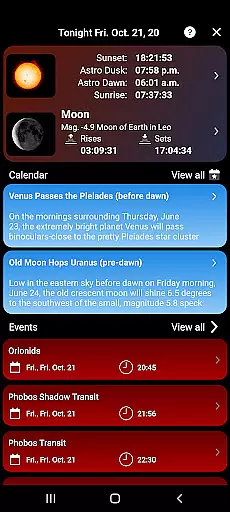
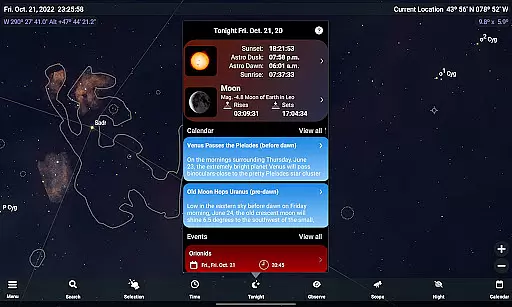
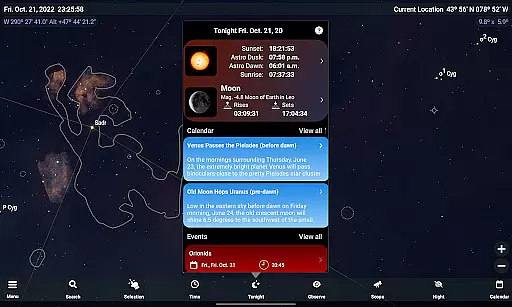
SkySafari 7 Plus boasts a range of sophisticated features tailored for astronomy enthusiasts. One standout feature is the Events Finder, which dynamically generates listings of astronomical events visible tonight and far into the future. This includes everything from moon phases to planetary conjunctions, providing users with a comprehensive celestial calendar.
Another key feature is the revamped Notifications system, allowing users to customize alerts for specific astronomical events. Additionally, the app's telescope control functionality has been significantly enhanced with support for next-generation protocols like ASCOM Alpaca and INDI. These improvements enable effortless connectivity with hundreds of compatible devices, making it easier than ever to control telescopes directly from your mobile device.
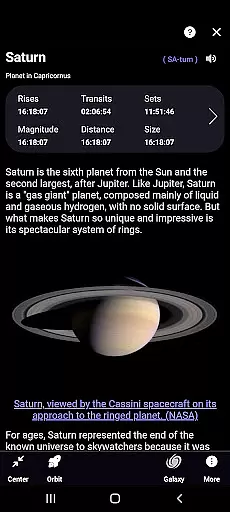
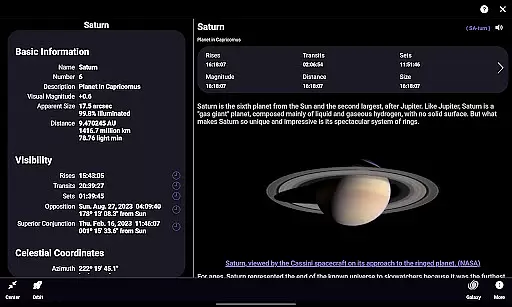
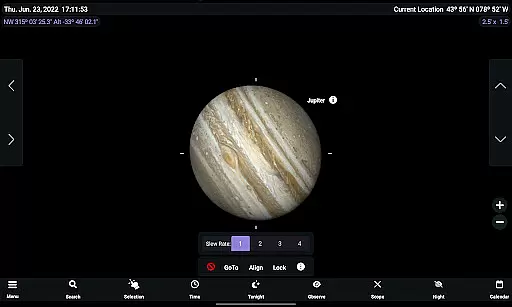
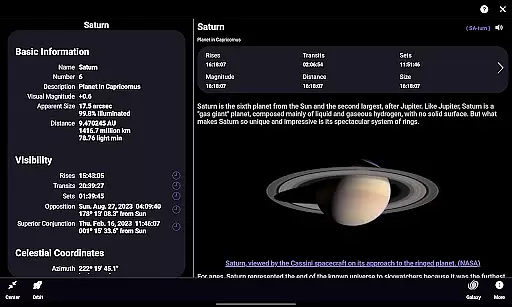
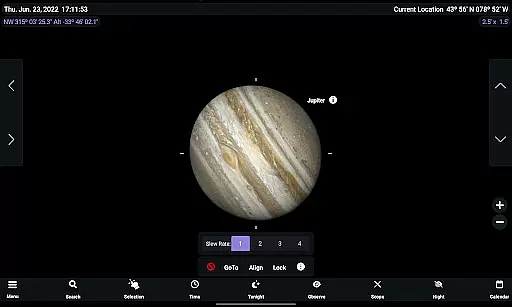
SkySafari 7 Plus stands out in the realm of educational astronomy applications due to its commitment to content accuracy and authority. The app provides a comprehensive database featuring over 1,500 object descriptions and astronomical images, each meticulously researched to ensure factual correctness. This dedication is further highlighted by the integration of advanced features such as precise Moon Age calculations and editable Jupiter GRS Longitude values, which are crucial for both amateur stargazers and seasoned astronomers.
The application's authoritative edge is reinforced through its support for telescope control using next-generation protocols like ASCOM Alpaca and INDI. These allow seamless connection to hundreds of astronomical devices, ensuring that users receive real-time, accurate data from their observations. Additionally, the Events Finder tool dynamically generates listings of celestial events based on reliable astronomical computations, enhancing the precision of skywatching activities.
Users benefit significantly from this focus on accuracy and authority. With access to detailed information about moon phases, eclipses, planetary conjunctions, and meteor showers, they can plan observation sessions with confidence. The app also includes curated calendar entries and expertly designed observational tools, empowering users to log and organize their celestial discoveries systematically. This robust framework makes SkySafari 7 Plus an indispensable companion for anyone serious about exploring the universe.
While SkySafari 7 Plus may not offer traditional personalized learning paths like adaptive quizzes or individualized lesson plans, it excels in providing customizable tools that cater to unique learning styles within the field of astronomy. Users can tailor their experience by adjusting settings such as Solstice and Equinox markers, Orbit Node markers, and reference line labels, creating a personalized interface that aligns with their specific interests and educational needs.
The appu2019s Tonight section exemplifies this customization capability by presenting users with a curated view of what's visible in the night sky based on their location and time. This feature helps learners focus on relevant celestial objects and events, effectively serving as a dynamic, self-guided exploration path. Furthermore, the ability to edit parameters like the Jupiter GRS Longitude allows users to fine-tune their learning environment according to personal preferences or ongoing projects.
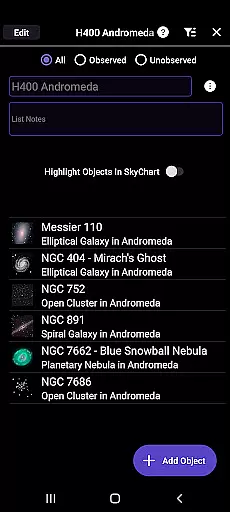
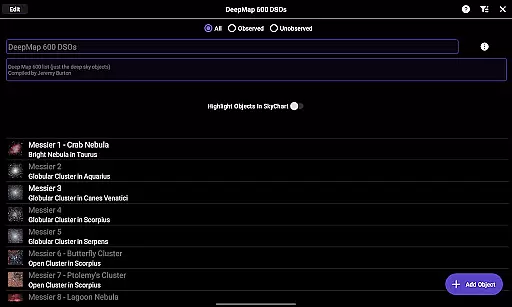
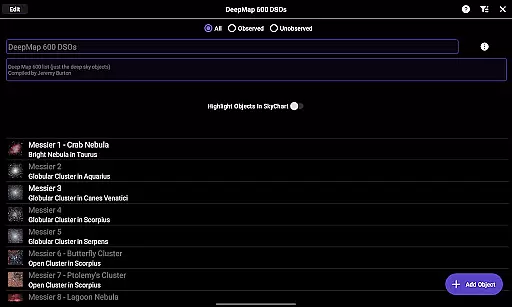
Another aspect contributing to personalized learning is the Observation Tools suite, which has been improved to facilitate easier data management. Users can add, search, filter, and sort observations, enabling them to create a structured learning journey that evolves with their growing expertise. By offering these flexible and powerful customization options, SkySafari 7 Plus ensures that every user can forge their own unique path through the cosmos, making it an exceptional educational resource for aspiring astronomers.
Comprehensive astronomy tools
Real-time event tracking
Advanced telescope control
User-friendly interface
Regular feature updates
No upgrade path to Pro
High learning curve
Some features are complex
Requires compatible devices
Premium price point

Universe simulator: Find & explore planets system, outer space, astronomy events
 4.60
4.60
Study the questions most likely to be asked during the Oral & Practical Exams.
2.80
Designed for Calculator 84 users
4.20
Master the NRP with 700+ questions, rationales, and updated NREMT scenarios.
3.00
Explore numbers the Starfall way!
4.00
Engage in learning science and math with the award-winning PhET simulations!
4.70
For medical training - Visualize complex vein maps and structures in real-time.
4.10
A fast and fun way to learn guitar - works with any guitar.
4.60
Plant identifier: Identify plants, trees, weeds, flowers. Disease diagnosis.
4.30
Perform physics experiments with your phone. (by the RWTH Aachen University)
4.70
Discover Your Place in the Universe
4.70
2026 DVSA Driving Theory Test revision with Hazard Perception + Highway Code
4.60
Dinosaurs coloring book game. Drawing and painting dinos.
4.50
Stack the Countries makes learning world geography fun!
4.50
SkyView®, an augmented reality space app, brings stargazing to everyone!
4.40
School Communication
4.30
Turns you phone or tablet into TI graphing calculator (ROM required).
4.20
Quiz App to help case managers studying for CCMC Certification, 200+ Questions
3.40
Visit Daniel's house & make believe. Play doctor, make music, & feed fish.
3.20


User Reviews