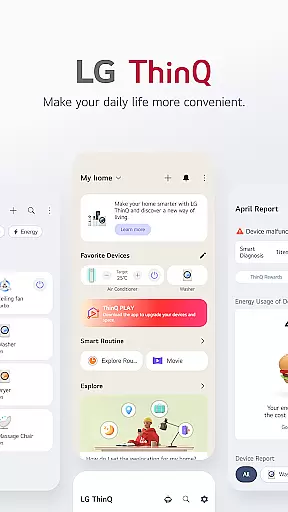
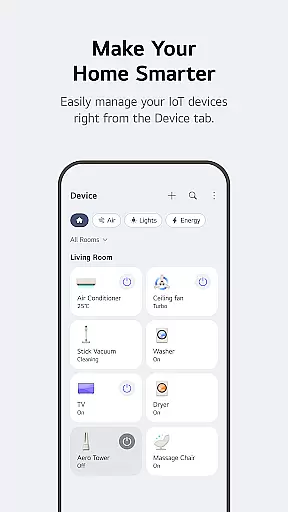
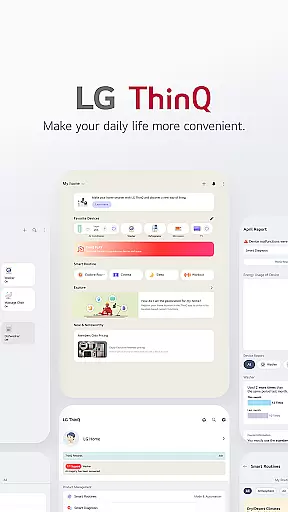
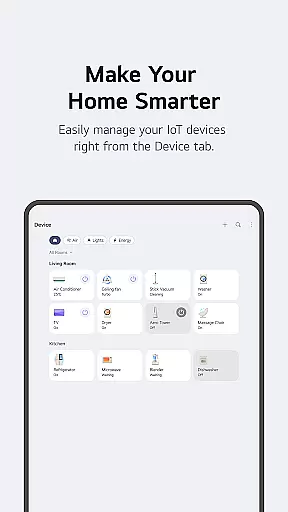
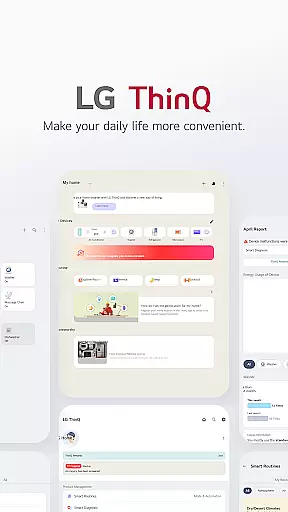
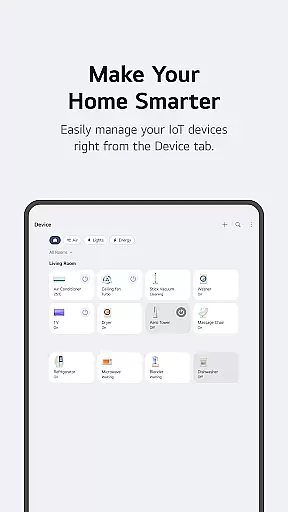
LG ThinQ is a comprehensive smart home solution that connects and controls IoT-enabled LG home appliances. The app serves as a central hub for managing your smart devices, offering features like remote control, personalized recommendations, and energy monitoring. Through its intuitive interface, users can access detailed product information, receive smart care notifications, and optimize appliance usage based on individual patterns.
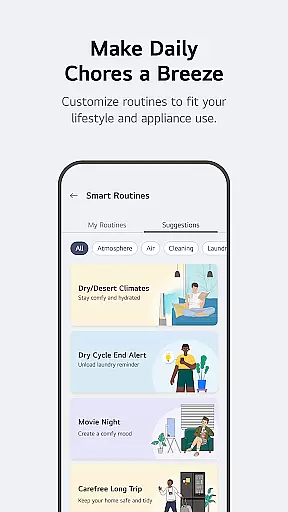
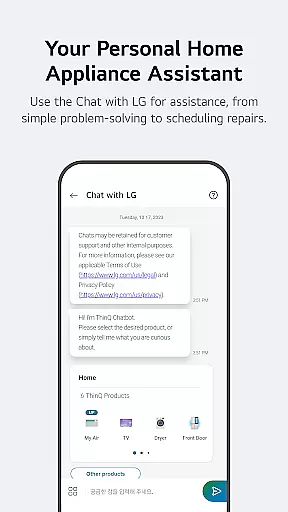
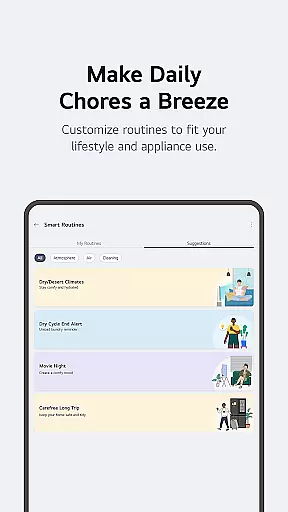
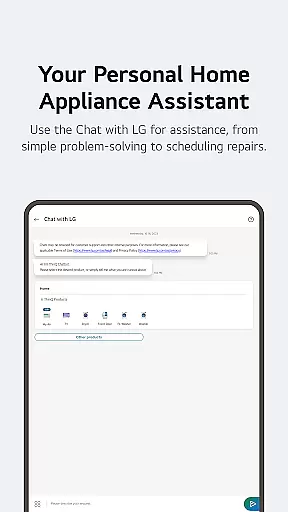
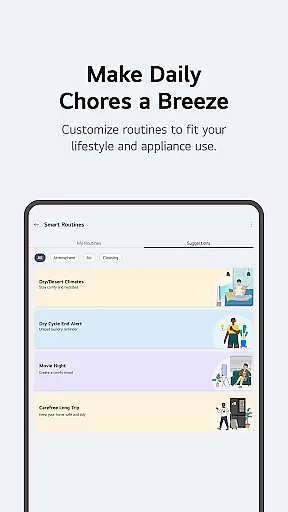
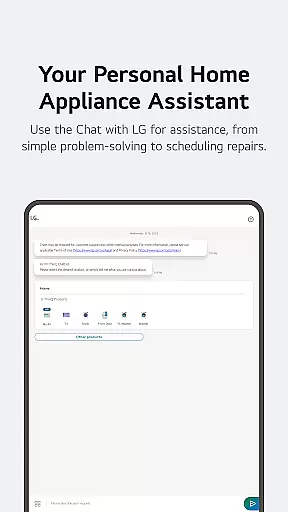
The application's strength lies in its ability to create customized smart routines that automate daily household tasks. Whether it's scheduling lighting sequences or managing energy consumption, LG ThinQ streamlines these processes while providing valuable insights into usage patterns. The built-in AI assistant 'Chat with LG' offers real-time support and troubleshooting, making device management both convenient and efficient for modern homeowners.
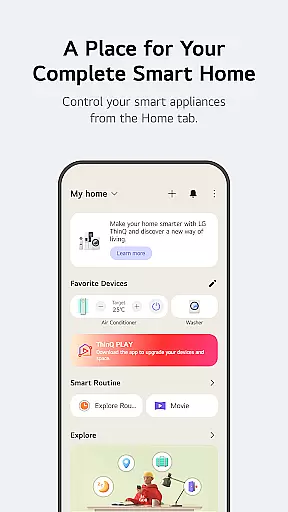
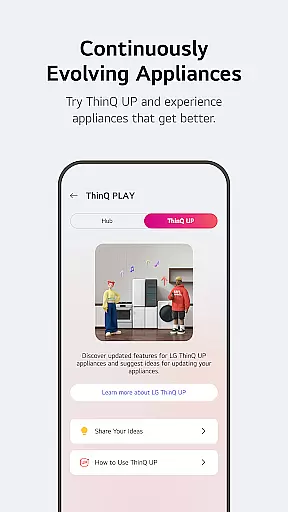
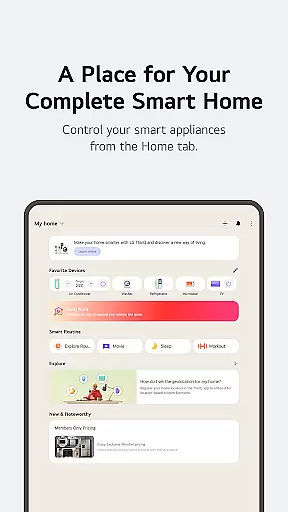
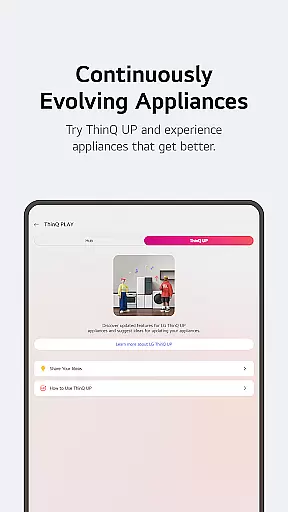
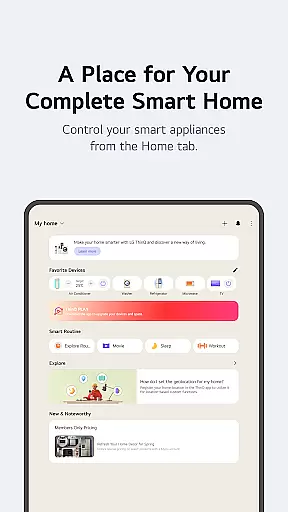
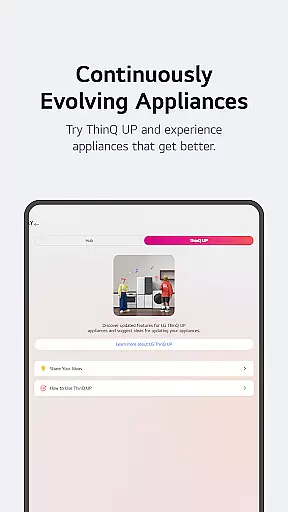
LG ThinQ distinguishes itself through innovative features designed to enhance user experience. The Home tab provides centralized control of all connected appliances, while the ThinQ Play section enables users to download additional apps and upgrade existing product functionalities. The Smart Routines feature allows for sophisticated automation of household tasks based on personal schedules and preferences.
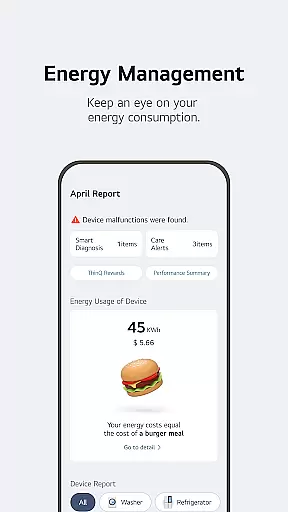
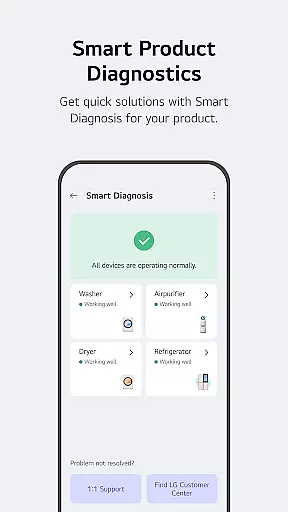
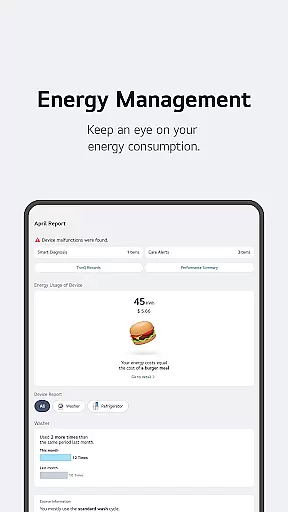
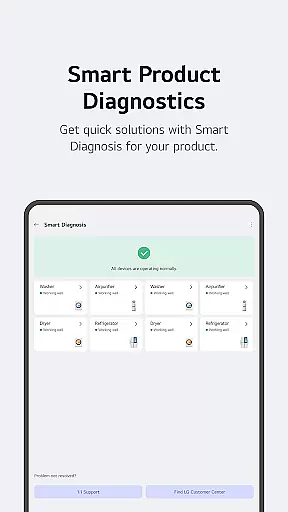
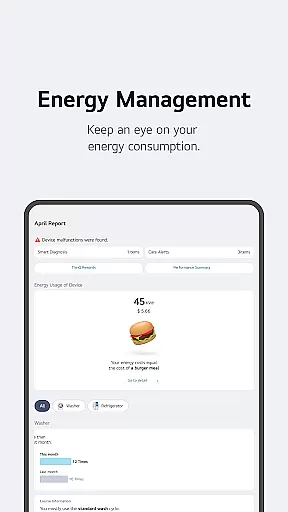
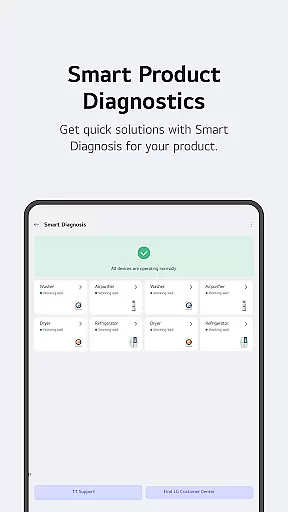
Energy Monitoring tools help users track and optimize power consumption by comparing usage with neighborhood averages and setting conservation goals. The app also integrates advanced diagnostic capabilities, enabling users to perform self-checks and schedule professional maintenance directly through the platform. These features collectively contribute to more efficient home management and improved quality of living through technological innovation.
LG ThinQ offers comprehensive coverage of lifestyle categories by integrating smart home appliances into a single, user-friendly app. This integration allows users to control IoT-enabled home appliances effortlessly from anywhere, enhancing convenience and efficiency in daily life.
The app provides personalized recommendations based on usage history, helping users optimize their appliance management. Through the 'Explore' feature, users can discover new ways to utilize their smart home devices, ensuring they get the most out of their LG products.
Additionally, LG ThinQ supports various apps available for LG AI Home Hub, enabling users to introduce new functionalities to their existing products. This adaptability ensures that users can upgrade their living spaces according to their lifestyle and preferences, making it a versatile tool for modern living.
LG ThinQ ensures content authenticity and expert credibility by offering reliable care services directly through the app. Users can troubleshoot issues, receive accurate diagnoses, and book professional engineer visits for inspections, all from within the app.
The 'Chat with LG' feature leverages AI to provide tailored answers and solutions based on the specific conditions and situations of the user's products. This AI-driven support enhances the reliability and accuracy of the information provided, ensuring users receive expert advice when needed.
Furthermore, the app includes an Energy Monitoring feature that allows users to compare their power usage with neighbors and set energy-saving goals. This data-driven approach helps users make informed decisions about their energy consumption, backed by credible and actionable insights.
User-friendly interface
Comprehensive device control
Advanced automation options
Real-time energy tracking
Integrated customer support
Limited device compatibility
Region-specific features
Premium subscription costs
Occasional connectivity issues
Steep learning curve

Unique BIG BOLD TIME with amazing colors and customisations.
 3.70
3.70
Countdown to Christmas 2025 with festive games & activities in a virtual village
4.80
Cute Adorable Animals now on your wrist with our Wear OS watch face!
4.40
Cute animated Thanksgiving watchface for your WearOS smartwatch
4.2
Connect to your Shark ROBOT™ from anywhere using the SharkClean™ App.
3.60
Kasa Smart is your portal to your TP-LINK Smart Home.
4.70
An Eerie Musical Trigger Toy for Spirits to Play with!
3.50
Vehicle ownership simplified. Get the myChevrolet® app today.
4.60
Control your Tapo smart devices from anywhere.
4.60
Discover the "To Be a Christian" App: Your Guide to Deepening Faith!
5.00
Get the news, events and savings that matter to you with AARP Now.
4.80
My Diary - Daily Journal with lock: Diary journal app and secret diary with lock
4.80
Make money, get paid cash rewards & gift cards for every survey. Earn today!
4.60
Play fun games, complete quick surveys, and earn money. It's fun and easy!
4.40
Zodiac & Horoscope Launcher: Daily Sign Predictions & Astrology
4.40
Earn points with every purchase with Moe Rewards.
4.20
Do you want to communicate with spirits?
3.80
Communicate with your vehicles and Powerwalls anytime, anywhere
3.60
Take Hobby Lobby with you wherever you go!
3.40


User Reviews