
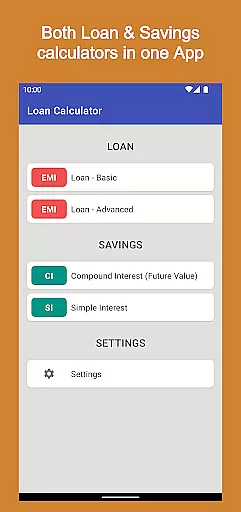
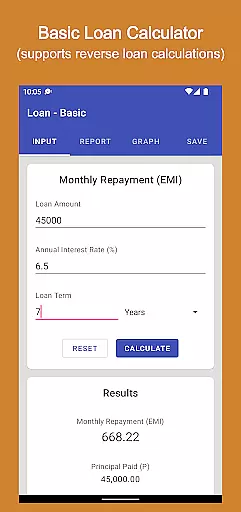
Loan Calculator Pro is a comprehensive financial application designed for both Android phones and tablets. This paid version offers users an ad-free experience while providing essential tools for managing loans and investments. The app includes multiple calculators such as Loan Calculator, Advanced Loan Calculator, Compound Interest Calculator, and Simple Interest Calculator.
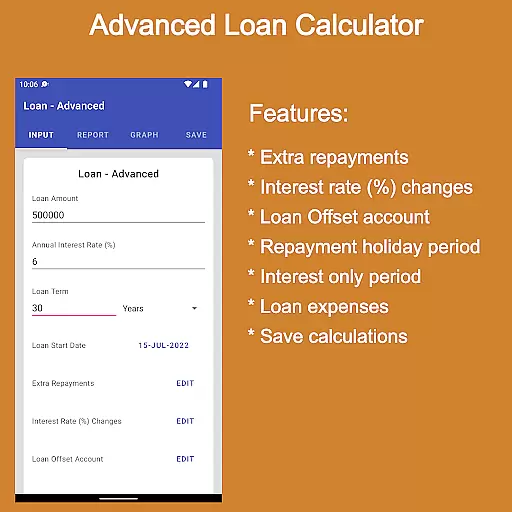
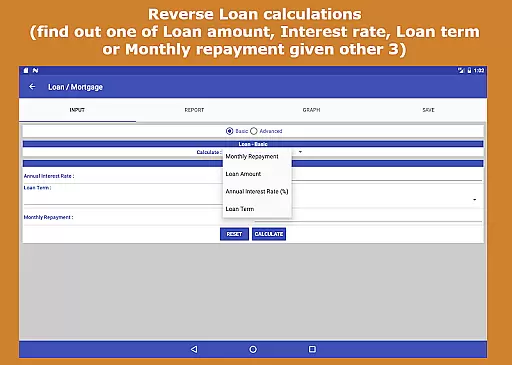
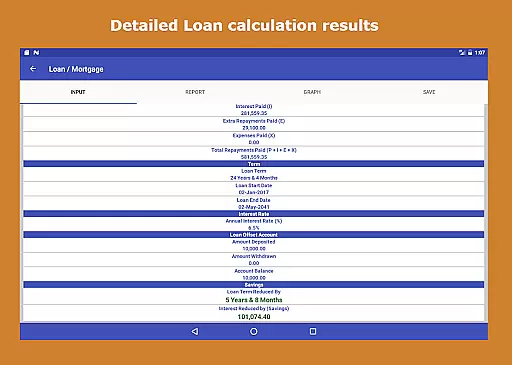
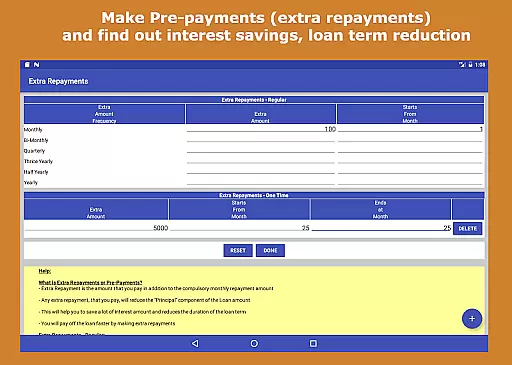
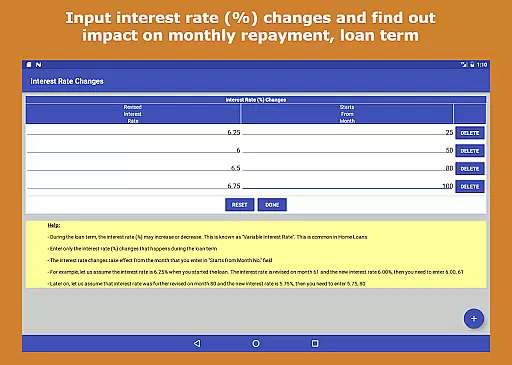
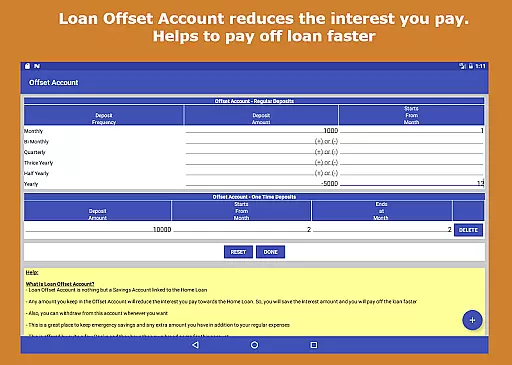
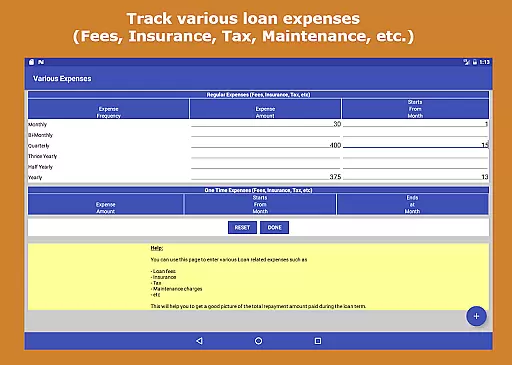
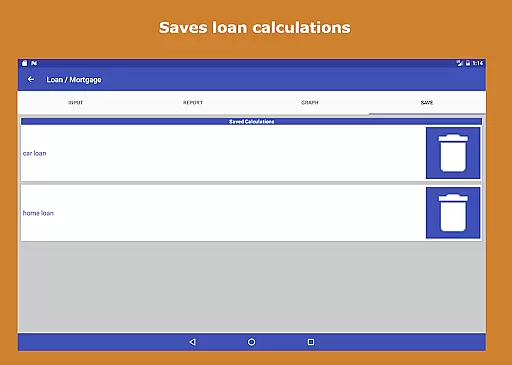
One of the standout features of Loan Calculator Pro is its ability to perform reverse loan calculations, allowing users to determine one of the key loan variables when provided with the other three. Additionally, it supports pre-payment scenarios, interest rate changes, and even incorporates a loan offset account feature to help reduce interest payments. Users can also track various loan-related expenses and save their calculation data for future reference.
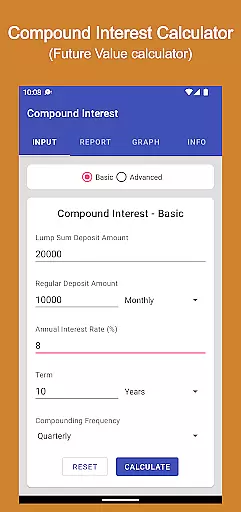
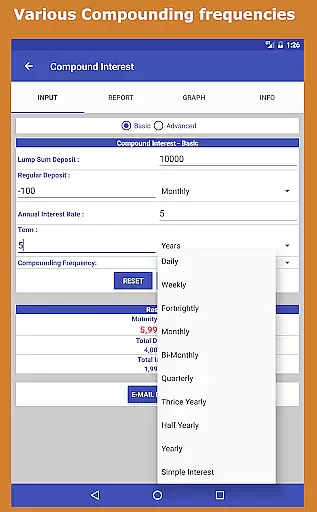
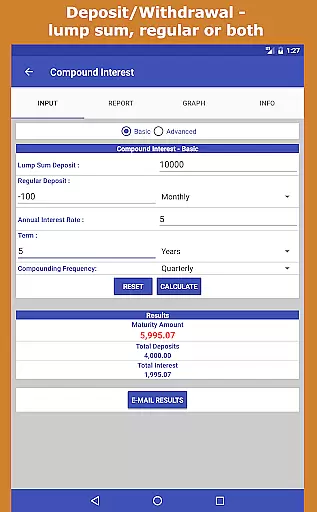
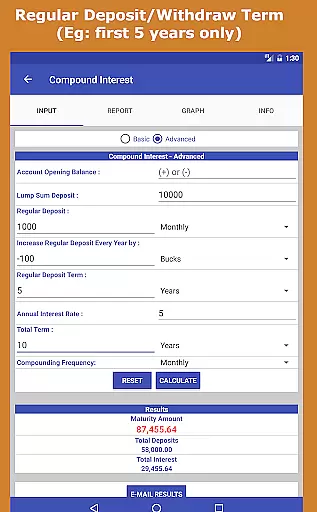
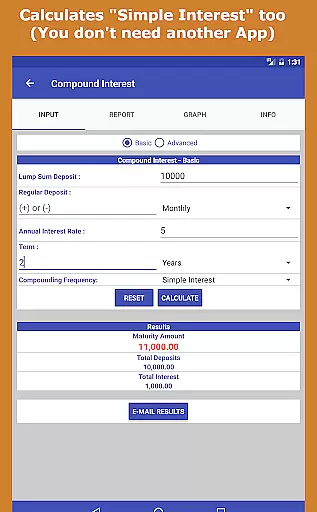
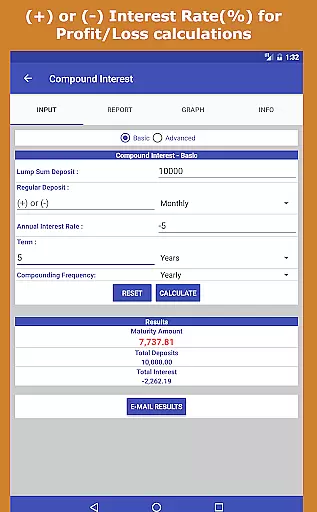
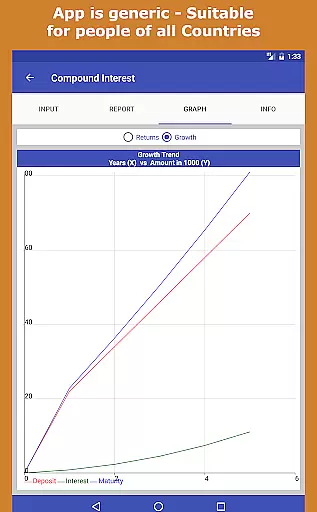
The Compound Interest Calculator is equally robust, offering both simple and compound interest computations for lump sum deposits or regular contributions. With support for various frequencies of deposits, withdrawals, and compounding, this tool provides detailed reports in tabular formats and visually through graphs and charts. Suitable for a wide range of users from individuals to financial planners, Loan Calculator Pro is an invaluable resource for making informed financial decisions.
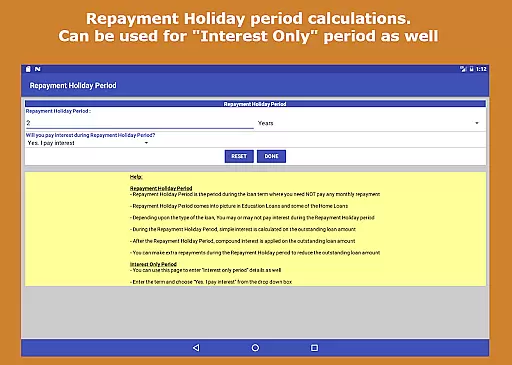
Loan Calculator Pro stands out due to its extensive range of features tailored for comprehensive financial planning. The app's Loan Calculator allows users to perform reverse calculations, make pre-payments, adjust interest rates, and even simulate repayment holidays. These functionalities enable users to understand how different factors like extra repayments or interest rate fluctuations impact their loan term and overall financial health.
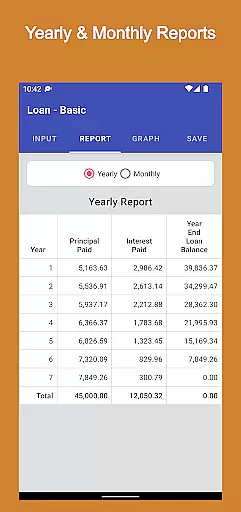
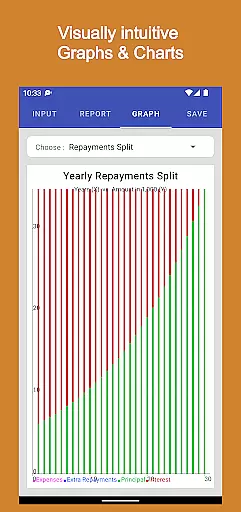
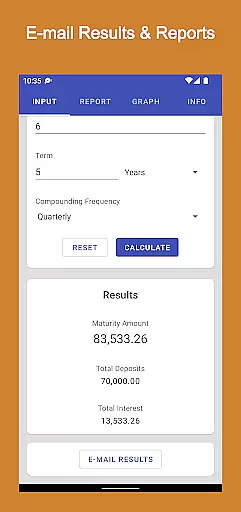
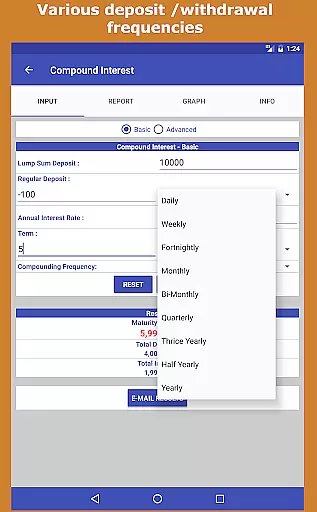
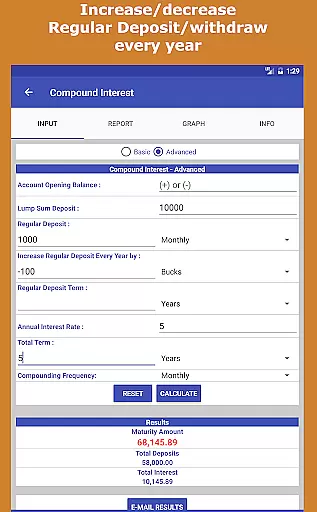
In addition to loan management, the Compound Interest Calculator offers advanced capabilities for calculating both simple and compound interest. It supports various deposit and withdrawal frequencies, including daily, weekly, monthly, and yearly options. Users can specify terms for regular deposits and visualize their investment growth through intuitive graphs and charts. The app also provides yearly and monthly reports that can be emailed directly from the interface, ensuring users have access to detailed records of their financial projections.
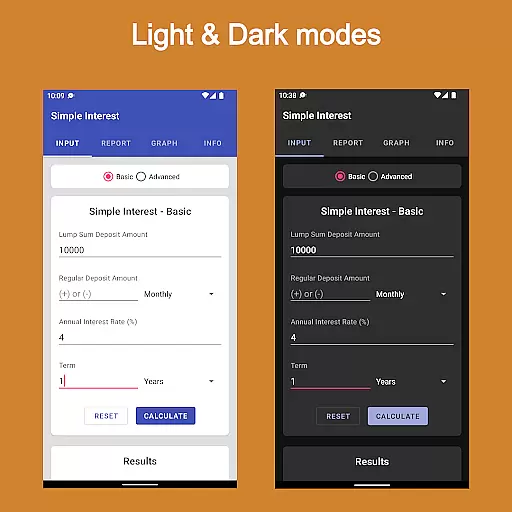
User interface design is another strong point of Loan Calculator Pro. Featuring an elegant Material Design theme, the app is easy to navigate with clearly labeled tabs and quick calculation times. Its lightweight nature ensures fast loading speeds on both phones and tablets. Moreover, the app catifies to a global audience by being generic enough for use across different countries without requiring prior finance knowledge. Whether you're an individual managing personal finances or a professional in accounting or financial planning, Loan Calculator Pro delivers significant value at a reasonable cost.
Account and fund security is a critical aspect of any financial application, ensuring the protection of user data and financial transactions. Loan Calculator Pro addresses this by implementing industry-standard security protocols to safeguard user information.
The app employs advanced encryption methods for data storage and transmission, ensuring that sensitive financial details remain confidential. This robust security framework prevents unauthorized access and protects against potential cyber threats.
Users benefit from peace of mind knowing their financial calculations and personal data are securely stored. The absence of ads in this paid version further reduces risks associated with third-party advertisements.
By prioritizing security without compromising functionality, Loan Calculator Pro establishes a trustworthy environment for managing important financial decisions and planning.
A seamless transaction experience is essential for financial applications, enabling users to perform calculations and manage their finances efficiently. Loan Calculator Pro excels in providing a smooth and intuitive user interface for various financial computations.
The app offers multiple calculation modes, including basic and advanced options, catering to both novice users and financial experts. Its powerful processing capabilities deliver instant results, even when handling complex calculations or very large numbers.
With elegant material design and tabbed navigation, users can easily switch between different calculators and features. The app's responsive design ensures optimal performance across various devices, including phones and tablets.
This comprehensive transaction experience empowers users to make informed financial decisions quickly and accurately, saving valuable time and effort in their financial planning process.
Comprehensive loan tools
Ad-free experience
Detailed investment reports
Intuitive user interface
Versatile usage scenarios
Paid version only
No iOS compatibility
Complex for beginners
Limited customer support
Occasional bugs reported

Currency Converter, Exchange Rates, Widgets
 4.90
4.90
Early payday cash advance up to $150 a day with a max of $1,000 per pay period
4.70
PayMe helps you claim money from settlements on companies that harmed you.
4.80
All your crypto & stocks in one secure and trusted app.
4.40
Put crypto to work & earn rewards. Stake crypto like Ethereum, Solana & Cardano
4.40
Military retirement pay estimation calculator
4.70
Access State Farm accounts, policies, ID cards and more
4.60
Cash Advance, Credit Cards, Credit Lines, Score Monitoring, Saving, Budgeting
4.70
Trade NFL, NBA, Crypto, Tech
4.50
Companies owe you money.
4.80
Simple & secure international money transfers - for personal & business needs.
4.80
Easy budgeting planning on a calendar!
4.80
All expenses at a glance.
4.80
Powerful Money Manager, Expense & Savings Tracker, Budget Planner - Pro Version
4.70
Navigate your unique financial path confidently with help from Credit Karma.
4.70
Send money and bitcoin easily. Invest, bank and do more with your money
4.70
Earn cash & save money daily. Access instant cash advances* - no credit check!
4.50
Earn money as a tester with Testerup, get cash testing apps and games
4.20
SuperQi, Your all-in-one Super App.
1.30


User Reviews