
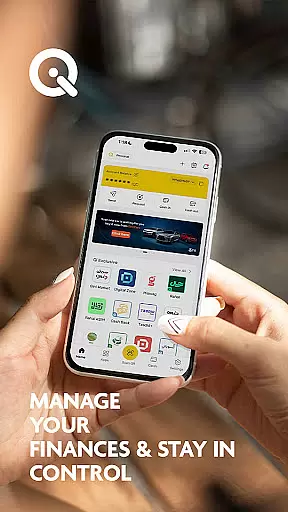
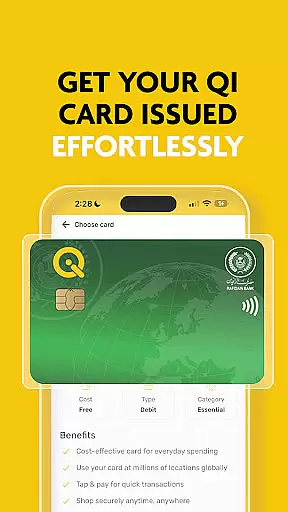




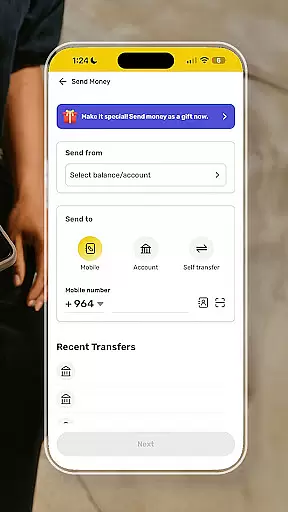
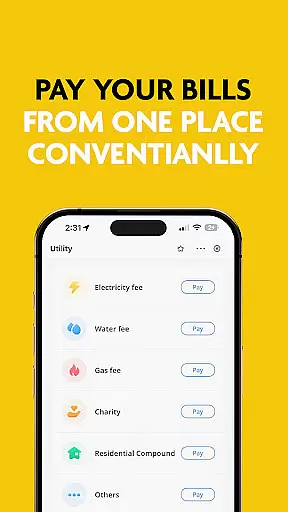
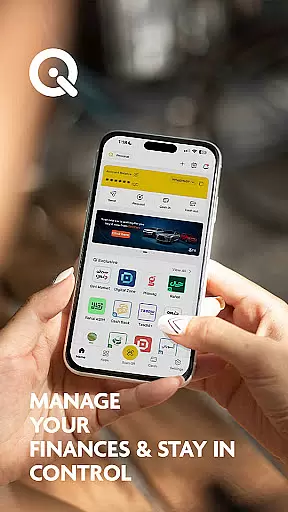
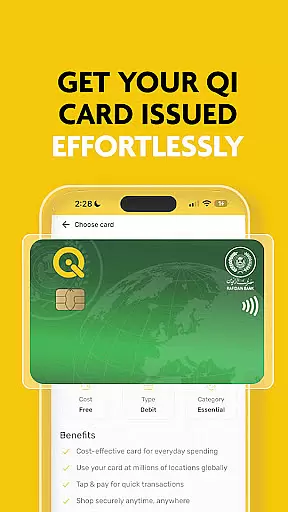




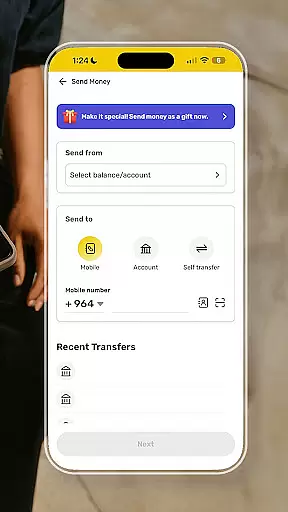
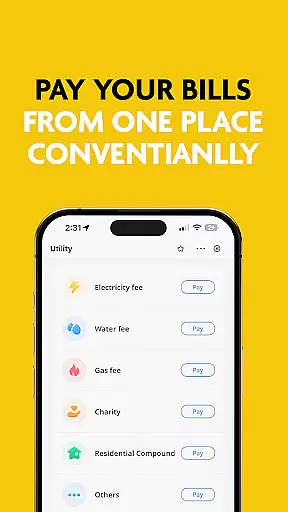
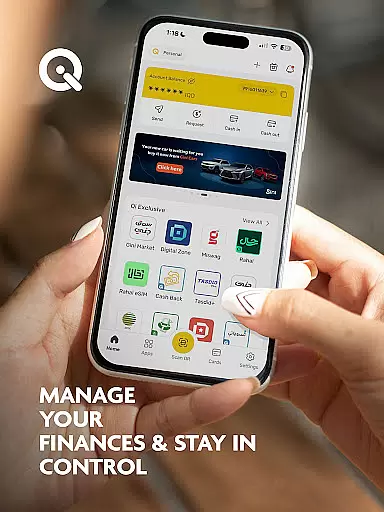
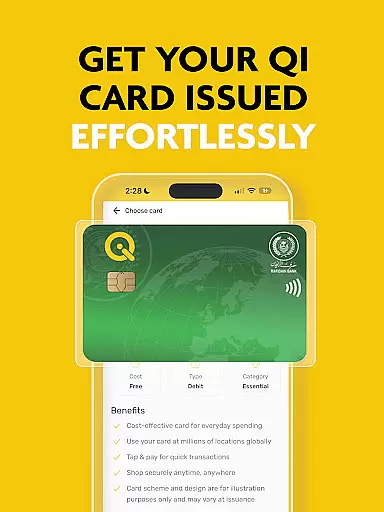
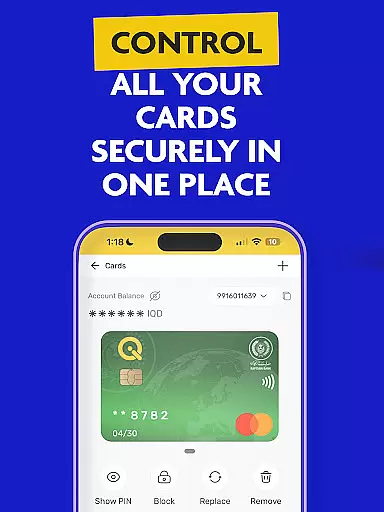


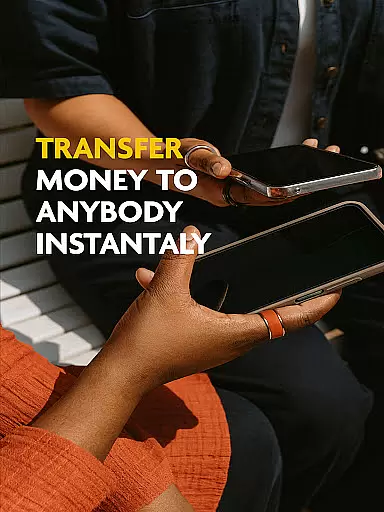
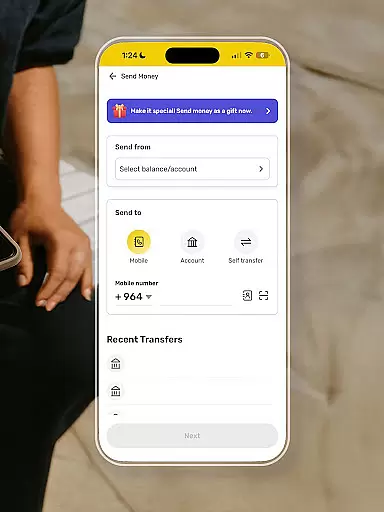
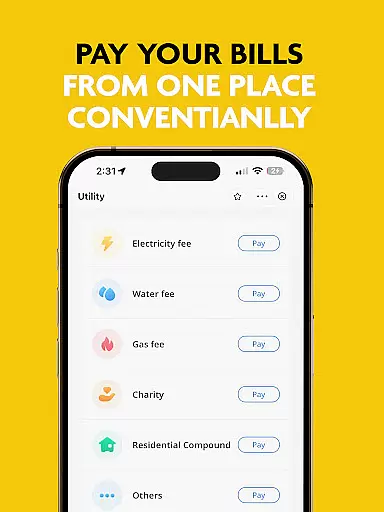
SuperQi is a pioneering super-app in Iraq, designed to serve as an all-in-one digital lifestyle partner. It facilitates seamless and cashless daily transactions for users across Iraq and globally. The app simplifies life by offering convenient features such as money transfers, scan-to-pay, bill payments, e-commerce, mobile recharge, and digital billing.
With advanced security measures, SuperQi ensures that all transactions are secure, providing users peace of mind. Users can easily access and manage Qi bank accounts, transfer money between cards or accounts effortlessly, and complete transactions swiftly using QR codes. Additionally, the app offers one-tap bill payments, access to a wide network of trusted merchants, and effortless organization of daily essentials in one place.
The anytime, anywhere access feature allows users to manage their accounts and other affairs from any location at any time. SuperQi also integrates with MasterCard or Visa, functioning as a digital wallet and payment gateway. Users can apply for Rafidain Bank loans, installment services, and utilize money transfer services like Western Union.
SuperQi stands out with its comprehensive suite of features tailored to enhance various aspects of daily life. One of its key features is secure transactions, employing advanced security protocols to safeguard user data and financial information. This ensures that every transaction made through the app is protected against unauthorized access.
The app provides easy accessibility to Qi bank accounts, allowing users to manage their finances efficiently. Its mini-apps ecosystem enriches the user experience by integrating different functionalities aimed at simplifying daily tasks. For instance, users can transfer money easily between their linked cards or accounts, making financial management hassle-free.
Another notable feature is the scan-to-pay functionality, enabling swift transactions via QR code scanning. Additionally, SuperQi supports one-tap bill payments, ensuring that users can settle their bills instantly and securely. With a wide network of merchants spanning various sectors, including groceries, household essentials, and travel, SuperQi caters to diverse user needs, enhancing convenience and efficiency in everyday transactions.
In the realm of digital finance, security stands as a paramount concern for users. SuperQi addresses this by implementing advanced security protocols designed to protect your transactions and personal information. The app employs state-of-the-art encryption and authentication methods, ensuring that every financial activity you perform is safeguarded against unauthorized access.
SuperQi's commitment to security extends to its accessibility features for Qi Bank Accounts. Users can easily manage their accounts with confidence, knowing that their funds and data are protected by cutting-edge security measures. This seamless integration of security and accessibility empowers users to take control of their finances without compromising on safety.
The peace of mind offered by SuperQi's robust security framework allows users to focus on enjoying the convenience of cashless transactions. Whether you're transferring money between accounts or paying bills with a single tap, you can trust that your financial operations are shielded from potential threats. This dedication to security enhances user confidence and supports a safer digital economy.
A smooth transaction experience is crucial for maintaining user satisfaction in financial applications. SuperQi excels in providing a seamless process for various transactions, including money transfers, bill payments, and mobile recharges. The app's intuitive interface ensures that users can complete their transactions quickly and efficiently, without unnecessary complications or delays.
One of SuperQi's standout features is its 'Scan to Pay' functionality, which allows users to make swift payments simply by scanning a QR code. This innovative approach not only simplifies the payment process but also reduces transaction times significantly. Additionally, the app's wide network of trusted merchants ensures that users have access to a diverse range of services, from groceries to travel bookings, all within a few taps.
SuperQi further enhances the transaction experience through its anytime, anywhere access capabilities. Users can manage their accounts and conduct transactions at their convenience, whether they're at home or on the go. This flexibility, combined with the app's comprehensive security measures, creates a reliable and user-friendly environment for managing daily financial activities.
User-friendly interface
Secure transactions
Versatile mini-apps
Wide merchant network
Global accessibility
Limited regional focus
Potential learning curve
Dependent on internet connectivity
Transaction fees may apply
Customer support response time

BA Financial Calculator PRO – Perfect for CFA/FRM/CPA and finance professionals
 4.90
4.90
Get, Earn, and Save Money
4.30
Car Insurance Made For You.
4.50
Easy budgeting planning on a calendar!
4.80
All expenses at a glance.
4.80
Registration of your debts and Mdionatk and assembled, as well as a significant reports
4.30
Keep track of your subscriptions with no limitations
4.80
Wells Fargo Mobile allows you to access your investment and bank accounts.
4.80
Earn money as a tester with Testerup, get cash testing apps and games
4.20
Simple & secure international money transfers - for personal & business needs.
4.80
Your Big Financial Friend
4.70
Get 250$ Cash Advance to solve emergencies instantly in loan app called LendMe
4.70
No credit check, no interest, no worries.
4.70
Currency Converter (200+ currencies) with live exchange rates and offline mode.
4.70
Get a cash advance instantly. File taxes & cover unexpected bills in minutes.
4.60
Manage your prepaid cards and add to Google or Samsung Wallet.
4.60
Expenses, Bills, Budget and Accounts - All seamlessly integrated in one app!
3.80
Bank better with our new app
3.80
Bill Manager is a simple app to help you keep track of your upcoming bills.
4.3


User Reviews