
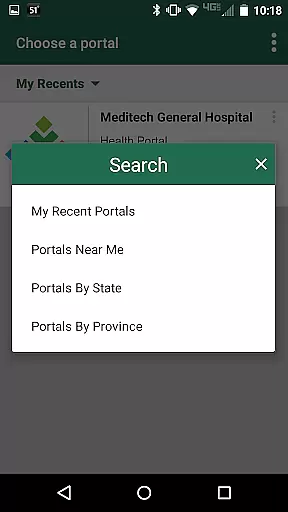
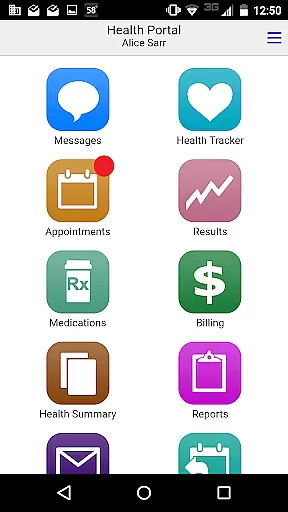
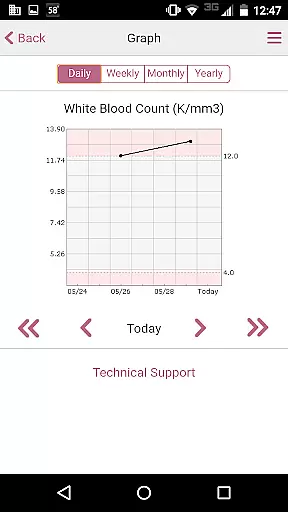
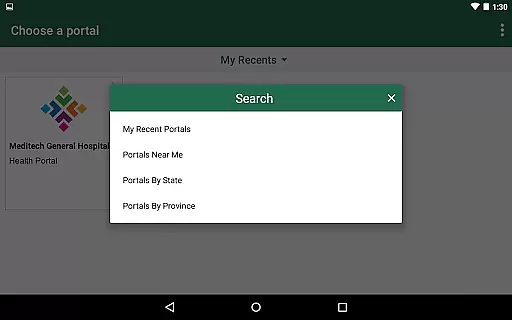
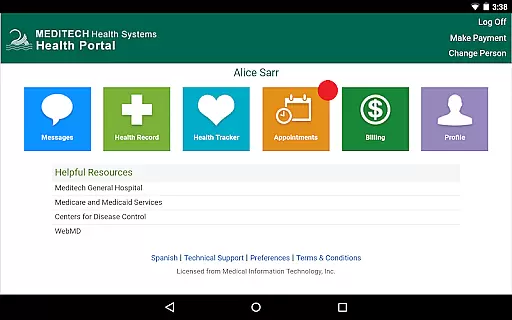
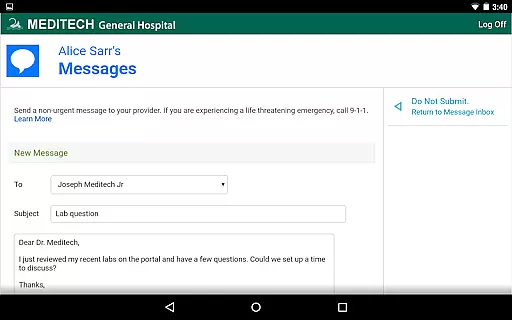
MEDITECH MHealth is a mobile health application that provides secure and convenient access to your personal health information. The app serves as the mobile extension of MEDITECH's Patient and Consumer Health Portal, enabling users to manage their healthcare directly from their mobile devices or tablets.
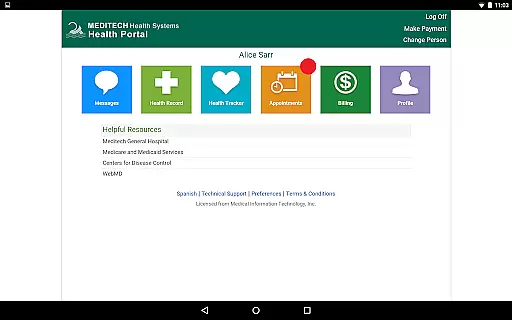
With features like secure communication with care teams, appointment scheduling, pre-registration, and reviewing lab results, MHealth empowers patients to take control of their healthcare management. It also allows tracking of immunizations, allergies, and conditions, making it an essential tool for managing family health.
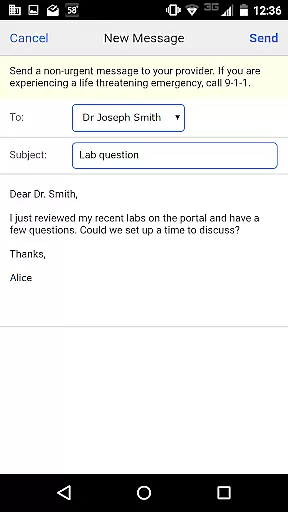
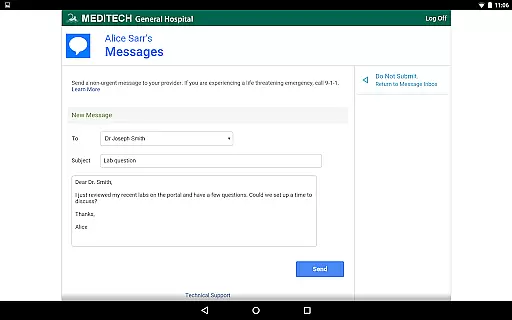
MHealth offers a comprehensive suite of features designed to enhance patient engagement and streamline healthcare management. Users can securely message their healthcare providers, request prescription refills, and access radiology reports through an intuitive interface.
The app supports proactive health management by enabling users to track important health metrics such as medications, immunizations, and allergies. Additionally, MHealth facilitates better preparation for medical visits through features like online appointment scheduling and pre-registration, ensuring a seamless healthcare experience.
By leveraging existing Patient Portal credentials, MHealth ensures a user-friendly onboarding process while maintaining robust security standards for accessing sensitive health information.
In the realm of mobile health applications, the credibility of medical content is paramount. MEDITECH MHealth ensures that all information presented to users is thoroughly vetted by healthcare professionals. This guarantees that patients receive accurate and reliable data regarding their health.
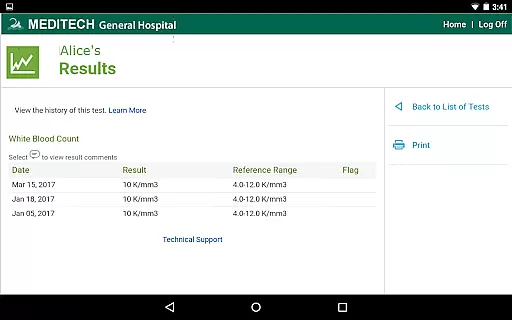
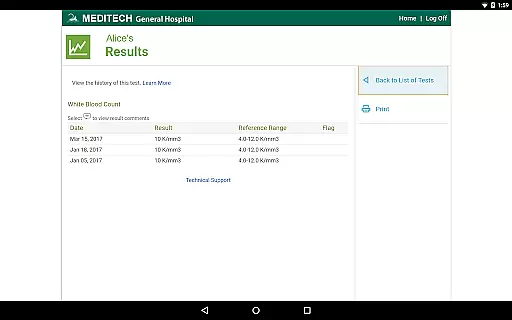
The app provides access to laboratory results, radiology reports, and other critical health information. Each piece of data is securely delivered and originates directly from healthcare providers, ensuring authenticity and reliability. Users can trust that their medical records are both up-to-date and verified by experts in the field.
Furthermore, features such as medication management and appointment scheduling are designed with input from medical practitioners. This collaborative approach ensures that the functionalities offered are not only user-friendly but also align with clinical best practices. Patients can confidently manage their health knowing they have guidance from qualified professionals.
MEDITECH MHealth offers a robust platform for teleconsultations, allowing users to communicate securely with their care team. The quality of these virtual interactions is maintained through secure messaging protocols, ensuring that patient confidentiality is upheld at all times.
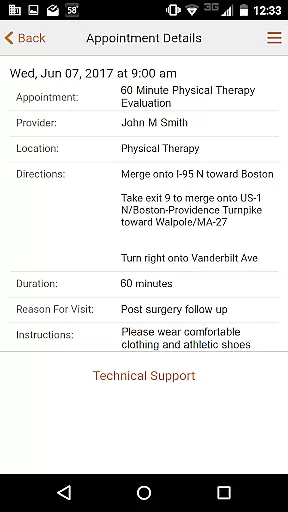
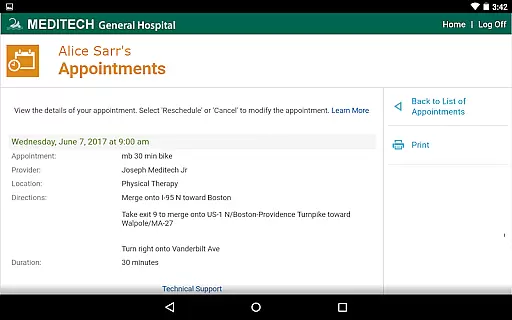
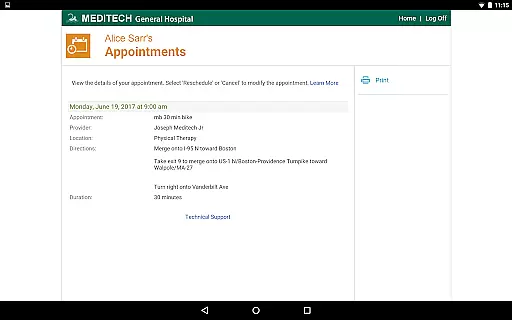
Users can request appointments, pre-register for visits, and even review details for upcoming consultations within the app. This streamlined process enhances the overall teleconsultation experience, making it more efficient and convenient for both patients and healthcare providers.
Additionally, the ability to reference visit history and discharge instructions supports ongoing care management. By integrating these features, MHealth ensures that teleconsultations are not just isolated interactions but part of a comprehensive healthcare journey. Patients benefit from continuous support and clear communication throughout their treatment process.
User-friendly interface
Comprehensive health tracking
Secure messaging system
Convenient appointment management
Accessible medical records
Limited to existing portal users
Requires provider activation
Potential connectivity issues
Dependent on healthcare provider
Feature availability varies

Beat alcohol and drug addiction with a revolutionary treatment program in an app
 4.50
4.50
HealtheLife lets you easily manage your health online.
3.20
Care Simplified by MyChart
3.40
Easy access to benefits and rewards
3.70
Personalized hearing experience and health data tracking
4.50
Your donation experience just got smoother; Donor Hub is your go-to place.
4.70
Coaches you through labour using hypnobirthing techniques & tracks contractions
4.70
PPP provides quick offline access to over 350 field treatment protocols.
4.60
Download OctaApp for easy access to your plasma donation info
4.40
The Better Pharmacy Experience
4.90
Pelvic Floor Muscle Exercises
4.80
Easy telehealth appointments + urgent care
4.70
Amplify surrounding sounds, conversations, TV or lectures for louder hearing.
4.70
Blue Cross and Blue Shield of Texas member information
4.60
Sync your blood glucose device, log values automatically and tame your diabetes!
4.60
Check and Track your Blood Pressure & Heart Rate.
4.50
A rapid reference for healthcare professionals caring for pediatric patients.
4.30
A scientifically-proven method to help people with dementia or memory impairment
4.5
OKN Strips, OptoDrum, OKN
4.1


User Reviews