
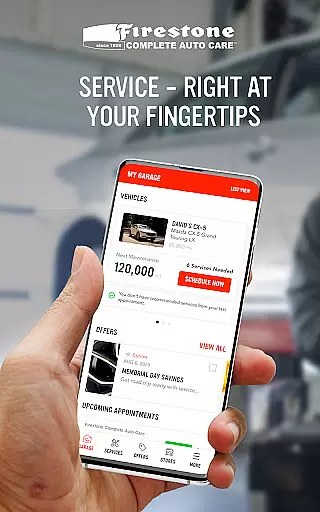
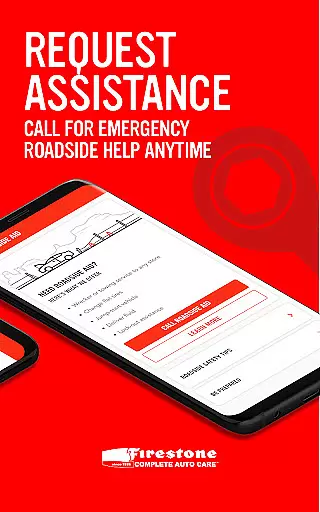
My Firestone is a comprehensive automotive care application designed specifically for vehicle owners who want to maintain their cars efficiently. This app allows users to track maintenance schedules, review service histories, and manage multiple vehicles effortlessly. With features like store locator functionality and exclusive deals, it ensures both convenience and cost savings.
The app also provides critical alerts based on manufacturer recommendations, helping users stay ahead of necessary repairs and services. Whether scheduling appointments or requesting roadside assistance, My Firestone streamlines these processes through an intuitive interface. Its integration with Firestone Complete Auto Care's services makes it an essential tool for proactive vehicle management.
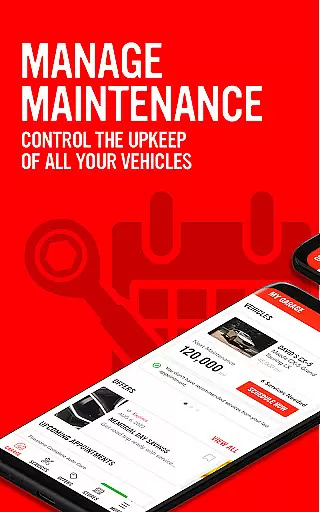
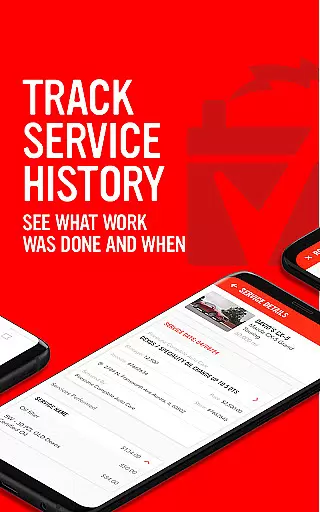
One of the standout features of My Firestone is its ability to send timely maintenance alerts based on the vehicle manufacturer's recommendations. Users receive notifications about upcoming services, ensuring that no critical maintenance task is overlooked. Additionally, the app maintains a detailed service history, allowing users to access past records of all maintenance activities performed by Firestone.
Another key feature is the multi-vehicle management dashboard, which lets users oversee all their cars in one place. The built-in store locator helps find nearby service centers quickly. Moreover, the app facilitates easy appointment scheduling and offers 24/7 roadside assistance, enhancing user convenience significantly. Lastly, exclusive deals and tire shopping options provide added value to car owners.
Having access to detailed vehicle information is crucial for maintaining your car's health and performance. My Firestone provides comprehensive data about each service visit, ensuring you have a complete history at your fingertips.
The app meticulously tracks maintenance schedules and service recommendations from your vehicle's manufacturer. This feature allows users to stay on top of necessary upkeep, preventing potential issues before they arise.
With the ability to manage multiple cars within the app, users can see all their vehicles' service histories at a glance. This functionality ensures that every vehicle in your care receives the appropriate attention and maintenance.
By providing such detailed vehicle information, My Firestone empowers users to make informed decisions about their car's maintenance needs, ultimately extending the life of their vehicles and enhancing safety on the road.
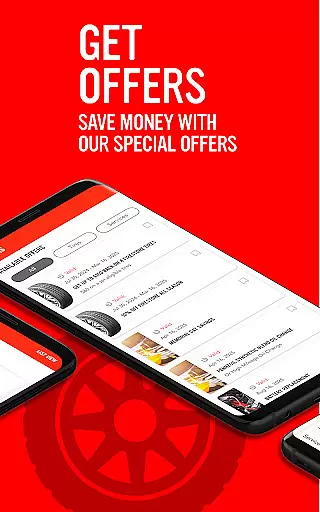
Price transparency is essential for consumers looking to maintain their vehicles without hidden costs. My Firestone addresses this need by offering special deals and discounts directly through the app.
Users can access exclusive offers that help them save money on services and tires, making vehicle maintenance more affordable. The app clearly displays these savings opportunities, allowing customers to plan their expenses effectively.
In addition to special offers, My Firestone enables users to shop for tires with confidence. The app presents a wide selection of top-quality tires with transparent pricing, ensuring customers know exactly what they are paying for.
This commitment to price transparency not only builds trust with users but also encourages regular vehicle maintenance by removing financial uncertainty. With clear information about costs, drivers can better manage their automotive expenses while keeping their vehicles in optimal condition.
User-friendly interface
Comprehensive maintenance tracking
Convenient appointment scheduling
Exclusive discounts and offers
Reliable roadside assistance
Limited to Firestone services
Occasional notification delays
Requires account registration
No third-party service integration
Some features need improvement

Ultimate OBD2 Car Scanner: Diagnostics, Service and Modification Tool
 4.30
4.30
Ferrari inspired analog & digital watch face with quick access and premium style
4.3
Theme for Car Launcher
4.0
DIY Vehicle Wheel Alignment
4.5
CVT diagnostics with ELM327 for Nissan-based vehicles
4.40
Play what you want through Android Auto
4.90
Your Path to Driving Licensing Success Begins Here! Develop your driving skills.
4.40
DMV practice test 2025: Driver License permit test & written test for all states
4.70
MySubaru: Download. Connect. Love.
4.70
Practice the drills within MotoJitsu Master Riding Program Volume 1 & 2!
4.80
1M+ high-quality auto parts at your fingertips. Fitment guaranteed.
4.70
OBD1 ECMs application. Data log or tune directly from your phone or tablet!
4.60
Shop cars & see your financing
4.60
Instantly redesign your car with AI. From sporty to futuristic, try it all.
4.50
Find, search, and browse 40,000+ used cars, SUVs, and trucks.
4.50
OBD diagnostics, Live Data, DPF regeneration for BMW
4.00
By enthusiasts, for enthusiasts
4.00
Available in select states.
4.00
Discover new and used cars in Syria easily! Browse ads and connect with sellers.
3.70


User Reviews