
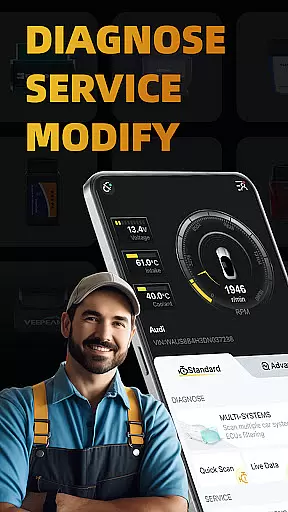
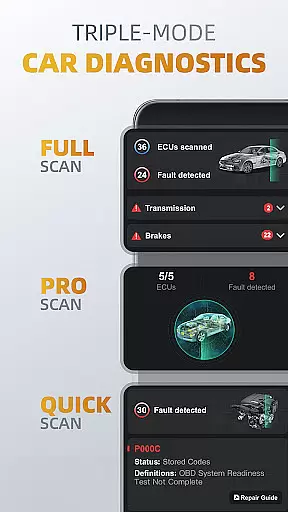
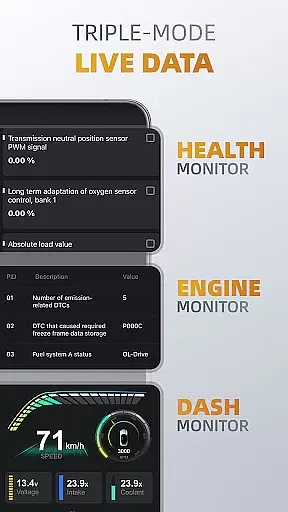
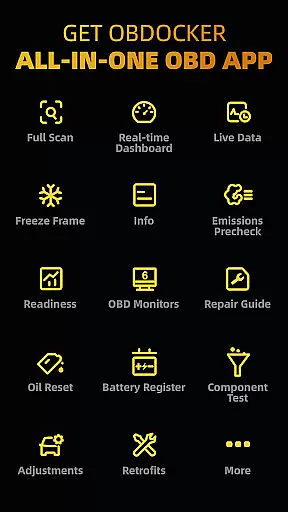
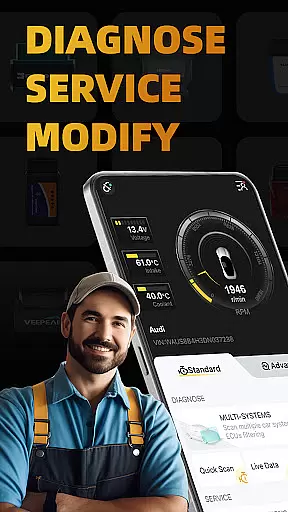
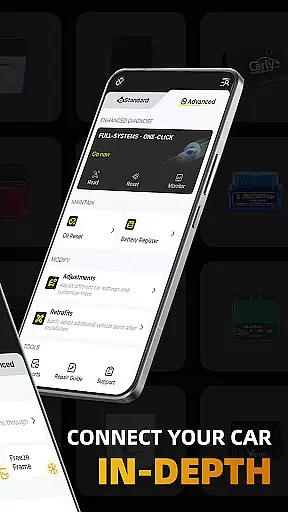
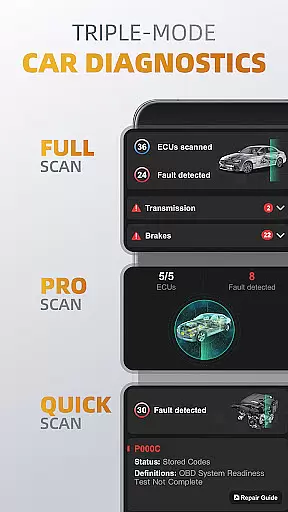
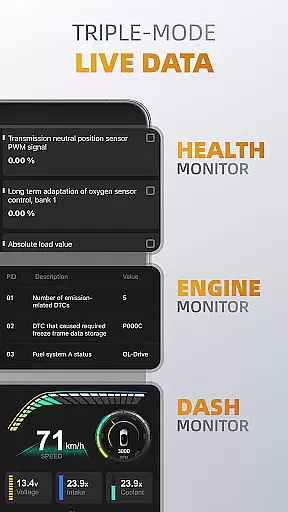
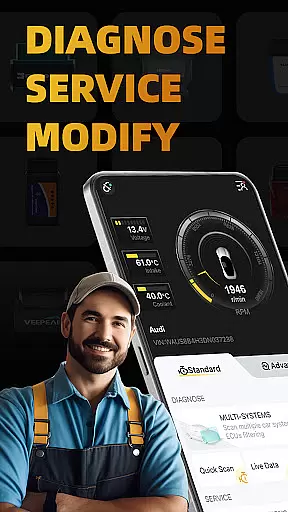
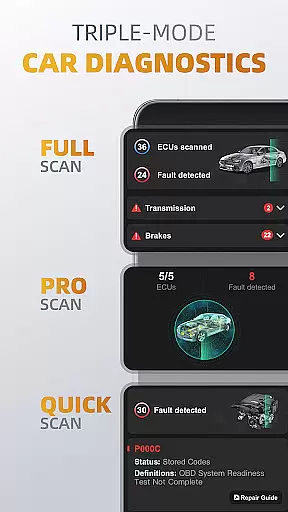
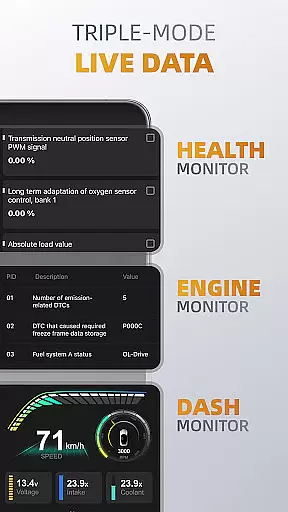
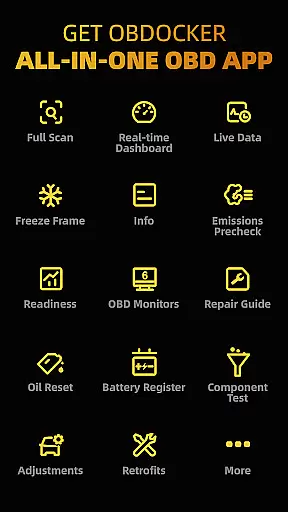
OBDocker is a professional OBD2 car scanner app designed for vehicle diagnostics and customization. It offers triple-mode diagnostics including full-systems, multi-systems, and quick scans, allowing users to efficiently identify and resolve issues across various vehicle systems. The app also provides real-time monitoring through its triple-mode live data feature, giving users detailed insights into their vehicle's performance.
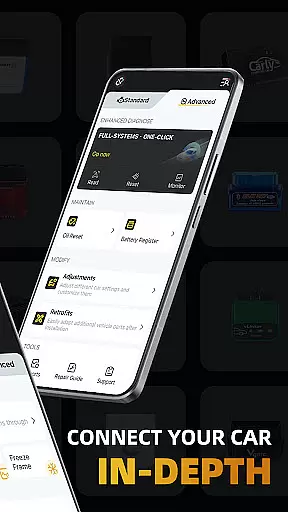
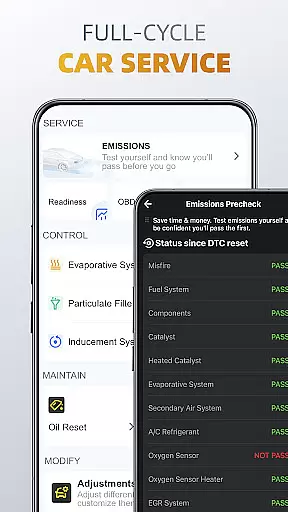
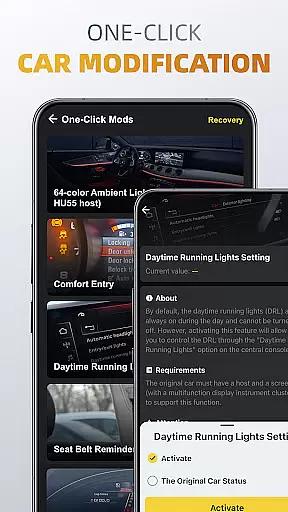
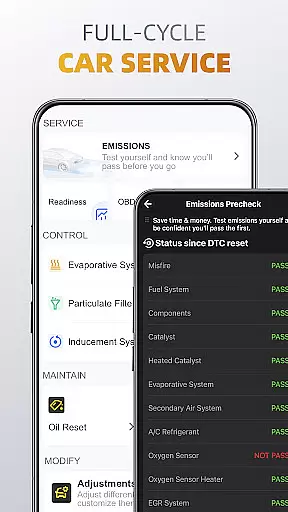
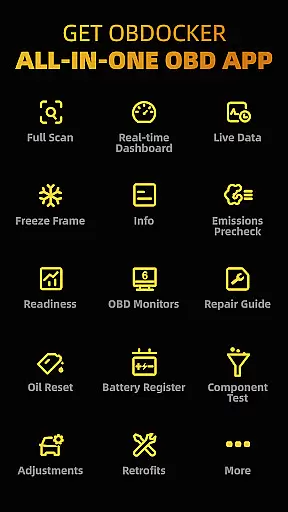
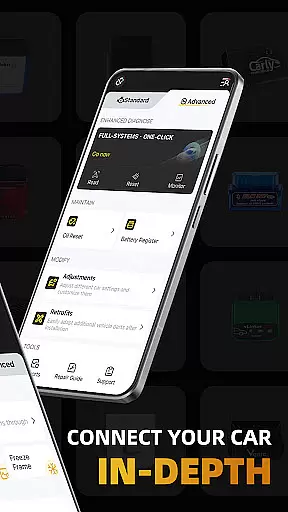
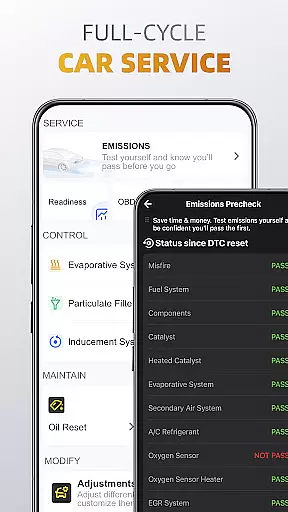
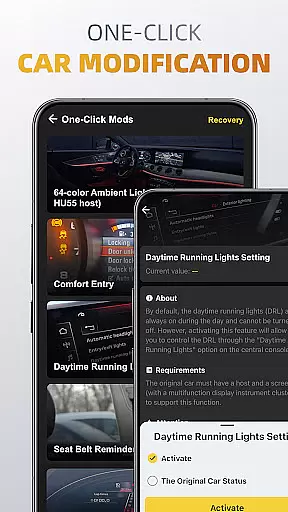
In addition to diagnostics, OBDocker supports a complete service cycle with features like emissions pre-check, control tests, oil reset, and battery registration. Users can also modify and retrofit their vehicles with simple one-click adjustments. To ensure optimal performance, the app recommends using high-quality OBD adapters from trusted brands. With compatibility across a wide range of vehicles globally, OBDocker is an essential tool for both standard diagnostics and advanced vehicle customization.
OBDocker stands out with its comprehensive diagnostic capabilities. The triple-mode diagnostics allow users to perform full-system checks at OE-level, scan multiple ECUs such as ABS, SRS, and TCM, and quickly read or clear engine fault codes. This ensures that users can maintain their vehicles in top condition while addressing specific issues efficiently.
The triple-mode live data feature provides real-time monitoring of vehicle health, engine performance, and dash metrics. These tools enable users to track system parameters and make informed decisions about their vehicle's maintenance. Additionally, the app's full-cycle service options include emissions testing, EVAP leak tests, DPF reinitialization, oil reset, and battery registration, offering a complete solution for vehicle upkeep.
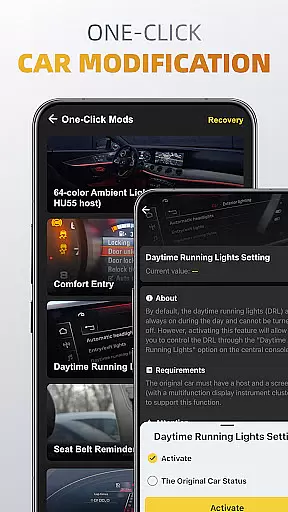
OBDocker also allows for easy vehicle modifications and retrofits, empowering users to customize settings and adapt new parts seamlessly. With support for a wide range of OBD adapters and extensive vehicle compatibility, this app delivers a versatile and powerful solution for all your automotive needs.
Accessing detailed vehicle information is crucial for effective car maintenance and diagnostics. OBDocker provides comprehensive data across multiple systems, allowing users to understand their vehicle's condition at a granular level.
The app's triple-mode diagnostics feature enables users to perform full-system scans, multi-system checks through ECUs filtering, and quick engine fault code readings. This ensures that every aspect of the vehicle, from TMS to SRS and ABS, can be thoroughly examined.
With its compatibility across a wide range of vehicles globally, OBDocker supports both standard OBD2/EOBD protocols and advanced modes for specific brands. This extensive coverage allows users to retrieve detailed specifications and performance parameters regardless of their vehicle make or model.
By offering real-time monitoring of various systems, including health, engine, and dash monitors, OBDocker empowers users with precise data needed for timely servicing and customization. This level of detail helps maintain optimal vehicle performance and prevent potential issues before they arise.
Price transparency in automotive services ensures that users can make informed decisions about their vehicle maintenance without hidden costs. OBDocker addresses this by providing clear information on available plans and subscription options.
The app offers a free trial period, allowing users to explore all features before committing financially. This approach gives potential users an opportunity to assess the value provided by the application without upfront expenses.
OBDocker presents two subscription tiers - Pro and Pro Max - each designed to cater to different user needs. By clearly outlining what each plan includes, customers can choose the option that best fits their requirements and budget.
This transparent pricing structure extends to the recommended OBD adapters as well. The app categorizes adapters into high, middle, and low performance tiers, enabling users to select equipment that matches both their technical needs and financial considerations.
User-friendly interface
Comprehensive diagnostics
Real-time monitoring
Wide vehicle compatibility
One-click modifications
Requires compatible adapter
Premium features need subscription
Some cars have limited sensor support
Advanced mode has brand restrictions
Low-performance adapters not recommended

On the CarShield app, you can view contracts, make payments, & request roadside.
 4.40
4.40
Theme for Car Launcher
4.1
Better fuel to help keep you on the road
3.20
Get your personalized financing options and shop for used cars today!
4.20
Oil change service & coupons for car maintenance at Valvoline Instant Oil Change
4.70
Boost profits and hit your goals faster with GigU's amazing tools for gigworkers
4.00
Control maps, media and messaging, with the Google Assistant while you drive
4.10
1M+ high-quality auto parts at your fingertips. Fitment guaranteed.
4.70
Quick and easy car diagnostics to get you the right fix.
4.70
Shop, finance, or sell today.
4.80
Instantly redesign your car with AI. From sporty to futuristic, try it all.
4.50
A smarter way to park and reserve your spot ahead of time.
4.40
OBD2 car scanner and diagnostics: read Check Engine, DTC, economy....
4.30
A full featured, real-time transit locator system
4.30
Car Sounds Engine Sounds app welcomes Auto Lovers to feel Car Simulator Sound
4.20
Blink Charging Mobile app makes finding an EV charger an intuitive experience.
3.80
Discover new and used cars in Syria easily! Browse ads and connect with sellers.
3.70
Theme for Car Launcher
4.2
Ferrari inspired analog & digital watch face with quick access and premium style
4.5


User Reviews