
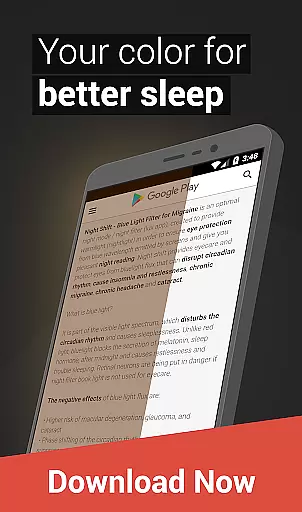
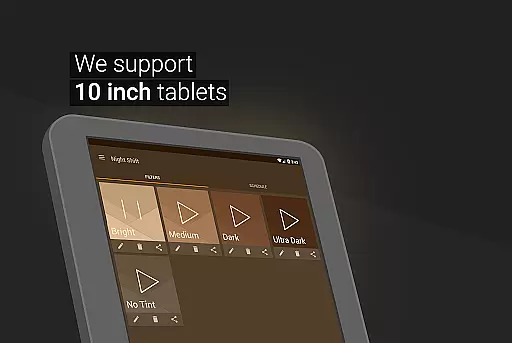
Night Shift is a specialized health application designed to address the growing concern of digital eye strain. This app functions as an advanced blue light filter that not only improves sleep quality but also helps alleviate headaches caused by prolonged screen exposure. By reducing harmful blue light emissions, it protects users from potential eye conditions such as glaucoma and cataracts.
The application's core feature set includes premade filters for immediate protection, customizable filter options for personalized settings, and temperature/color adjustments for optimal viewing comfort. Its dimming capabilities extend beyond system minimums, ensuring maximum eye protection during nighttime use. The app's automatic scheduling feature enables seamless transitions between day and night modes, while its accessibility service ensures consistent filtering across all device states.
Particularly beneficial for individuals who frequently use their devices in low-light environments, Night Shift creates a protective barrier between the user's eyes and potentially harmful screen brightness. This makes it an essential tool for maintaining good eye health in today's digital age.
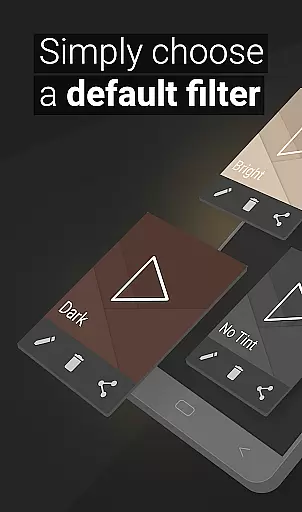
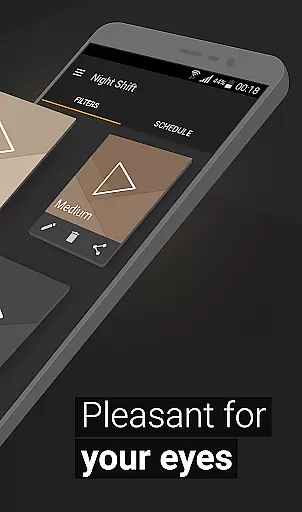
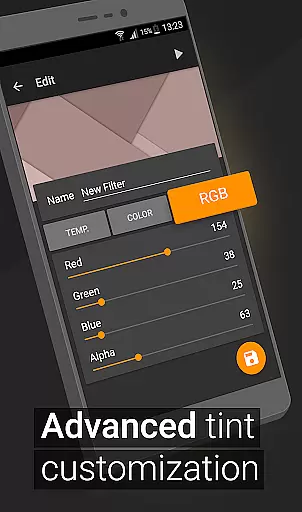
Night Shift distinguishes itself through its comprehensive feature set tailored specifically for eye protection. The app offers premade filters that provide instant blue light reduction, while also allowing users to create and save custom filters with precise control over RGB values. This level of customization enables users to fine-tune their viewing experience according to their specific needs and preferences.
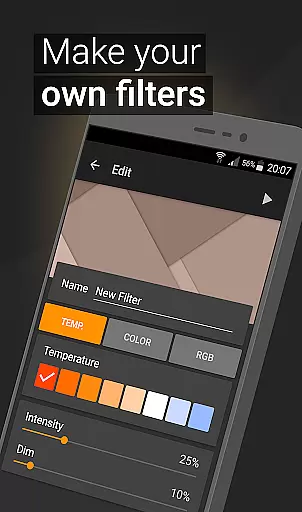
One of the app's most notable features is its ability to dim screens below the system's minimum threshold, providing enhanced protection against bright screens during nighttime hours. The temperature and color customization options allow users to adjust their display settings with exceptional precision, creating a comfortable viewing environment that minimizes eye strain. Additionally, the automatic filter scheduling system ensures that these protective measures are consistently applied at appropriate times throughout the day.
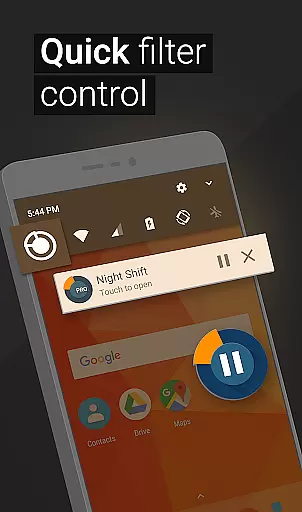
The app's implementation of Accessibility Service technology sets it apart from competitors by enabling continuous filtering even when receiving notifications or using the lock screen. This comprehensive approach to eye protection, combined with its user-friendly interface and robust customization options, makes Night Shift a valuable tool for anyone looking to maintain healthy vision while using digital devices.
Personalized planning in the context of a health and fitness app like Night Shift involves tailoring the user experience to individual needs, particularly for eye care and sleep improvement. This feature is crucial as it adapts the blue light filter and other settings based on personal usage patterns and preferences.
Night Shift offers premade filters and customizable options that allow users to create their own dark mode settings. These personalized configurations can include temperature adjustments, color customization, and RGB settings tailored to each user's preference, ensuring optimal screen dimming without negatively affecting the user's vision or sleep cycle.
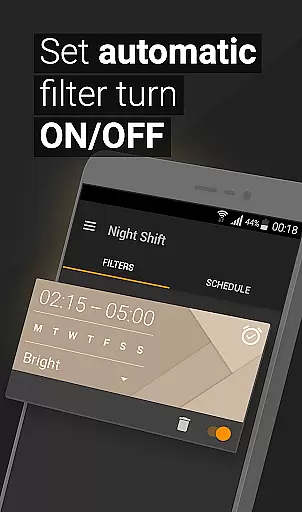
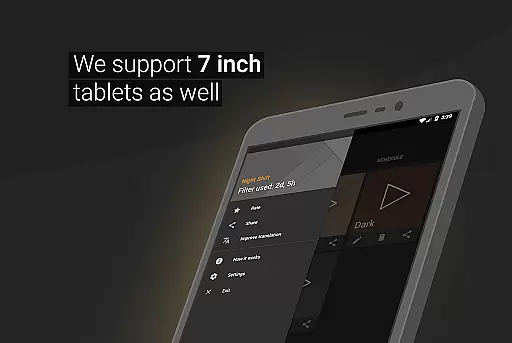
The benefit of personalized planning in this app is significant. Users can set automatic schedules for when the night mode should activate, aligning with their bedtime routine to reduce insomnia and headaches. This level of personalization ensures that the screen brightness and color are always at the most comfortable levels for the user's eyes, promoting better sleep hygiene and overall eye health.
By leveraging personalized planning, Night Shift not only enhances user comfort but also actively contributes to long-term eye health. The ability to fine-tune every aspect of the night filter means users are more likely to maintain consistent usage, leading to sustained protection against issues such as glaucoma and cataracts, which can arise from prolonged exposure to harmful screen light.
Progress visualization is an essential feature in health and fitness apps, providing users with tangible evidence of their achievements and motivating continued use. In the case of Night Shift, progress visualization could involve tracking improvements in sleep quality, reductions in headaches, or consistent usage of the blue light filter over time.
The app facilitates progress visualization by allowing users to create and save their custom filters, thus tracking how their preferences evolve. Additionally, features like automatic scheduling and accessibility services ensure that users can see how consistently they are using the app's protective functions, reinforcing positive habits.
For users, seeing their progress visualized through data or graphical representations can be incredibly rewarding. It helps them understand the impact of using Night Shift on their overall well-being. For instance, consistent use of the app's night mode might correlate with fewer instances of insomnia or reduced eye strain, offering clear indicators of the app's effectiveness.
Ultimately, progress visualization in Night Shift serves as both a motivational tool and a practical measure of the app's benefits. By presenting clear metrics and trends, users can appreciate the value of continued use, knowing that each session contributes to their long-term eye health and sleep quality. This ongoing feedback loop encourages sustained engagement, making the app an indispensable part of users' nightly routines.
Effective blue light reduction
Customizable filter options
Automatic scheduling feature
Comprehensive eye protection
User-friendly interface design
Premium features locked behind paywall
May affect color accuracy
Requires constant background operation
Limited free filter options
Device compatibility issues

App to stop smoking slowly or now with a motivational badges and helpful tips
 4.80
4.80
Effortlessly and naturally release anxiety by harnessing the power of your brain
4.60
Measure your Pupil Distance for Eyeglasses and VR headsets in 3 quick steps.
4.70
Pupillary distance PD with camera quick and easy, checking glasses frames on you
3.70
Step Counter, track steps when you walk or run
4.70
Memory, mind & logic exercises. Puzzle games, IQ & brain test for kids & adults
4.50
Your portable blood pressure tracker. Record, monitor, and analyze BP anytime.
4.30
GloryFit is a companion app for the smart bracelet.
3.60
Pedometer that gives you sweatcoins for steps. It pays to walk!
4.10
Show your support for the development of FitNotes - Gym Workout Log
4.90
Weight loss app: home workout for women to lose weight & burn calories.
4.80
Get lasting results with Chair Yoga, Wall Pilates, and Walking workouts!
4.60
The Official Blood Type Diet® App - know your categorized foods anytime.
4.50
See what's really going on inside your head! Real time EEG graphs from your Muse
4.40
Monitor, analyze, track, and convert blood sugar & help you control diabetes.
4.10
Your personal BP tracking companion, focus on helping you achieve wellness goal.
4.10
Dexcom G7 Continuous Glucose Monitoring
3.70
The Sleep Miracle Sound Machine: Soothes baby to sleep with a gentle "Shhh"
3.00
Insanity blocks of intense physical activity, short breaks of 30 seconds.
4.0


User Reviews