
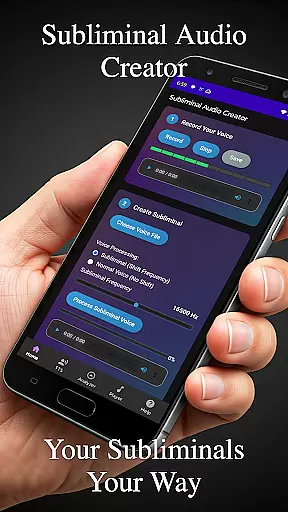
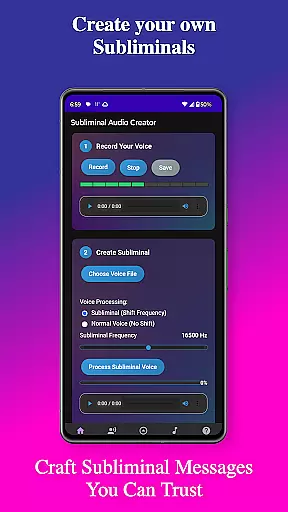
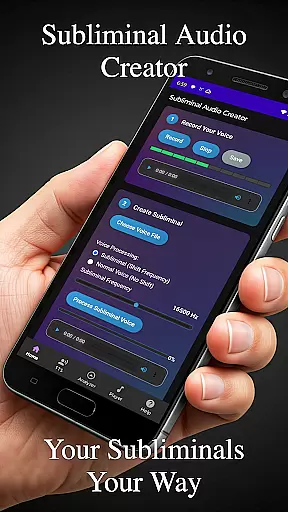
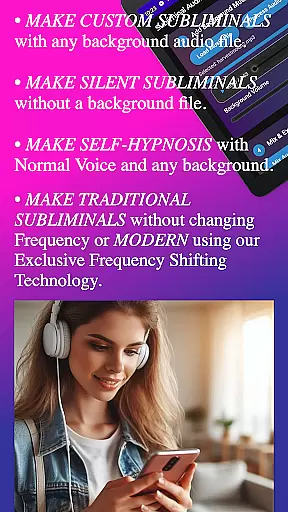
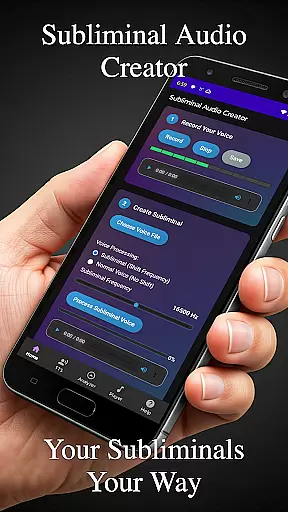
Subliminal Audio Creator is a comprehensive tool designed for creating personalized subliminal audio tracks, self-hypnosis recordings, and meditation music. This professional-grade app allows users to craft high-quality subliminal messages by combining voice recordings or text-to-speech affirmations with background music or ambient sounds. With its advanced features, the app caters to individuals seeking personal development, positive affirmations, meditation enhancement, motivation boosting, and stress reduction.
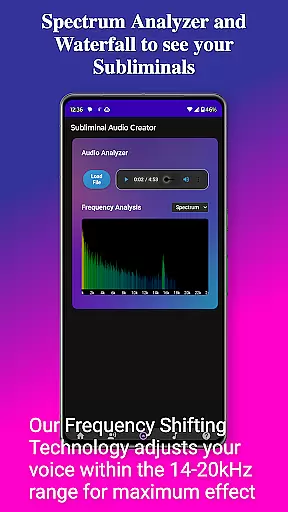
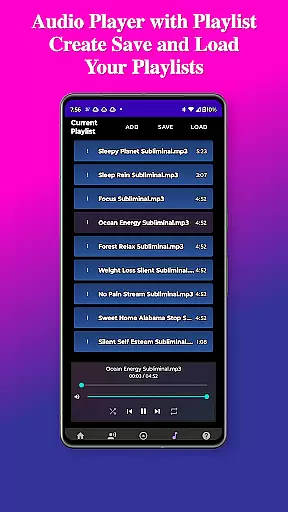
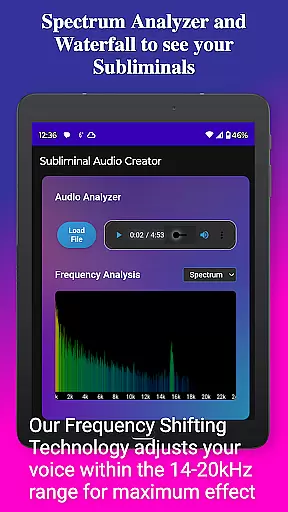
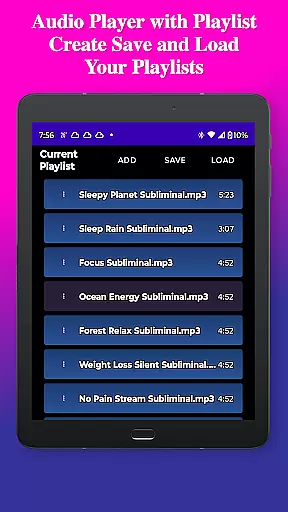
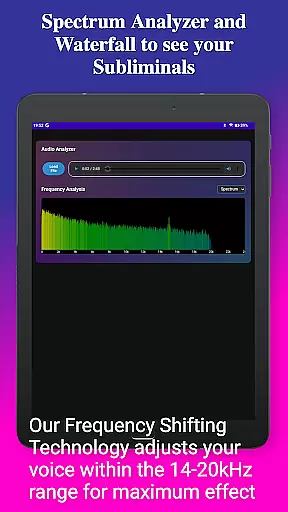
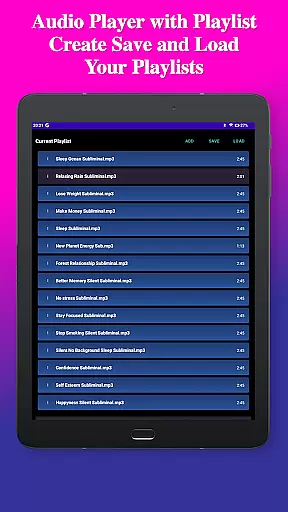
The app's built-in audio analyzer provides real-time frequency spectrum visualization, enabling users to verify subliminal frequencies and monitor audio quality. It supports both MP3 and WAV formats, offers flexible playback options including Chromecast streaming and Bluetooth connectivity, and includes a full-featured MP3 player with playlist functionality. The intuitive interface guides users through a step-by-step creation process, making it accessible even for beginners while offering advanced controls for experienced users.
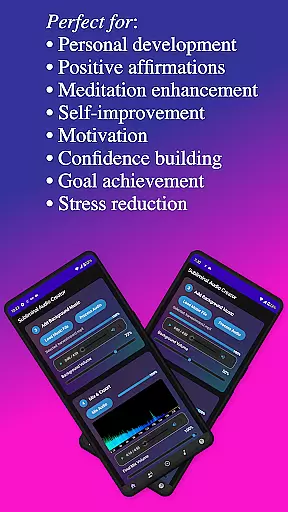
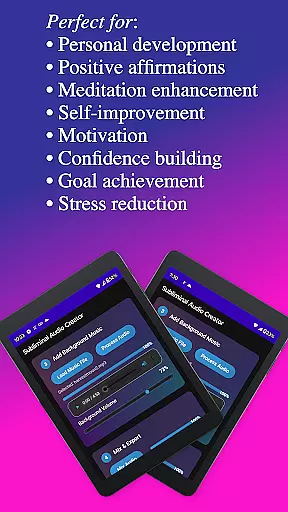
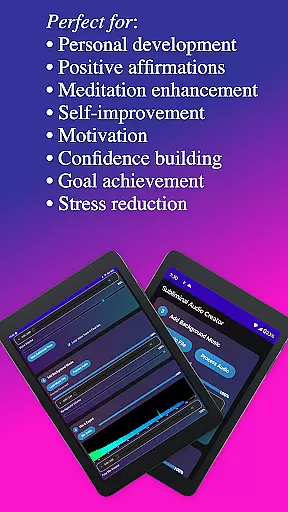
Perfect for personal transformation, Subliminal Audio Creator helps users achieve goals such as confidence building, stress management, and goal achievement. The app's organized file management system automatically sorts creations into dedicated folders, ensuring easy access and management. With lifetime access through a one-time purchase, users can enjoy an ad-free experience with all future updates included, making it a valuable investment in personal growth.
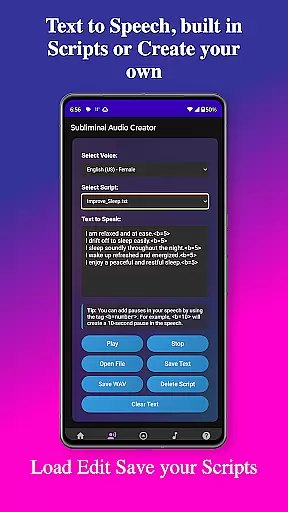
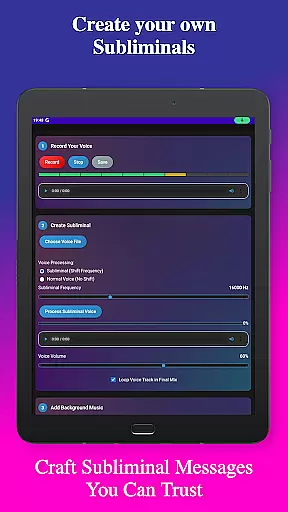
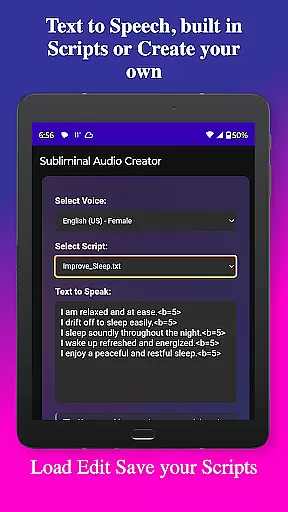
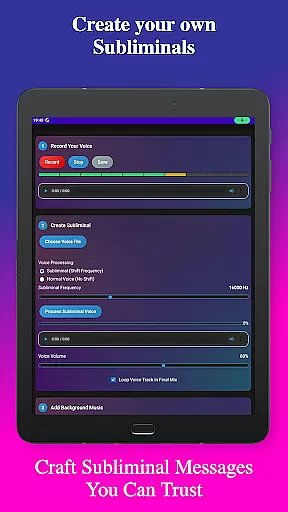
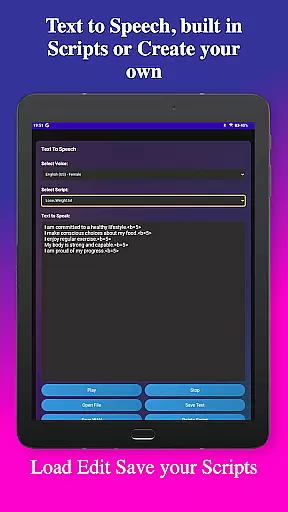
Subliminal Audio Creator stands out with its comprehensive feature set tailored for creating professional-quality subliminal audio content. The app includes a robust voice recording function that captures crystal-clear audio, allowing users to preview and re-record until they achieve perfect affirmations. For those preferring text-based input, the advanced text-to-speech engine offers multiple voice options and customizable pauses between affirmations, with support for saving and managing custom scripts.
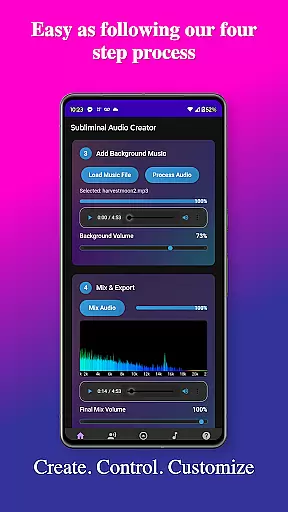
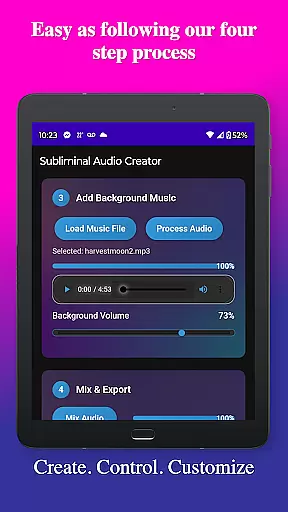
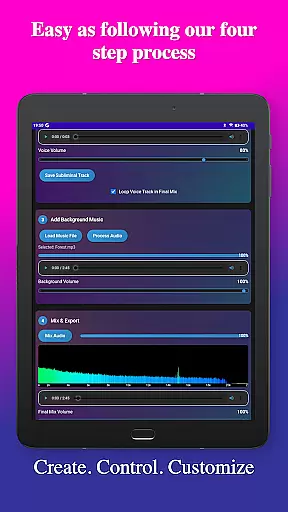
The app's mixing capabilities are exceptional, providing independent volume control for affirmations and background tracks. Users can choose from included background music or import their own, with support for both MP3 and WAV formats. The real-time audio analysis feature includes a waterfall display for detailed frequency visualization, helping users create optimal mixes at their desired subliminal frequencies (default 16000 Hz). Advanced controls allow fine-tuning of various parameters, including seamless loop creation and high-quality MP3 encoding.
Additional notable features include Google Cast support for wireless streaming, background playback capability, and media control integration. The user-friendly interface features a modern design with dark theme options for comfortable extended use. The organized file management system automatically categorizes voice recordings, subliminal tracks, and final mixes, while supporting project saving and loading. These features collectively make Subliminal Audio Creator a powerful tool for anyone interested in personal development through audio technology.
Personalized planning in the realm of subliminal audio creation involves tailoring affirmations and audio tracks to meet individual goals and aspirations. Subliminal Audio Creator offers a comprehensive suite of tools that allow users to craft personalized audio experiences aimed at achieving specific personal development objectives.
The app's text-to-speech feature, with multiple voice options and customizable pauses, enables users to design affirmations that resonate with their personal growth journey. Users can write and save their own scripts, ensuring that each subliminal message is aligned with their unique path to self-improvement.
With the ability to adjust subliminal frequencies and mix background music or ambient sounds, users can create an optimal auditory environment for manifestation and motivation. The built-in audio analyzer provides real-time feedback on frequency spectrums, empowering users to fine-tune their mixes for maximum effectiveness.
By leveraging these personalized planning capabilities, users can address areas such as confidence building, stress reduction, and goal achievement with precision, making each listening session a step towards their envisioned self.
Progress visualization is crucial for maintaining motivation and tracking the effectiveness of subliminal audio sessions. Subliminal Audio Creator incorporates features that allow users to visually monitor their progress through detailed audio analysis tools.
The app's real-time frequency spectrum analyzer and waterfall display offer visual representations of audio quality and subliminal frequencies within mixes. These visual cues help users verify that their audio tracks are optimized for their intended purpose, whether it be meditation enhancement or positive affirmations.
Users can observe changes in their audio creations over time, noting improvements in mix quality and subliminal effectiveness. This ongoing visual feedback supports continuous refinement of their audio projects, contributing to a more engaging and successful personal development process.
Through progress visualization, users gain not only a sense of accomplishment but also valuable insights into their personal growth trajectory, reinforcing commitment to their self-improvement goals.
User-friendly interface
Advanced audio controls
Multiple export formats
Real-time audio analysis
Comprehensive feature set
Requires storage permission
No free version available
One-time purchase cost
Limited voice options
Complex for beginners

Weight loss app: home workout for women to lose weight & burn calories.
 4.80
4.80
App to stop smoking slowly or now with a motivational badges and helpful tips
4.80
For Absolute Novices to Strength Training. Simple. Effective.
4.40
Build Healthy Habits!
4.60
The app helps you address digestive symptoms based on the Fast Tract Diet.
3.50
A brain game that moves you
4.70
Measure your Pupil Distance for Eyeglasses and VR headsets in 3 quick steps.
4.70
Eat smarter with Eato, your personal calorie counter and nutrition tracker!
4.40
Workouts for everyone
4.70
sobriety counter app to help and motivate people to stop drinking alcohol.
4.90
When the night comes, we prepare your eyes for deep, sweet dreams
4.70
The Crunch Mobile app - Find a gym, manage favorites, reserve & cancel classes.
4.60
Relax to calm sounds, white noise, music, guided meditation and bedtime stories
4.40
This is an application that serves as a companion app for smart watch.
4.20
SportWerks - Workout Tracker for Wear OS Watches
3.90
FitCloudPro takes care of your health every minute.
3.70
Measure real-time wrist & ambient temperature with your Galaxy Watch (Wear OS)
3.20
The Sleep Miracle Sound Machine: Soothes baby to sleep with a gentle "Shhh"
3.00
Transform your body and soul with DBFFitness, with a 40-day fitness journey.
4.4


User Reviews