
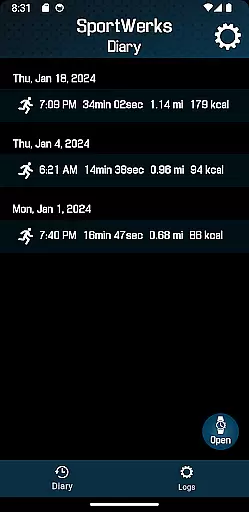
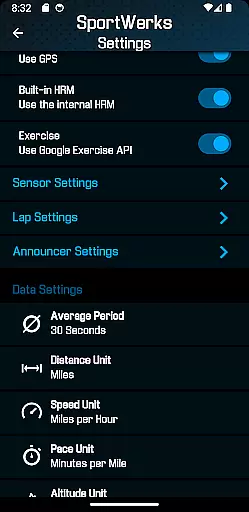
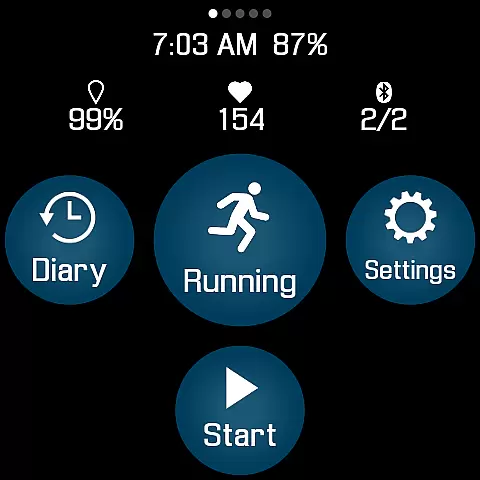
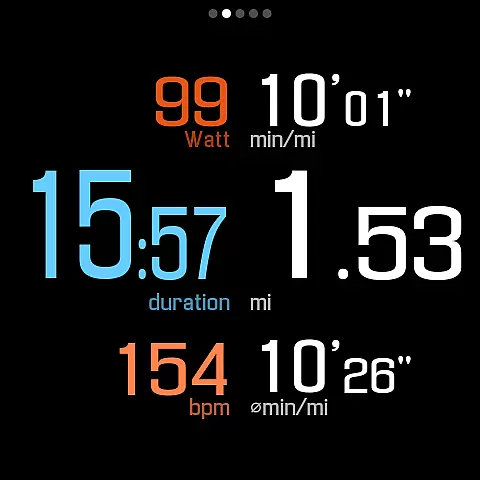
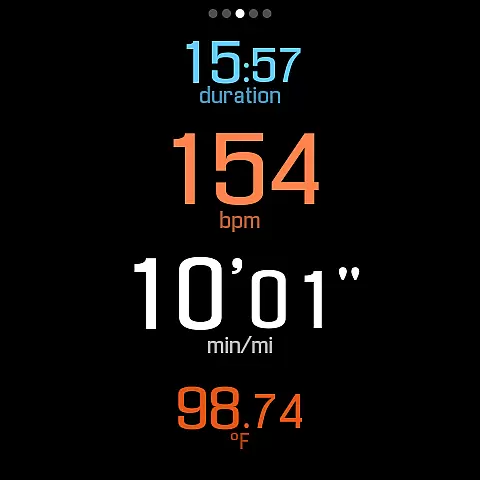
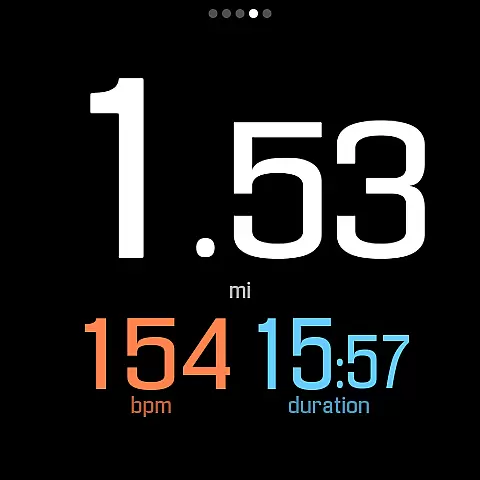
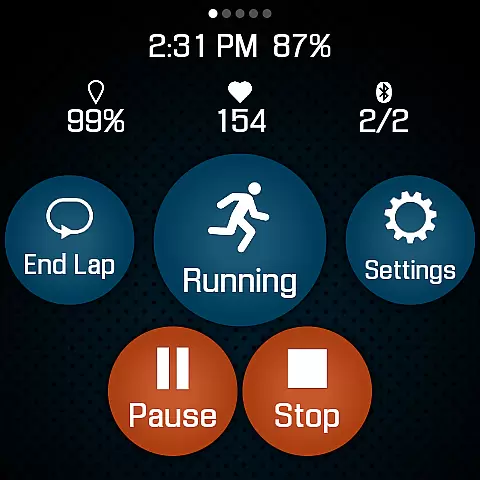
SportWerks is a comprehensive workout tracker designed specifically for Wear OS watches, offering users the ability to customize their workout screens with large, easy-to-read numbers. This Health & Fitness app allows you to track various types of workouts from the Google Exercise library while monitoring key metrics like heart rate, location, and power. Its offline functionality ensures you can leave your phone behind while still capturing all essential workout data.
The app stands out by providing automatic syncing with popular fitness platforms such as Strava, FinalSurge, and TrainingPeaks, along with generating .FIT files for use with other systems. With its companion Android app, users can adjust settings in real-time and manage their workout files effortlessly. Whether you're a runner, cyclist, or swimmer, SportWerks delivers a seamless tracking experience that caters to both casual exercisers and serious athletes.
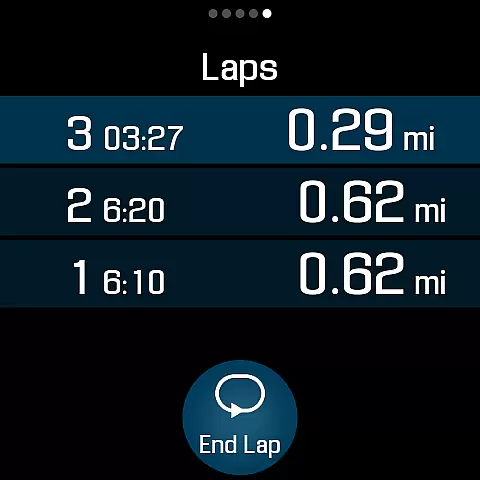
SportWerks boasts an impressive array of features tailored for fitness enthusiasts. The app supports multiple workout types including running, cycling, swimming, and more, while tracking detailed metrics such as HR, pace, and elevation. Users can choose from various workout screen layouts (6-values, 4-values, 3-values, Laps) and toggle them on or off with a single tap, ensuring they see only the data they need during workouts.
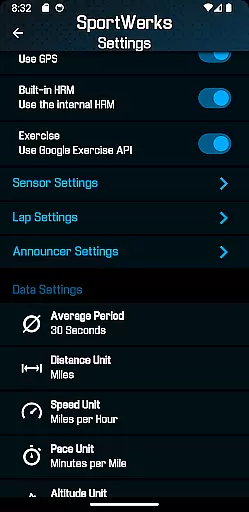
Connectivity is another strong suit, with support for leading Bluetooth-Low-Energy (BLE) devices from brands like Stryd, Wahoo, and Polar. After completing a session, workouts are automatically sent to integrated platforms like Strava and TrainingPeaks. Additionally, the app provides audio announcements through the watch speaker or paired headset at set intervals, allowing users to stay focused without checking their device constantly.
Personalized planning in fitness applications refers to the ability to tailor workouts according to individual preferences and needs, ensuring a unique and effective exercise experience. SportWerks - Workout Tracker excels in this area by offering customizable workout screens that display data most relevant to the user during their exercise sessions.
The app supports a wide range of workout types from the Google Exercise library, including running, cycling, and swimming, allowing users to track various aspects of their physical activity. With options to connect to BLE devices such as heart-rate monitors and power meters, SportWerks provides personalized feedback on performance metrics like HR, pace, and power.
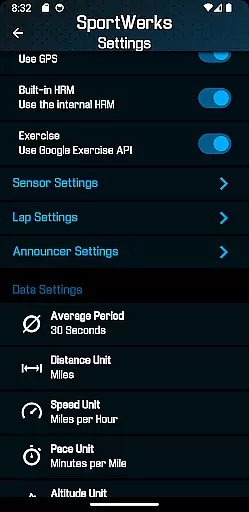
Furthermore, users can set lap distances and timed intervals for audio feedback, which means they receive updates without needing to look at their device. This hands-free approach to receiving critical workout data is invaluable for maintaining focus and safety during intense sessions.
By integrating with platforms like Strava and TrainingPeaks, SportWerks ensures that each user's personalized plan can be seamlessly incorporated into their broader fitness goals, making it an indispensable tool for anyone serious about tracking their progress with precision.
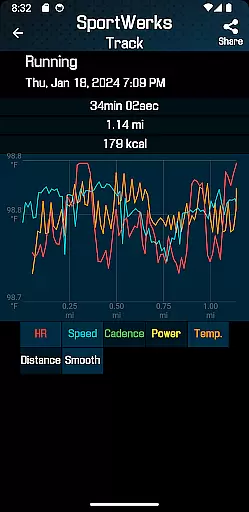
Progress visualization is a crucial feature in health and fitness apps, providing users with tangible evidence of their achievements and motivating continued effort. SportWerks offers robust progress visualization through its comprehensive tracking capabilities and detailed post-workout analysis.
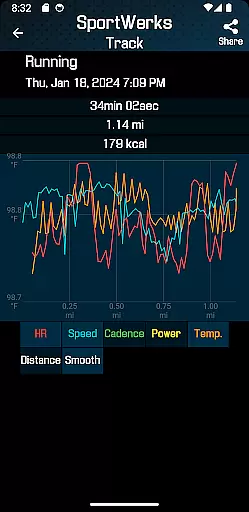
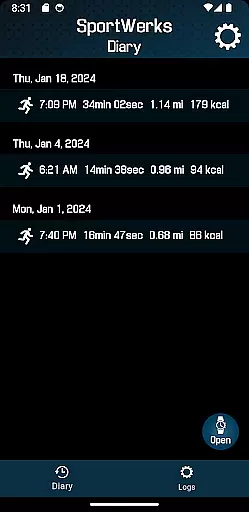
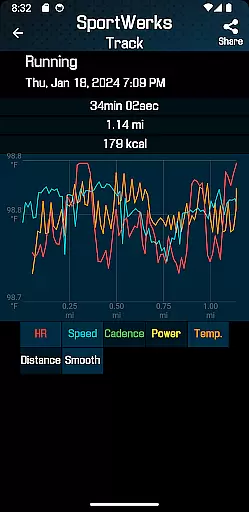
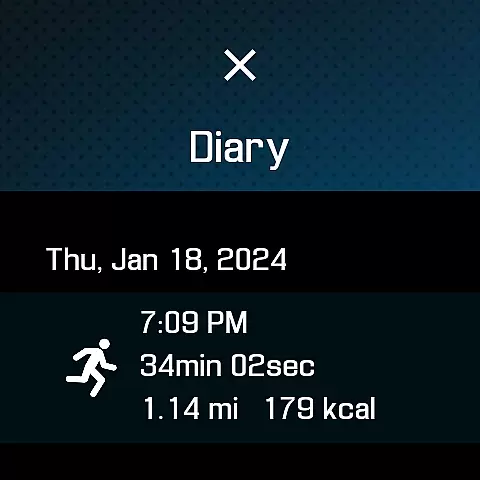
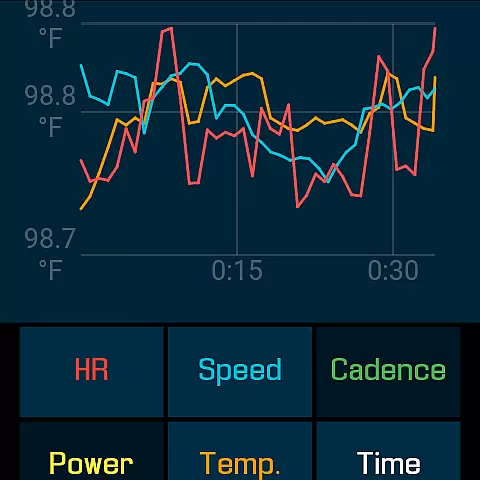
After completing a workout, users can view extensive data collected during their session, including metrics such as location, stride rate, elevation gain, and more. The app compiles this information into easy-to-understand formats that help users comprehend their performance over time.
In addition to viewing data directly on the Wear OS watch, SportWerks allows for automatic uploads to popular fitness platforms where users can visualize trends and improvements across multiple sessions. This cross-platform compatibility enhances the ability to see long-term progressions in oneu2019s fitness journey.
With features like .FIT file exports and real-time companion app synchronization, SportWerks not only visualizes immediate workout results but also contributes to a larger picture of a user's ongoing health and fitness narrative, encouraging sustained engagement and goal attainment.
User-friendly interface
Comprehensive metric tracking
Wide device compatibility
Automatic workout syncing
Real-time setting adjustments
Limited to Wear OS
No iOS companion app
Premium features require subscription
Occasional syncing issues
Complex setup for beginners

Create powerful subliminal audio with custom affirmations and background music.
 4.00
4.00
For Absolute Novices to Strength Training. Simple. Effective.
4.40
a fun app full of surprises :)
4.70
Build Healthy Habits!
4.60
Effortlessly and naturally release anxiety by harnessing the power of your brain
4.60
Protect your healthy sleep
4.80
Track heart rate & HRV in 30s! Get live health insights and anomaly alerts
4.40
Your personal BP tracking companion, focus on helping you achieve wellness goal.
4.10
GloryFit is a companion app for the smart bracelet.
3.60
Meditation app, head space app provides calm music to help you meditate & sleep
5.00
Medbridge GO gets you moving - get back to doing what you love, faster!
4.90
Weight loss app: home workout for women to lose weight & burn calories.
4.80
You deserve easy access to important insurance information. Download for FREE.
4.70
Period Tracker, the easiest way to track your periods!
4.50
Download MadMuscles to start your positive body transformation!
4.30
Interval timer for High Intensity Interval Training, Tabata and Circuit Training
4.20
Make sense of your health data.
3.80
Pupillary distance PD with camera quick and easy, checking glasses frames on you
3.70
Find Paid Clinical Trials In Your Area
3.70


User Reviews