
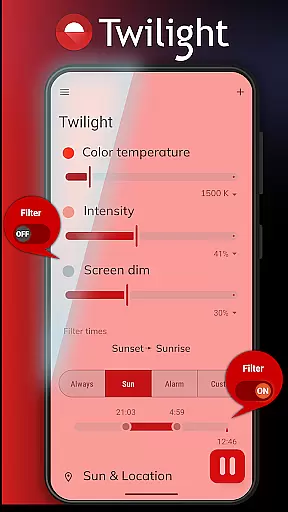
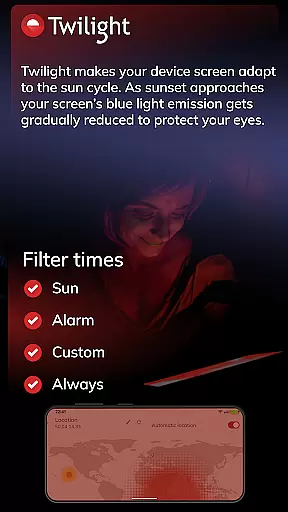
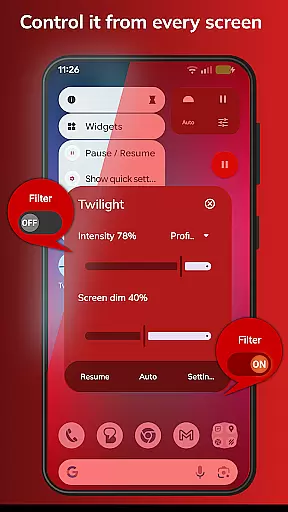
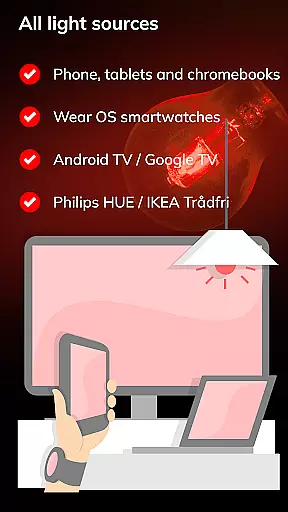
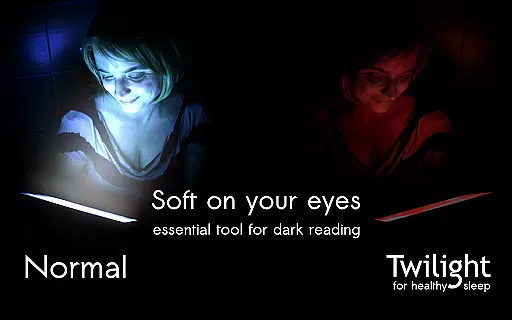
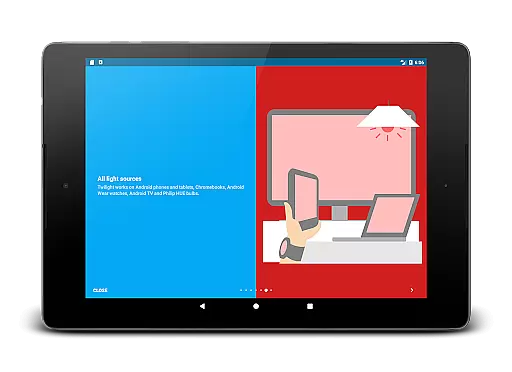
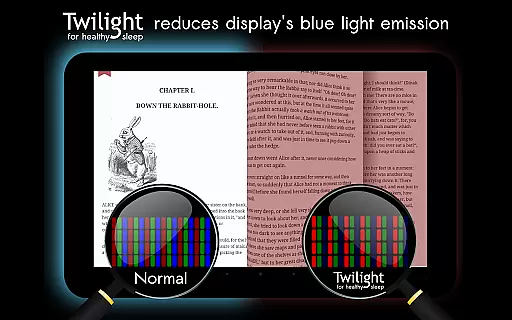
Twilight Pro Unlock is a specialized application designed to mitigate the adverse effects of blue light exposure especially during evening hours. By adapting the device screen to the time of day it effectively filters out the blue spectrum after sunset replacing it with a soothing red filter.
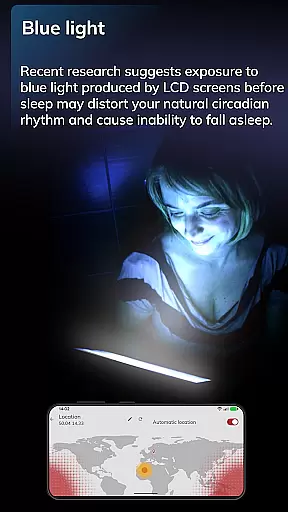
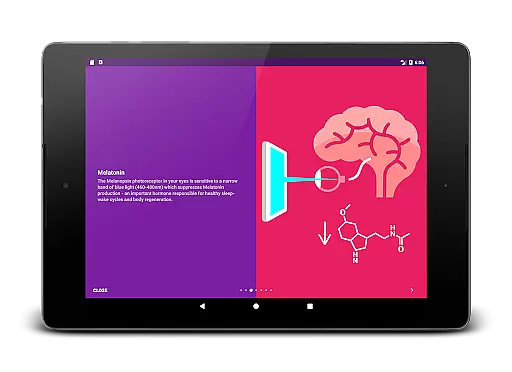
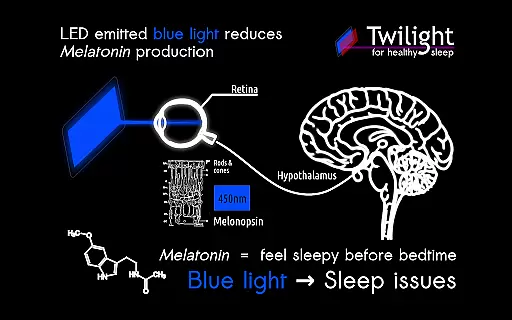
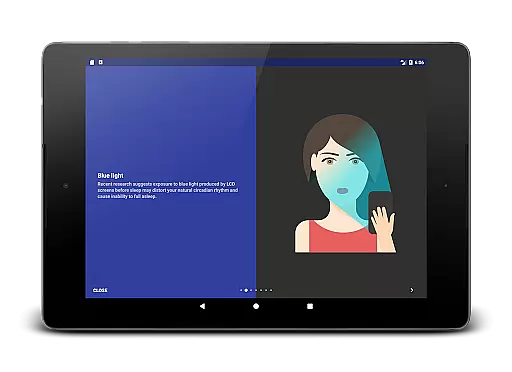
This Health & Fitness app operates based on the user's local sunset and sunrise times creating a seamless transition that aligns with natural circadian rhythms. Such functionality is crucial as recent studies indicate that blue light can significantly disrupt sleep patterns by suppressing melatonin production.
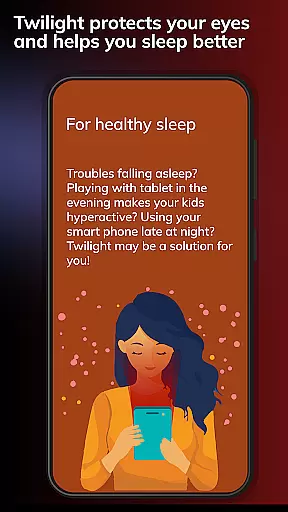
For individuals struggling with sleep disturbances or those who use digital devices before bedtime Twilight Pro Unlock presents a valuable tool to foster healthier sleep habits and overall well-being.
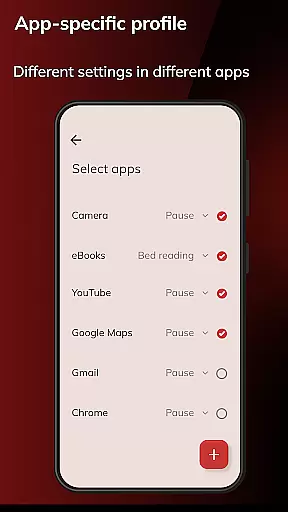
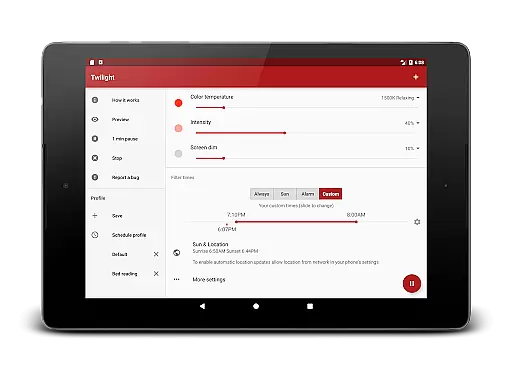
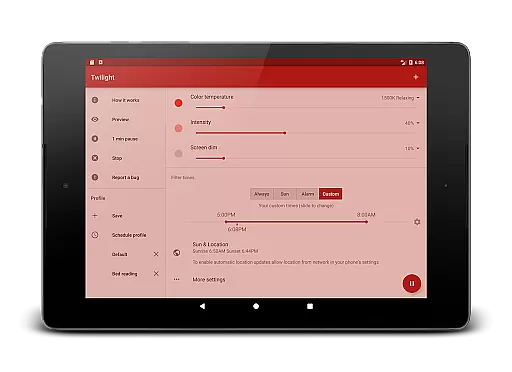
Twilight Pro Unlock offers advanced features to enhance sleep quality through strategic blue light filtering. The app provides more than two predefined profiles allowing users to customize their experience according to personal preferences and daily routines.
A key feature is the adjustable transition time which enables a gradual change in screen lighting conditions mimicking natural sunset patterns. Additionally users have the option to disable the Twilight service during inactive periods ensuring minimal interference with other activities.
The app also includes exclusive PRO features that are often introduced ahead of standard updates providing early access to innovative solutions for better sleep hygiene.
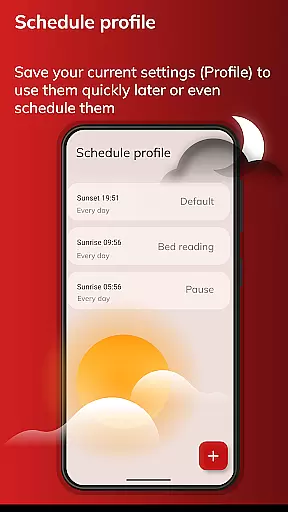
Personalized planning in Twilight Pro Unlock involves tailoring the screen's blue light filtering to match your daily schedule and environment. This feature is crucial for maintaining a natural circadian rhythm.
The app achieves personalized planning by allowing users to set custom profiles that adjust the intensity of the red filter based on the time of day, sunset, and sunrise. Users can create more than two predefined profiles, ensuring their screen adapts perfectly to different scenarios.
By using this feature, users can experience improved sleep quality as the tailored blue light reduction helps in melatonin production. The adjustments are smooth and considerate of the user's bedtime, leading to healthier sleep-wake cycles.
This level of personalization ensures that whether you're an early bird or a night owl, Twilight Pro Unlock will support your lifestyle by promoting better sleep hygiene and overall well-being.
Progress visualization in Twilight Pro Unlock refers to how the app demonstrates the positive changes in your sleep patterns due to reduced blue light exposure. Understanding progress is essential for recognizing the benefits of using the app consistently.
Twilight Pro Unlock visualizes progress through feedback on your screen time habits and improvements in sleep duration and quality. It provides insights into how much blue light has been filtered out during your usage in the evening.
Users benefit from progress visualization as it motivates them to maintain healthy device usage habits before bedtime. Seeing tangible results encourages adherence to a routine that fosters good sleep hygiene.
With Twilight Pro Unlock's progress tracking, users gain a clear understanding of their sleep improvements over time, reinforcing the value of the app in their nightly routine and contributing to long-term health benefits.
Improves sleep quality
Customizable profiles
Gradual light adjustment
Early access to new features
Supports circadian rhythm
May affect screen color accuracy
Premium version costs money
Some devices may experience compatibility issues
Initial setup can be complex
Battery usage may increase slightly

Live Heart Rate Pro - Real Time Heart & Workout Data For Wear OS & Bluetooth BLE
 3.20
3.20
Relax to calm sounds, white noise, music, guided meditation and bedtime stories
4.40
App to stop smoking slowly or now with a motivational badges and helpful tips
4.80
Create powerful subliminal audio with custom affirmations and background music.
4.00
The Sleep Miracle Sound Machine: Soothes baby to sleep with a gentle "Shhh"
3.00
The Crunch Mobile app - Find a gym, manage favorites, reserve & cancel classes.
4.60
Track sleep cycle, relax with white noise, sleep sounds & smart alarm clock
3.80
Easy to use step counter, calorie counter helps lose weight, count steps offline
4.80
Focus on BP & Health
3.80
Show your support for the development of FitNotes - Gym Workout Log
4.90
Get lasting results with Chair Yoga, Wall Pilates, and Walking workouts!
4.60
50 HD sounds to help you relax during the day and sleep great at night!
4.40
Blood Pressure Log, HRV & Heartbeat Tracker. Pulse Checker.
4.40
Fast Body building & Weight Loss. Home Workouts with Daily Coach, No Equipment.
4.30
Pack of 66 calming lullabies for smooth fall asleep and relaxation
4.10
Your Health Has Met Its App (℠)
3.90
Dexcom G7 Continuous Glucose Monitoring
3.70
Enjoy the Gluten Free living with the best app. SCAN the barcodes & SEARCH.
3.60
Sync your activities of the most popular sports tracking services
2.70


User Reviews