
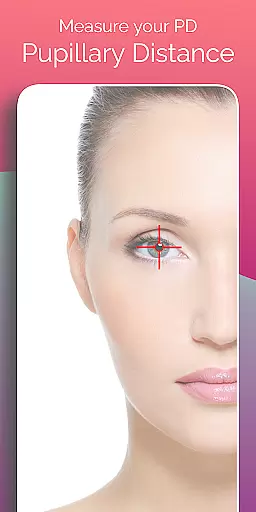
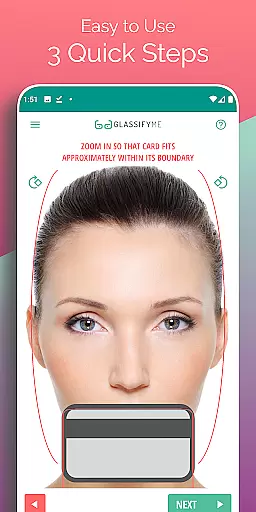
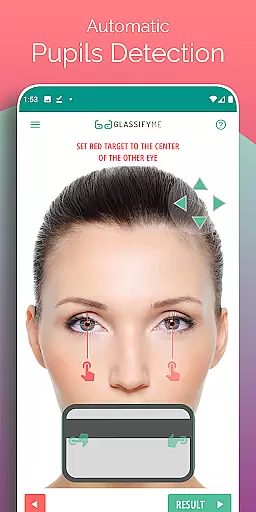
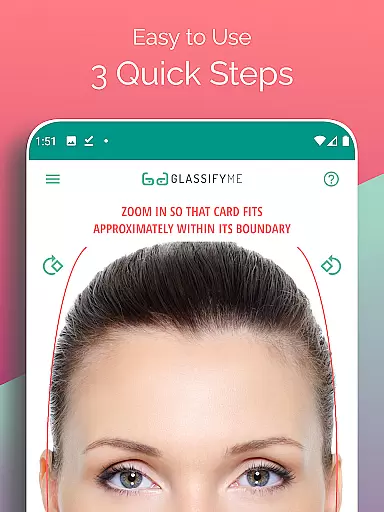
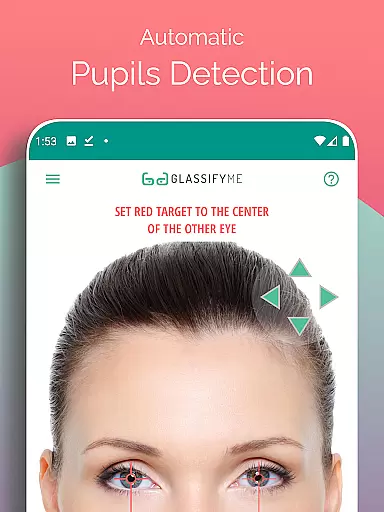
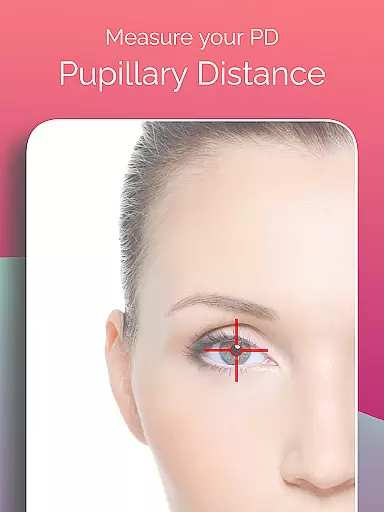
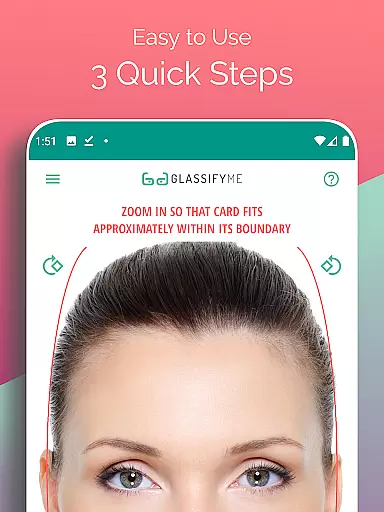
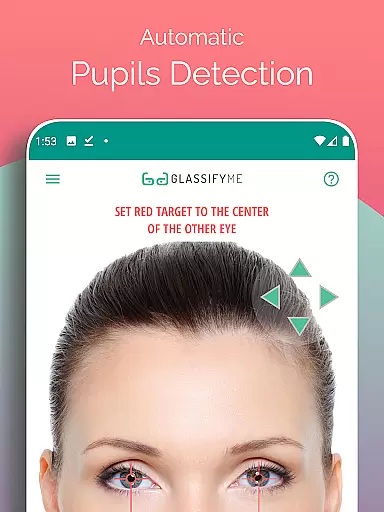
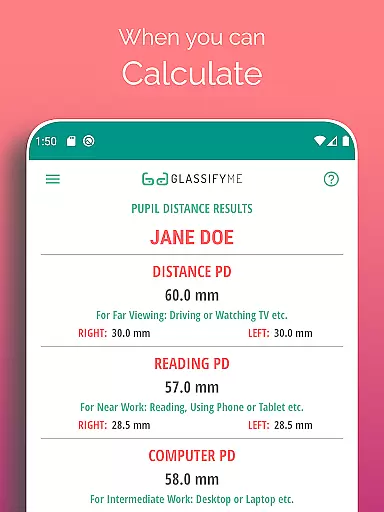
Pupil Distance PD Glasses & VR is a leading health and fitness application designed to accurately measure your Pupillary Distance (PD). This crucial measurement, essential for prescription glasses and VR headsets, is captured using advanced algorithms that automatically detect your eyes and pupils. By simply taking a photo with a standard-sized card, users can obtain precise PD measurements in millimeters, ensuring optimal vision correction and VR experiences.
The app stands out with its user-friendly approach, allowing measurements through selfies, photos taken by others, or imported images from the gallery. Whether you're managing your eyewear needs or calibrating VR equipment, this tool provides quick and reliable results, making it an indispensable utility for both personal and professional use.
Pupil Distance PD Glasses & VR offers a comprehensive set of features tailored for accurate and convenient PD measurement. The app's core functionality lies in its advanced algorithm, which ensures precise detection of pupils and calculation of PD. This process is simplified into three easy steps, enabling users to measure both Distance and Reading PD effortlessly.
In addition to its primary measurement capabilities, the app supports multiple methods of image capture, including selfies, third-party photos, and gallery imports. A tutorial video is available for guidance, enhancing user experience and understanding. With these robust features, the app caters to individuals seeking reliable PD measurements for various applications, from eyewear customization to VR setup optimization.
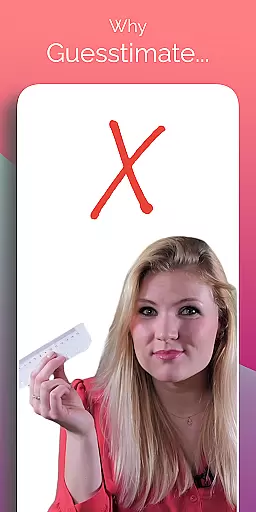
Personalized planning in the context of PD measurement involves tailoring the approach to suit individual needs. The PD Meter App by GlassifyMe offers a unique solution that adapts to each user's specific situation. By utilizing a standard-sized card for reference, the app can accurately gauge the pupillary distance, which is crucial for both prescription glasses and VR headsets.
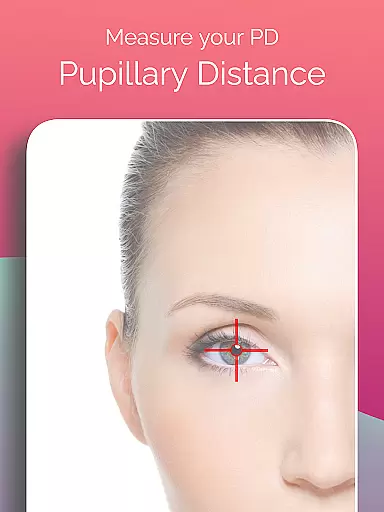
The application employs an advanced algorithm designed to automatically detect the user's eyes and pupils, ensuring a personalized experience. This feature eliminates the need for manual input, thus reducing the chance of error and providing precise results tailored to the individual's unique ocular anatomy.
Users benefit from this personalized planning as it simplifies the process of obtaining their PD measurement. Whether they choose to take a selfie, have someone else take their picture, or import a photo from their gallery, the app adjusts its calculations accordingly. This flexibility ensures that every user receives an accurate measurement that is specifically suited to their needs.
In essence, the PD Meter App transforms the often cumbersome task of measuring pupillary distance into a streamlined, customized process. With clear instructions and adaptable methods for capturing the necessary image, users can confidently obtain measurements that will contribute to better vision correction and VR experiences.
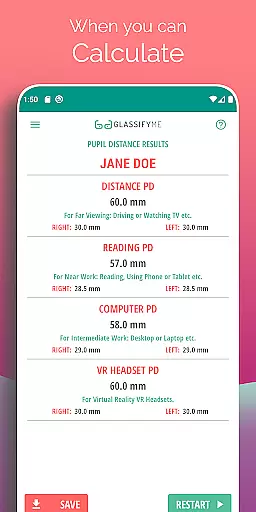
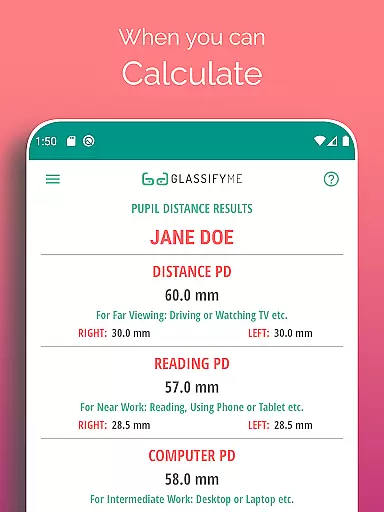
Progress visualization is a critical component in tracking personal health metrics, such as pupillary distance measurements. The PD Meter App provides immediate visual feedback upon calculating the user's PD, allowing them to see their progress in maintaining or adjusting their vision aids. This instant visualization empowers users with tangible evidence of their ocular health status.
By presenting the calculated PD measurement within the app interface, users are given a clear numerical value alongside helpful graphics that illustrate their eye positioning. Such visual cues make it easier for individuals to comprehend their results and understand how these figures translate into real-world applications like prescription glasses or VR headset adjustments.
This form of progress visualization not only clarifies the current state of the user's pupillary distance but also aids in recognizing any changes over time. Should there be variations in PD due to factors like age or health conditions, having access to visual representations enables proactive management of oneu2019s optical requirements.
Ultimately, through effective progress visualization tools provided by apps like PD Meter, users gain greater insight into their personal health data. They can monitor fluctuations in their PD with ease, leading to more informed decisions regarding corrective eyewear and virtual reality interactionsu2014ensuring optimal visual experiences across different platforms.
Accurate PD measurement
User-friendly interface
Multiple capture options
Advanced detection algorithm
Comprehensive tutorial support
Requires a reference card
Limited to Android devices
Internet connection needed
Premium features may cost extra
Occasional calibration issues

Weight loss app: home workout for women to lose weight & burn calories.
 4.80
4.80
Get alert about getting out of desired heart rate zone.
4.10
Using Recognise™ has been shown to reduce pain and improve performance
4.1
Protect your healthy sleep
4.80
Relax. Sleep Better. Feel Better.
4.50
Grow with self-tests and personal routine.
4.30
The most accurate heart rate app to monitor and track your heart rate & pulse.
4.40
This is an application that serves as a companion app for smart watch.
4.20
Your Health Assistant
3.90
Home workouts for fitness & fast bodybuilding at home - no equipment needed.
4.90
You deserve easy access to important insurance information. Download for FREE.
4.70
Drink water reminder app. Track water intake. Smart simple hydration tracker.
4.70
Personal Measurements - Track your gains!
4.50
50 HD sounds to help you relax during the day and sleep great at night!
4.40
Monitor, analyze, track, and convert blood sugar & help you control diabetes.
4.10
SportWerks - Workout Tracker for Wear OS Watches
3.90
Live Heart Rate Pro - Real Time Heart & Workout Data For Wear OS & Bluetooth BLE
3.20
Your plan in your pocket 24/7
3.00
Text notifications, button control, heart monitor & more for your Amazfit.
2.40


User Reviews