
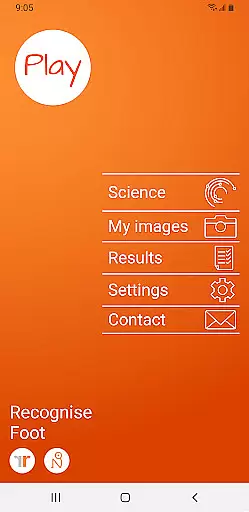
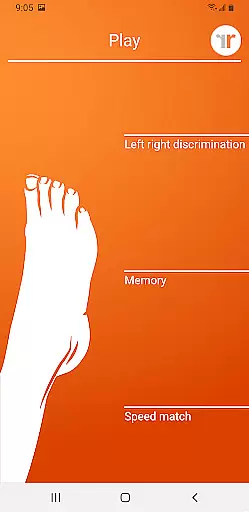
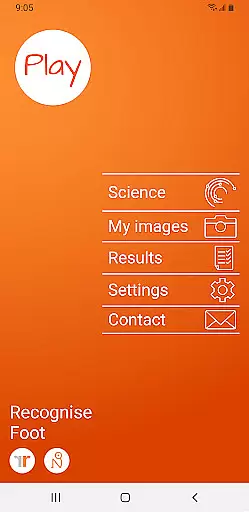
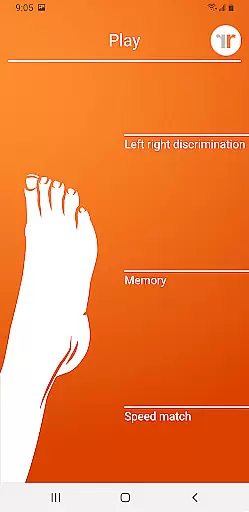
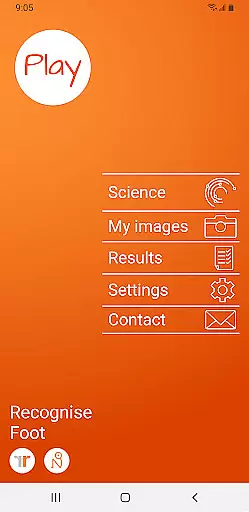
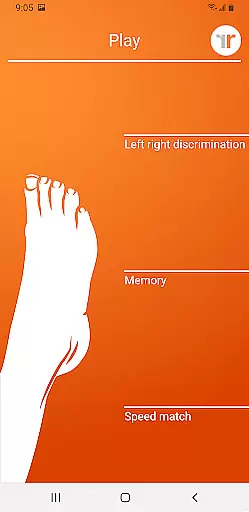
Recognise Foot is a specialized health and fitness application designed to assist users in managing pain, enhancing performance, and supporting rehabilitation through a structured Graded Motor Imagery program. The app focuses on improving the user's ability to distinguish between left and right body parts, which is crucial for recovery from certain injuries.
With tools like 'Memory' and 'Speed match', Recognise Foot offers an engaging way to train the brain, promoting neuroplasticity. Users can track their progress with detailed onscreen results and graphs, while also being able to export these results to their healthcare provider for further analysis.
This app is particularly beneficial for individuals undergoing physical therapy or those interested in optimizing their motor skills through targeted mental exercises.
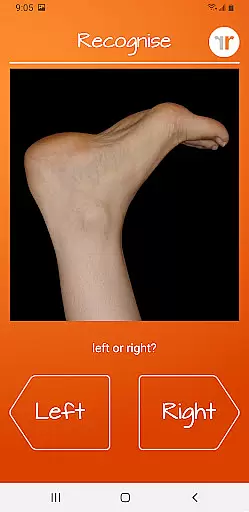
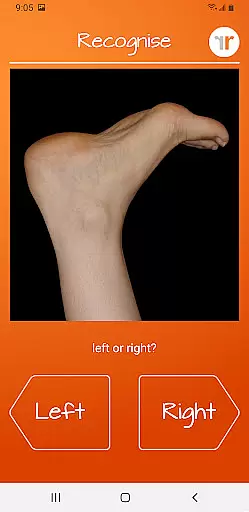
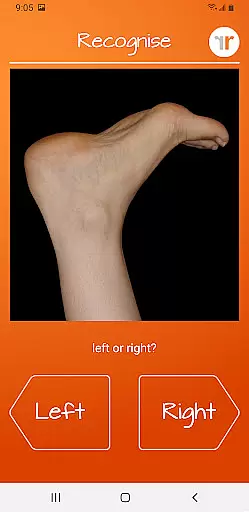
Recognise Foot stands out with its unique approach to rehabilitation by incorporating scientifically-backed methods such as Left/Right Discrimination tasks. These tasks challenge users to quickly identify images of feet as either left or right, effectively training their brains.
The app includes various difficulty levels and personal best challenges to keep users motivated. Additionally, it allows users to capture their own images for personalized training sessions. This feature, combined with the ability to email results directly to clinicians, makes Recognise Foot a comprehensive tool for both patients and healthcare providers.
By integrating clinical tools and providing a deep dive into the science behind its methodology, Recognise Foot ensures that users not only improve but also understand the mechanisms aiding their recovery.
Recognise Foot offers a personalized approach to motor imagery training, which is crucial for effective rehabilitation. The app's graded difficulty levels and personal best challenges ensure that each user progresses at their own pace.
Through features like 'Memory' and 'Speed match', the application provides tailored tools that adapt to the individual's performance. This customization allows users to train their brains more effectively by harnessing neuroplasticity.
Users can capture their own images and incorporate them into their training sessions, further personalizing the experience. This feature enhances engagement and ensures that the exercises are relevant to the user's specific rehabilitation needs.
The ability to export and email results to clinicians or therapists adds another layer of personalization. It enables healthcare providers to monitor progress and adjust treatment plans accordingly, ensuring optimal recovery outcomes.
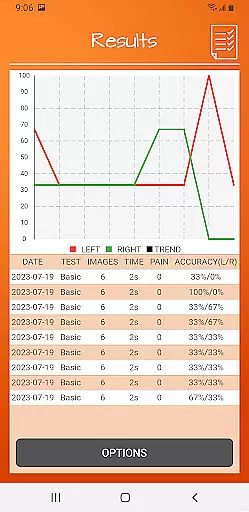
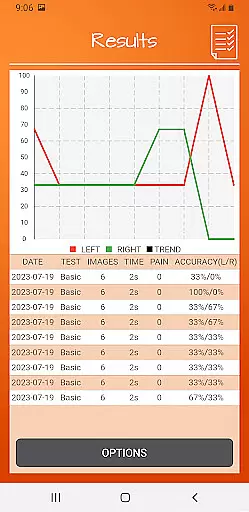
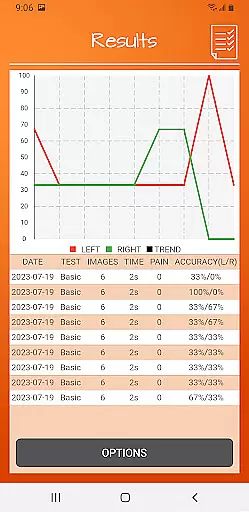
Recognise Foot excels in visualizing user progress through detailed onscreen results and graphs. These visual aids help users understand their improvement over time in left/right discrimination tasks.
The app tracks performance metrics and presents them in an easily digestible format. Users can clearly see their speed and accuracy improvements, which serves as a motivational tool during rehabilitation.
With comprehensive graphing capabilities, individuals can map their journey through various stages of their Graded Motor Imagery program. This visual representation makes it easier to comprehend complex patterns in their recovery process.
Clinicians benefit from these visualization tools as well, as they can quickly assess a patient's progress. The ability to export and share these visual reports facilitates better communication between patients and healthcare providers.
User-friendly interface
Customizable training options
Detailed progress tracking
Clinical integration capabilities
Science-backed methodologies
Requires consistent use
Limited to specific rehabilitation needs
Premium version may be costly
Dependent on user engagement
May require professional guidance

Create powerful subliminal audio with custom affirmations and background music.
 4.00
4.00
Personal Measurements - Track your gains!
4.50
50 HD sounds to help you relax during the day and sleep great at night!
4.40
Protect your healthy sleep
4.80
Find Paid Clinical Trials In Your Area
3.70
Memory, mind & logic exercises. Puzzle games, IQ & brain test for kids & adults
4.50
Track sleep cycle, relax with white noise, sleep sounds & smart alarm clock
3.80
Drink water reminder app. Track water intake. Smart simple hydration tracker.
4.70
Jogging app for calorie counter and distance tracker. Running app to lose weight
4.20
Power-lifting, weightlifting and Wendler 531 app to track your workout program.
4.90
App to stop smoking slowly or now with a motivational badges and helpful tips
4.80
Wall Pilates at home & Pilates workout for beginners for core and weight loss.
4.80
Easy to use step counter, calorie counter helps lose weight, count steps offline
4.80
Chair Workout: Women's Edition for safe, flexible, and personalized fitness.
4.40
Track heart rate & HRV in 30s! Get live health insights and anomaly alerts
4.40
Monitor, analyze, track, and convert blood sugar & help you control diabetes.
4.10
Your Health Has Met Its App (℠)
3.90
Your Health Assistant
3.90
GloryFit is a companion app for the smart bracelet.
3.60


User Reviews