
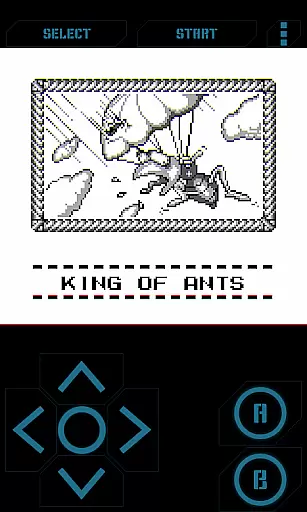
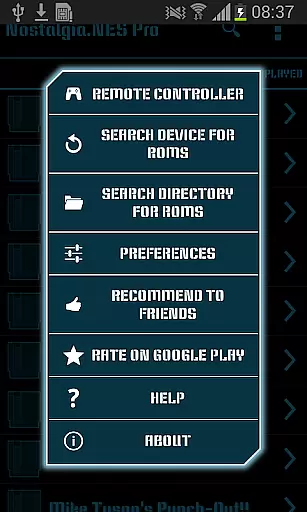
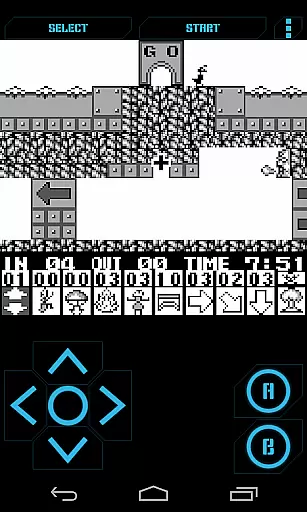
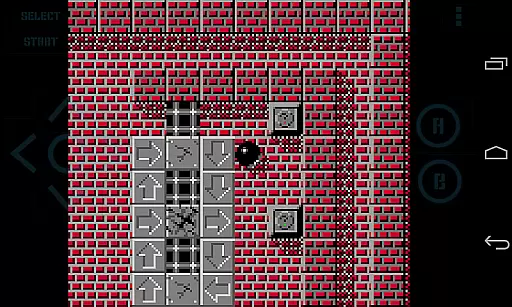
Nostalgia.GBC Pro is a premium Game Boy Color emulator that brings classic gaming to modern devices. This ad-free version offers an enhanced emulation experience based on the advanced gambatte core, ensuring accurate performance and compatibility with GB and GBC ROMs.
The emulator features a sleek user interface combined with powerful customization options. Users can adjust virtual controller settings, manage save states across devices, and utilize advanced functions like rewinding and turbo buttons. Its hardware-accelerated graphics and peripheral support make it a top choice for retro gaming enthusiasts.
Ideal for collectors and casual players alike, Nostalgia.GBC Pro enables seamless gameplay sessions while supporting various input methods including Bluetooth controllers and hardware keyboards. The app's comprehensive feature set makes it perfect for enjoying classic games on contemporary devices.
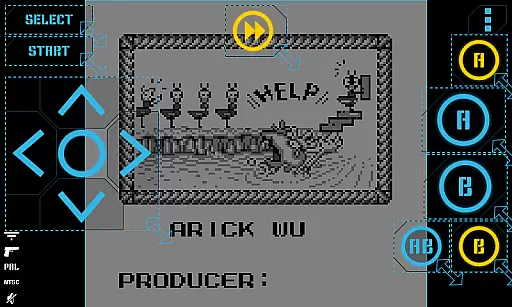
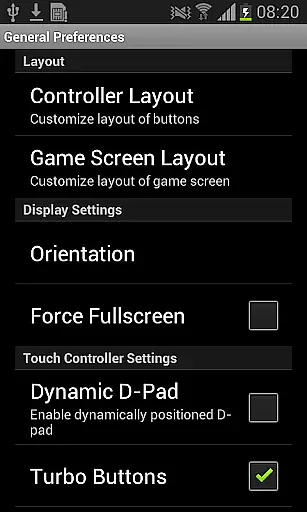
Nostalgia.GBC Pro stands out with its extensive feature set designed for optimal gaming experiences. The app includes a sophisticated virtual controller system where users can customize button size, position, and opacity to match their preferences.
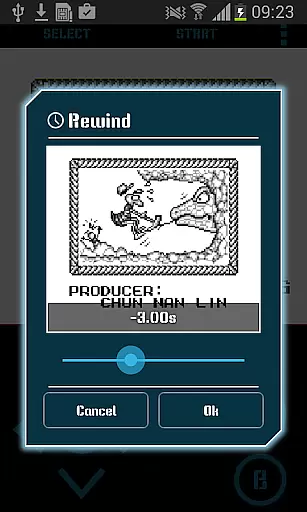
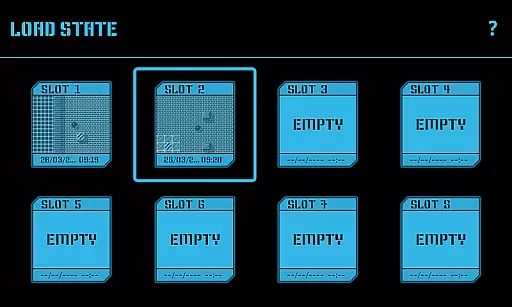
Advanced save state management allows gamers to maintain up to eight manual save slots with screenshots, plus an autosave feature. These states can be shared across devices through various methods including Bluetooth and email. The unique rewind function lets players reverse time by several seconds, providing a safety net during challenging gameplay moments.
Additional professional-grade features include hardware-accelerated graphics using OpenGL ES, support for HID Bluetooth gamepads, screenshot functionality, and cheat code implementation. The app also supports multiple file formats including GB, GBC, and ZIP files, making it versatile for different types of game collections.
Arcade authenticity is a crucial aspect of any emulator application, especially for retro gaming enthusiasts. Nostalgia.GBC Pro (GBC Emulator) excels in this area by offering a high-quality Game Boy Color emulation experience based on the latest revision of the renowned gambatte emulator.
The app's modern and user-friendly interface combines with customizable virtual controls, allowing users to adjust button sizes and positions to their preference. This feature enhances the nostalgic experience by mimicking the original Game Boy's tactile feedback while providing the flexibility of modern touch interfaces.
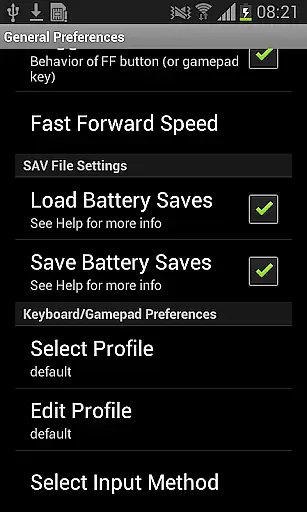
With support for game progress saving and loading, including 8 manual slots with screenshots and an autosave function, users can effortlessly pick up where they left off. The ability to share save states across devices adds another layer of convenience, making it easy to continue gaming on different platforms.
By supporting GB, GBC, and ZIP file formats, along with hardware-accelerated graphics and HID Bluetooth gamepads, Nostalgia.GBC Pro ensures that users can enjoy their favorite classic games with enhanced performance and authentic controls. These features collectively create an immersive arcade experience that captures the essence of nostalgia while leveraging contemporary technology.
Control responsiveness is vital for an optimal gaming experience, particularly in action-packed arcade games. Nostalgia.GBC Pro addresses this need by implementing highly responsive controls that ensure every input is registered accurately and promptly.
The emulator supports hardware keyboard inputs and HID Bluetooth gamepads like MOGA and 8bitdo, providing gamers with multiple options to interact with their favorite titles. This versatility allows users to choose their preferred control method, whether it be through touchscreen gestures or physical controllers, ensuring precise and lag-free gameplay.
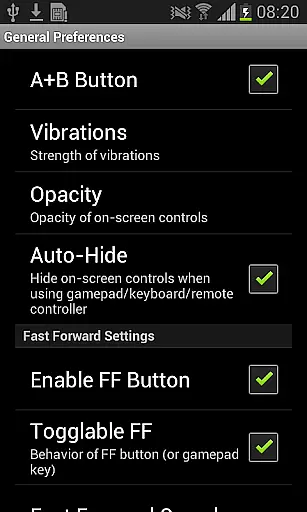
Additionally, the app offers turbo buttons and an A+B button combination feature, enabling advanced techniques and rapid-fire actions during gameplay. These enhancements not only improve control responsiveness but also add depth to the gaming experience by allowing players to execute complex maneuvers effortlessly.
Furthermore, the rewinding feature exemplifies the app's commitment to responsive controls by letting users reverse time when mistakes occur. This innovative functionality empowers players to correct errors instantly without restarting levels, maintaining engagement and enhancing overall enjoyment. Combined with adjustable control opacity settings, Nostalgia.GBC Pro delivers a seamless and customizable control experience that meets the demands of both casual and hardcore gamers alike.
High-quality emulation
Customizable controls
Cross-device saves
Rewind feature
Ad-free experience
No included games
Separate ROM required
Paid version only
Complex setup
Limited platform support

Genesis, Mega Drive, Mega CD, Master System, Game Gear Emulator!
 4.20
4.20
Flip the bottle! Do tricks and don't let the bottle fall!
4.50
Granny keeps you locked in her house.
4.30
Sega Saturn Emulator
4.20
It's quite possibly the world's hardest game!
3.90
John GBC is GB/GBC emulator. This emulator is easy to use.
3.80
Running game: dance in a twerk battle and become the twerk hero in our fun race!
4.30
The precise emulator of 8 bit handheld... Now even better!
4.50
You control the ball! Dribble, shoot and score against eleven soccer players!
4.60
*Try for free.* Survive alone in a Roguelike Reverse Bullet Hell.
4.80
Catch ghosts, shoot monsters and defeat bosses in this RPG idle shooting game.
4.70
Meet Snake Run Race! Slither through an obstacle course in our fun running game!
4.70
Local offline 2 3 4 player multiplayer minigames - race, tanks, football
4.60
Flip and flail a rag doll through endless levels and plunge into outlandish fun!
4.60
Eat & evolve your shark in the ultimate shark survival game!
4.50
Challenge your friends across the world to see who can jump the farthest!
4.50
Frenetic party game, pass the bomb to the other players!
3.80
Restore peace and order in the city
3.20
Sharpen your mind and reflexes while playing 4Way Dash
4.1


User Reviews