
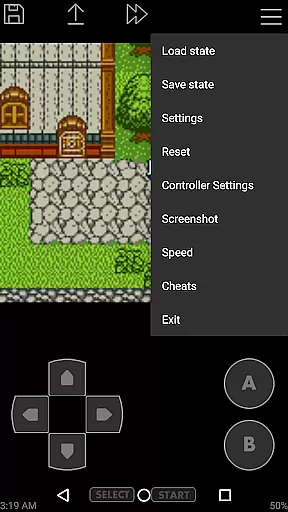
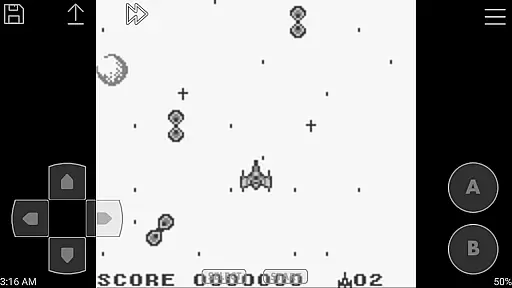
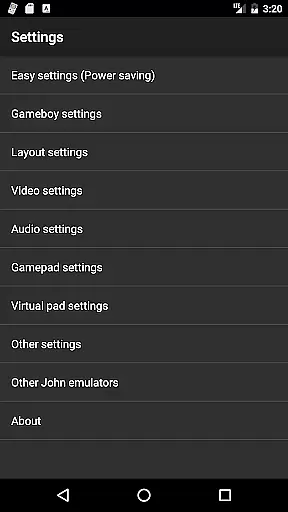
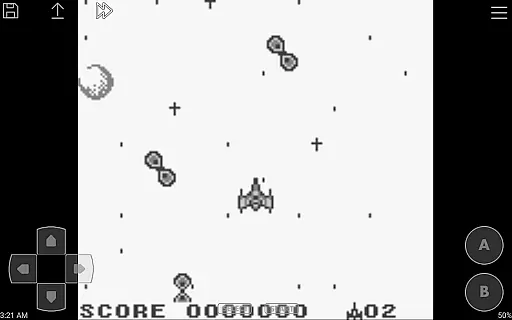
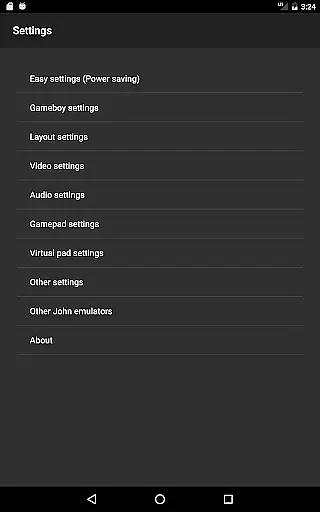
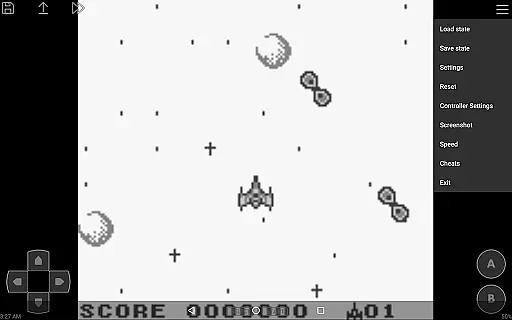
John GBC is a high-performance Game Boy/Game Boy Color emulator designed for Android 6.0 and above. This app offers an authentic emulation experience through its original GBC engine while providing modern features like high-quality rendering and customizable controls. Users can enjoy seamless gameplay with support for zipped game files, save states, and virtual on-screen keypads.
Designed for both casual and hardcore retro gaming enthusiasts, John GBC supports advanced functionalities such as turbo buttons, fast forward/slow down options, and cheat systems. With Bluetooth controller compatibility and Dropbox integration (via John DataSync), it ensures a versatile and uninterrupted gaming experience. Note that the app requires users to provide their own legally obtained game files.
John GBC stands out with its robust feature set tailored for retro gaming fans. The app includes an original GBC engine that delivers accurate emulation of classic games. Its high-quality rendering ensures sharp visuals, while the fast processing speed eliminates lag during gameplay. Additionally, users can search for game files across internal storage and SD cards effortlessly.
Customization is at the heart of John GBC's design. It offers fully customizable on-screen controls, including turbo buttons and adjustable key mappings. Advanced tools like save states with previews, screenshots, and cheat code support enhance user convenience. Furthermore, features like Bluetooth/MOGA controller compatibility and Dropbox syncing make this emulator adaptable to various play styles and preferences.
Arcade authenticity and nostalgia are essential elements for any arcade-style gaming experience. John GBC, as a Game Boy/Game Boy Color emulator for Android 6.0+, captures the essence of classic gaming with its original GBC engine. This ensures that users can relive the nostalgic experience of playing their favorite retro games on modern devices.
The emulator goes beyond just replicating the original gaming hardware. It offers high-quality rendering that enhances the visual experience while maintaining the original art style and charm of classic games. Players will appreciate the attention to detail in every pixel, making it feel as if they are holding a piece of gaming history in their hands.
Moreover, John GBC supports features like Super Game Boy borders, which add an extra layer of nostalgia by mimicking the look and feel of playing on a Super Game Boy peripheral. These authentic touches help recreate the atmosphere of sitting in front of a TV, controller in hand, ready to tackle the next big challenge.
Control responsiveness is crucial for an immersive and enjoyable gaming experience. John GBC excels in this area by providing a virtual on-screen keypad that is both intuitive and highly responsive. Players can expect immediate feedback when pressing buttons, ensuring that their actions are accurately reflected in the game without delay.
In addition to the standard controls, John GBC offers customizable keys and turbo buttons, allowing users to tailor the control scheme to their preferences. Whether you're executing complex combos or simply navigating through menus, having the ability to adjust your controls can significantly enhance your gameplay experience.
Furthermore, the emulator supports external controllers such as Bluetooth and MOGA gamepads. This feature caters to players who prefer physical buttons over touchscreens, offering them a more traditional and tactile way to interact with their favorite games. With these options, John GBC ensures that control responsiveness is never a barrier between you and your gaming adventures.
Fast emulation performance
High-quality graphics rendering
Customizable controls
Save states with previews
No ads or internet required
Requires personal game files
No free version available
Limited to Android 6.0+
Complex setup for beginners
Additional app needed for Dropbox

Sharpen your mind and reflexes while playing 4Way Dash
 4.5
4.5
Use superpower in your magic hands. Defeat the enemies in a fun elemental game.
4.50
A Ball Bouncer With Depth
4.00
Divine powers at your fingertips! An innovative and frantic shoot-'em-up!
4.2
Infinite Arcade
4.5
Jump and fly your way through danger in this rythm-based action platformer!
4.50
Relax and catch fish for your aquarium while earning rewards in these tank games
4.40
Join the breathtaking chase!
4.80
Full featured version of Pizza Boy A (GBA emulator)
4.80
*Try for free.* Survive alone in a Roguelike Reverse Bullet Hell.
4.80
Meet Snake Run Race! Slither through an obstacle course in our fun running game!
4.70
Cool car builder & racing simulator: make a car to win the obstacle course race!
4.60
Eat & evolve your shark in the ultimate shark survival game!
4.50
PC Engine/TurboGrafx-16 Emulator
4.50
GBA Emulator
4.40
Nostalgia.GBA Pro is a high quality GBA emulator.
4.40
Mine & Craft Block Mini World! Survival Crafting and Building & Creative Online.
4.30
A retro-flavoured infinite scroller Glyph toy for the Nothing Phone (3)
4.1
Reach high, and shine in the neon world in 3D!
4.2


User Reviews