
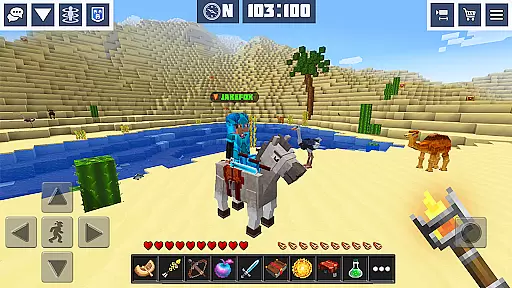
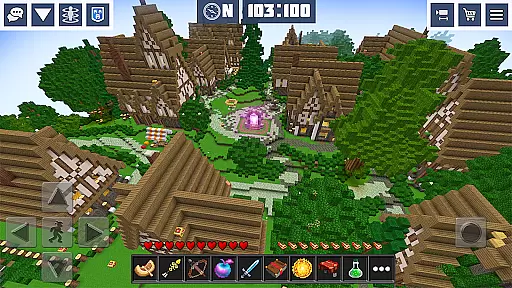
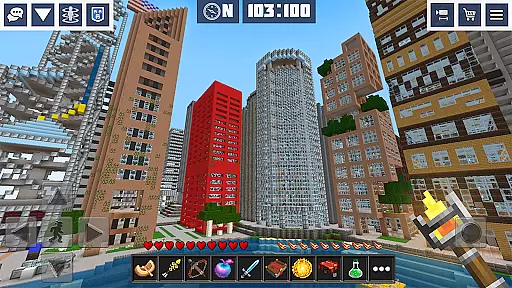
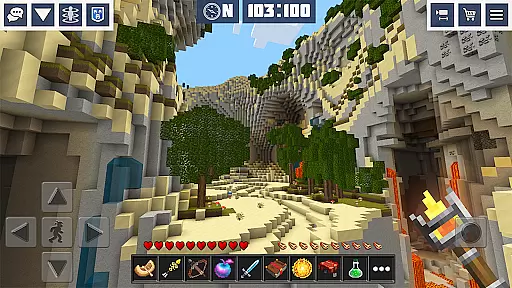
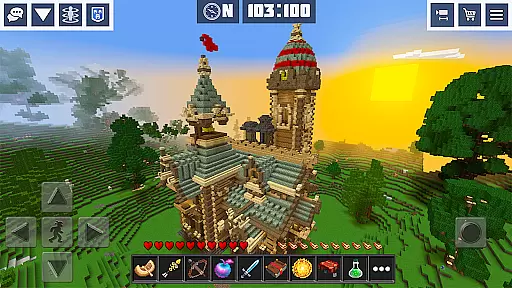
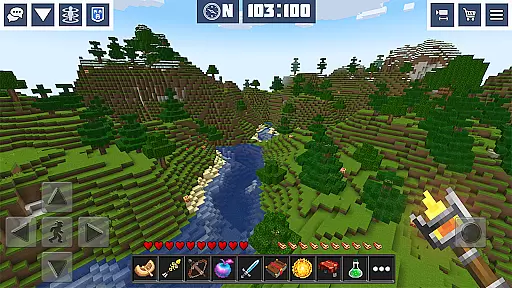
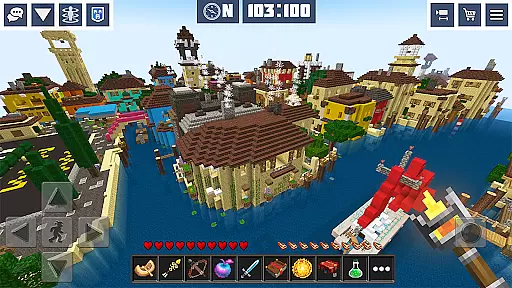
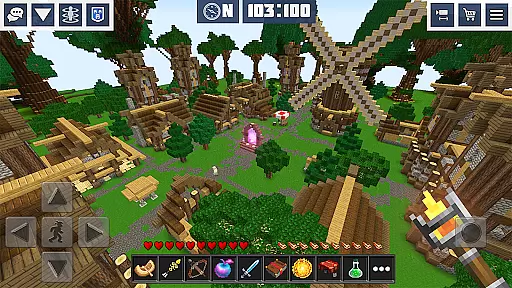
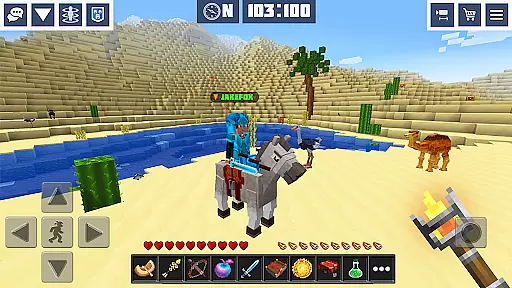
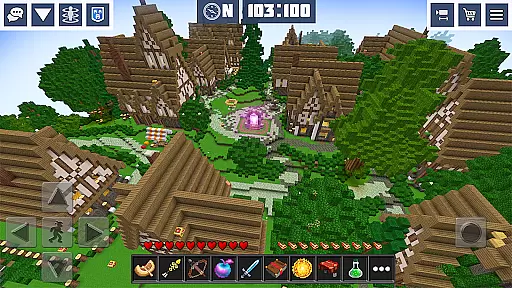
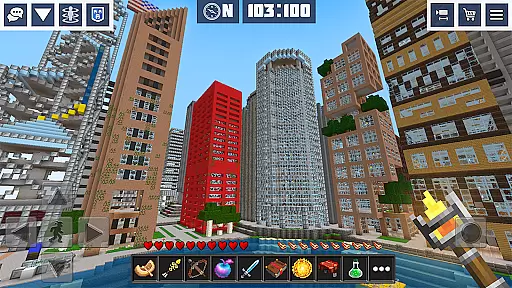
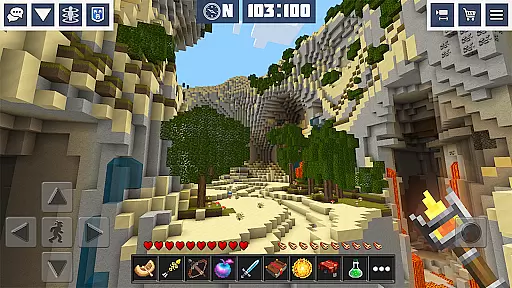
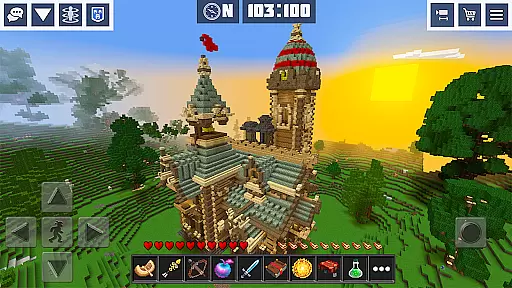
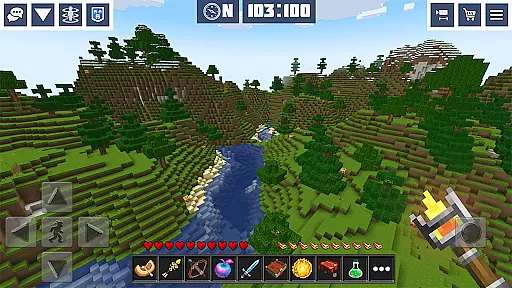
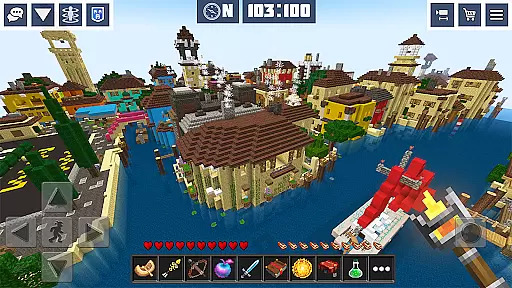
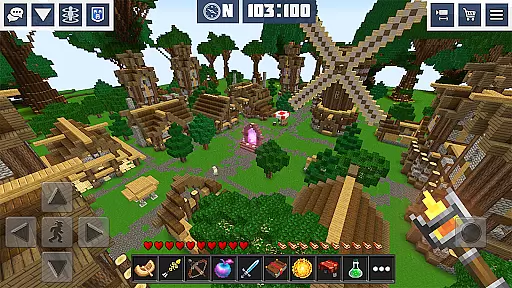
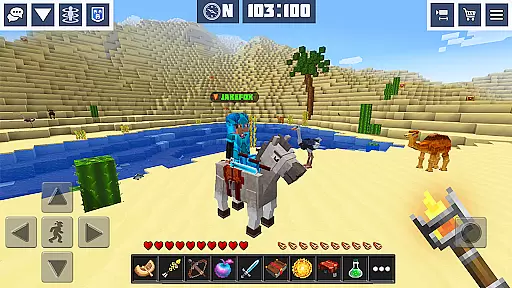
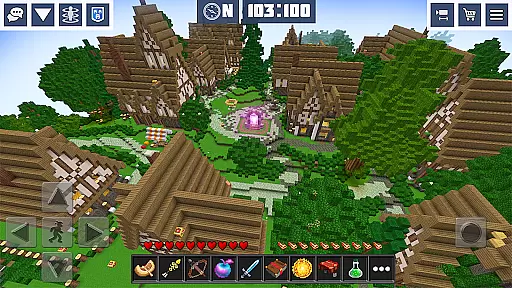
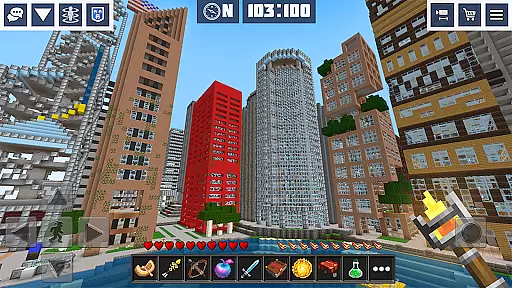
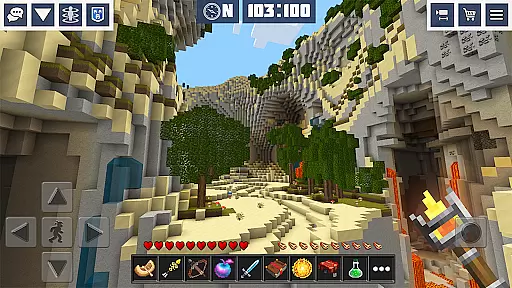
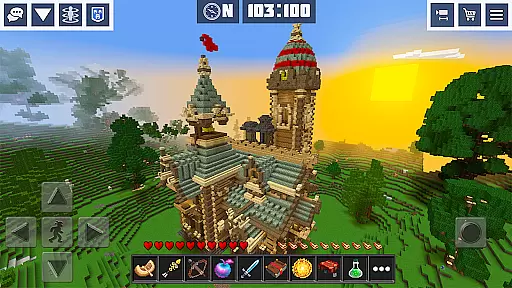
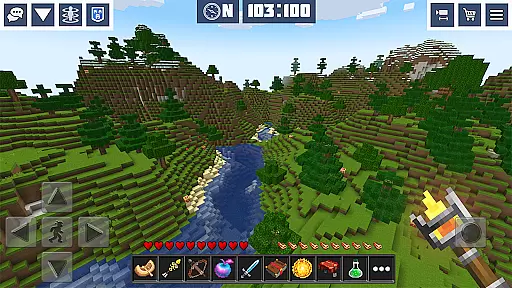
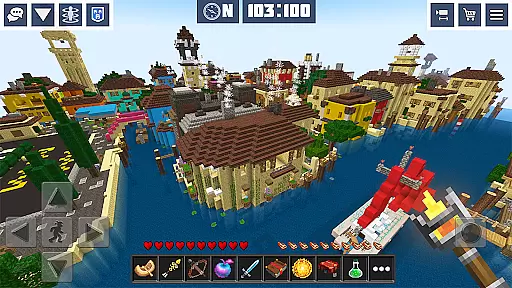
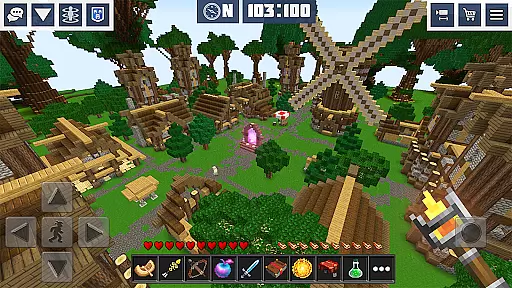
Planet Craft: Mine Block Craft is an engaging arcade game that combines the elements of survival, creativity, and multiplayer interaction. Players can explore an open-world environment where they mine resources, craft items, and build structures in either survival or creative modes. The game offers both single-player and online multiplayer options, allowing users to collaborate with friends or other players worldwide.
The game stands out with its 3D cube graphics and a wide array of features including weapon crafting, pet adoption, and redstone circuit building. With over 300 themed skins and various pre-designed mini worlds, it provides extensive customization possibilities. Whether playing offline or online under internet or Wi-Fi, Planet Craft delivers a rich experience for those who enjoy crafting and building games.
Survival enthusiasts will appreciate the hostile mobs, exploration of woodland mansions, and enchanting mechanics that add depth to the gameplay. Creative mode offers tools for imaginative construction without constraints. This makes Planet Craft suitable not only for hardcore gamers but also for casual players looking for fun and easy entertainment.
Planet Craft boasts a comprehensive set of features designed to enhance player engagement and creativity. One notable aspect is the vast open-world multiplayer experience where users can engage in survival block craft and creative building. Thousands of mini-worlds created by real players provide diverse environments for exploration and interaction.
The crafting system includes recipes for blocks, items, tools, armor, and weapons, catering to all player needs. Unique elements like adopting pets, riding horses, and farming different plants enrich the gameplay. Additionally, the redstone system allows for complex circuit designs while the enchanting feature lets players enhance their gear.
With advantages such as no ads, access to exclusive skins, and bonus starter packs, the premium version offers added value. Game modes range from global survival multiplayer to private maps with customizable settings, ensuring there's something for every type of gamer. These features collectively create an immersive and versatile gaming experience.
Arcade authenticity in Planet Craft: Mine Block Craft is evident through its engaging retro-style gameplay that captures the essence of classic arcade experiences. The game incorporates pixelated 3D graphics and simple yet addictive mechanics reminiscent of traditional arcade games, offering players a sense of nostalgia.
The developers have ensured that the core gameplay loops are optimized for quick sessions, allowing players to dive into the action with minimal delay. This mirrors the pick-up-and-play nature of arcade machines, where players could enjoy short bursts of entertainment.
Players benefit from this nostalgic experience by enjoying a game that feels both familiar and fresh. The blocky aesthetic and creative building aspects provide a modern twist on classic arcade visuals, while survival elements add depth to the straightforward arcade gameplay.
This blend of old-school charm and contemporary features demonstrates the game's commitment to delivering an authentic arcade experience. By combining these elements, Planet Craft appeals to fans of arcade gaming who appreciate the nod to the past while enjoying innovative new content.
Control responsiveness is a crucial aspect of Planet Craft: Mine Block Craft, ensuring that every interaction feels precise and immediate. The game employs an intuitive touch-based interface that translates player inputs into in-game actions seamlessly, which is vital for maintaining immersion in its expansive worlds.
With finely-tuned controls, players can navigate through their blocky environments, construct elaborate structures, and engage in combat with confidence. The responsive design allows for accurate placement of blocks and swift movement, essential for both creative building and fast-paced survival scenarios.
This level of responsiveness enhances the overall user experience by providing a sense of mastery over the game world. Players can execute complex maneuvers and strategies without being hindered by unresponsive controls, leading to a more satisfying and enjoyable gameplay session.
Ultimately, the tight control scheme in Planet Craft not only pays homage to the precision required in classic arcade games but also elevates it to suit modern gaming expectations. This ensures that whether mining, crafting, or exploring, players remain engaged and in control at all times.
Engaging gameplay
Versatile crafting
Multiplayer support
Rich customization
Premium benefits
Complex for newbies
Occasional bugs
High device specs
Limited tutorials
Ads in free version

Genesis, Mega Drive, Mega CD, Master System, Game Gear Emulator!
 4.20
4.20
Dig yourself a way to gold, diamonds and success with this addictive mining game
3.90
Granny keeps you locked in her house.
4.30
Fruit is waiting to be sliced, ninja. Play the hit mobile game !
4.50
Bounce through platforms. Avoid obstacles. Get the bouncing ball to the finish.
4.00
Protect the balloon! Only 1% of players can reach lvl 100 with all the balloons!
3.70
Genesis/Mega Drive/CD & Master System/Mark III Emulator
4.30
The only Sega Saturn emulator for Android
4.40
This is an emulator for a certain 64 bit console with online cloud backup.
4.80
Gameboy Color Emulator
4.60
Flip the bottle! Do tricks and don't let the bottle fall!
4.50
Payback 2 includes everything from tank battles to high speed helicopter races!
4.50
Use superpower in your magic hands. Defeat the enemies in a fun elemental game.
4.50
Premium version. Save the galaxy from alien shooter in this classic game
4.50
NEOGEO's masterpiece game is now available in the app!
4.10
A fast, full-featured GBA emulator with link cable emulation.
3.90
John GBC is GB/GBC emulator. This emulator is easy to use.
3.80
You are a Black Hole, escaping the darkness trying to swallow you!
3.60
Restore peace and order in the city
3.20


User Reviews