
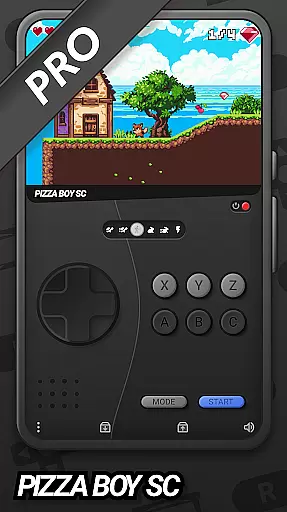
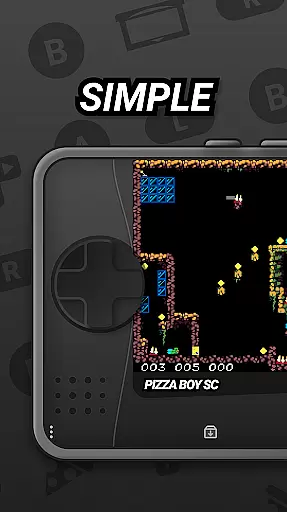
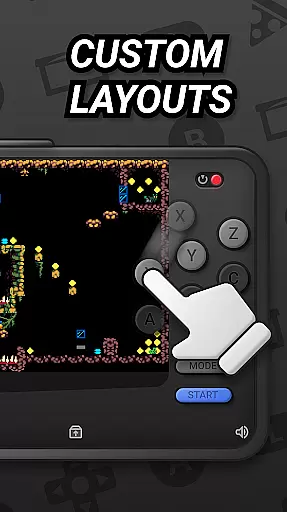
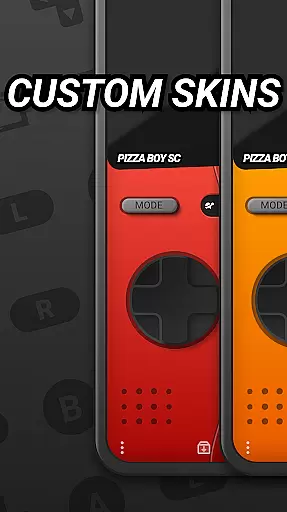
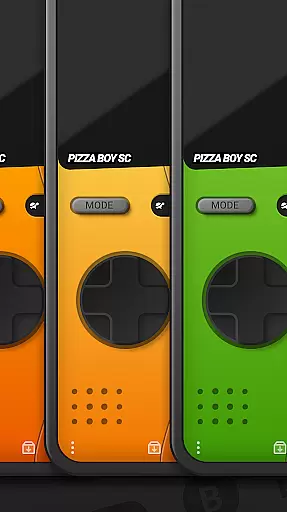
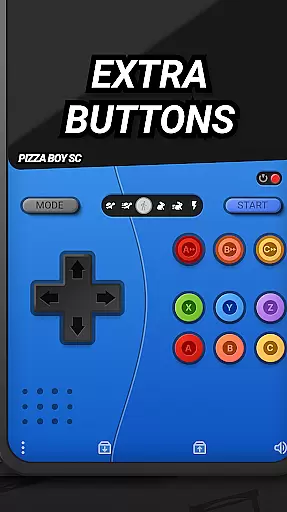

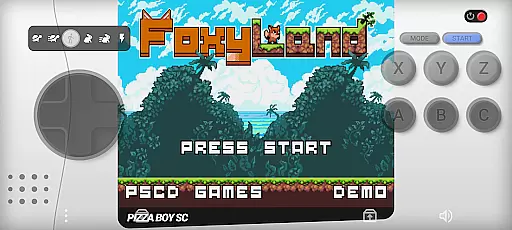
Pizza Boy SC Pro Genesis Emu is a powerful emulator that brings classic '90s console gaming to your mobile device. This app supports multiple systems including Genesis, Mega Drive, Mega CD, Master System, and Game Gear. Designed for retro gaming enthusiasts, it combines high-performance emulation with modern features.
The emulator offers customizable skins, a unique rewind function, and boxart support, creating an authentic and enhanced gaming experience. With support for game controllers, RetroAchievements, cheats, and multiplayer options, it caters to both casual players and dedicated collectors. Rediscover your favorite games with this feature-rich emulator.
This emulator stands out with its advanced technical capabilities and user-focused features. Built entirely in Rust, it ensures exceptional performance and stability, while the high-speed emulation makes gameplay smooth and responsive.
Unique features include the rewind function that lets users correct mistakes, and full boxart support that gives a nostalgic touch to game libraries. The app also supports RetroAchievements, allowing gamers to earn accolades on classic titles. With upcoming 32-bit expansions planned, Pizza Boy SC Pro continues to push the boundaries of mobile emulation technology.
Arcade authenticity and nostalgia are at the heart of Pizza Boy SC Pro Genesis Emu, offering users a genuine trip down memory lane. This emulator meticulously recreates the gaming experience of classic '90s consoles, including Genesis, Mega Drive, and more.
By leveraging cutting-edge emulation technology built entirely in Rust, the app ensures exceptional performance and stability. This modern foundation allows for high-speed, seamless gameplay that stays true to the original console experiences while introducing enhancements like rewind functionality and customizable skins.
Gamers benefit from an enriched experience that includes boxart support for game covers, adding an authentic feel to their gaming library. The inclusion of RetroAchievements further amplifies nostalgia by letting players earn achievements in classic games, reliving their past gaming triumphs with a fresh perspective.
Control responsiveness is a critical feature of any arcade emulator, directly impacting the user's gaming experience. Pizza Boy SC Pro Genesis Emu excels in this area by ensuring smooth, high-speed emulation that translates into responsive controls.
The emulator supports gamepad integration, allowing users to play with their favorite controllers for a more authentic and tactile experience. This compatibility enhances control precision, making gameplay more enjoyable and immersive.
Additionally, features like the rewind function and built-in cheat support empower users to correct mistakes or bypass challenging levels effortlessly. These elements combine to create a dynamic and engaging environment where control responsiveness elevates the overall enjoyment and authenticity of revisiting beloved retro games.
High-performance emulation
Customizable skins
Rewind functionality
Boxart support
Gamepad compatibility
Mega CD support in beta
No SEGA endorsement
Some features may be complex
Upcoming features not yet available
Requires ROMs from users

Turn-based pixel game where jumping is the only weapon!
 4.4
4.4
Three awesome new levels for The Impossible Game.
4.30
Frenetic party game, pass the bomb to the other players!
3.80
Get into your tractor to cut grass and harvest the crops in our mowing simulator
4.10
Punch your way through the Streets of Rage once again!
4.80
Ready… Set… DASH! Play now!
4.70
Master the hills in this extreme downhill racing game!
4.60
Premium version. Save the galaxy from alien shooter in this classic game
4.50
Train your Champ. Compete. Get rewards.
4.50
*Try for free.* Survive alone in a Roguelike Reverse Bullet Hell.
4.80
This is an emulator for a certain 64 bit console with online cloud backup.
4.80
Hit as hard as you can and make the penguin learn to fly! Arcade jumping game
4.50
GBA Emulator
4.40
NES Emulator
4.40
Playing venom RPG alien games? Set spider alien isolation base, with no survivor
4.30
Mine & Craft Block Mini World! Survival Crafting and Building & Creative Online.
4.30
Welcome back to Vice City. Welcome back to the 1980s.
3.30
BallStack is a vibrant match-3 game where you stack and match colorful balls!
4.5
M64Pro FZX Classic Emulator for Android
4.5


User Reviews