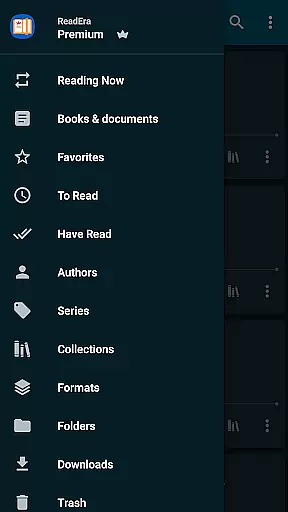
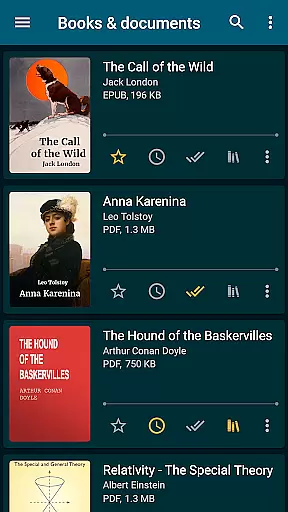
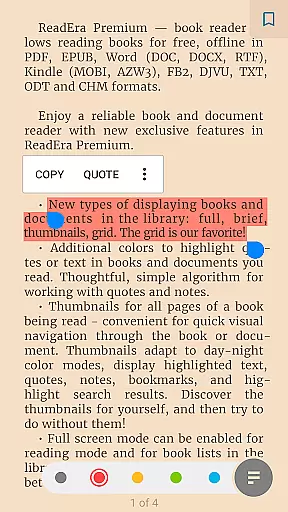
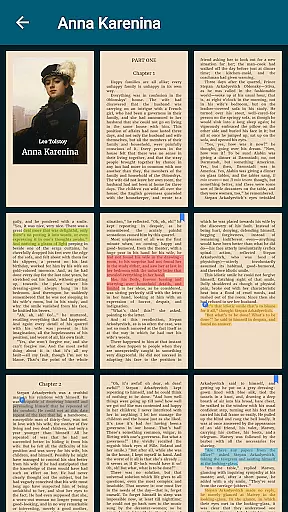
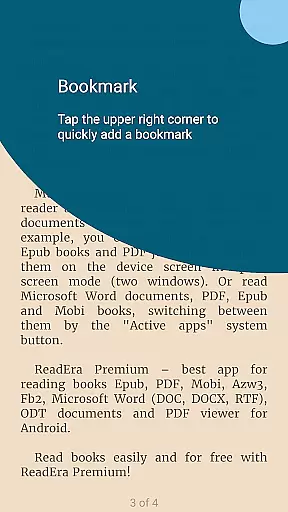
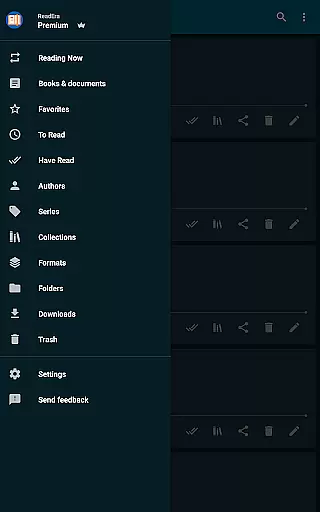
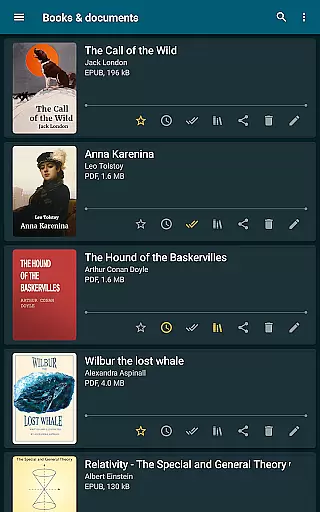
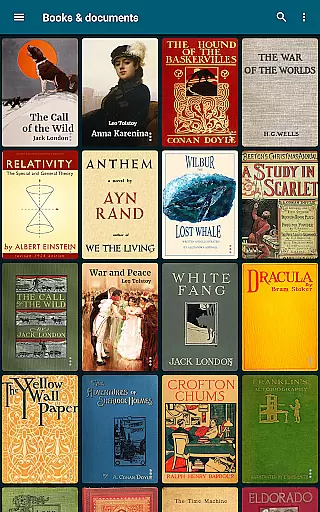
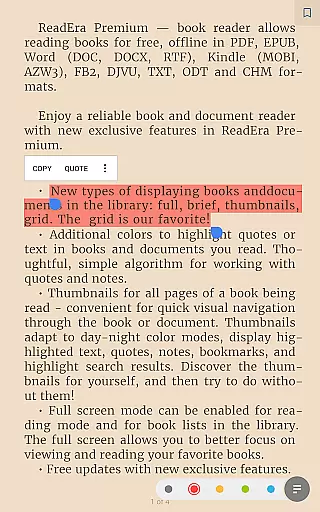
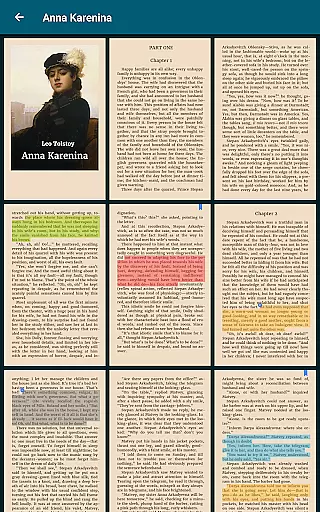
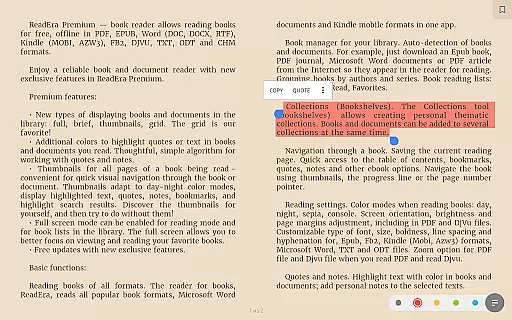
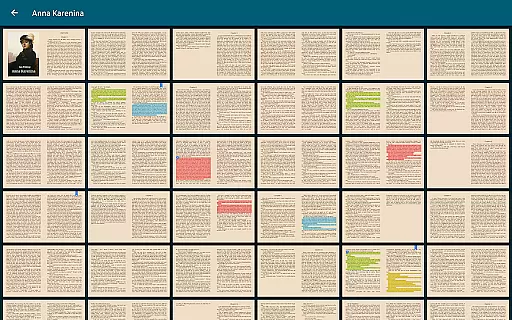
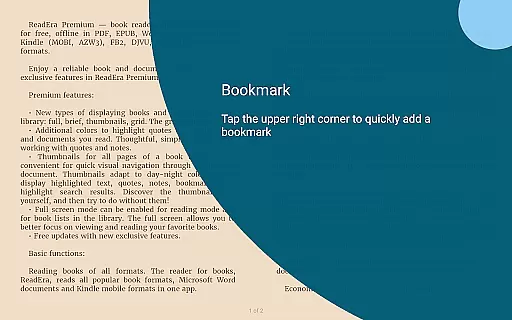
ReadEra Premium is a comprehensive eBook reader and document manager designed for book enthusiasts who value organization and accessibility. This app allows users to automatically locate all supported books and documents on their device, search by title and author, and manage files in various formats including PDF, EPUB, Microsoft Word, Kindle, Comic, DJVU, FB2, TXT, ODT, and CHM.
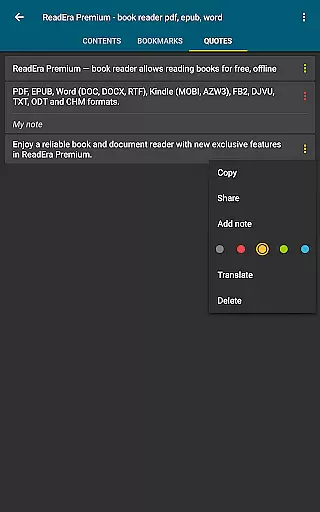
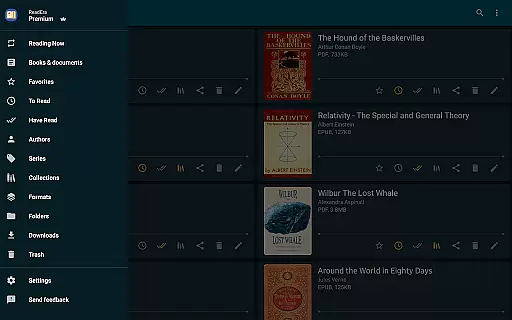
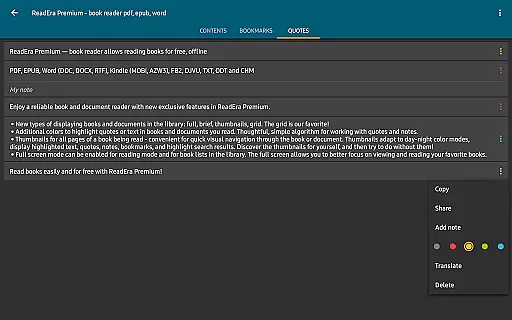
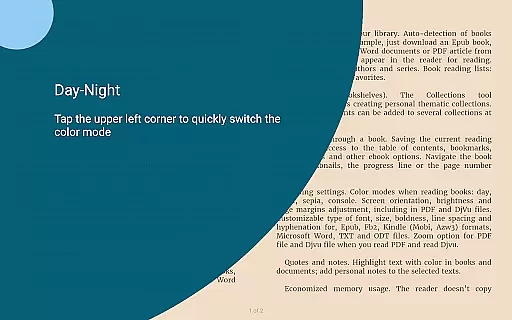
The premium features enhance the reading experience with synchronization across devices via Google Drive, text-to-speech functionality for background listening, and advanced customization options like personalized fonts and library views. With additional tools for making bookmarks, notes, and quotes, ReadEra Premium offers an all-in-one solution for managing your digital library efficiently.
ReadEra Premium stands out with its robust feature set tailored for avid readers and document managers. The app's automatic detection of books and documents simplifies file management, while the powerful search function enables quick access by title, author, series, format, or language.
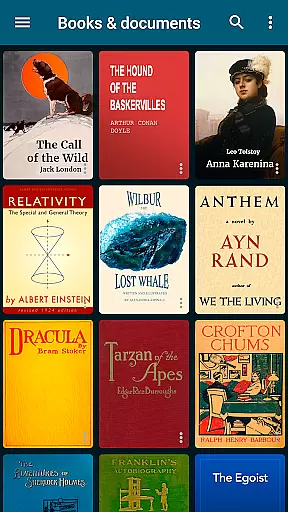
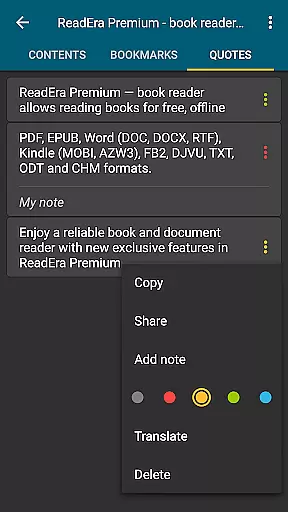
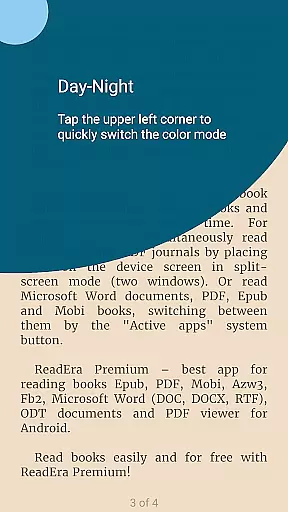
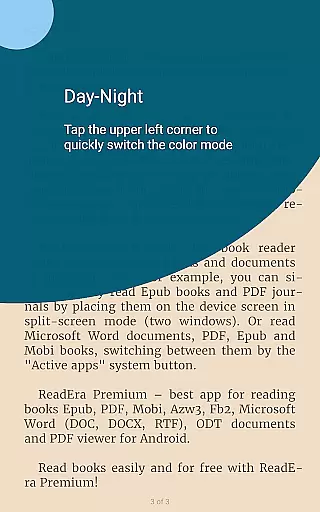
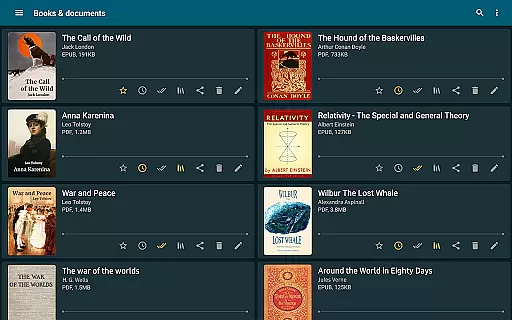
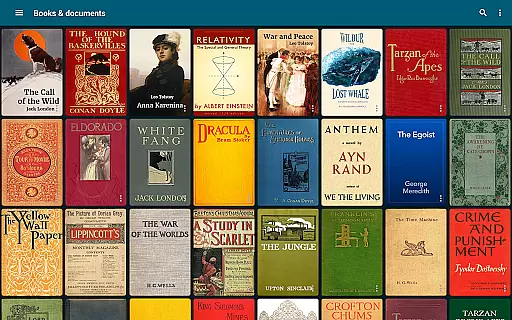
Premium users benefit from exclusive features such as synchronization with Google Drive, background text-to-speech, and centralized sections for quotes, notes, and dictionaries. The app also provides extensive customization options, including multiple view settings for the library, various color themes for reading, and adjustable font settings. These capabilities ensure a personalized and seamless reading experience across all your devices.
ReadEra Premium offers an extensive e-book library that supports multiple formats including PDF, EPUB, Microsoft Word, Kindle, Comic, DJVU, FB2, TXT, ODT, and CHM. This wide-ranging compatibility ensures users can access a vast collection of books and documents from various sources.
The app's automatic detection feature scans the entire device to locate all supported reading materials. It provides robust search capabilities, allowing readers to find books by title, author, series, format, or language, thus ensuring comprehensive coverage of one's digital library.
Regarding copyright authenticity, ReadEra Premium respects intellectual property rights by enabling users to manage their legally acquired files. The platform does not provide or distribute copyrighted material but instead focuses on empowering users to organize and read their own collections.
With synchronization features via Google Drive, users can maintain a consistent library across devices, ensuring that their collection is always up-to-date and accessible wherever they go.
One of ReadEra Premium's standout features is its exceptional format compatibility. The app supports a wide array of document types such as PDF, EPUB, Microsoft Word (DOC, DOCX, RTF), Kindle (MOBI, AZW3), Comic (CBZ, CBR), DJVU, FB2, TXT, ODT, and CHM formats, making it a versatile tool for any reader.
This broad format support allows users to consolidate their entire library within a single application. Whether it's professional documents, academic papers, or leisure reading materials, ReadEra Premium handles them all with equal proficiency.
The app maintains document integrity during reading and management processes. Users can be confident that their files will retain original formatting and quality, regardless of their complexity or source.
Additionally, advanced features like text-to-speech functionality work seamlessly across different formats, providing users with flexible reading options while maintaining perfect format compatibility throughout their reading experience.
User-friendly interface
Extensive format support
Advanced customization
Cross-device sync
Background audio
No cloud storage
Limited free features
Occasional bugs
Heavy on resources
Complex settings

The Original Tropical Freshwater Aquarium Fish And Plant Care Guide
 4.80
4.80
“There was one last piece of cake. My little sister said ‘Me too!’”
4.00
A wonderful reader for good time spend.
4.20
Read and study the Bible and other content in over 1,000 languages.
4.80
The dynamic dictionary/reference app for piano chords and scales!
4.80
America's best dictionary and thesaurus - with premium content and no ads
3.40
Research your family history to explore ancestors and search for your heritage
4.50
Read the Quran in Arabic alongside its translation, with color coded Tajweed.
4.50
Premium reader for ePub, PDF, and more. TTS and translation. Great on any screen
3.50
Daily rosary and gospel reflections for catholic
4.90
Daily thoughts, meditations, and prayers for living a sober life in recovery.
4.90
Bible Study App with Audio Book, Verse of the Day, and Devotionals.
4.80
Liturgy of the Hours totally off-line
4.80
A lightweight reader for comics and mangas files (.cbr, .cbz, .cbt, .pdf, ...)
4.80
Contains the 365 daily readings and everything other thing needed for catholics
4.70
Master AKC Rally signs with in-depth hints, diagrams, and expert guidance.
4.50
Cute bedtime story for kids
4.30
Sea tide predictions for all coastal U.S. locations.
4.0
Fast loot guide for ARC Raiders. Simple tips, stats, maps, and item details.
4.3


User Reviews