
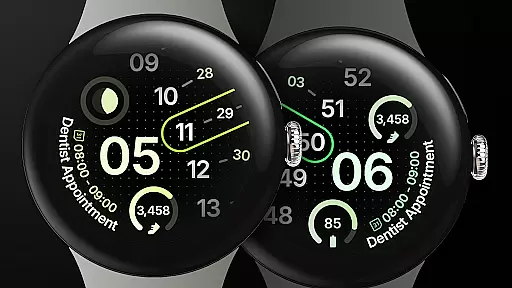
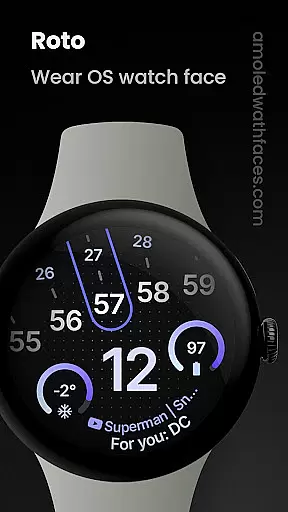
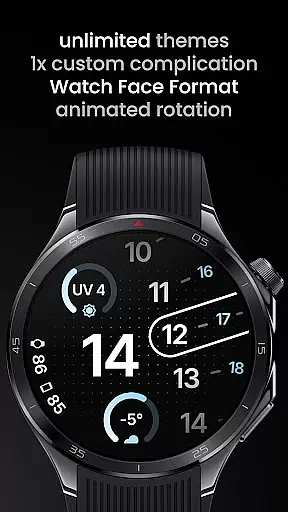
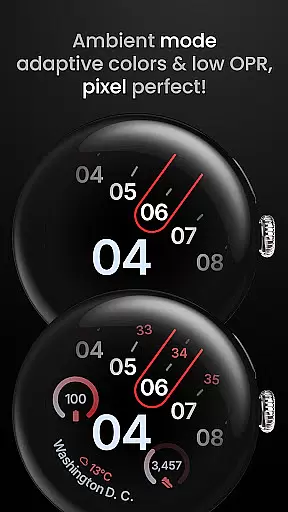
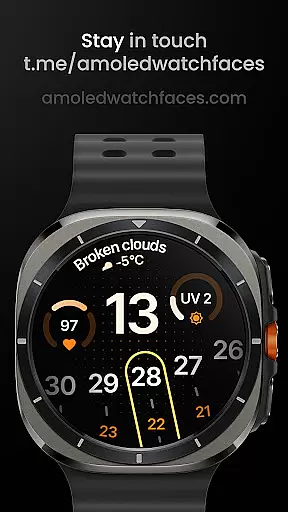
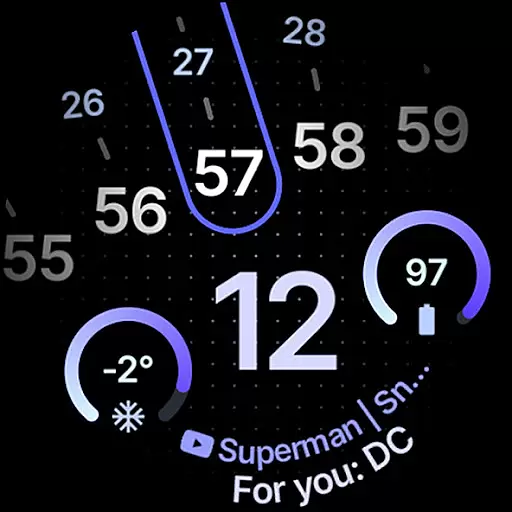
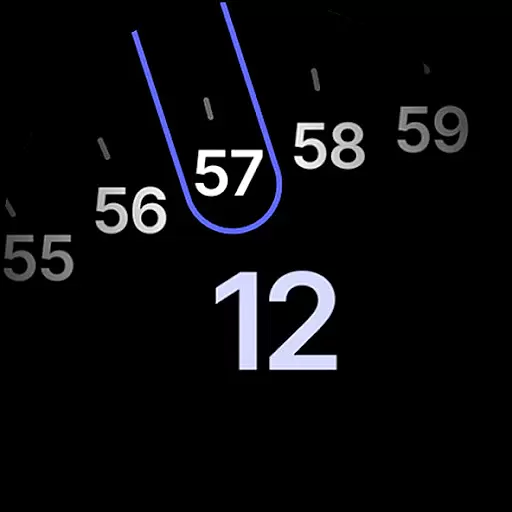
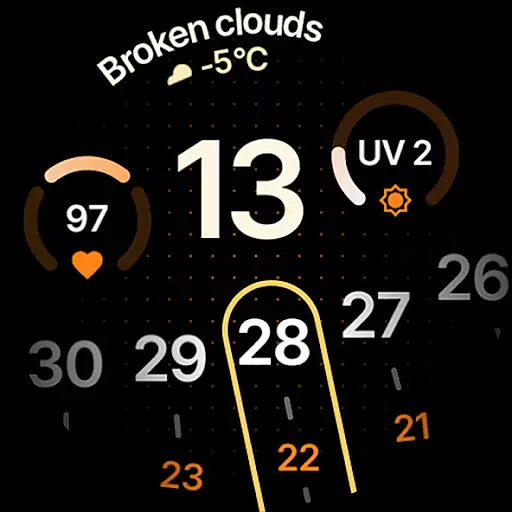
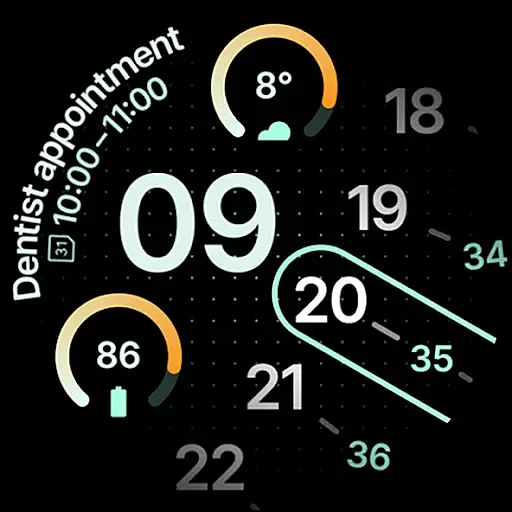
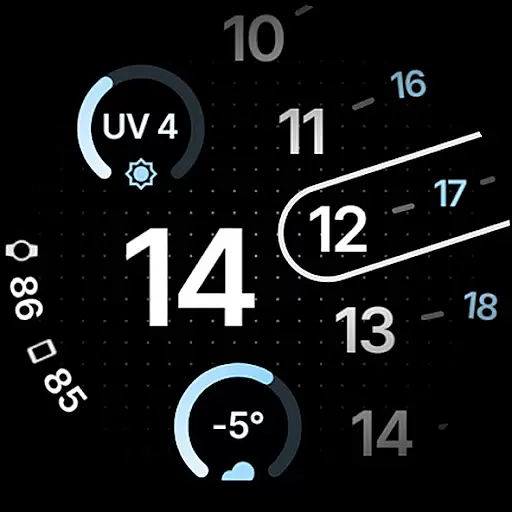
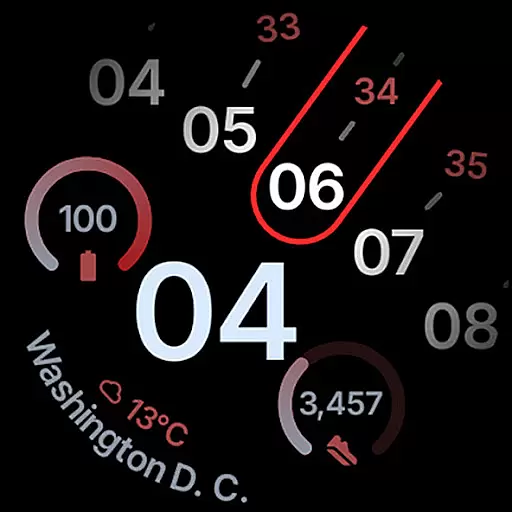
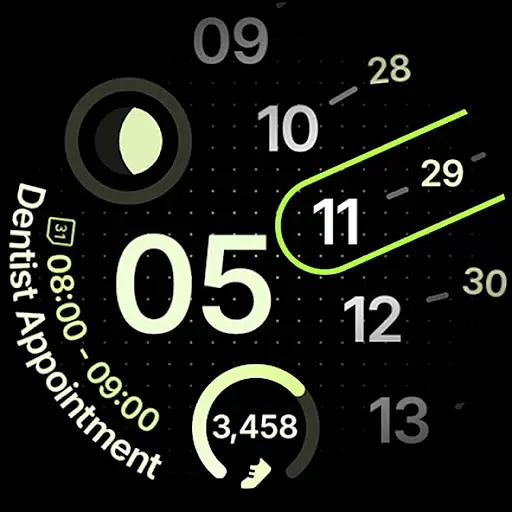
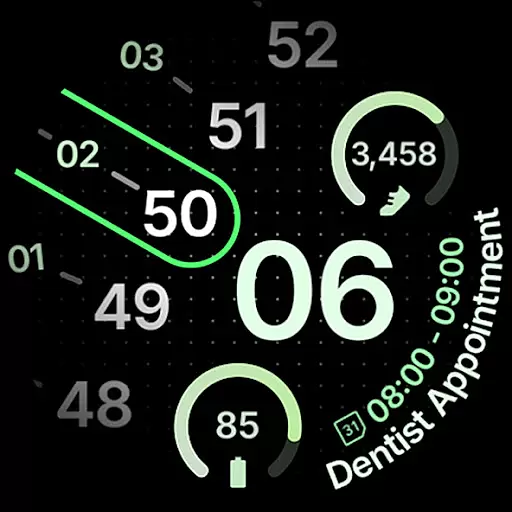
Roto Watch Face is a dynamic and customizable watch face designed exclusively for Wear OS 4+ devices. This innovative app offers users a unique experience by changing its layout rotation every minute, ensuring a fresh look each time you check your watch. With support for custom complications, material color themes, and dual battery displays, it provides both aesthetic appeal and functional utility.
The app supports various complication types including SHORT_TEXT and LONG_TEXT, and features two Always-On Display (AOD) styles. Users can personalize their watch faces with over 50 material themes and sub-themes. The inclusion of multilingual support and flavor feature compatibility ensures broad accessibility and customization options tailored to individual preferences.
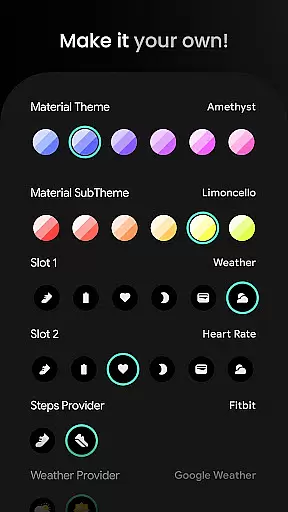
Roto Watch Face stands out with its implementation of the Watch Face Format 1 / 2 standards, allowing for minute-by-minute rotational changes in layout. It offers dedicated slots for complications such as Next Event, Heart Rate, and Weather, supporting multiple data providers like Samsung Weather and Google Weather. The app's design emphasizes personalization through extensive user configuration options.
Users can choose from a wide array of customization settings including Material Themes, Slot configurations, Steps Providers, and AOD styles. The app also supports dual battery displays and includes fixed implementations of Source Types (Slot, Widget). These features collectively provide a highly adaptable and personalized smartwatch experience that caters to both aesthetic and practical needs.
Roto Watch Face offers extensive coverage of lifestyle categories through its diverse features tailored for Wear OS 4+ users. The watch face not only displays time but also integrates various aspects of daily life, such as health tracking, weather updates, and personal organization tools.
With functionalities like step counting, heart rate monitoring, and even moon phase tracking, this application ensures that users have access to a wide array of lifestyle information directly on their smartwatch. These features are crucial for individuals who lead an active lifestyle or simply wish to stay informed about their environment.
The inclusion of customizable complications allows users to tailor the watch face according to their specific needs, whether it's keeping track of their fitness goals or staying updated with the latest weather conditions. This level of personalization enhances user engagement by providing relevant data at a glance.
The authenticity and credibility of content within Roto Watch Face are evident through its partnerships and integrations with recognized services. By collaborating with established providers such as Samsung Weather and Google Weather, the app ensures that the information displayed is both accurate and reliable.
Moreover, the support for official complication types like SHORT_TEXT, LONG_TEXT, and MONOCHROMATIC_ICON indicates adherence to industry standards, which reinforces trust in the data presented. Users can be confident that the metrics they rely on, such as battery levels or upcoming events, are sourced responsibly.
For further peace of mind, Roto Watch Face provides comprehensive installation guides and responsive customer support. Should any issues arise, users can easily reach out via provided support channels, ensuring that any concerns regarding content accuracy or functionality are promptly addressed.
Highly Customizable
Fresh Look Every Minute
Wide Range of Themes
Dual Battery Support
Multilingual Options
Wear OS 4+ Only
Complex Setup
Limited Complication Slots
No Free Version
Advanced Features Require Wear OS 5

Big bold weather watch face with dynamic backgrounds and 3 complications
 4.2
4.2
Daily lessons from A Course in Miracles with scheduled reminders
4.80
This minimalist yet classic board design brings a futuristic twist to your wrist
4.20
Smart & Healthy Living
4.60
Discover your Nationality, Family Origin, and Ancestry from one selfie
4.50
Play. Earn. Repeat. Get rewarded for playing mobile games. Welcome to Mobius!
4.80
Kasa Smart is your portal to your TP-LINK Smart Home.
4.70
Share opinions, get paid cash
4.30
Control your Tapo smart devices from anywhere.
4.60
Get roadside help, discounts, travel tools & more — AAA is with you everywhere.
4.80
Your store’s deals, where you are.
4.80
Tap to the beat with interactive videos — warm up your reflexes & have fun
4.70
PARAVOX 4 is a professional ITC paranormal research application.
4.50
Paranormal Spirit Bell Trigger Device
4.30
What is my face shape? Find out your face shape from picture, see fitting frames
3.90
Take Hobby Lobby with you wherever you go!
3.40
Healthy eating timer app to track meal pace, improve habits, and eat slowly.
4.5
Unique Dark Analog style for Wear OS watches.
4.2
A uniquely designed isometric digital watch face made for Wear OS
4.0


User Reviews