
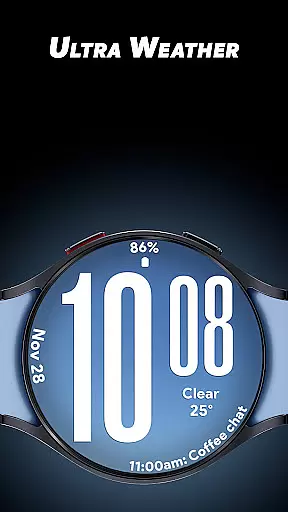
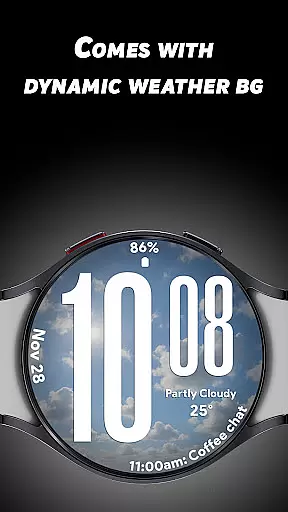
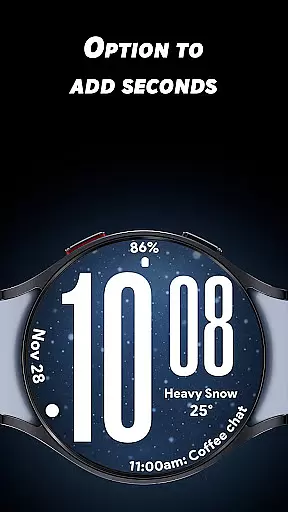
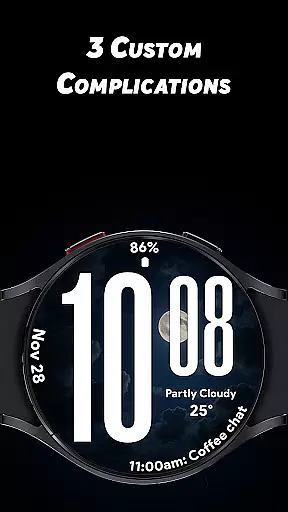
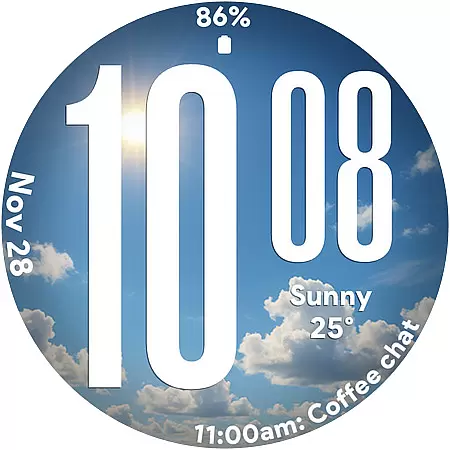
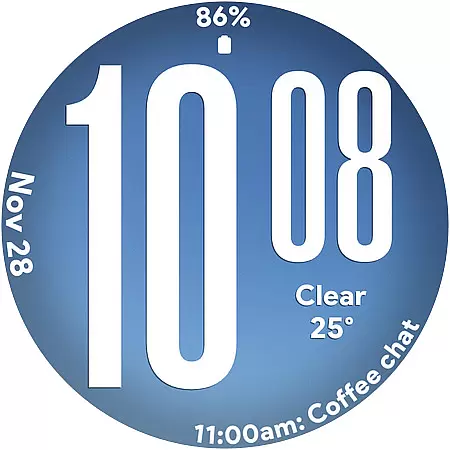
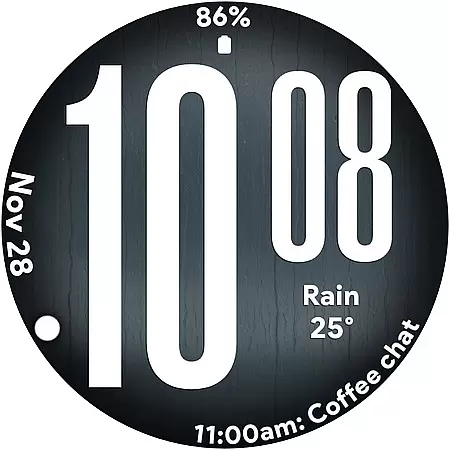
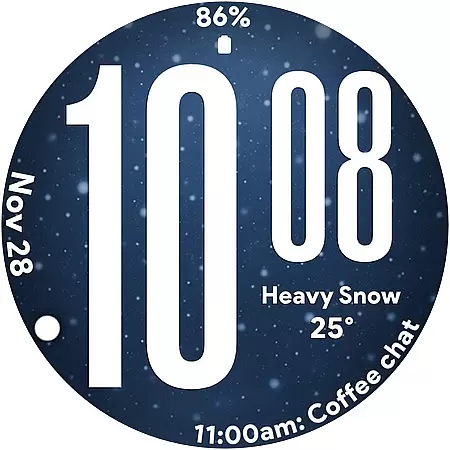
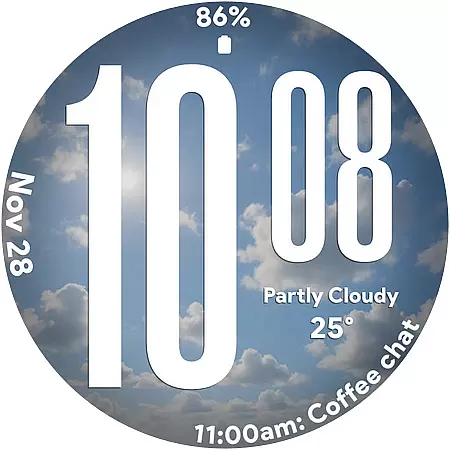
Ultra Weather is a dynamic Wear OS watch face that combines bold design with real-time weather updates. Featuring large, easy-to-read digital time display and customizable complications, it ensures both style and functionality. The watch face automatically adjusts its visuals based on current weather conditions, offering users an immersive experience while providing essential information at a glance.
This app is ideal for smartwatch users seeking a blend of aesthetics and utility. Whether you're monitoring your daily steps, tracking the weather, or simply appreciating visually appealing design, Ultra Weather enhances your wearable experience by keeping you connected to both time and environment.
Ultra Weather stands out with its innovative features tailored for smartwatch users. The oversized digital time ensures maximum readability, making it perfect for quick glances throughout the day. Its dynamic weather backgrounds are designed to change in real-time, reflecting accurate atmospheric conditions such as sunny, cloudy, or rainy scenarios.
With support for 12/24-hour time formats and three customizable complications, users can personalize their watch face to display additional details like battery status, heart rate, or calendar events. The optimized Always-On Display (AOD) guarantees efficient power consumption, ensuring all-day usability without compromising performance.
These features collectively create a seamless experience, blending striking visuals with practical utility, making Ultra Weather a top choice for lifestyle-oriented smartwatch users.
Ultra Weather - Watch face offers extensive lifestyle category coverage by integrating real-time weather visuals that change based on current conditions. This dynamic feature ensures users are always informed about the weather while enjoying a visually appealing watch face.
The application goes beyond basic timekeeping by offering three customizable complications, allowing users to add details such as weather information, steps, battery status, calendar events, and heart rate monitoring. These features make it an indispensable tool for everyday use, fitness tracking, and travel.
With its bold typography and easy readability, Ultra Weather caters to users who prioritize both style and function. The 12/24-hour format support and optimized Always-On Display further enhance its utility, making it suitable for various lifestyle needs.
The content provided by Ultra Weather - Watch face is authentic and credible, as it pulls real-time weather data to create live backgrounds that reflect current conditions. This ensures that users receive accurate and up-to-date weather information directly on their smartwatch.
Designed with input from experts in design and usability, the watch face features big, bold digital time display and smooth readability. These elements ensure maximum clarity and ease of use, which are crucial for quick information retrieval in a lifestyle context.
Additionally, the app's optimization for battery-friendly Always-On Display demonstrates a commitment to providing practical solutions without compromising performance. Users can trust that Ultra Weather will maintain efficiency throughout the day, enhancing both the aesthetic and functional aspects of their smartwatch experience.
Real-time weather sync
Bold typography design
Customizable complications
Battery-friendly AOD
Dynamic backgrounds
Limited Wear OS support
No analog option
Weather dependency
Fewer themes
Premium cost

Earn points with every purchase with Moe Rewards.
 4.20
4.20
What is my face shape? Find out your face shape from picture, see fitting frames
3.90
Take Hobby Lobby with you wherever you go!
3.40
Discover the "To Be a Christian" App: Your Guide to Deepening Faith!
5.00
Spirit Communicator is a real paranormal ghost hunting app with many fun modes.
3.90
See wait times and check into a hair salon ahead of time with Online Check-In.
4.80
Colorful minimal digital watch face for Wear OS
4.60
A unique and customizable watch face which rotates its layout every minute.
4.80
No more juggling multiple apps, now you can control everything in one place!
4.60
Get roadside help, discounts, travel tools & more — AAA is with you everywhere.
4.80
Your store’s deals, where you are.
4.80
Digital smart watch face made for Wear OS.
4.70
The all-new Cync app. The simple, connected app for Cync and C by GE.
4.50
Discounts, savings, and rewards
4.20
Mixing Colors for Menswear
4.20
Fly your Solo like a boss.
4.10
LineLearner, the quick way to learn lines.
2.90
Cute animated Thanksgiving watchface for your WearOS smartwatch
4.3
Bring the warm colors of fall directly to your wrist with Autumn Leaves!
4.4


User Reviews