
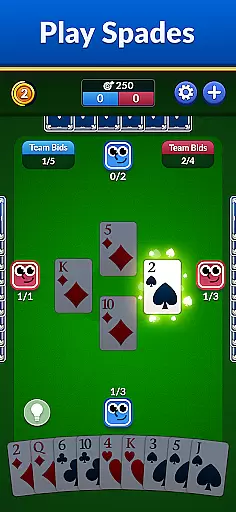
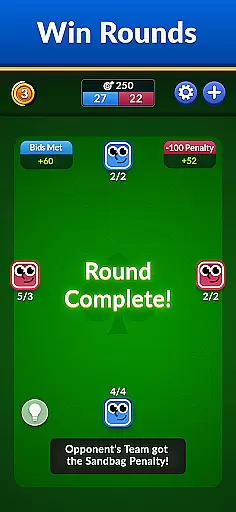
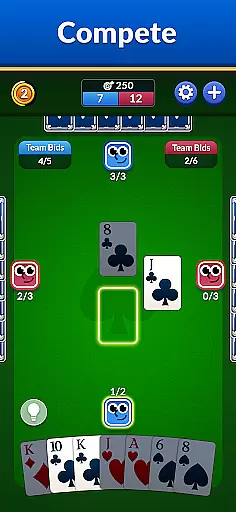


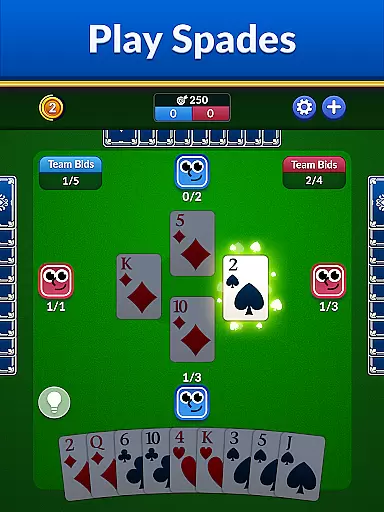
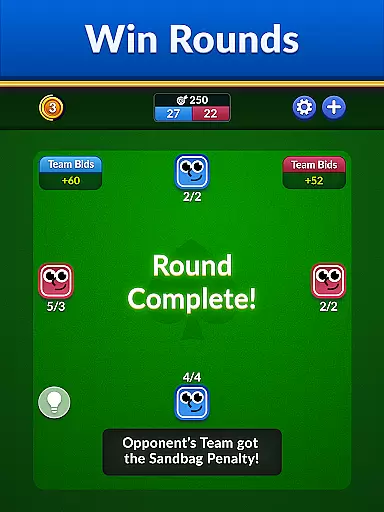
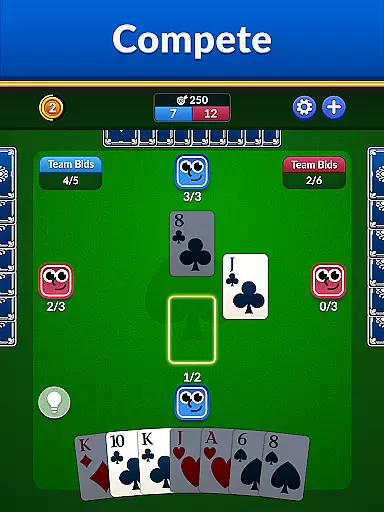

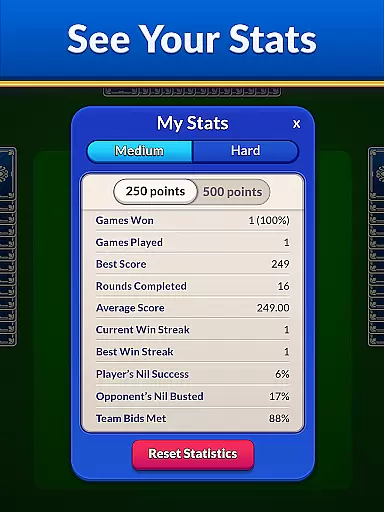
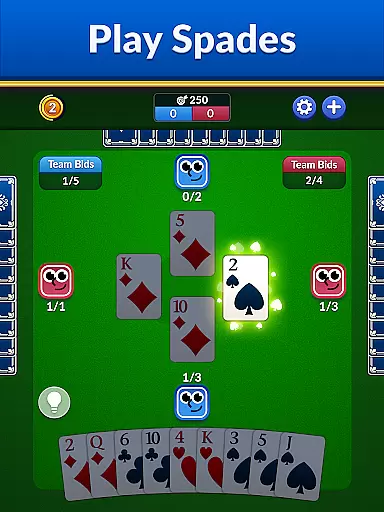
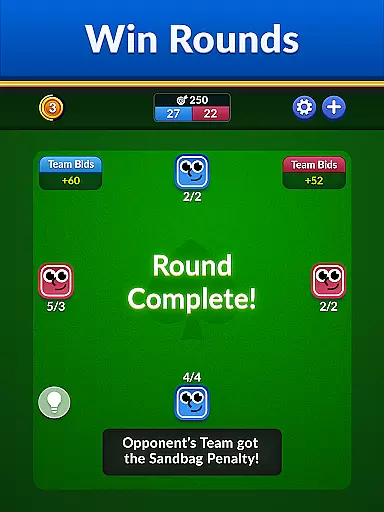
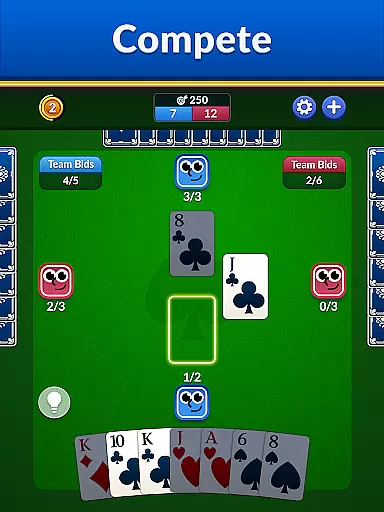

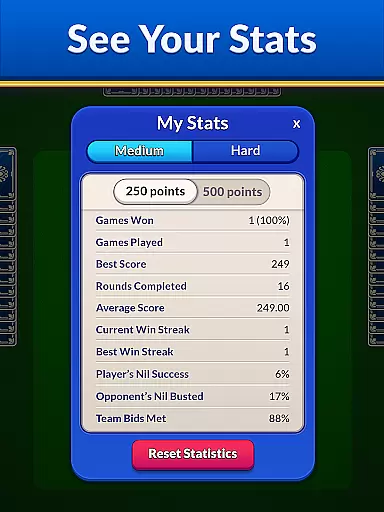
Spades - Classic Cards brings the timeless card game to your mobile device with modern enhancements. This app offers an engaging experience for both seasoned players and beginners, featuring stunning graphics, smooth animations, and intuitive gameplay.
Whether playing online or offline, users can enjoy various difficulty levels, unlimited hints, undos, and auto-save features. The game is designed to provide endless entertainment while helping players sharpen their skills and strategies.
Ideal for casual gaming or competitive play, Spades - Classic Cards ensures a seamless blend of nostalgia and innovation, making it one of the best choices for classic card game enthusiasts.
Spades - Classic Cards stands out with its rich feature set tailored for an optimal user experience. Players can choose from multiple difficulty settings, ensuring a challenge suited to their skill level. The game includes beautifully designed card decks and smooth animations that enhance visual appeal.
Additional features include unlimited hints and undos, allowing players to learn and refine their strategies without frustration. Auto-save functionality ensures no progress is lost, while offline mode offers flexibility to play anytime, anywhere.
The combination of classic gameplay with modern twists makes this app a top choice for those seeking both relaxation and mental stimulation in their gaming experience.
Random Number Generation (RNG) is crucial in card games like Spades, ensuring that every shuffle and deal is unpredictable and fair. The app employs certified RNG algorithms to maintain the integrity of its gameplay.
This commitment to fairness means that each game session is unique, providing players with a genuine experience every time they play. The randomness ensures that no two games are alike, keeping the challenge fresh and engaging.
Players can trust that their victories are earned through skill and strategy rather than predictable patterns or manipulated outcomes. This transparency builds confidence among users, encouraging competitive play without concerns about unfair advantages.
In card games, control fluidity and minimal input latency are essential for an enjoyable user experience. The Spades app optimizes touch responses so that every tap and swipe registers instantly, allowing players to focus on their strategy rather than technical delays.
The intuitive interface ensures smooth navigation through different screens and options, making it easy even for beginners to jump into a game quickly. Advanced players will appreciate the precision controls when executing complex moves or strategies during intense matches.
By prioritizing these technical aspects, the app delivers a seamless gaming experience where actions feel natural and immediate. This attention to detail enhances overall satisfaction, keeping players immersed in the timeless fun of classic card games without distractions from sluggish performance.
User-friendly interface
Stunning graphics
Variety of difficulty levels
Auto-save feature
Offline play option
Limited social features
In-app purchases
Occasional bugs
Ads in free version
Complex for beginners

FreeCell Solitaire Card Game: Play Classic Solitaire Card Game from MobilityWare
 4.50
4.50
A sleek, addictive Solitaire experience made for the modern player.
4.60
Collect sets and runs but don't give away a card your opponent needs!
4.60
Classic Solitaire game you love! Offline, easy, and relaxing!
4.80
Special Klondike Edition
5.00
Enjoy Fun and Relaxing Classic Spades Card Game with Friends!
4.90
Classic Solitaire Game - Play Original Klondike Solitaire Card Games to Relax
4.60
A fun and challenging rougelike dungeon card game.
4.4
Easy and Fun Classic Spades Card Game to Play Offline with Friends
4.70
Solitaire Games: Play fun card games and boost your IQ!
4.80
Play Solitaire, win real cash prizes, and enjoy endless fun anytime, anywhere!
4.70
Train your brain with relaxing classic solitaire game and have endless fun!
4.70
Train your brain playing the most relaxing & addictive 2025 solitaire game !
4.60
A game of apocalypse and yearning. Experiment. Die. Ascend.
4.60
Play classic Spider Solitaire & Spiderette! Daily challenges, badges & events!
4.50
The original digital version of the cult-classic kitty card game!
4.40
Defeat the Uberlich in this challenging, deck-building roguelike adventure!
4.20
GWENT: Rogue Mage is a single-player expansion to GWENT: The Witcher Card Game
3.50
Fantasy Realms - A combo-licious card game.
3.10


User Reviews