
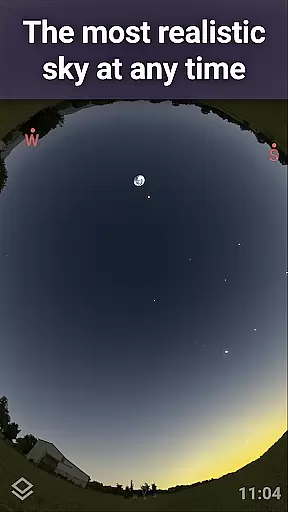
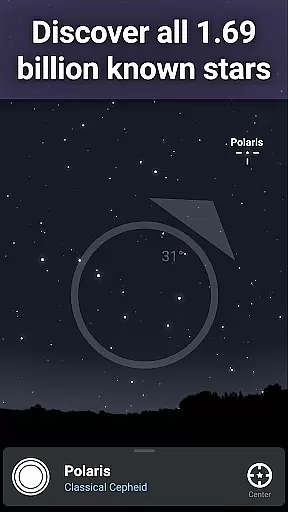
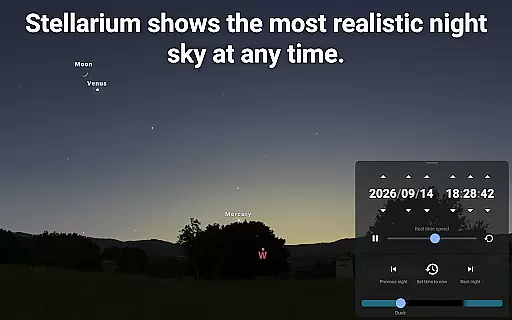
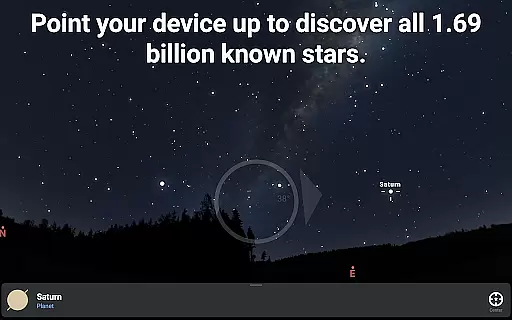
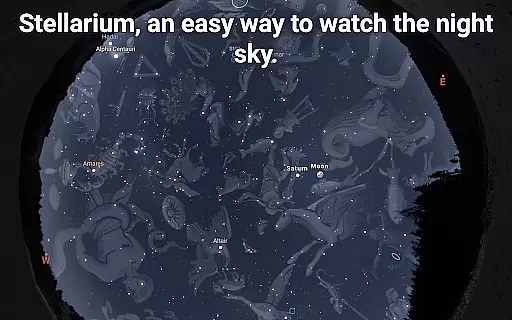
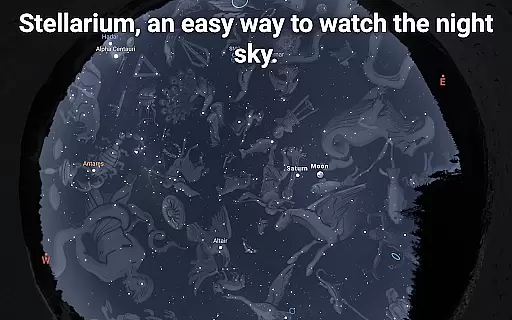
Stellarium Mobile - Star Map is an advanced planetarium app designed for both amateur stargazers and professional astronomers. This application provides a real-time representation of the night sky, accurately displaying stars, planets, constellations, and deep-sky objects visible from any location on Earth. With its intuitive interface, users can easily navigate through over 1.69 billion celestial bodies, including stars from the Gaia DR2 catalog, all known planets, and numerous deep-sky objects.
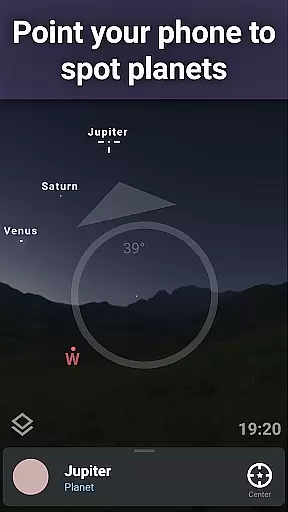
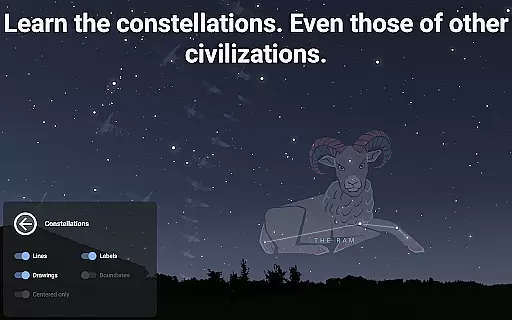
The app's standout feature is its ability to transform your mobile device into a powerful telescope companion. By simply pointing your phone at the sky, you can identify celestial objects with remarkable precision. The app also offers a unique cultural perspective by showcasing constellation illustrations from various civilizations worldwide. Whether you're planning an observation session or exploring the cosmos from your home, Stellarium Mobile delivers an unparalleled educational experience that combines scientific accuracy with user-friendly functionality.
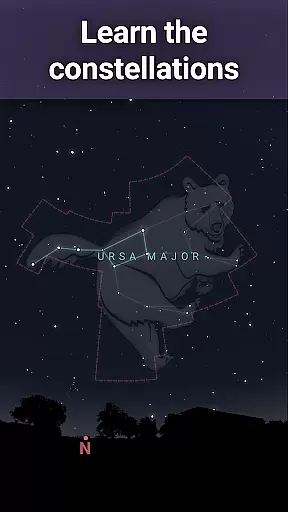
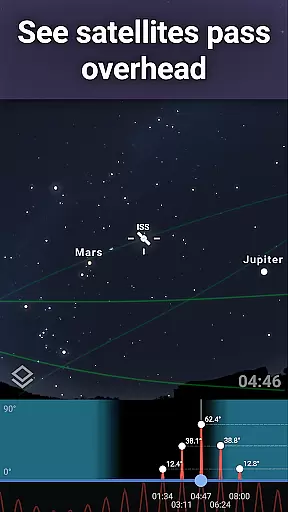
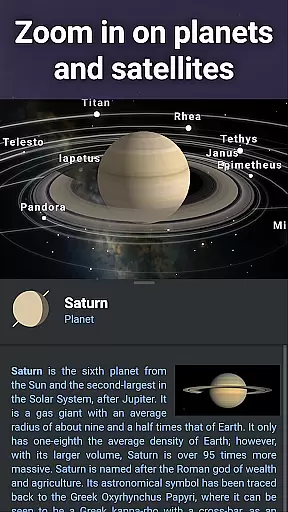
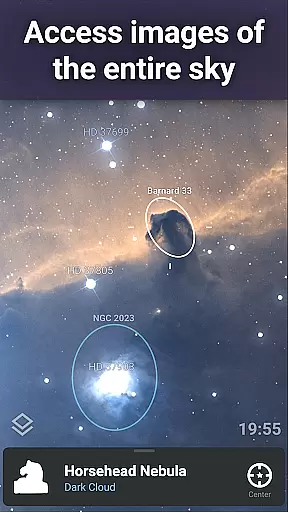
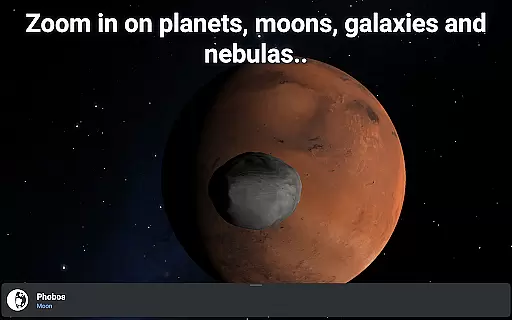
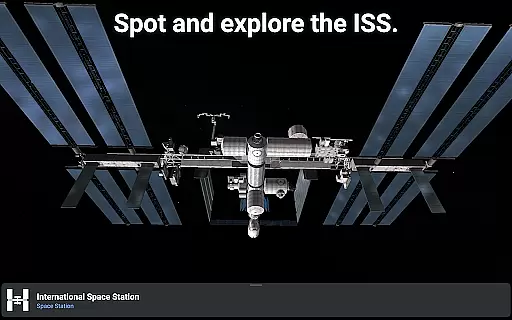
Stellarium Mobile boasts an impressive array of features that cater to diverse astronomical needs. The app's core functionality includes precise celestial object tracking, with support for identifying artificial satellites like the International Space Station. Its advanced rendering capabilities allow users to zoom in on high-resolution images of deep-sky objects and planetary surfaces, providing an immersive viewing experience. The application supports multiple sky cultures, offering over 20 different constellation art styles and star lore from various civilizations.
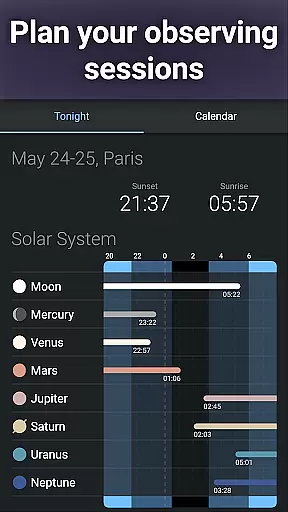
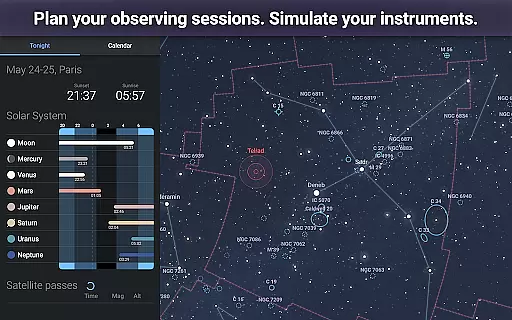
For serious astronomers, the Stellarium Plus upgrade unlocks professional-grade features. These include access to extensive catalogs containing millions of stars, nebulas, galaxies, and asteroids. The app enables offline usage with a comprehensive reduced dataset of 2 million stars and deep-sky objects. Advanced observation tools help plan sessions by predicting object observability and transit times. Additionally, the app supports telescope control through Bluetooth or Wi-Fi, making it compatible with major GOTO telescope systems. The inclusion of realistic atmospheric effects and landscape simulations further enhances the observational experience.
Stellarium Mobile - Star Map stands out in the realm of educational applications due to its commitment to content accuracy and authority. The app provides an exact simulation of the night sky, featuring stars, planets, and deep-sky objects with precision for any date, time, and location. This level of detail ensures that users are accessing information that mirrors real-world astronomical data.
The application draws from authoritative sources such as the Gaia DR2 catalog, which includes over 1.69 billion stars, ensuring comprehensive coverage of known celestial bodies. By incorporating such a vast and reliable database, Stellarium Mobile offers an educational experience that is both expansive and trustworthy.
For learners and educators, this accuracy translates into an invaluable tool for teaching astronomy. Students can explore constellations, track artificial satellites like the ISS, and even view realistic renderings of solar system planets and their moons. These features not only captivate the interest of users but also align closely with academic curricula focused on space science.
While Stellarium Mobile - Star Map excels in delivering accurate astronomical data, it also facilitates personalized learning paths, catering to individual exploration and discovery. Users have the freedom to navigate the cosmos at their own pace, choosing what celestial phenomena to study, from nebulas and galaxies to star clusters and comets.
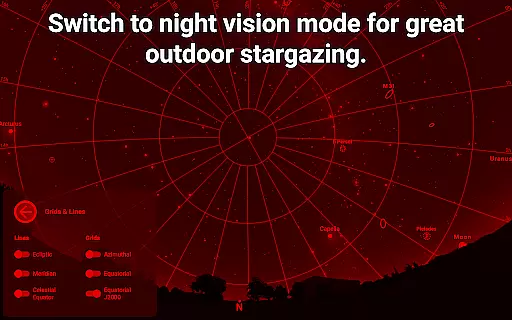
This autonomy in learning is further enhanced by the app's ability to simulate different viewing conditions and locations. Whether observing the sky through a red night mode to preserve night vision or exploring how various cultures around the world perceive constellations, learners can tailor their experiences based on personal interests or educational requirements.
Additionally, advanced features unlocked via in-app purchases, such as telescope control and detailed observation planning tools, offer more sophisticated avenues for enthusiasts who wish to deepen their understanding of astronomy. Such capabilities ensure that Stellarium Mobile remains relevant and supportive as users' knowledge and curiosity about the universe expand over time.
User-friendly interface
Extensive celestial database
Real-time sky mapping
Cultural constellation views
Offline functionality
Premium features costly
High battery consumption
Complex for beginners
Limited free content
Large app size

Build math skills in: addition, subtraction, multiplication and division.
 4.10
4.10
Ignite curiosity, spark learning: All babybus videos &games
4.30
Explore myths and gods across cultures with in-depth insights and stories.
5.00
AI Language tutor: Speak fluently with Lucy’s personalized coaching
4.70
Astronomy Guide to the Night Sky
4.40
Deal Craps (Practice Craps Payouts)
3.80
Monkey Preschool Lunchbox: 7 exciting educational games for your preschooler.
4.30
Master note reading with StaffWars….
4.00
Learn to make peaceful contact with extraterrestrial civilizations
4.10
A fast and fun way to learn guitar - works with any guitar.
4.60
Turn scrolling hours into improving your knowledge, communication, intelligence
4.50
SkyView®, an augmented reality space app, brings stargazing to everyone!
4.40
Learn math, step-by-step
4.30
For medical training - Visualize complex vein maps and structures in real-time.
4.10
Visit Daniel's house & make believe. Play doctor, make music, & feed fish.
3.20
scanner body part for fun Prank friends realistic scan effects
3.00
MONOPOLY JUNIOR brings Hasbro's classic the board game to life.
3.00
Learn and joke with the Silly Turkey!
4.4
Pickleball guide complete with illustrated Pickleball drills and helpful info
4.3


User Reviews