



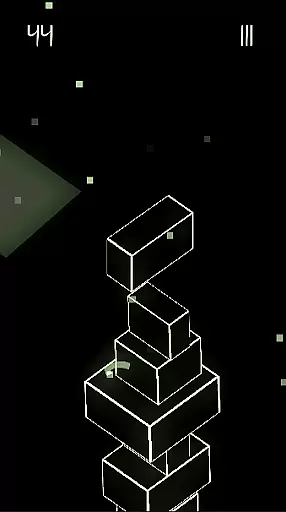
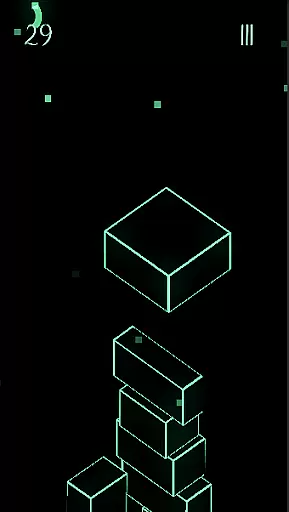



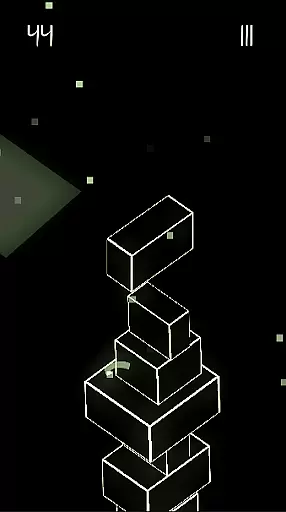
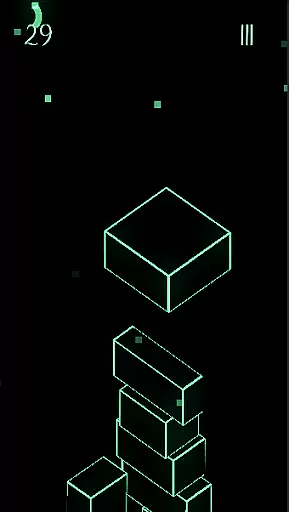



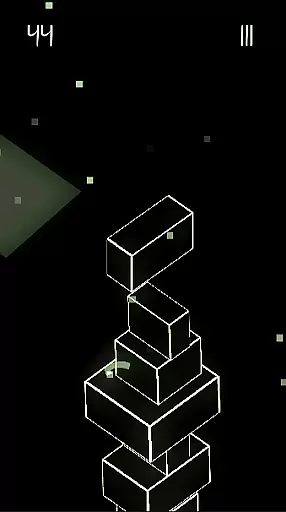
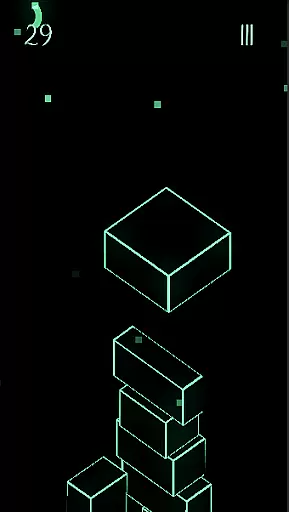
Upping Floors is a premium block stacking game that combines realistic physics with stunning neon visuals, offering an addictive and challenging experience. Players must stack blocks with precision, as the game incorporates realistic gravity mechanics that make every move crucial to maintaining balance. The gameplay tests both reflexes and mental focus, appealing to challenge enthusiasts and design lovers alike.
One of the standout features is the global leaderboard, allowing players to compete against others worldwide. With its vibrant neon aesthetic optimized for AMOLED screens, Upping Floors provides a visually immersive experience. Designed as a no-ads premium game, it ensures uninterrupted gameplay while delivering exceptional performance even on older devices. This makes it ideal for gamers seeking a smooth, high-quality arcade experience without distractions.
Upping Floors stands out in the arcade category due to its combination of realistic physics and sleek design. The game employs advanced gravity mechanics, ensuring that each block placement feels natural yet challenging. This feature enhances the overall immersion, making players feel the tension of maintaining a balanced tower while striving for higher scores.
The inclusion of a live global leaderboard adds a competitive edge, motivating players to improve their skills and climb the ranks. Visually, the neon graphics create a modern and captivating atmosphere, particularly suited for low-light gaming sessions. Additionally, the game's optimization for performance ensures that it runs smoothly across devices, including older models, without compromising on visual quality. These elements collectively deliver a polished and engaging arcade experience.
Arcade authenticity in Upping Floors brings players back to the golden era of gaming with its engaging block stacking mechanics. The game captures the essence of classic arcade experiences while infusing modern elements that keep it fresh and relevant.
Featuring realistic gravity and physics, this block stacking game offers a true test of precision and balance. Each move requires careful consideration, reminiscent of the strategic thinking demanded by traditional arcade games. This creates an immersive experience that resonates with both nostalgia enthusiasts and new gamers alike.
The neon aesthetic enhances the arcade feel, providing a visually striking environment that shines on modern AMOLED screens. Vivid colors and sharp contrasts pay homage to arcade machines' bright, eye-catching displays, ensuring that players are not only challenged but also visually entertained.
Control responsiveness is at the heart of Upping Floors, ensuring that every interaction with the game is smooth and accurate. Players will find that their inputs are registered instantly, allowing for precise stacking actions that are crucial in building towering structures.
This level of responsiveness elevates the gameplay, making it more than just a stacking challenge. It becomes a test of reflexes and mental agility as players must react quickly to changes in balance and alignment within their growing towers.
With performance optimization for various devices, Upping Floors guarantees a seamless experience without lag or interruptions. This reliability in control ensures that whether you're playing on an older phone or the latest model, your focus remains on perfecting your strategy rather than battling unresponsive controls.
Premium no-ads experience
Realistic physics engine
Global leaderboard competition
Vibrant neon AMOLED visuals
Lightweight performance
Paid upfront cost
Limited casual appeal
No multiplayer mode
Repetitive long-term
Steep learning curve

Snake Legacy, sans pub, repensé pour une expérience fluide et élégante.
 4.5
4.5
Gameboy Color Emulator
4.60
Join the art challenge: Guess the word and draw fast before the timer runs out!
4.20
Play, Craft and Share your Endless Runner Levels on Kooply Run: Subway Craft
4.50
Nostalgia.GBA Pro is a high quality GBA emulator.
4.40
Infinite Arcade
4.0
Flip and flail a rag doll through endless levels and plunge into outlandish fun!
4.60
Genesis/Mega Drive/CD & Master System/Mark III Emulator
4.30
Merge bowmasters to win the bow and arrow war! Play the fun archery game!
4.60
Punch your way through the Streets of Rage once again!
4.80
Local offline 2 3 4 player multiplayer minigames - race, tanks, football
4.60
Save the Galaxy from galaxiga alien - Classic arcade shooter game
4.60
Hit as hard as you can and make the penguin learn to fly! Arcade jumping game
4.50
Eat & evolve your shark in the ultimate shark survival game!
4.50
Three awesome new levels for The Impossible Game.
4.30
Dad doesn’t let you go out, can you outwit your parents and escape?
4.00
This app is a very fast emulator
3.40
Infinite Arcade
4.1
A fluid, action-packed arcade space shootout!
4.3


User Reviews