
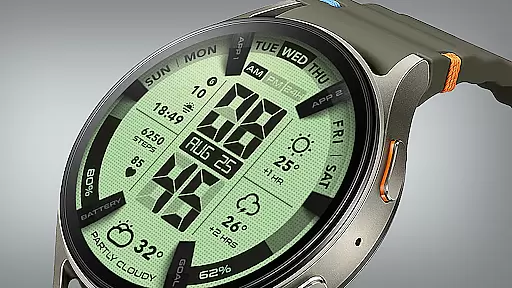
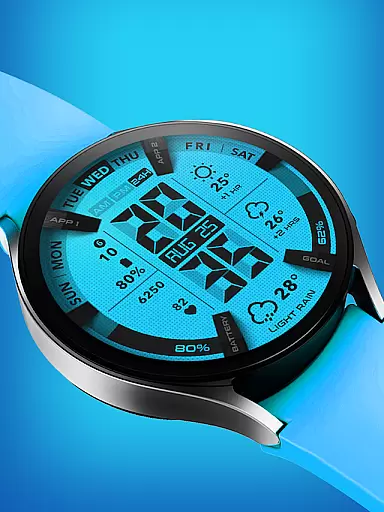
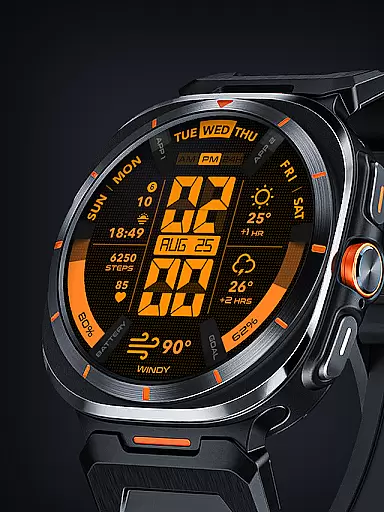
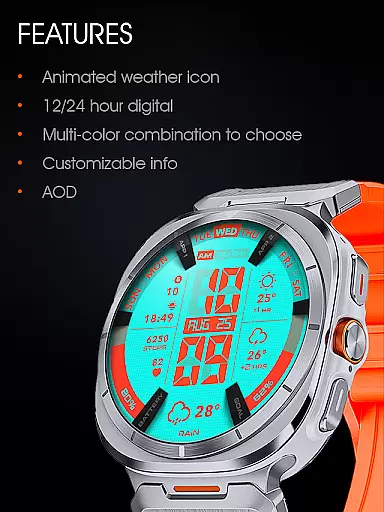
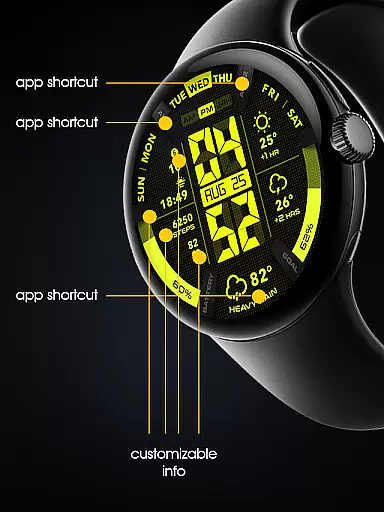

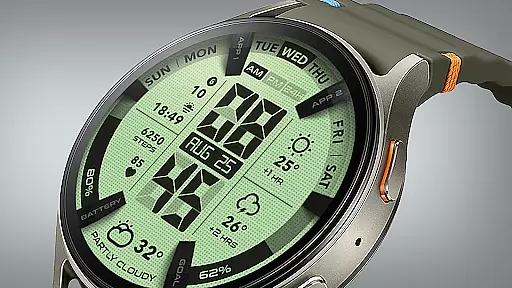
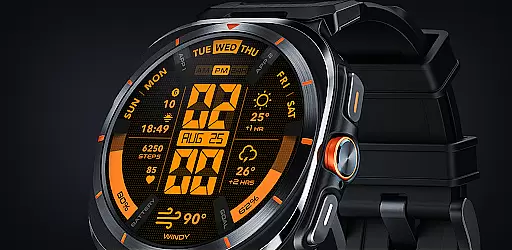
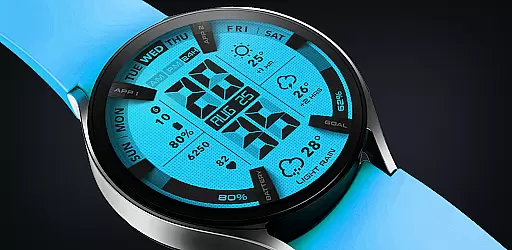
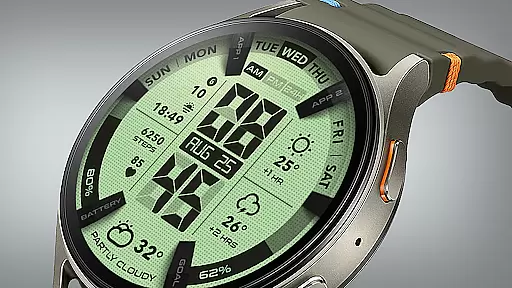
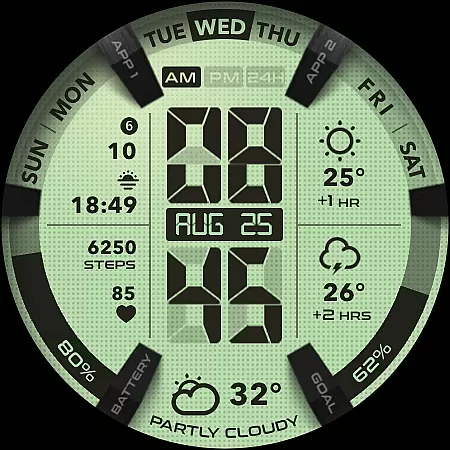
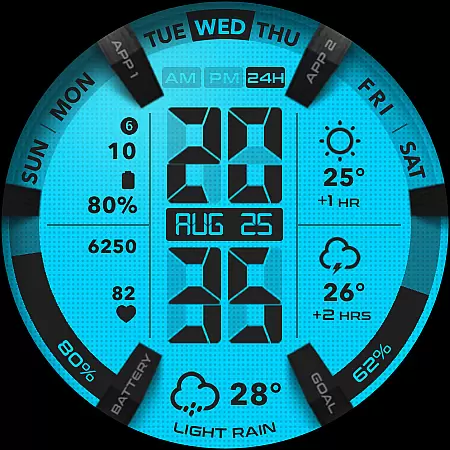
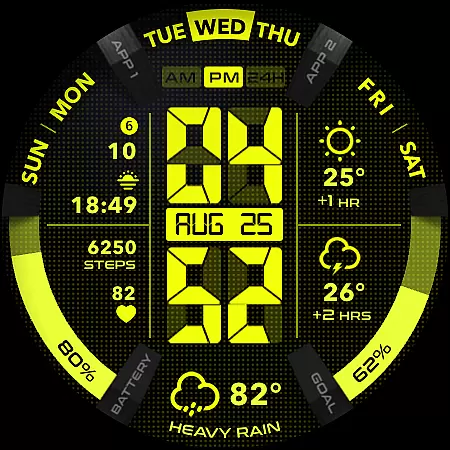
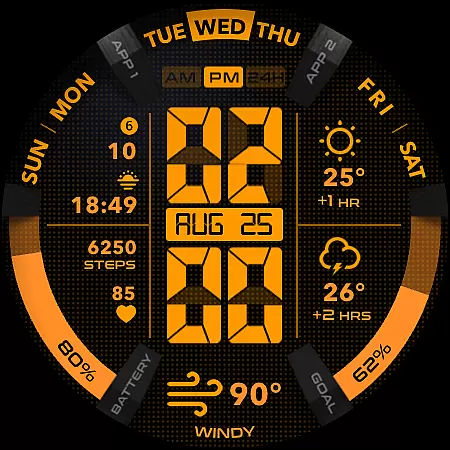
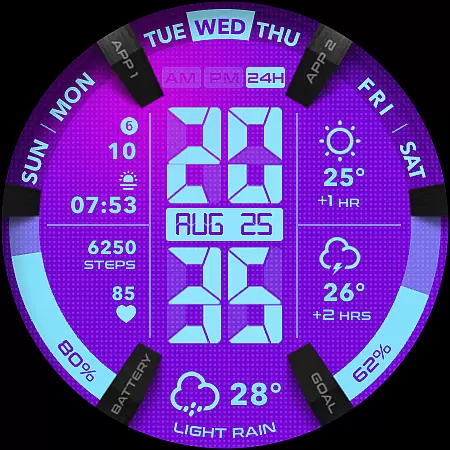
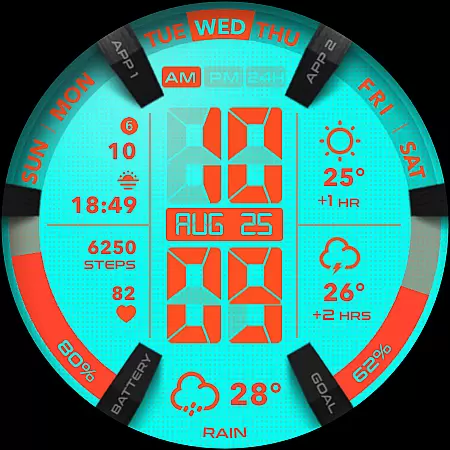
UsA LCD Weather Anim is a digital watch face designed for Wear OS devices, offering users an animated weather display with hourly forecasts. This lifestyle application stands out with its customizable color options and unique design elements.
The watch face features a 12/24 hour digital clock, animated weather animations, and a two-hour forecast. Users can personalize the appearance through various color styles and complications. It also includes practical functions like a step goal gauge and battery indicator.
Ideal for those seeking both functionality and personalization in a smartwatch face, UsA LCD Weather Anim provides essential timekeeping features alongside detailed weather information, making it particularly useful for outdoor activities or daily planning.
This lifestyle app offers several notable features that enhance the Wear OS experience. The animated weather display not only shows current conditions but also provides forecasts for the next two hours, helping users plan their day effectively.
Customization is at the core of this watch face's appeal. Users can modify color schemes and choose from different complications to create a personalized look. The special Always On Display (AOD) mode maintains visibility while conserving power, though it may increase battery consumption.
Practical indicators such as the step goal gauge and battery meter provide useful information at a glance. These features, combined with compatibility for Wear OS API 34+ devices, make UsA LCD Weather Anim a versatile choice for users seeking both style and substance in their smartwatch interface.
UsA LCD Weather Anim offers a comprehensive lifestyle experience by integrating essential daily features into a wearable device. The app provides not only classic EL Light display digital watch functionalities but also animated weather updates and hourly forecasts, making it a versatile companion for various lifestyle needs.
The customization options available in the app allow users to tailor their experience according to personal preferences. With customizable color styles, step goal gauges, battery gauges, and complications, this app ensures that each user can create a unique style that resonates with their individual lifestyle choices.
Moreover, the specially designed Always On Display (AOD) feature adds an extra layer of convenience, showing a low-power display even when the watch is idle. This functionality enhances accessibility and ensures that important information is always at hand, catering to the dynamic nature of modern lifestyles.
Authenticity and credibility are at the core of UsA LCD Weather Anim's offerings. The app delivers accurate weather animations and forecasts, ensuring that users receive reliable information to plan their day effectively. By supporting Wear OS API 34+ (Wear OS 5) and later, the app guarantees compatibility and performance on the latest devices.
Users can trust the precision of the 12/24 hour digital watch and the step goal gauge, which are designed to provide dependable data tracking. The app's commitment to quality is further demonstrated through its detailed installation instructions and support for automatic updates via the same Google account used for purchase.
For ongoing support and community engagement, UsA LCD Weather Anim invites users to join their Telegram group. This platform facilitates live discussions and assistance, reinforcing the app's dedication to maintaining high standards of content authenticity and expert credibility.
Animated weather display
Highly customizable
Useful health indicators
Modern design aesthetic
Always On Display feature
Battery consumption
Limited device support
No advanced features
Premium price tag
Complex setup process

Duo Watch Face (animated)
 4.5
4.5
A watch face with transparency and fluid visuals inspired by liquid glass design
4.2
Bring the warm colors of fall directly to your wrist with Autumn Leaves!
4.4
Discover the "To Be a Christian" App: Your Guide to Deepening Faith!
5.00
Your home in your hand
3.80
Make money, get paid cash rewards & gift cards for every survey. Earn today!
4.60
A smart Siddur with halachic times
4.50
DailyGift can help you record your habits and get rewards along the way!
4.60
Earn money for every survey and game you play, and get real rewards every time
4.50
Countdown to Christmas 2025 with festive games & activities in a virtual village
4.80
Kasa Smart is your portal to your TP-LINK Smart Home.
4.70
A smart Siddur with halachic times
4.60
Unique "Isometric" style digital watch face for Wear OS
4.50
Earn money & gift cards when you take surveys, play games, scan receipts & more.
4.50
Play fun games, complete quick surveys, and earn money. It's fun and easy!
4.40
This minimalist yet classic board design brings a futuristic twist to your wrist
4.20
Material You inspired colors with BIG and Bold looks for Wear OS watches.
4.20
An Eerie Musical Trigger Toy for Spirits to Play with!
3.50
The cutest Autumn watchface featuring the adorable Mr. Squirrel
4.1


User Reviews