
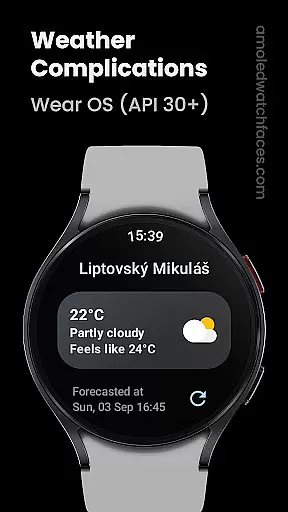
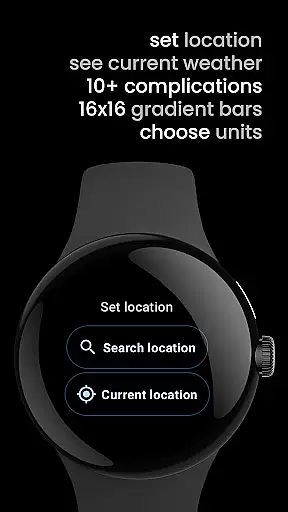
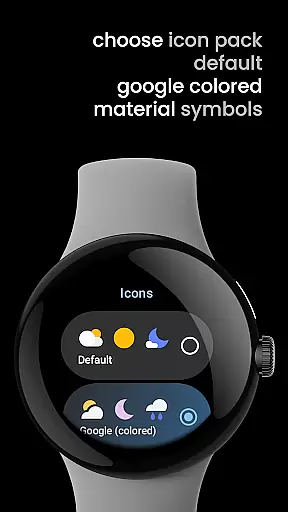
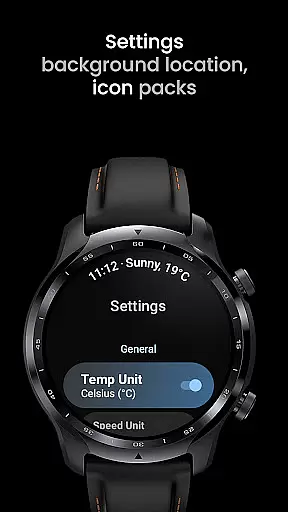
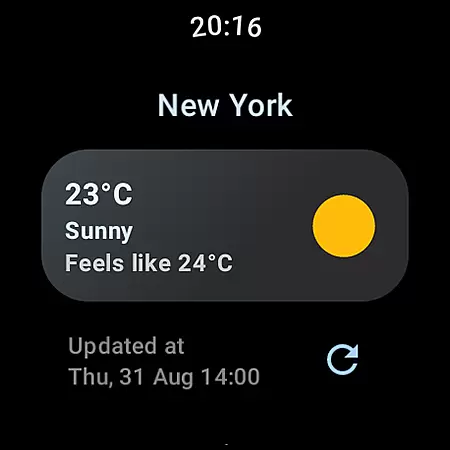
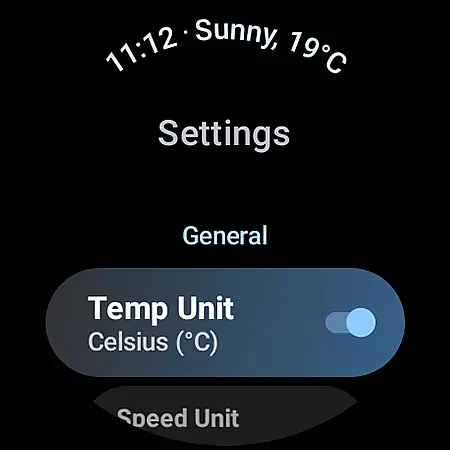
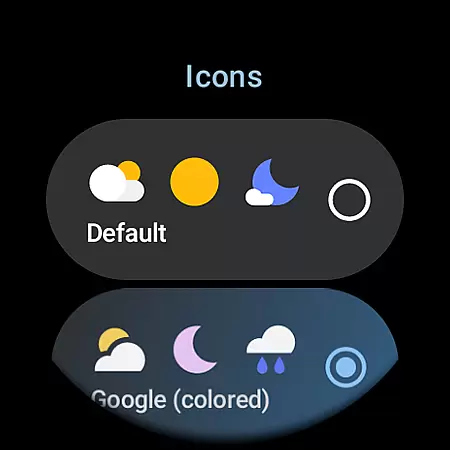
Weather Complications is a specialized app designed for Wear OS API 30+ devices, providing comprehensive weather-related complications. The app consolidates all essential weather data into one place, offering users the convenience of accessing detailed weather information directly from their smartwatch faces. With updates every 35 minutes and fresh weather data arriving every 15 minutes, it ensures both optimal battery life and up-to-date information.
The app supports various custom complication types including Air Quality Index, Atmospheric Pressure, UV Index, and more. It uses reliable sources like WeatherAPI.com and OpenWeatherMap.org to provide accurate weather data. Users can also view forecasted data when offline. This makes Weather Complications an indispensable tool for anyone looking to stay informed about weather conditions while maximizing their device's performance.
Weather Complications stands out with its diverse range of supported custom complications such as Air Quality Index, Humidity, UV Index, and many others. Each complication type offers multiple display options like SHORT_TEXT, LONG_TEXT, RANGED_VALUE, ICON, and SMALL_IMAGE, allowing users to customize their watch faces according to their preferences.
The app refreshes data in 35-minute intervals, ensuring minimal battery consumption while maintaining data accuracy. When there is no internet connection, it continues to display forecasted data for the current hour. By leveraging APIs from trusted sources like Google Places API for location info and integrating with platforms like WeatherAPI.com and OpenWeatherMap.org, Weather Complications delivers precise and timely weather updates tailored specifically for Wear OS users.
Weather Complications for Wear OS provides highly reliable weather data through trusted sources like WeatherAPI and OpenWeatherMap. These platforms are renowned for their accurate forecasting and real-time updates, ensuring users receive dependable information tailored to their locations.
The app refreshes its complications every 35 minutes, optimizing battery life while maintaining up-to-date forecasts. Even without an active internet connection, the app continues to display relevant weather predictions based on previously downloaded data, offering uninterrupted service when it's most needed.
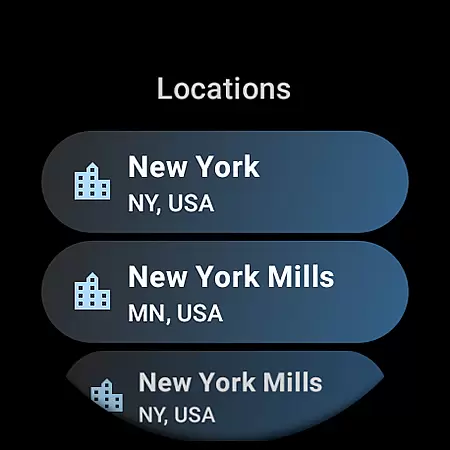
By integrating Google's Places API, the application ensures precise location tracking, which enhances the accuracy of the presented weather details. This meticulous attention to credible sources and timely updates empowers users with trustworthy insights into atmospheric conditions, aiding them in making informed daily decisions.
One of the standout features of Weather Complications for Wear OS is its ability to provide both temporal and spatial forecast ranges. Users can access detailed weather outlooks that span various intervals throughout the day, including current temperatures, humidity levels, UV indexes, and more. Such granularity allows individuals to plan activities around specific weather patterns effectively.
In addition to hourly forecasts, the app supports broader temporal scopes such as daily summaries and extended-range projections. This flexibility caters to different user needs, whether they require immediate meteorological insights or long-term planning assistance.
Spatially, the app covers numerous geographical regions thanks to its integration with global weather services. Regardless of where you are located, Weather Complications delivers localized and comprehensive weather reports, enhancing situational awareness and preparedness for changing environmental conditions.
User-friendly interface
Comprehensive weather data
Optimized battery usage
Multiple display options
Reliable data sources
Limited to Wear OS
No BOGO promo availability
Offline functionality restricted
Requires Google account
Premium features may cost extra

Live Weather Forecast app with acu weather radar, weather alert & weather widget
 4.80
4.80
Weather for Indiana, Kentucky and Ohio
4.90
The Weather Network TV App - Your weather when it really matters
2.90
Get instant weather & temperature predictions right on your Wear OS smartwatch!
4.3
An unofficial app version of the National Weather Service (Weather.gov)
3.90
Powerful US and worldwide earthquake feed with earthquake alerts and maps.
4.60
Industry leading whitetail movement predictor & hunting app.
4.60
Weather watch face for Wear OS 5
4.40
Advanced weather toolkit, providing detailed weather information for any season!
3.50
Ultimate Lunar Calendar for 2021!
4.80
Weather Forecast, Trending News, Hurricane & Storm Tracker, Alerts & Live Radar.
4.80
Get accurate rainfall and snowfall totals for pinpoint locations on a map.
4.60
Local forecast, alerts, rain, snow and wind radar, air quality & weather widget
4.60
Accurate Thermometer: indoor & outdoor temperature, humidity, pressure, and wind
4.50
Analog Weather Watch Face for Wear OS 5+
4.10
Your Reliable Weather Companion
4.10
Arrive safely! Travel weather forecasts for your entire trip at time of arrival.
3.60
A powerful weather forecast to get real-time weather information
3.60
Retro TV-style digital watch face with weather, heart rate, steps & events!
4.3


User Reviews