
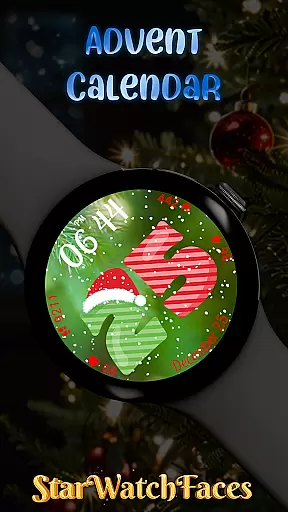
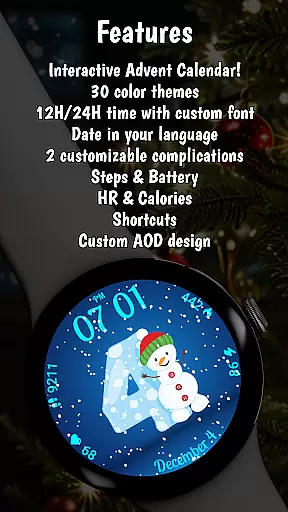
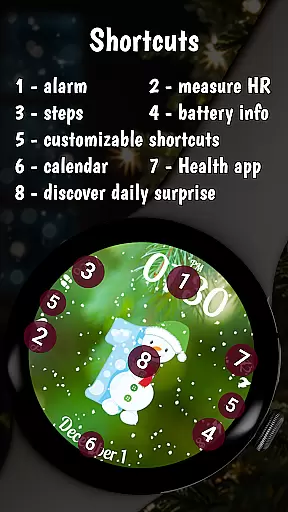
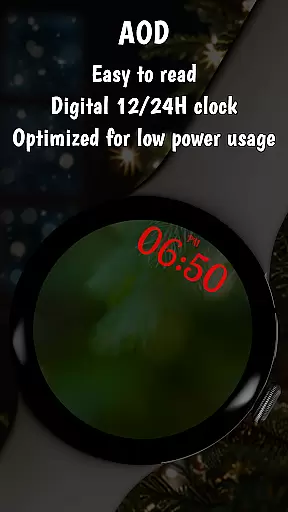
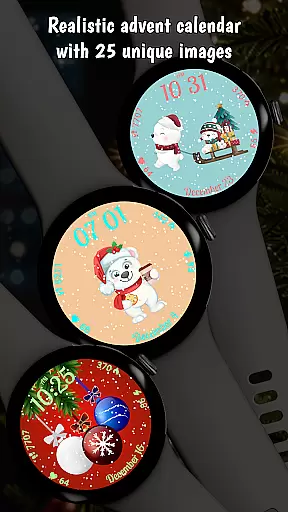
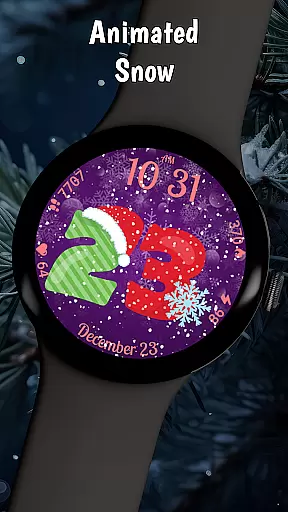

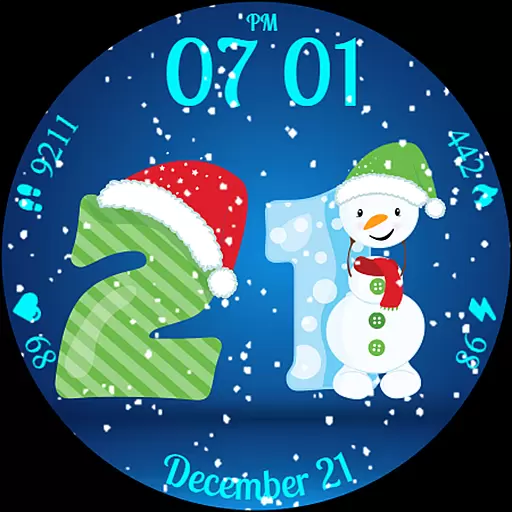
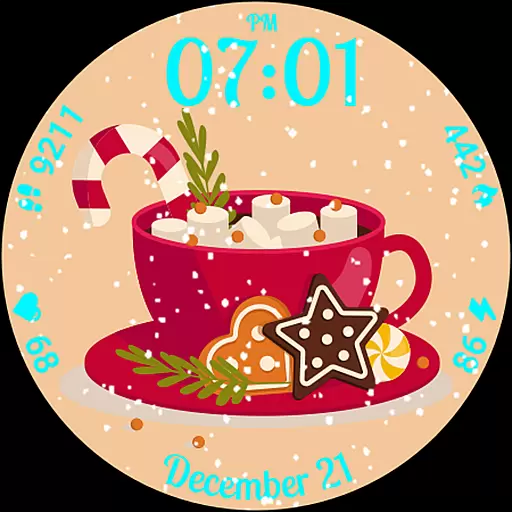
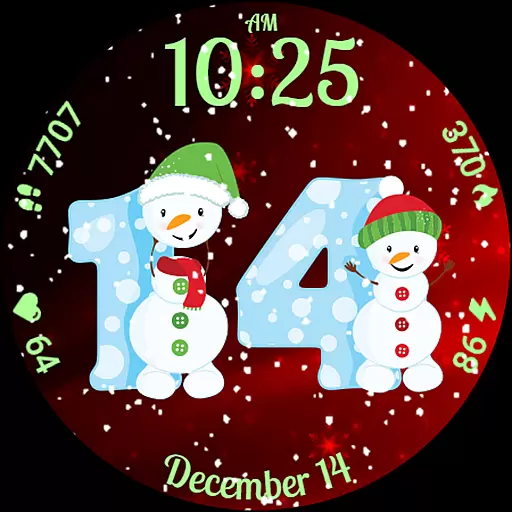
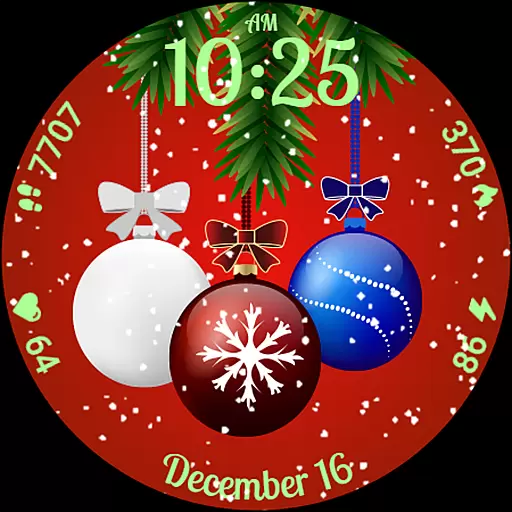
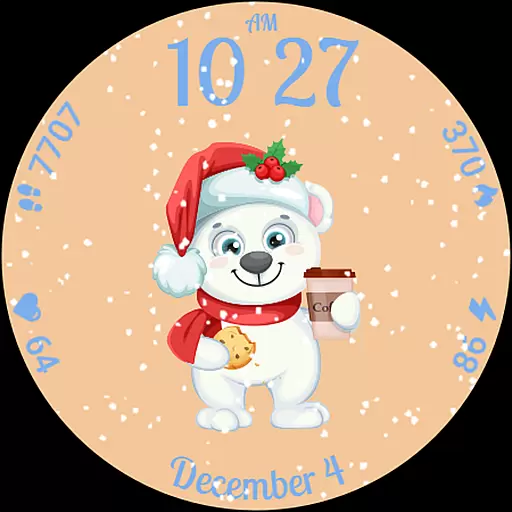
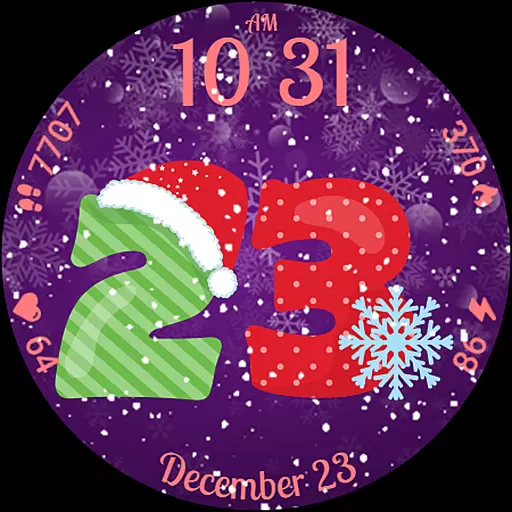
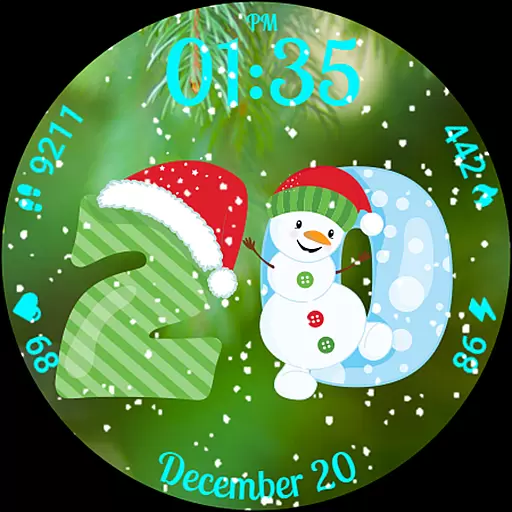
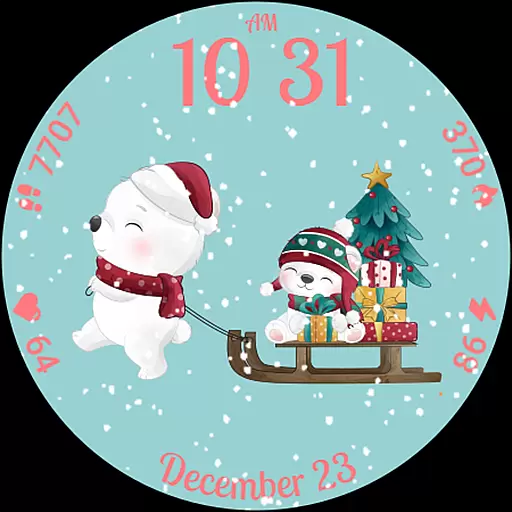
Advent Calendar is a festive watch face app designed specifically for Wear OS devices, offering users a unique holiday experience. From December 1 to 25, users can tap on the screen each day to reveal a surprise Christmas-themed image, adding excitement to the countdown to Christmas. The app also features animated snowfall, creating a charming winter atmosphere right on your watch face.
In addition to its holiday spirit, Advent Calendar provides practical functionality by displaying essential health and battery stats such as calories, heart rate, steps, and battery life alongside the time. Users can choose between 12-hour or 24-hour time formats and customize their watch with multiple background options and color themes. This combination of festivity and utility makes Advent Calendar the perfect companion for staying informed while enjoying the magic of the season.
Advent Calendar stands out with its interactive daily surprises, revealing exclusive Christmas-themed images from December 1 to 25. Each tap on the watch face brings a new delightful design, ensuring that users remain engaged throughout the holiday season. The app also includes an animated snow feature, where snowflakes gently fall across the screen, enhancing the seasonal ambiance.
Built using the latest WFF format, Advent Calendar is fully optimized for Wear OS 4 and 5, guaranteeing smooth performance and advanced compatibility. It offers extensive customization options, allowing users to personalize their watch faces with different backgrounds, color themes, and complications. Additionally, Advent Calendar integrates seamlessly with health and device stats, displaying metrics like calories burned, heart rate, step count, and battery life directly on the watch face. This blend of fun and functionality ensures that Advent Calendar caters to both style and practicality.
Advent Calendar offers a unique blend of holiday charm and practical functionality, making it an ideal lifestyle companion for the festive season. This Wear OS watch face provides users with a delightful countdown to Christmas, revealing a new surprise photo each day from December 1 to 25. The seasonal-themed digits and charming designs create an interactive experience that brings joy to daily routines.
Beyond its holiday features, Advent Calendar ensures users stay informed with essential health and battery stats. It displays crucial information such as calories, heart rate, steps, and battery life alongside the time. With options for both 12-hour and 24-hour formats, this watch face caters to various preferences and needs. Its integration of useful data with festive elements showcases a comprehensive approach to lifestyle management during the holiday season.
The customization options further enhance its lifestyle appeal. Users can personalize their watch faces with multiple background choices and color themes. Additionally, the animated snow feature adds a touch of magic, creating a joyful atmosphere while waiting for Christmas. These personalization capabilities ensure that Advent Calendar fits seamlessly into different lifestyles, offering both aesthetic pleasure and functional utility.
Advent Calendar stands out through its authentic and credible content, designed to provide users with a genuine holiday experience. Each surprise photo revealed from December 1 to 25 is crafted with care, featuring cute Christmas-themed images that capture the essence of the season. The attention to detail in these designs reflects a high level of authenticity, ensuring users receive a true taste of Christmas magic on their wrists.
In addition to visual content, Advent Calendar incorporates reliable health and battery statistics. By displaying accurate data such as calories burned, heart rate, steps taken, and remaining battery life, the app reinforces its credibility. Users can trust the information presented, allowing them to make informed decisions about their daily activities while enjoying the festive spirit.
Furthermore, Advent Calendar's optimization for the latest Wear OS versions demonstrates expert development practices. Built using the advanced WFF format, the watch face guarantees smooth performance and compatibility with Wear OS 4 and 5. This technical expertise not only enhances user experience but also underscores the app's commitment to delivering authentic and trustworthy content throughout the holiday season.
Holiday-themed surprises
Animated snow feature
Fully optimized for Wear OS
Customizable watch face
Health and battery stats integration
Limited to holiday season
Requires Wear OS
Premium features need purchase
Designs are niche
Some features may drain battery

Fly your Solo like a boss.
 4.10
4.10
Big bold digital watch face with 30 colors, 6 complications and AOD.
4.2
Premium floor cleaning robots
4.50
Smart & Healthy Living
4.60
Play fun games, complete quick surveys, and earn money. It's fun and easy!
4.40
Communicate with your vehicles and Powerwalls anytime, anywhere
3.60
A smart Siddur with halachic times
4.50
An Eerie Musical Trigger Toy for Spirits to Play with!
3.50
Vehicle ownership simplified. Get the myChevrolet® app today.
4.60
A smart Siddur with halachic times
4.60
This app is intended to support professional EMDR therapy.
4.50
Smart controls for your Ember Smart Mugs
4.10
SmartHQ: Your Connected Home Command Center
4.10
Take Hobby Lobby with you wherever you go!
3.40
Unique Dual Colors with 6 Custom Complications for Wear OS watches!
3.40
The Miracle Box includes methods used by Steve Huff of Huff Paranormal.
3.20
Healthy eating timer app to track meal pace, improve habits, and eat slowly.
4.2
Big bold weather watch face with dynamic backgrounds and 3 complications
4.5
Customize your Wear OS watch with festive Christmas figures and colors!
4.1


User Reviews