
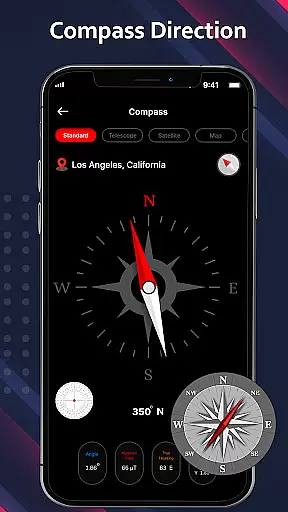
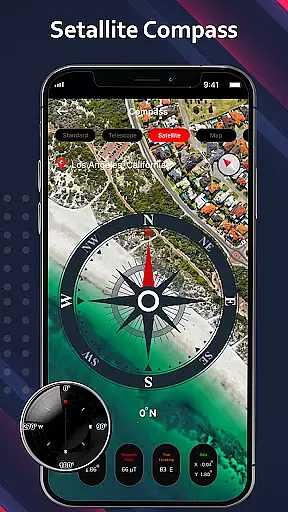
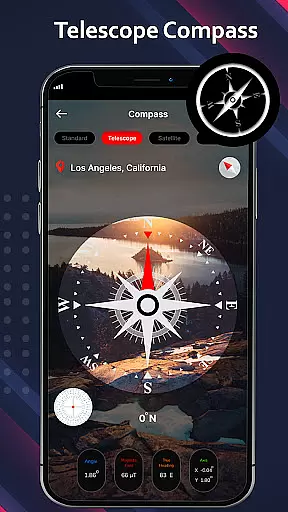
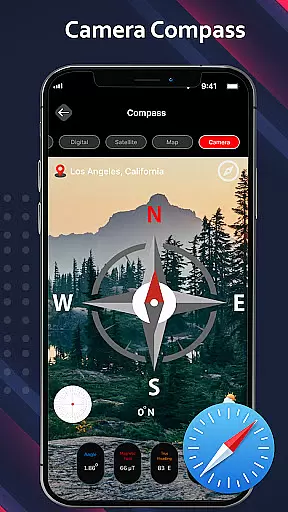
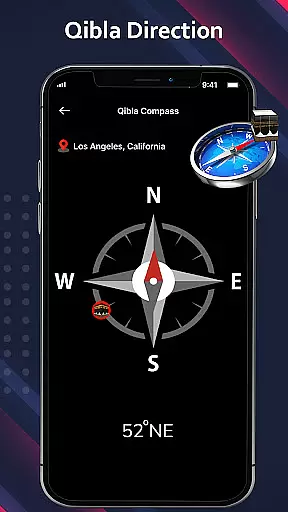
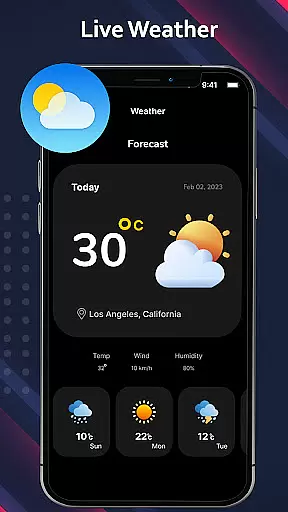
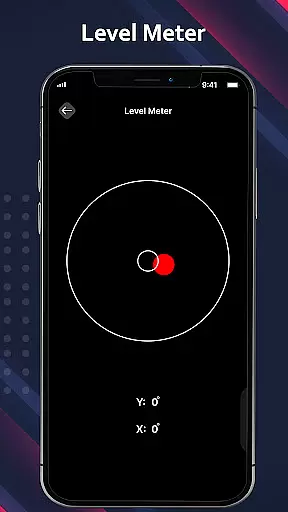
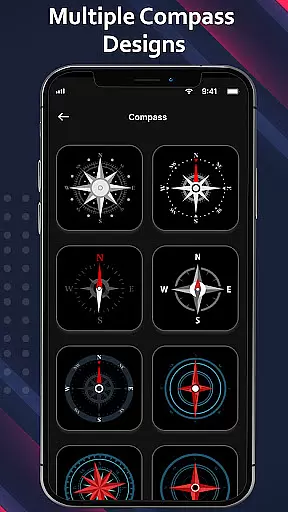
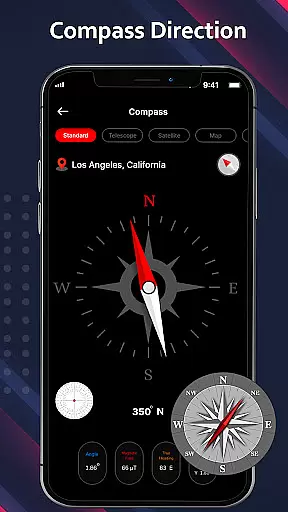
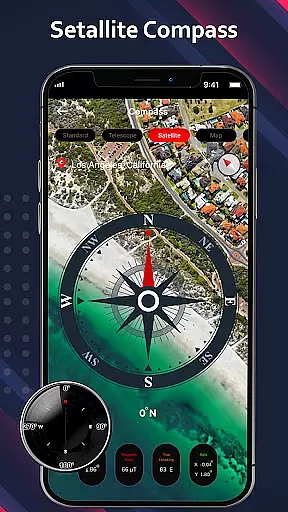
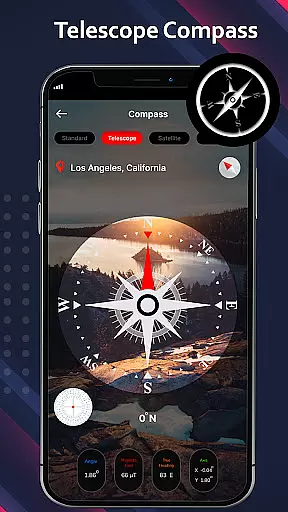
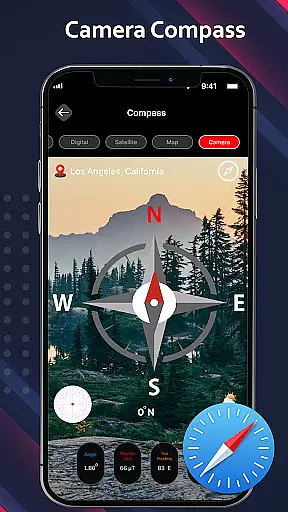
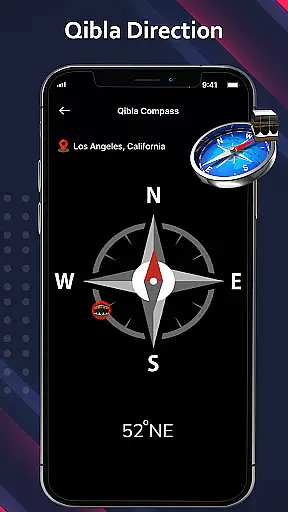
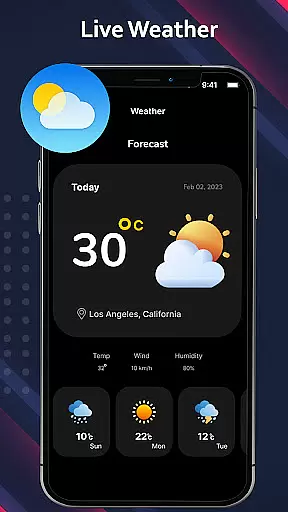
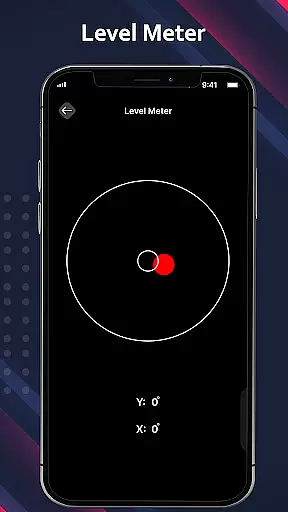
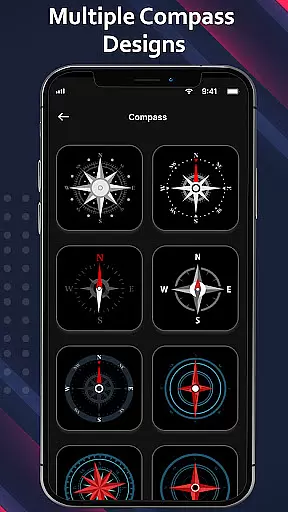
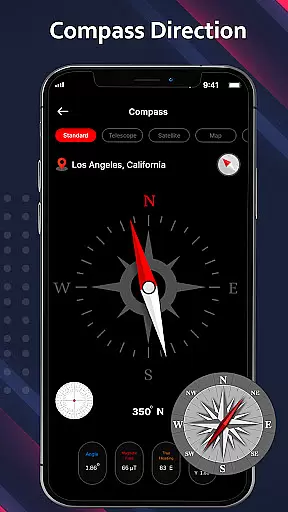
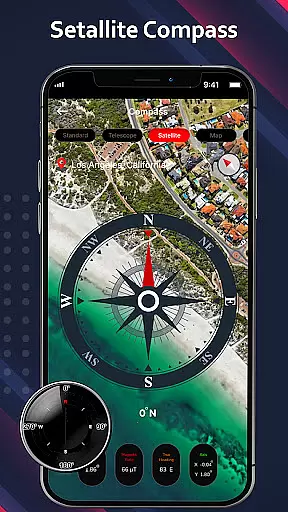
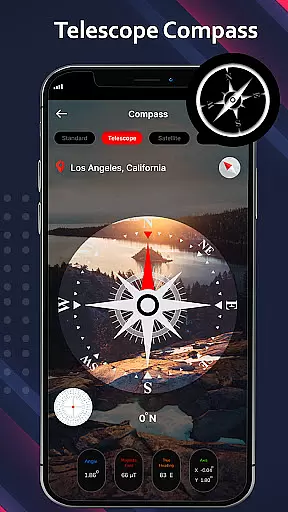
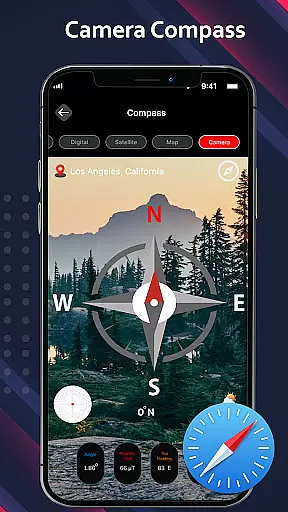
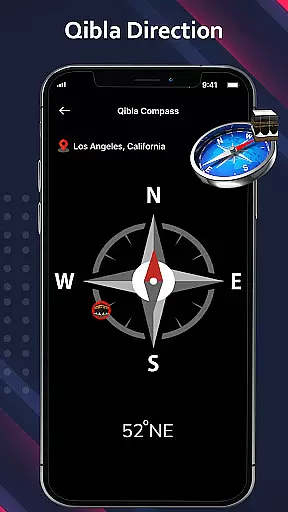
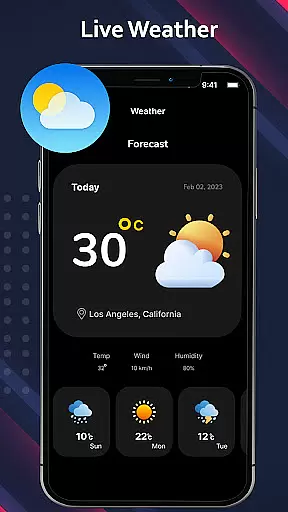
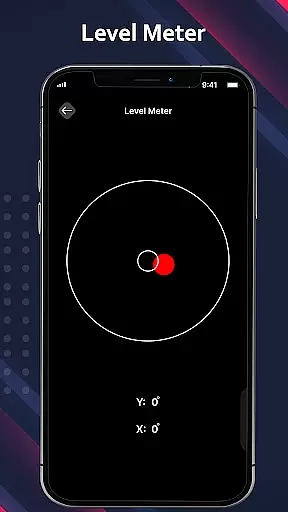
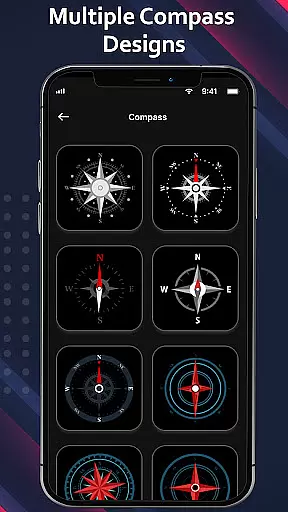
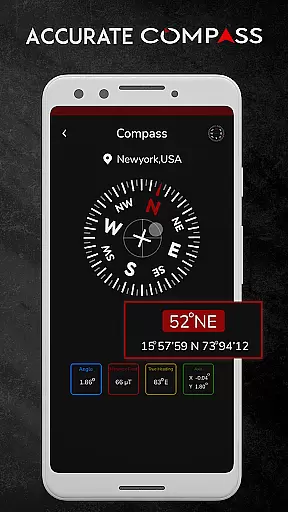
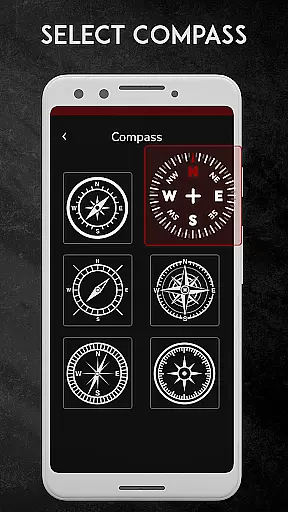
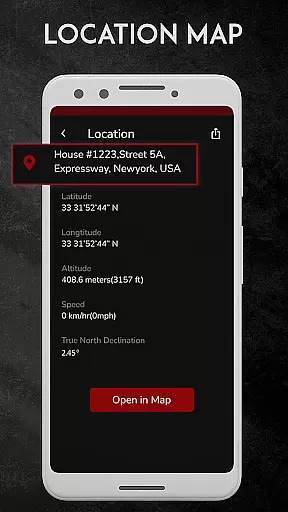
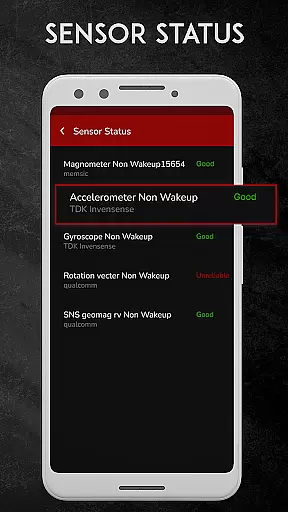
Digital Compass for Android is a highly precise and versatile navigation tool designed to help users determine cardinal directions with accuracy. The app combines multiple compass modes including standard compass, satellite compass, camera compass, telescope compass, and even a qibla compass, making it suitable for various scenarios such as hiking, traveling, or religious practices. With added features like weather updates and GPS functionality, this digital compass app provides both directional guidance and environmental information, ensuring users can navigate confidently in any situation.
One of the standout aspects of this app is its ability to function as more than just a basic direction tool. It offers advanced features like real-time location tracking through latitude and longitude coordinates, which are essential for outdoor activities. Additionally, the camera compass mode overlays directional data onto live camera views, offering an augmented reality experience that enhances navigation precision. Whether you're exploring remote areas or need to find specific bearings in urban environments, Digital Compass for Android serves as a reliable companion for all your navigational needs.
The app boasts an array of innovative features that cater to different user requirements. First and foremost, the standard compass function uses a magnetic needle to point towards Earth's magnetic north, providing reliable cardinal direction readings. For more specialized use cases, the camera compass allows users to integrate live camera views with compass data, delivering real-time directional guidance overlaid on their surroundings. This feature is particularly useful when navigating unfamiliar territories or when higher precision is required.
In addition to traditional compass functionalities, the app includes a telescope compass mode that enhances object measurement accuracy by utilizing the device’s camera for quick focusing. Meanwhile, the satellite compass feature enables users to pinpoint exact locations for clear navigation instructions. Weather updates further enrich the user experience by supplying current environmental conditions alongside directional data. These comprehensive capabilities ensure that Digital Compass for Android stands out among similar apps by offering both fundamental and advanced tools tailored for diverse navigation scenarios.
Forecast accuracy and data credibility are crucial for any weather-related application. Digital Compass for Android integrates a weather compass feature that provides real-time weather updates alongside precise compass readings. This ensures users not only navigate effectively but also stay informed about current weather conditions.
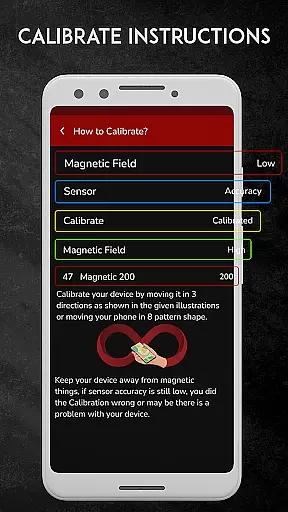
The app employs advanced sensors to measure the Earth's magnetic field, delivering accurate direction data. By combining this with reliable weather information, it offers a comprehensive navigation tool. Users can trust the app to provide both directional guidance and weather insights, enhancing their outdoor experiences.
For travelers, campers, or hikers, having credible weather data means better preparation and safety. The app's ability to display current location and predict weather patterns adds an extra layer of reliability. Whether you're exploring new terrains or planning a trip, this feature ensures you're never caught off guard by changing weather conditions.
Temporal and spatial forecast range refers to the app's capability to provide weather predictions over time and across different locations. Digital Compass for Android excels in this area by offering extensive coverage and frequent updates. This allows users to plan their activities with confidence, knowing they have access to the latest weather forecasts.
The app's satellite compass feature enhances its spatial forecasting abilities. By pinpointing precise locations, it delivers clear navigation instructions and weather updates specific to the user's area. This is particularly beneficial when traveling or moving between locations, as it ensures continuous and accurate information.
Moreover, the temporal aspect ensures that users receive timely updates, keeping them informed about imminent weather changes. For those relying on the app for direction and weather, such as hikers or drivers, this means enhanced safety and convenience. With Digital Compass for Android, users gain a reliable tool that supports both their navigational and meteorological needs.
User-friendly interface
Accurate magnetic sensor
Multiple compass modes
Real-time weather updates
GPS location tracking
Requires calibration
Battery intensive
Sensitive to magnetic interference
Limited offline functionality
Occasional inaccuracies

Moon phase calendar with live wallpaper, lunar widget, & 3D simulation.
 3.60
3.60
Local weather forecast, reliable daily weather report
4.30
Your local weather app with storm radar, rain tracker, weather maps & AQI.
4.4
No ads, No data collected. Beautiful and powerfully customizable weather app
4.90
72-hour weather & daily forecasts with extreme weather alerts
4.60
Accurate, beautiful weather with landscapes depicting weather, sky, season.
4.50
NOAA forecast & radar for your exact location.
4.80
Local forecast, alerts, rain, snow and wind radar, air quality & weather widget
4.60
Stay Ahead Of Changing Weather Conditions
4.00
Aviation weather made simple. Visual decoder for METAR & TAF
4.90
Live Weather Forecast app with acu weather radar, weather alert & weather widget
4.80
Weather radar, satellite, wind, waves, ocean and hurricane forecasts.
4.70
Super-res, real-time weather radar. Be prepared for extreme weather.
4.50
Weather watch face for Wear OS 5
4.40
All-in-one weather radar launcher with rain, temperature maps & local forecast.
4.30
Storm Radar, Alerts & Live Weather Forecasts Right on Your Home Screen
3.70
Arrive safely! Travel weather forecasts for your entire trip at time of arrival.
3.60
A powerful tool for ultimate weather awareness
3.50
Detailed weather info and moon phase, subtle animation, customizable
4.1


User Reviews