
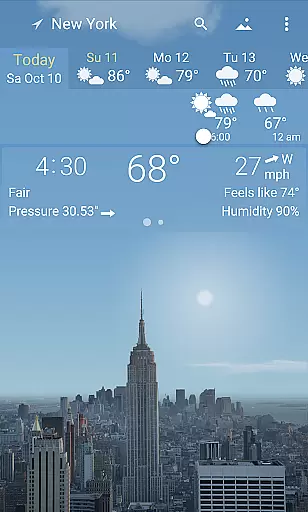
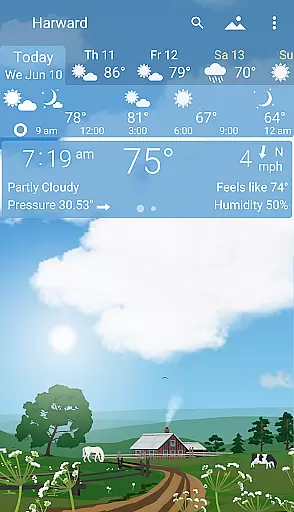
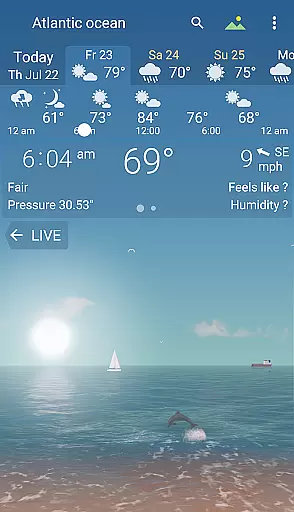

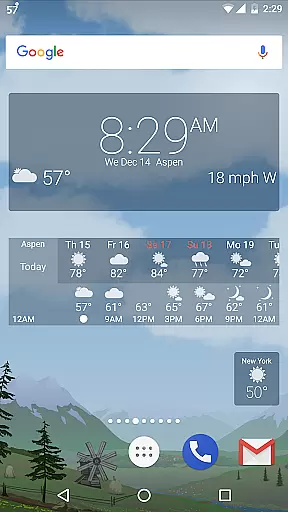
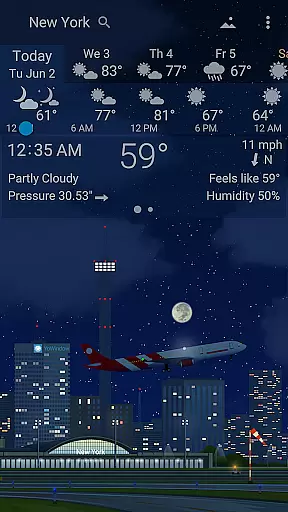
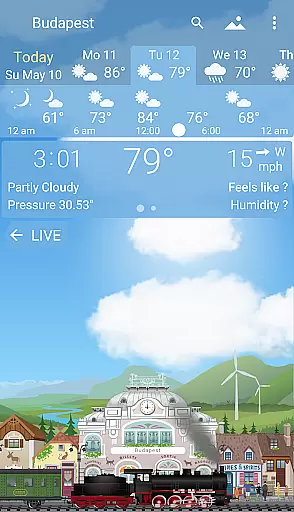
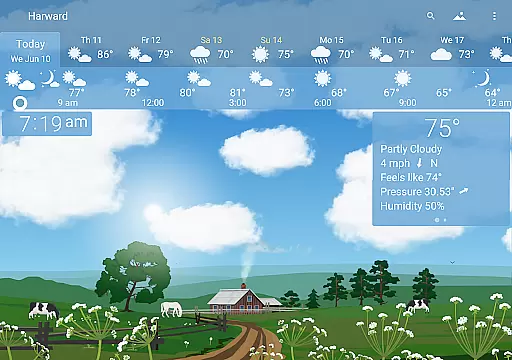
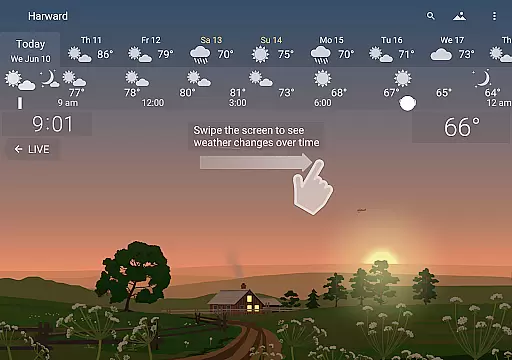
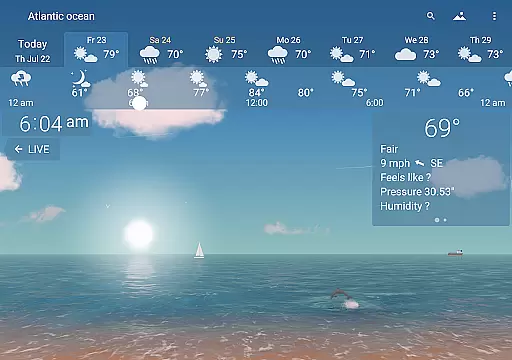
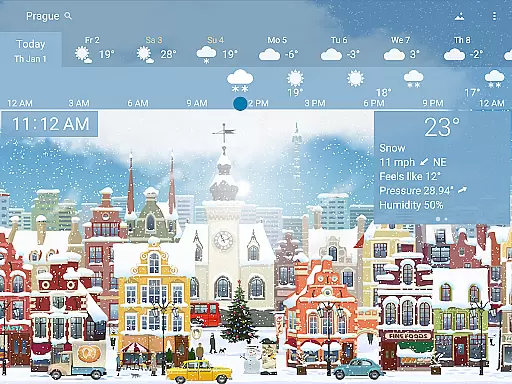
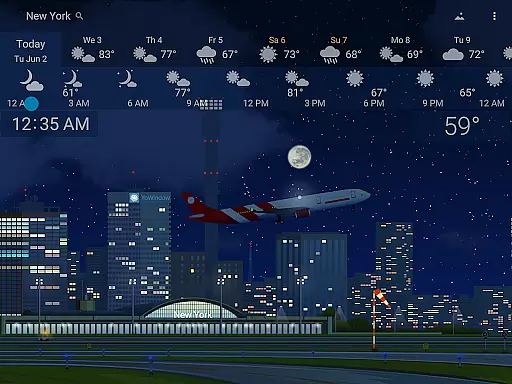
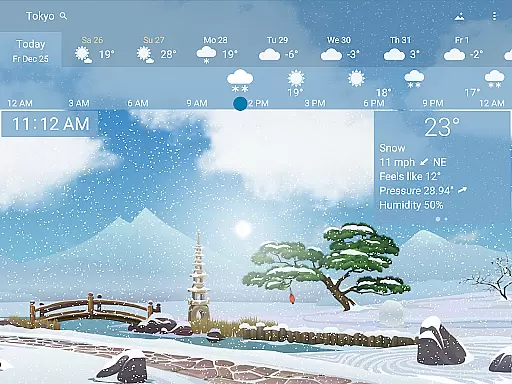
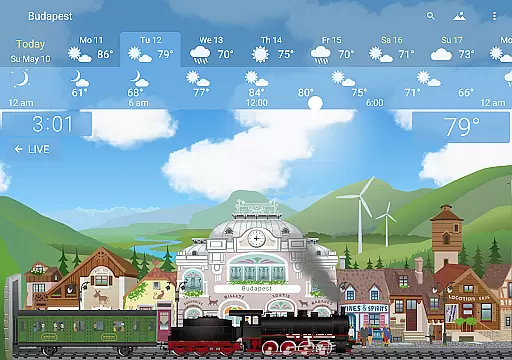
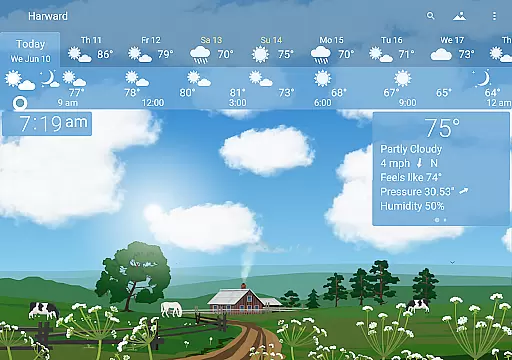
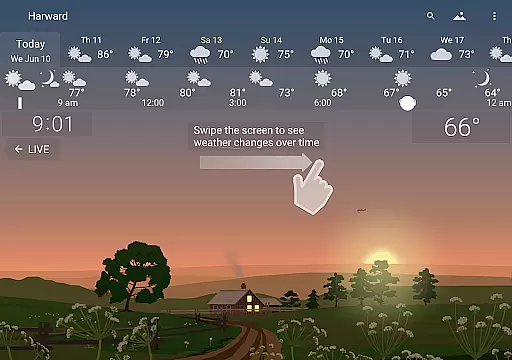
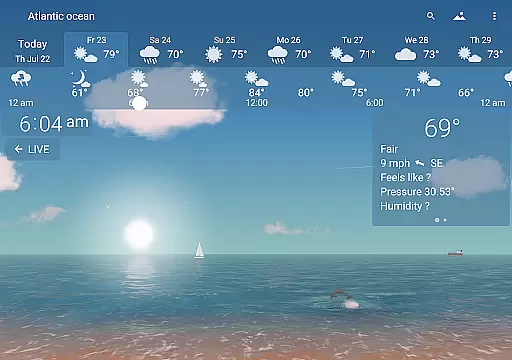
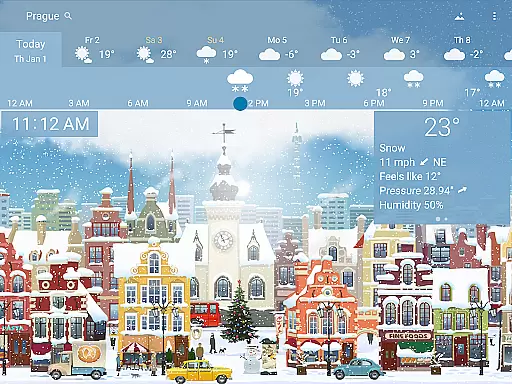
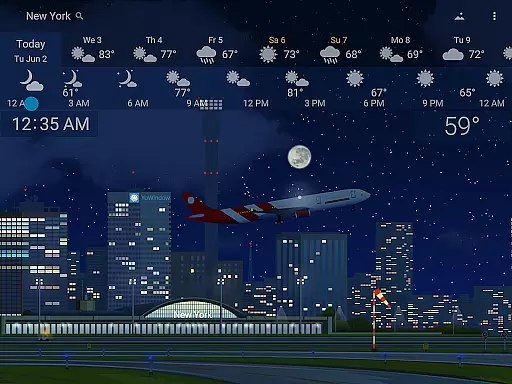
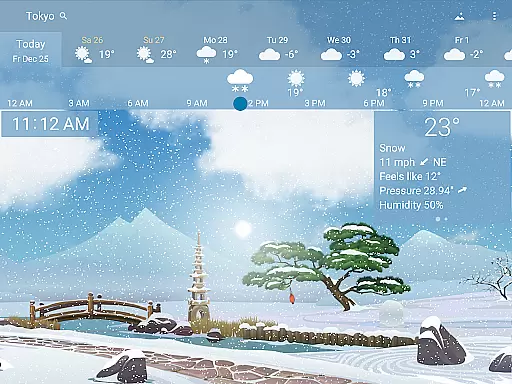
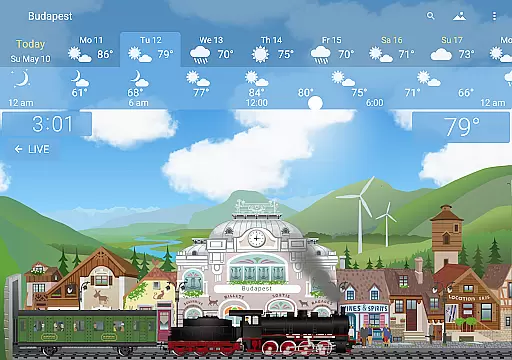
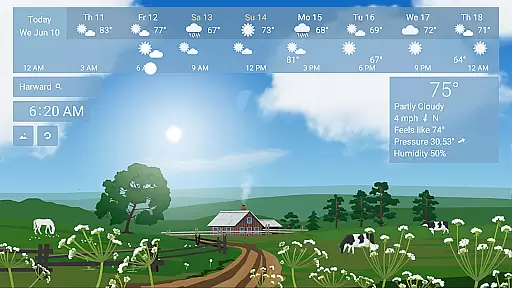
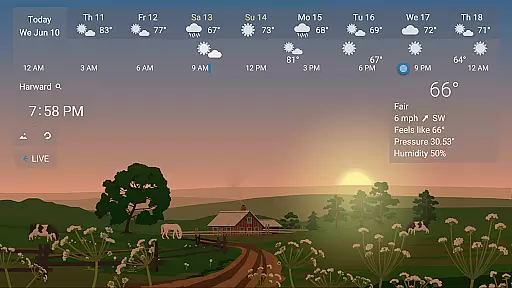
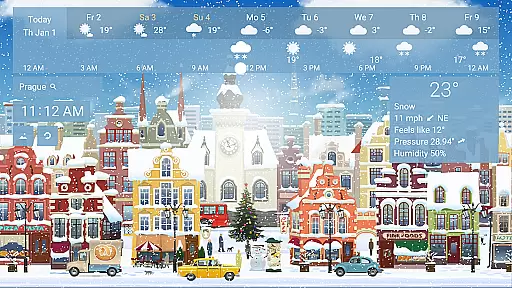
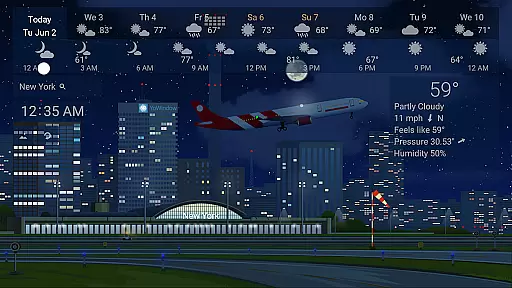
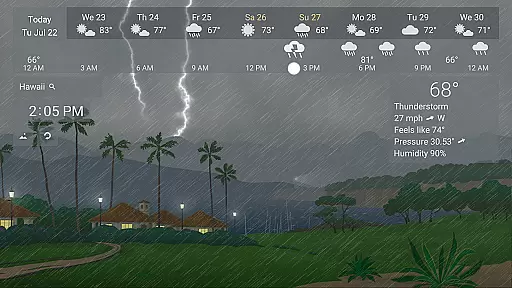
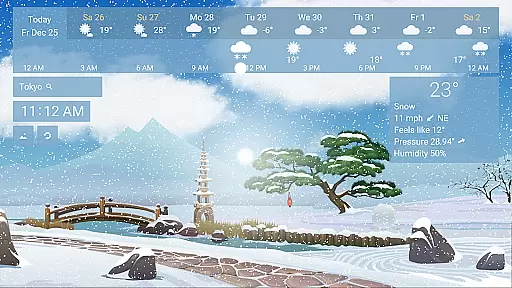
YoWindow Weather is an innovative weather application that offers users a visually stunning and highly functional way to stay informed about the weather. The app's standout feature is its living landscape that mirrors real-world weather conditions. For example, if it's raining outside, YoWindow simulates rain within its interface. This dynamic representation extends to sunrises and sunsets, which occur in sync with actual times.
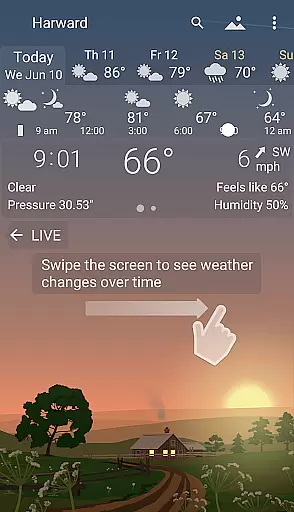
Another remarkable aspect of YoWindow is its time-scrolling capability. Users can swipe across the screen to see how weather patterns will evolve throughout the day. With all essential weather information at your fingertips, including current conditions and multi-day forecasts, YoWindow combines simplicity with beauty. Its meticulously designed landscapes adapt to seasonal changes, providing a personalized touch based on your location.
YoWindow Weather stands out due to its unique features tailored for both casual users and weather enthusiasts. One key feature is its hyper-realistic weather simulation, where every meteorological event is visually represented in real-time. Whether it's snowfall or sunshine, YoWindow brings these conditions to life through its animated landscapes.
The app also provides detailed forecasts powered by leading meteorological organizations like yr.no and NWS. These forecasts are not only accurate but also easily accessible, allowing users to plan their days effectively. Additionally, YoWindow offers customizable landscapes that change with seasons, ensuring that the visuals remain fresh and relevant year-round. This blend of practicality and aesthetics makes YoWindow a top choice for anyone seeking a comprehensive yet beautiful weather app.
YoWindow Weather stands out for its exceptional forecast accuracy and data credibility. The app sources its weather information from leading meteorological organizations such as yr.no and NWS, ensuring users receive reliable and precise weather updates.
The magic of YoWindow lies in its real-time reflection of the actual weather through a living landscape. This feature not only enhances user experience but also serves as a visual confirmation of the forecast's accuracy. Whether it's rain or sunshine, YoWindow mirrors the real-world weather with impressive precision.
Users can scroll through time to see how the weather will change throughout the day, providing an interactive way to understand upcoming weather conditions. This forward-scrolling feature is synchronized with real-life weather events, offering both current and future insights with remarkable accuracy.
One of YoWindow Weather's key strengths is its extensive temporal and spatial forecast range. Users have access to detailed weather forecasts not just for the present moment but also extending several days ahead. This allows for comprehensive planning and preparation based on anticipated weather patterns.
In addition to covering various timeframes, YoWindow offers geographically accurate forecasts that reflect local conditions precisely. The app ensures that sunrise and sunset times are depicted exactly as they occur in real life, enhancing the reliability of its spatial data.
With beautifully designed landscapes that change with the seasons, YoWindow provides localized visuals that align with regional climate variations. These meticulously crafted graphics offer users an aesthetically pleasing yet highly functional means of understanding their specific areau2019s forecasted weather trends over time.
User-friendly interface
Accurate weather data
Visually appealing design
Real-time weather simulation
Customizable landscapes
Limited free features
High system requirements
Occasional syncing issues
Premium subscription cost
Complex settings for beginners

Ultimate weather forecast + moon phase for Wear OS 5+ (Pixel, Galaxy, et al.)
 4.70
4.70
Weather for Indiana, Kentucky and Ohio
4.90
The Weather Network TV App - Your weather when it really matters
2.90
Accurate Thermometer: indoor & outdoor temperature, humidity, pressure, and wind
4.50
Your Personal Weather Assistant
4.00
Storm Radar, Alerts & Live Weather Forecasts Right on Your Home Screen
3.70
Aviation weather made simple. Visual decoder for METAR & TAF
4.90
Local forecast, alerts, rain, snow and wind radar, air quality & weather widget
4.60
Weather Forecast, Trending News, Hurricane & Storm Tracker, Alerts & Live Radar.
4.80
Live Weather Forecast app with acu weather radar, weather alert & weather widget
4.80
Ultimate Lunar Calendar for 2021!
4.80
Thermometer shows indoor and outdoor temperature
4.70
Industry leading whitetail movement predictor & hunting app.
4.60
Weather radar map, storm tracker, local forecast, live rain alerts & daily news.
4.60
Weather watch face for Wear OS 5+
4.40
Weather watch face for Wear OS 5
4.40
Weather watch face for Wear OS 5+
4.10
Moon phase calendar with live wallpaper, lunar widget, & 3D simulation.
3.60
Detailed weather info and moon phase, subtle animation, customizable
4.3


User Reviews