
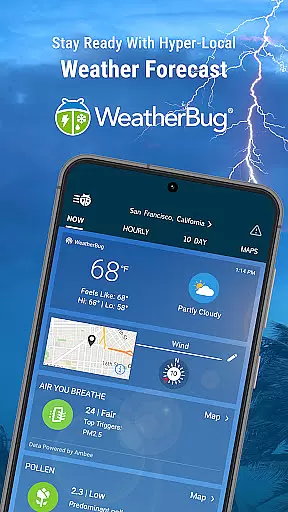
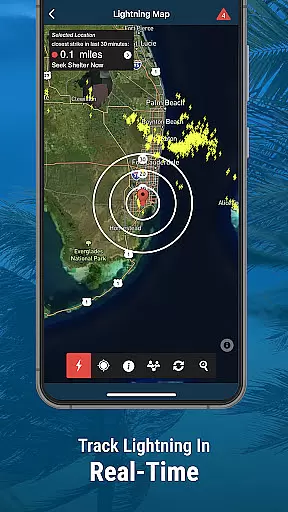
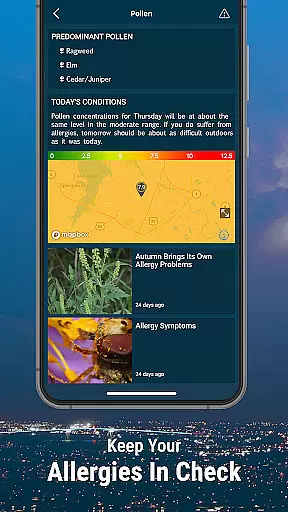
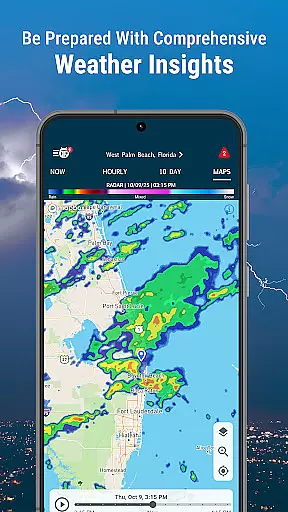
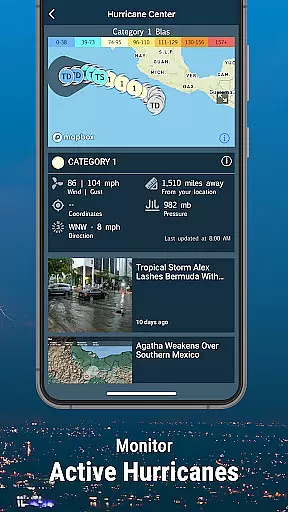
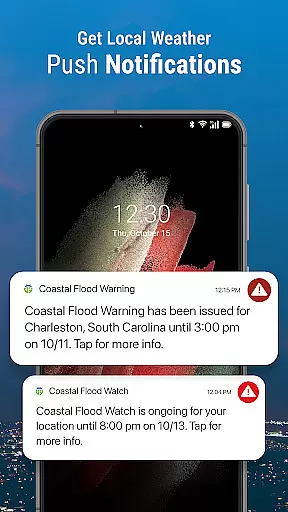
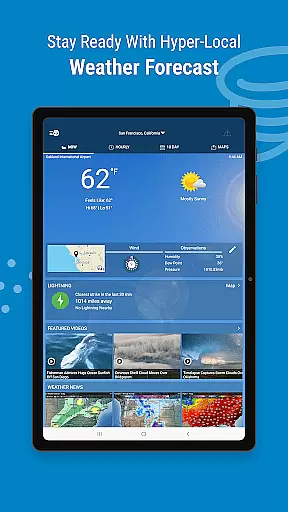
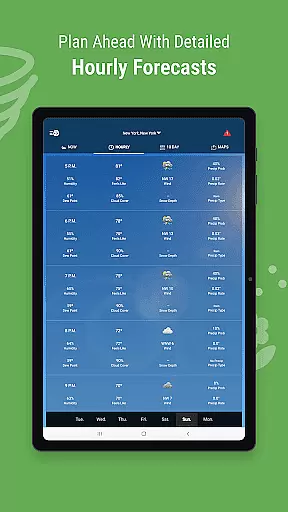
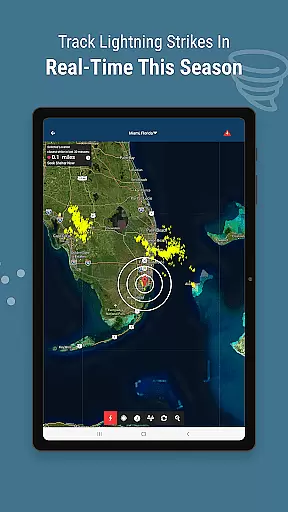
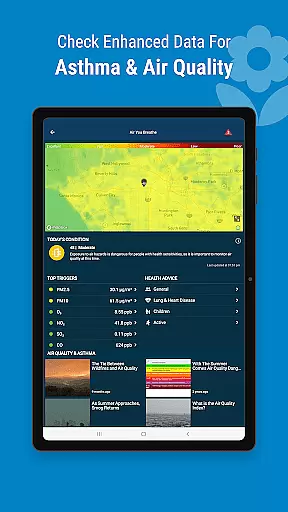
WeatherBug is a comprehensive weather application that provides reliable and detailed weather forecasts. With over 20 map layers, including radar and severe storm risk information, the app ensures users are well-prepared for any weather condition. It offers real-time lightning alerts, air quality data, and hurricane outlooks, making it an essential tool for staying safe during severe weather events.
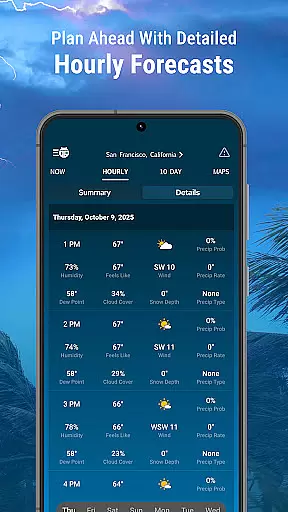
The app stands out with its unique features like Spark™ Lightning alerts, outdoor sports safety standards, and extensive weather observation networks. Users can customize their experience with various weather widgets and receive timely notifications about precipitation, pollen levels, and air quality. Whether you need hourly updates or a 10-day forecast, WeatherBug delivers accurate information to keep you informed and prepared.
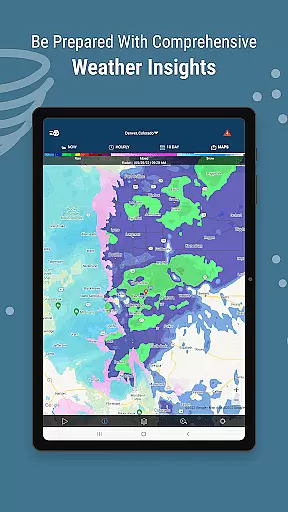
WeatherBug offers an array of advanced features designed to provide users with in-depth weather insights. The app includes over 20 radar map layers, offering views of rain, temperature, and storm radars. These tools help users track live weather conditions and anticipate severe weather risks effectively.
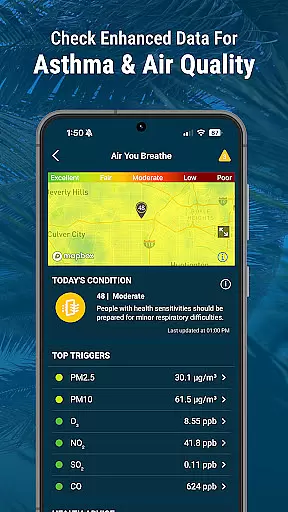
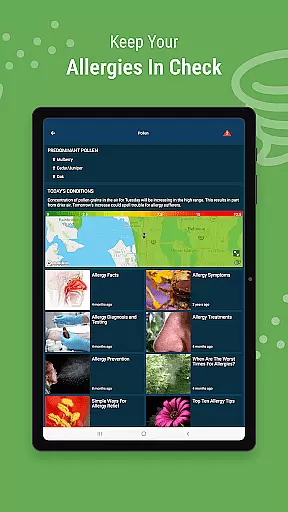
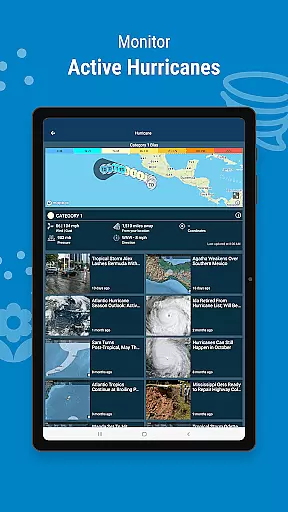
In addition to its robust radar capabilities, WeatherBug provides specialized sections such as Air Quality and Hurricane Tracker. The Air You Breathe section details local air quality and allergy triggers, while the Hurricane Tracker offers a 7-day storm forecast. Users can also customize their weather alerts and enjoy ad-free options with subscription plans, ensuring a personalized and uninterrupted weather monitoring experience.
WeatherBug stands out for its exceptional forecast accuracy and data credibility, ensuring users receive reliable weather information. The app leverages extensive weather observation networks and partnerships with authoritative sources like NWS, NOAA, and SMN to deliver precise weather forecasts.
With over 20 map layers, including radar and severe storm risk, WeatherBug provides comprehensive insights into weather patterns. This vast array of data ensures that users are well-prepared for any weather condition, from real-time lightning alerts to hurricane outlooks.
Users benefit from the app's commitment to accuracy by receiving timely and relevant weather notifications. Whether it's a severe weather alert or a pollen count update, WeatherBug's data-driven approach keeps users informed and safe.
The temporal and spatial forecast range of WeatherBug is designed to provide users with detailed weather predictions across both time and geographical dimensions. This feature allows users to plan their activities with confidence, knowing they have access to accurate short-term and long-term forecasts.
WeatherBug offers hourly and 10-day forecasts, giving users flexibility in planning for immediate and future weather conditions. Additionally, the app's hurricane tracker provides a 7-day storm forecast, offering critical information for those in affected regions.
This extensive forecasting capability ensures users can make informed decisions based on reliable weather data. By covering both local and global weather patterns, WeatherBug empowers users to stay prepared regardless of their location or the time frame they need to consider.
Comprehensive weather data
Real-time lightning alerts
Customizable weather widgets
Detailed air quality information
Severe storm tracking
Some features require subscription
Occasional ads in free version
Complex interface for beginners
Limited offline functionality
High data usage

Live local weather updates: various widgets & radar maps & hourly forecast.
 4.70
4.70
Hourly and daily weather forecast, current condition, temperature, UV and more!
4.70
The Weather Network TV App - Your weather when it really matters
2.90
Personal Weather Station PRO - Meteo monitor to check your WU info and charts.
4.20
Quickly check the Hanalei river gauge height during heavy rains on Kaua'i.
4.3
Detailed weather info and moon phase, subtle animation, customizable
4.5
Powerful US and worldwide earthquake feed with earthquake alerts and maps.
4.70
Local weather forecast app, your personal 7*24 local weather forecast assistant.
4.90
Hyperlocal Forecasts, Live Radar, Severe Weather alerts & Homescreen Widgets
4.30
Live Weather Forecast app with acu weather radar, weather alert & weather widget
4.80
Weather Forecast, Trending News, Hurricane & Storm Tracker, Alerts & Live Radar.
4.80
Ultimate weather forecast + moon phase for Wear OS 5+ (Pixel, Galaxy, et al.)
4.70
Live weather forecast for your everyday life
4.60
Prepare for severe weather with notifications, future radar, and live alerts.
4.60
Weather related custom complications for Wear OS. UV, Hi-Lo, AQI and more!
4.40
Precision Weather, Right at Your Fingertips
4.40
An unofficial app version of the National Weather Service (Weather.gov)
3.90
Check forecasts, watch live news & track storms with FOX Weather.
3.80
Get instant weather & temperature predictions right on your Wear OS smartwatch!
4.5


User Reviews