
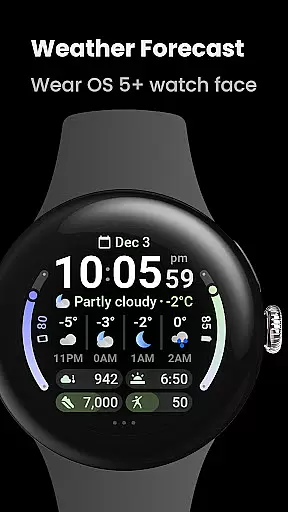
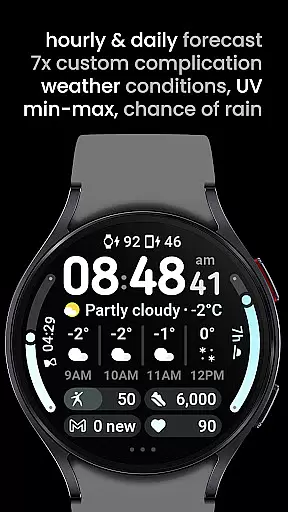
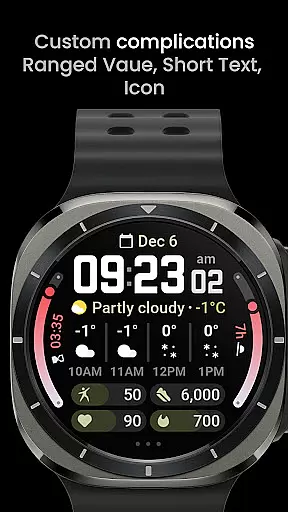

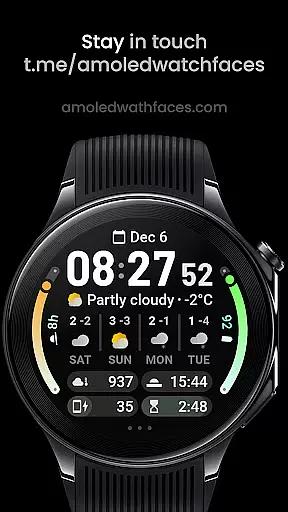
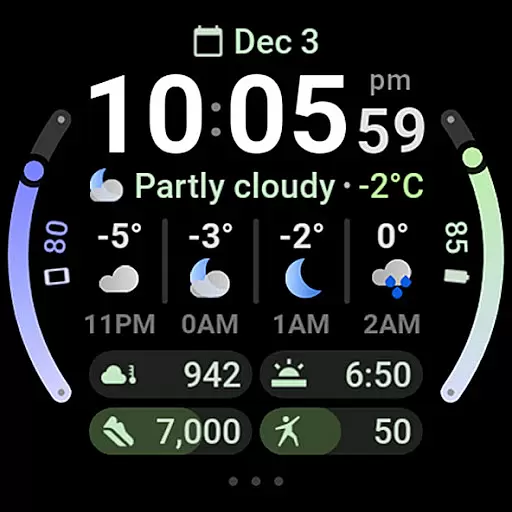
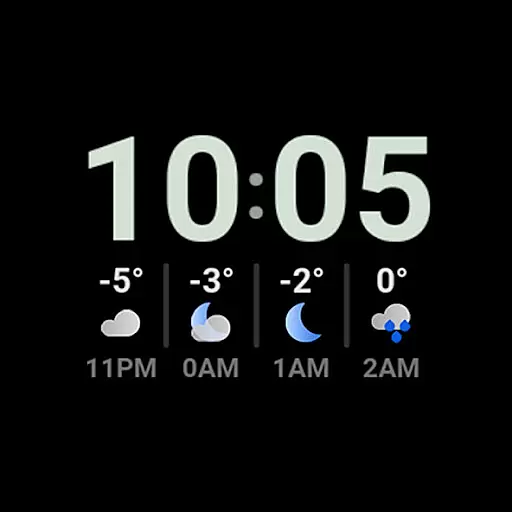
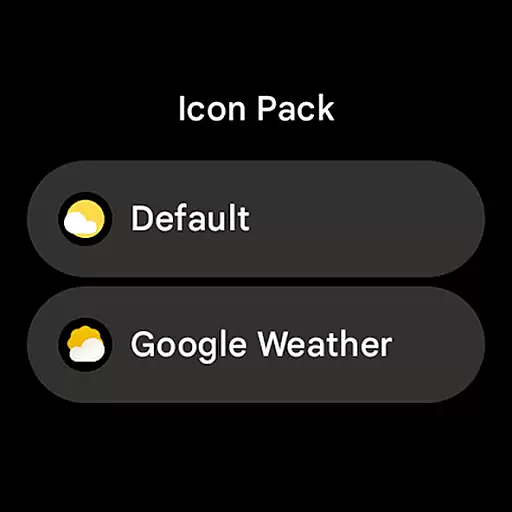
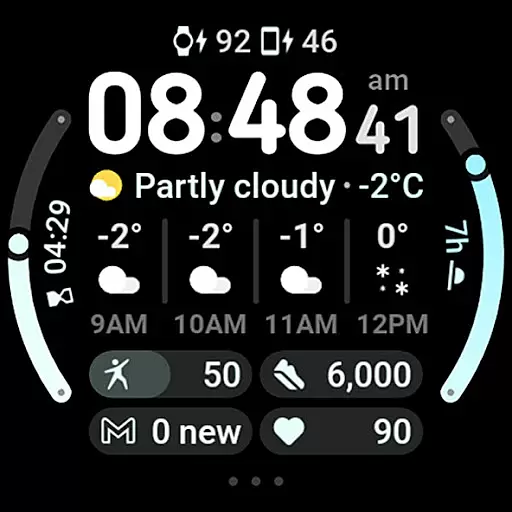
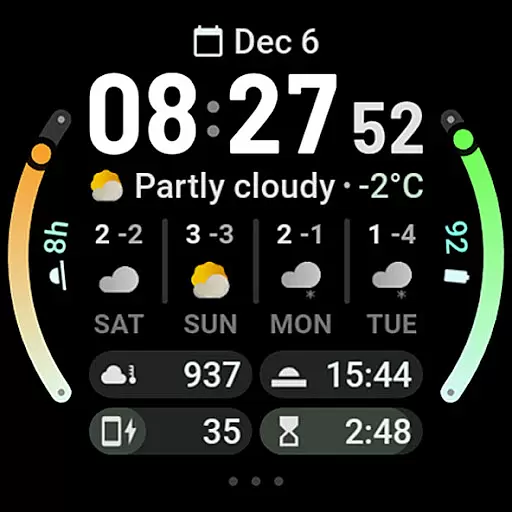
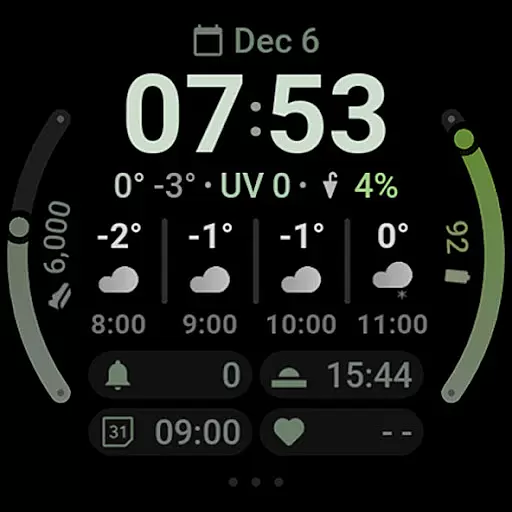
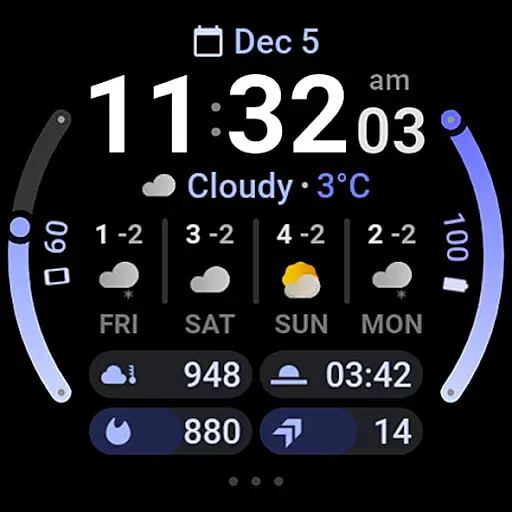
Weather Forecast Watch Face is a specialized application designed exclusively for Wear OS 5+ devices, providing users with comprehensive weather data directly on their smartwatch. The app displays current weather conditions through animated icons and descriptions, temperature readings, UV index, chance of rain, and detailed hourly and daily forecasts.
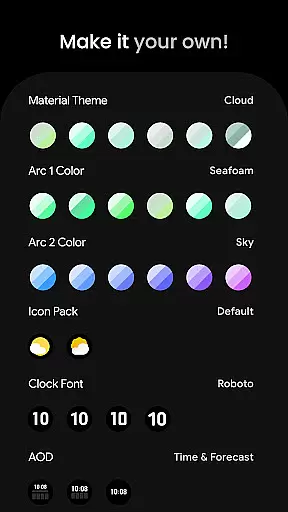
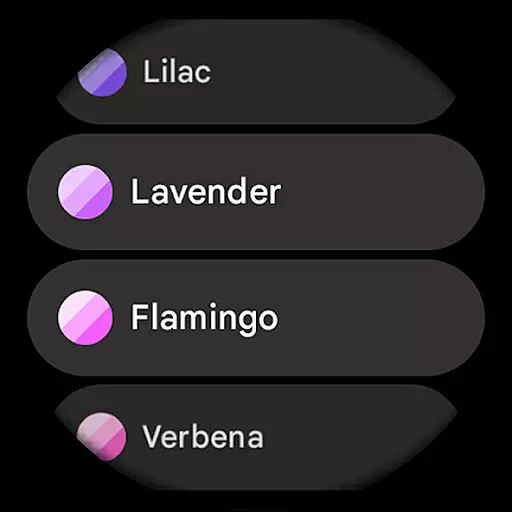
In addition to its robust weather features, the watch face supports advanced customization options including material color themes, multiple complication slots, and various clock fonts. Users can personalize their experience by adjusting theme settings, toggling specific display elements, and choosing from over 60 color options for different interface components. This makes it an ideal choice for those seeking both functionality and personal style in a wearable device.
The Weather Forecast Watch Face stands out with its innovative use of the Watch Face Format 2, enabling dynamic animations that cycle through various weather statistics every five seconds. It offers interactive elements such as tapping on the weather forecast to switch between hourly and daily views, and tapping on the current condition to launch the associated weather app.
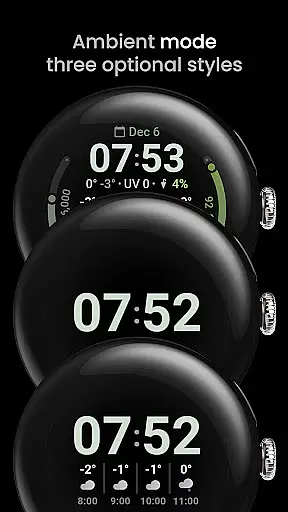
With support for multilingual interfaces and compatibility with custom complication apps, this watch face ensures a versatile user experience. Key features include seven customizable complication slots, optional digital clock fonts, three always-on-display (AOD) modes, and flexible time format settings. These capabilities allow users to tailor the appearance and functionality to suit their preferences while maintaining essential weather information at a glance.
Forecast accuracy and data credibility are crucial elements for any weather application. Weather Forecast Watch Face ensures precise weather updates by providing real-time data on current conditions, temperature, UV index, and chance of rain. This level of detail empowers users to plan their day with confidence.
The app goes beyond basic forecasting by offering both hourly and daily predictions. Users can access a four-hour forecast with specific weather conditions and temperatures, as well as a four-day outlook that includes expected minimum and maximum temperatures. These features ensure that users have reliable information at their fingertips.
By integrating multilanguage support and customizable complications, the app caters to a global audience while maintaining high standards of data integrity. The ability to tap on the weather forecast to switch between different views adds an interactive element that enhances user engagement and trust in the provided data.
Weather Forecast Watch Face offers an extensive temporal and spatial forecast range, ensuring users receive comprehensive weather insights. With detailed forecasts extending up to four days, the app provides valuable planning tools for various activities, from daily commutes to weekend getaways.
In addition to long-term forecasts, the app excels in short-term predictions. The hourly forecast covers the next four hours, presenting critical details such as weather conditions and temperature changes. This granular approach allows users to make informed decisions about immediate outdoor plans or travel arrangements.
The inclusion of features like optional digital clock fonts and material color themes enhances personalization without compromising the app's primary functionu2014delivering accurate weather forecasts across different timeframes and locations. Users can customize their experience while relying on consistent and credible weather information.
Comprehensive weather data
Highly customizable interface
Interactive design elements
Multilingual support
Dynamic animations
Complex setup process
Limited Samsung compatibility
Premium feature costs
Occasional loading issues
Device-specific limitations

Nuts Weather, your ideal choice for knowing weather forecast & weather radar
 4.70
4.70
Local weather forecast, reliable daily weather report
4.30
An unofficial app version of the National Weather Service (Weather.gov)
3.90
Accurate Thermometer: indoor & outdoor temperature, humidity, pressure, and wind
4.50
Your local weather app with storm radar, rain tracker, weather maps & AQI.
4.0
Dynamic weather watch face with glass effect, bold time & 7 complications.
4.5
Accurate Weather App: various widgets, real-time storm radar, hurricane tracker.
4.50
Track lightning strikes with our thunderstorms map, radar and lightning alarm.
4.70
A professional, comprehensive and accurate weather forecast app
4.90
Ultimate weather forecast + moon phase for Wear OS 5+ (Pixel, Galaxy, et al.)
4.70
The reliable and trusted global air quality, wildfire, pollen, PM2.5 forecast
4.70
Check room temperature with this indoor thermometer. thermostat & hydrometer
4.70
Industry leading whitetail movement predictor & hunting app.
4.60
Weather radar map, storm tracker, local forecast, live rain alerts & daily news.
4.60
Room Temperature Thermometer meter shows indoor, outdoor temperature, humidity.
4.40
Your Trusted Weather Companion
4.40
3D Animation Weather Icon
4.00
Check forecasts, watch live news & track storms with FOX Weather.
3.80
Instant weather updates, easy to check anytime on your home screen.
3.50


User Reviews