
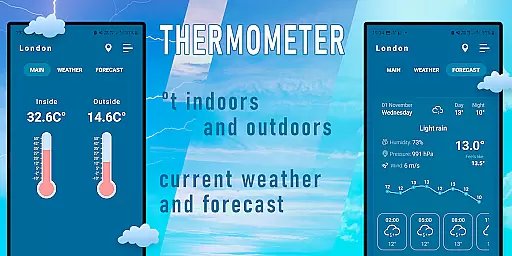
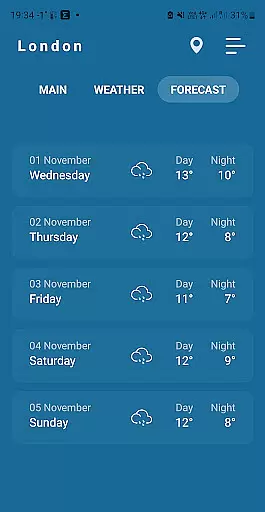
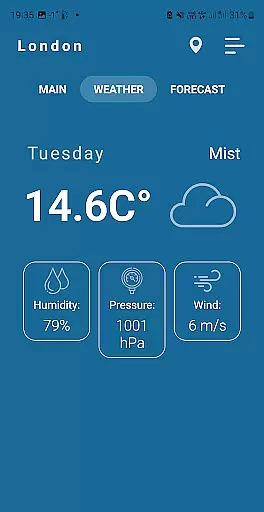
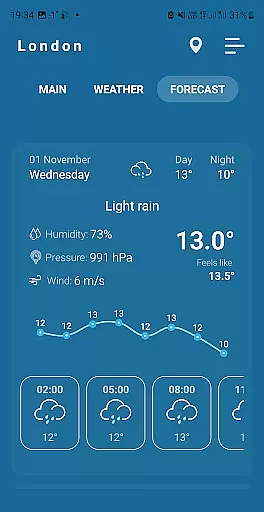
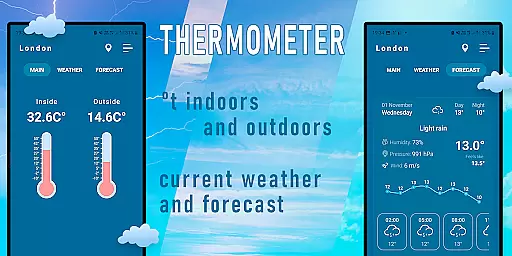
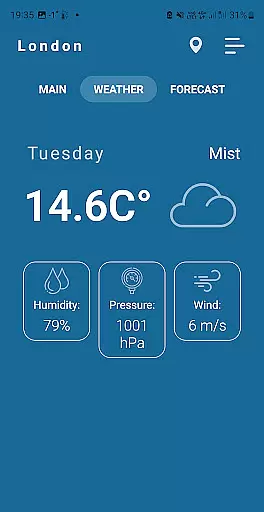
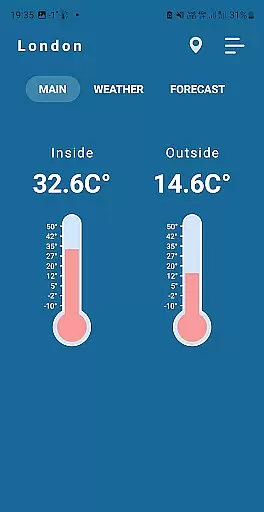
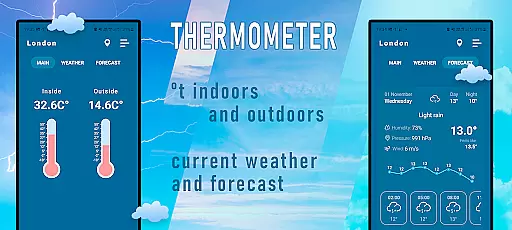
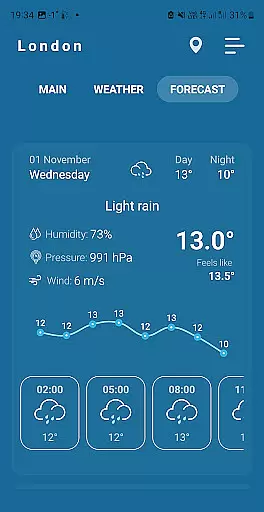
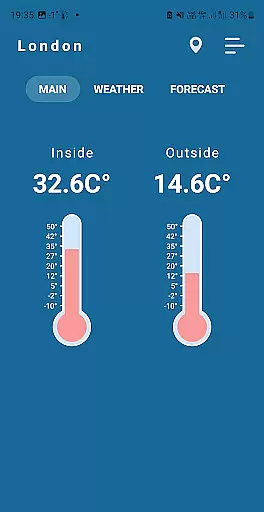
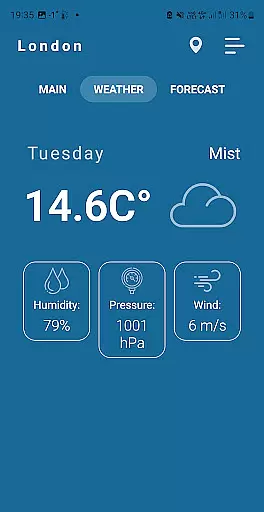
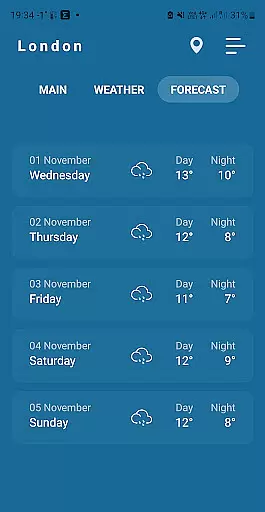
Indoor Thermometer is a specialized weather application that provides both indoor and outdoor temperature readings. The app utilizes your phone's built-in sensors and nearby weather stations to deliver accurate temperature data. Whether you need to monitor room temperature or check the current weather conditions outside, this app serves as a convenient all-in-one solution.
The application requires network connectivity and location services to function optimally. By allowing the app to access these features, users can receive real-time updates on environmental temperatures. This makes it particularly useful for those who want to maintain optimal living or working conditions indoors while staying informed about external weather patterns.
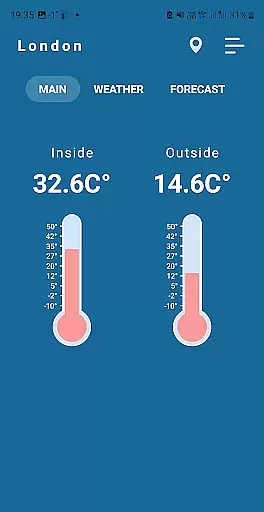
One of the standout features of Indoor Thermometer is its ability to display both indoor and outdoor temperatures simultaneously. Using the phone's built-in sensor, it measures the ambient room temperature where the device is located. For outdoor readings, the app pulls data from nearby weather stations, ensuring comprehensive coverage of your immediate environment.
To ensure accuracy, the app recommends leaving your phone idle for 5-10 minutes before taking measurements. This minimizes interference from heat generated by the phone's battery during use. Additionally, users can rely on the app's intuitive interface to quickly toggle between different temperature scales and view historical weather data for better insights into temperature trends over time.
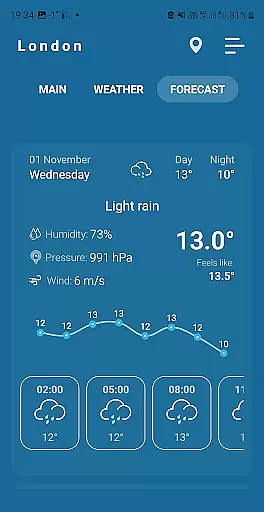
Forecast accuracy and data credibility are crucial for any weather application. Indoor Thermometer provides reliable weather data by sourcing information from nearby weather stations, ensuring the most precise readings available.
The app uses advanced algorithms to process temperature data, accounting for various factors that could affect accuracy. This ensures users receive trustworthy information about both indoor and outdoor temperatures.
By enabling location services and network connections, users allow the app to fetch real-time data, which significantly enhances the reliability of temperature forecasts. This feature is particularly beneficial for those who need accurate environmental readings.
Ultimately, the commitment to data accuracy means users can depend on Indoor Thermometer for their daily planning, whether it's deciding what to wear or adjusting home heating systems.
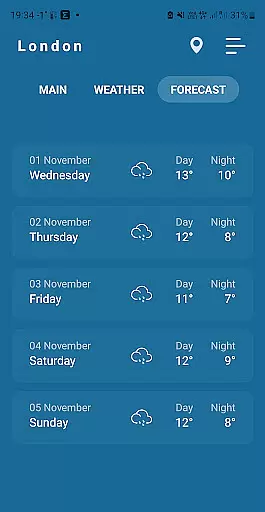
Temporal and spatial forecast range refers to an app's ability to provide accurate predictions across different times and locations. Indoor Thermometer excels in this area by delivering temperature data specific to the user's current location.
The app not only shows the current outdoor temperature but also provides indoor temperature readings using the phone's built-in sensor. This dual capability allows users to understand temperature variations between their immediate environment and the outside world.
For optimal results, it's recommended to leave the phone idle for 5-10 minutes. This minimizes battery heat interference, ensuring the indoor temperature reading reflects the true room conditions.
With its focus on localized data, Indoor Thermometer offers a comprehensive view of temperature changes over time and space, making it an invaluable tool for managing personal comfort and planning daily activities.
Accurate temperature readings
User-friendly interface
Real-time weather updates
Customizable settings
Comprehensive indoor-outdoor data
Requires constant network access
Dependent on phone sensors
Location services needed
Battery consumption may increase
Outdoor data relies on nearby stations

Moon phase calendar with live wallpaper, lunar widget, & 3D simulation.
 3.60
3.60
My Aurora Forecast is the app for Northern Lights and Aurora Borealis alerts.
4.60
Super-res, real-time weather radar. Be prepared for extreme weather.
4.50
Storm Radar, Alerts & Live Weather Forecasts Right on Your Home Screen
3.70
Download now and give your smartwatch a fresh, premium look!
4.20
Analog Weather Watch Face for Wear OS 5+
4.10
Weather radar map, storm tracker, local forecast, live rain alerts & daily news.
4.60
Weather channel forecasts weather daily & hourly, local and national air quality
4.70
Prepare for severe weather with notifications, future radar, and live alerts.
4.60
Local Weather provides accurate and current hourly and daily forecasts.
4.80
Weather radar, hyperlocal tracker and weather maps: follow your weather station
4.80
Weather Forecast, Trending News, Hurricane & Storm Tracker, Alerts & Live Radar.
4.80
Weather radar, satellite, wind, waves, ocean and hurricane forecasts.
4.70
weather forecast, weather radar, weather widget in one local weather app
4.70
Accurate, beautiful weather with landscapes depicting weather, sky, season.
4.50
Weather related custom complications for Wear OS. UV, Hi-Lo, AQI and more!
4.40
Know the weather earlier.
3.90
Dynamic weather watch face with glass effect, bold time & 7 complications.
4.2
Detailed weather info and moon phase, subtle animation, customizable
4.1


User Reviews