
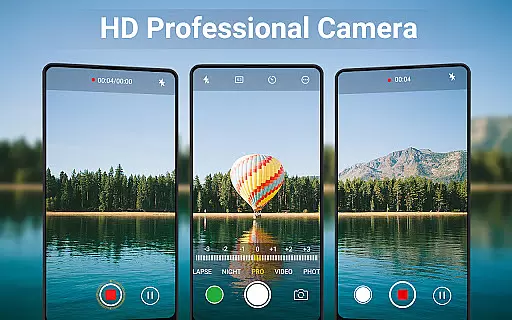
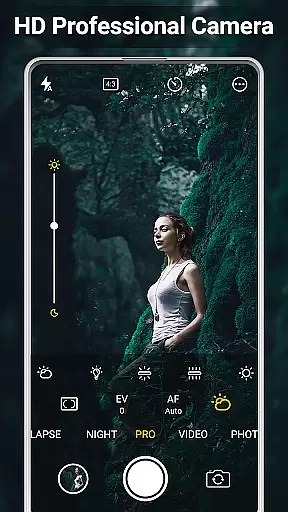
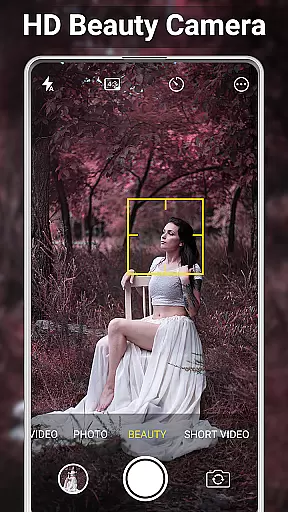
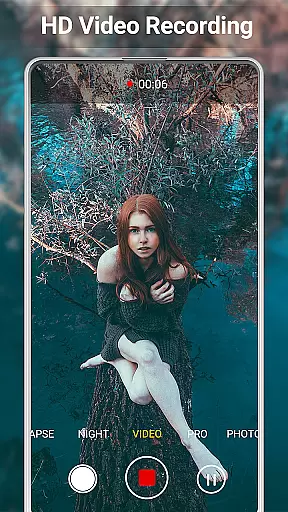
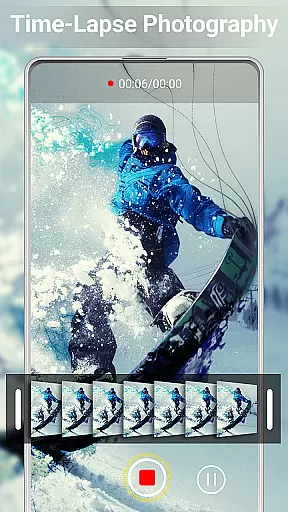
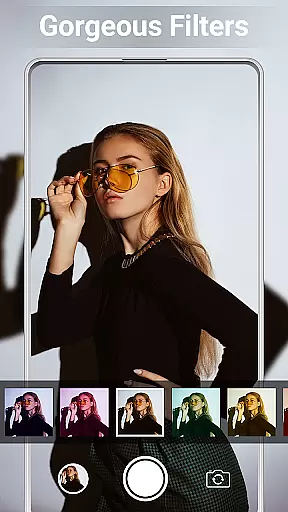
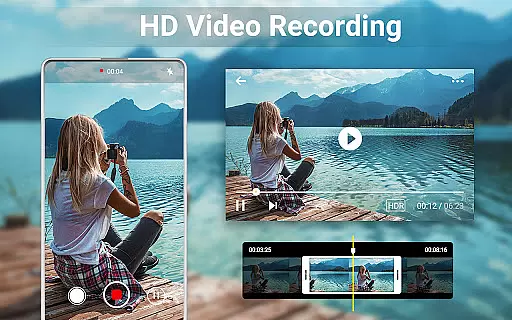
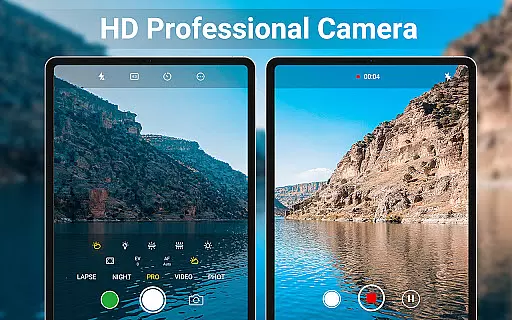
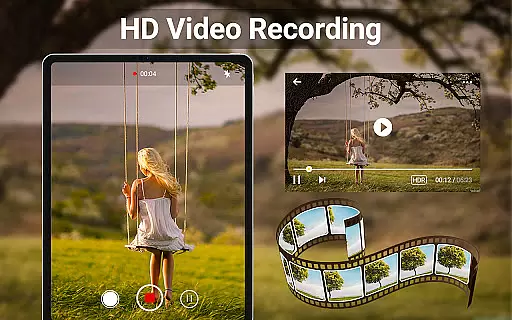
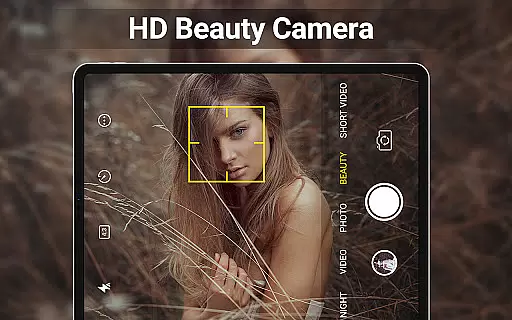
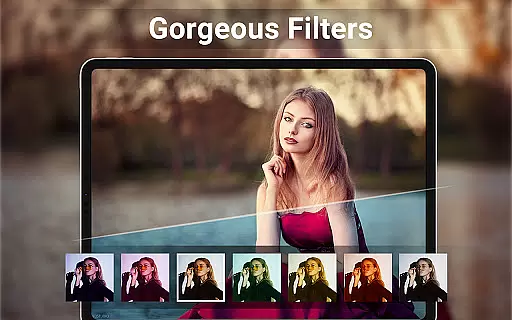
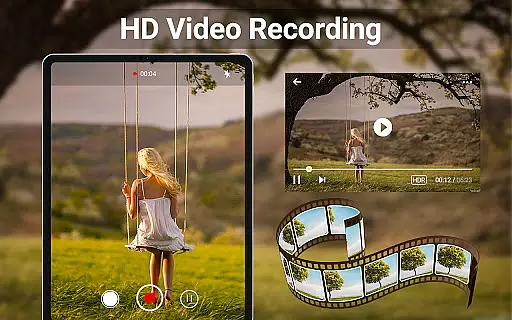
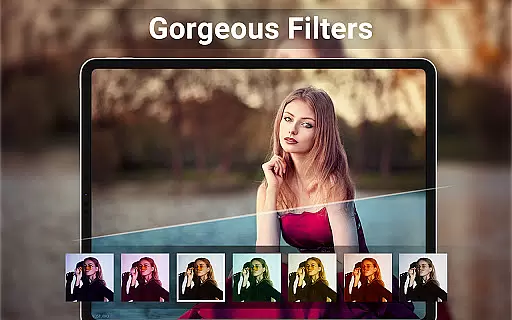
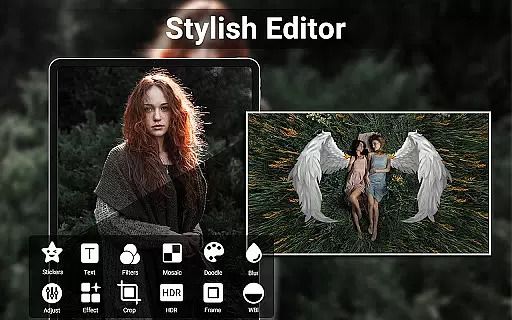
HD Camera for Android is a feature-rich beauty camera app designed to capture stunning 4K photos and videos. The application offers professional-grade photography tools including advanced face detection, real-time filters, and manual controls for ISO, exposure, and white balance. Users can effortlessly take high-definition selfies or record crisp videos on their Android devices.
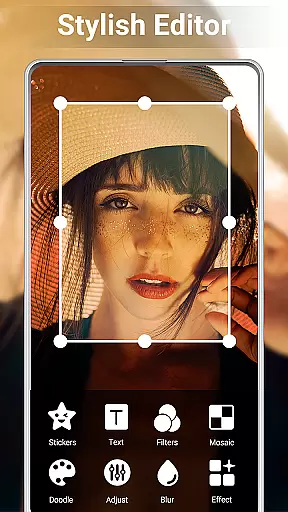
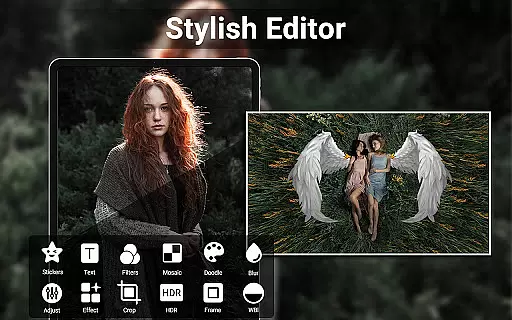
Beyond its core functionality as a high-quality camera, the app also provides robust editing capabilities. It allows users to adjust photo settings like brightness and contrast, create photo collages, and trim videos with ease. With additional features such as HDR support, geotagging, and customizable timestamps, HD Camera ensures both amateur and experienced photographers can enhance and personalize their content before sharing it on social media platforms.
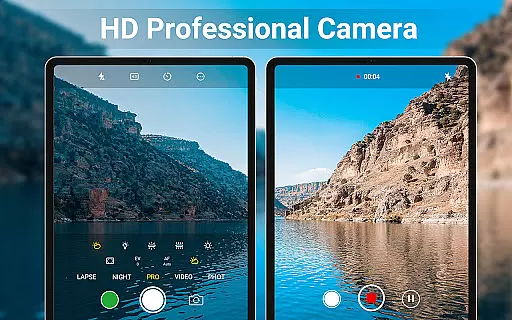
One of the standout aspects of HD Camera is its comprehensive set of professional capture modes. These include scene modes, color effects, and precise control over white balance and ISO settings. The intelligent face detection and auto-stabilization ensure that every shot is sharp and well-composed, while real-time filters allow users to preview effects before capturing an image or video.
In addition to its powerful camera functions, the app excels in post-production editing. The built-in photo editor lets users fine-tune elements such as brightness, contrast, and vignette effects. Video trimming is straightforward, enabling quick edits without requiring additional software. Moreover, creative tools like collage makers and grid options make it easy to produce visually appealing compositions from multiple images.
Other notable features include support for continuous shooting, quick snap functionality, and silent shutter options. Users can also customize save paths, apply date stamps, and utilize composition aids like golden ratio lines. These thoughtful additions not only improve usability but also empower users to explore new creative possibilities within their mobile photography experience.
When it comes to beauty and photography applications, having a comprehensive product database is crucial for user satisfaction. HD Camera for Android offers an extensive array of features that cater to both amateur and professional photographers. The app includes advanced functionalities such as 4K video recording, professional capture modes, and real-time filters which allow users to preview effects before capturing images or videos.
The depth of the product database in HD Camera ensures that every feature is well-documented and easy to access. Users can explore various scene modes, color effects, white balance settings, ISO adjustments, and exposure compensation options. This vast selection empowers users to fine-tune their photography experience according to their preferences and current shooting conditions.
By providing detailed information about each feature, HD Camera enhances user understanding and control over their creative process. Whether adjusting brightness, contrast, or applying geotagging, users benefit from clear instructions and seamless integration of complex tools into an intuitive interface. Such depth not only enriches the user experience but also builds trust and reliability.
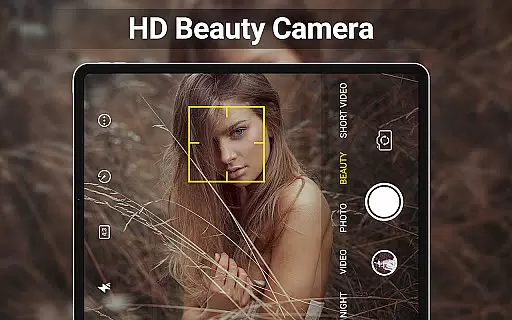
Personalization is at the heart of user engagement in beauty applications like HD Camera for Android. This app excels by offering precise personalization options tailored to individual needs. With intelligent face detection, auto-stabilization, and customizable camera settings, users can capture high-definition selfies and videos that truly reflect their unique style.
HD Camera goes beyond basic customization by incorporating advanced editing tools. Users can adjust photo attributes such as brightness, contrast, vignette, fade, and temperature with remarkable precision. Additionally, features like photo collage creation and video trimming provide further avenues for personal expression, ensuring that every piece of content is perfectly crafted.
The precision in personalization extends to optional features like HDR support, continuous shooting, and timestamp application. These capabilities ensure that whether you're snapping quick shots or creating elaborate compositions, your work remains distinctly yours. By prioritizing accuracy and adaptability, HD Camera delivers a personalized experience that keeps users coming back for more.
User-friendly interface
High-quality 4K output
Real-time filter previews
Advanced manual controls
Versatile editing tools
No RAW format support
Limited tutorial guidance
Occasional ads in free version
Heavy storage usage
Complex for beginners

This application is for the Luvme Hair official website: shop.luvmehair.com .
 4.30
4.30
Blushify is a beauty camera for makeup, face editing, and glowing selfies!
4.70
Your Personal Stylist for Smart Shopping, Beauty & Styling Outfits.
4.4
Seasonal color palettes for shopping clothes and makeup products with confidence
4.20
Selfiechat Filters for amazing photos with Funny face filters
4.60
Wacky mirror filter, waves effect & wavy effect to make your own funny videos.
4.60
Beauty camera & Selfie camera for perfect selfie with filter, sticker, makeup
4.70
Change your hairstyle and color instantly with AI-powered virtual makeovers.
3.90
Seasonal color palette, my personal color, hair color changer, makeup, wardrobe
4.20
Manage your daily skin care beauty regimen & track your skin's progress.
4.70
Unleash your (Pro)tential with the hottest hair, nails and beauty brands!
4.60
Beauty camera for perfect selfie with makeup, sticker and filter
4.50
Beauty Camera AI Photo Editor with effect, filter, makeup tools for photo editor
4.30
Beauty for every eye, lip & face. Earn rewards, play games, connect with others.
4.30
Shop Smarter, Dress Better, and Shine Brighter!
4.10
The all new Cosmo Prof app offers exclusive pro products, deals, and training.
4.00
The Official Voting App
3.90
Edit Your Photos and Videos with Beauty Filters & Get Makeup Artist Tutorials
3.60
Design unique tattoos and preview them on your body image using Tattoo Maker App
3.30


User Reviews