
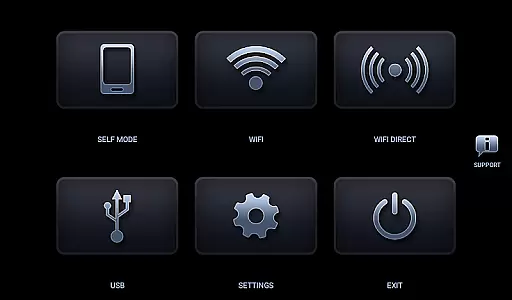
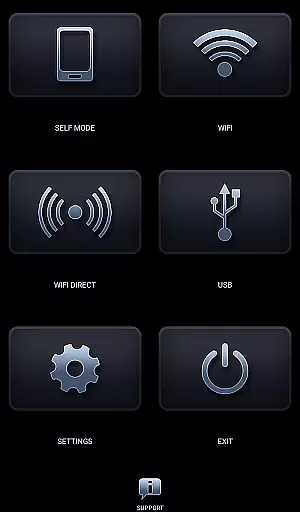
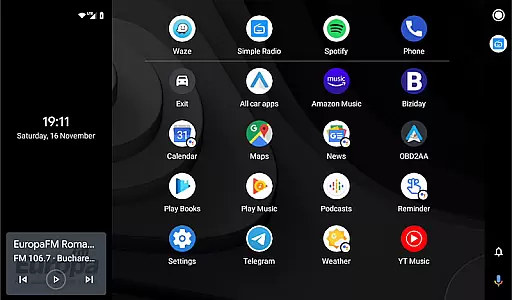
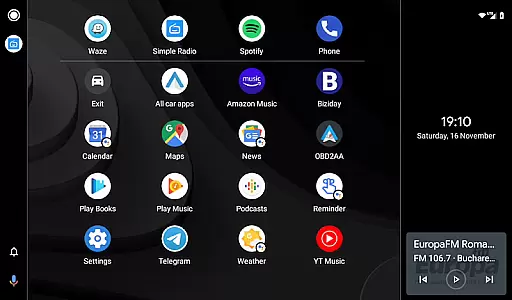
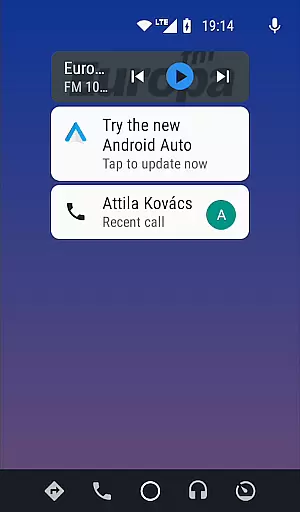
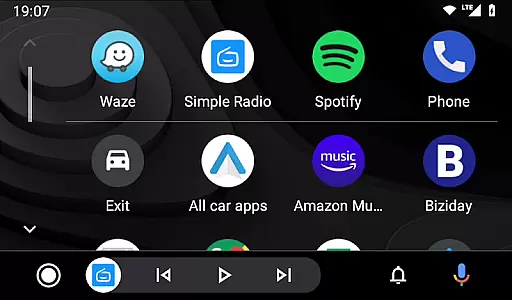

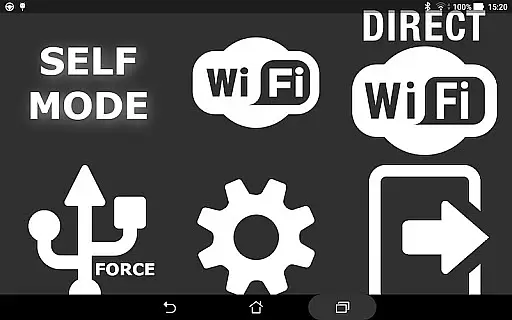
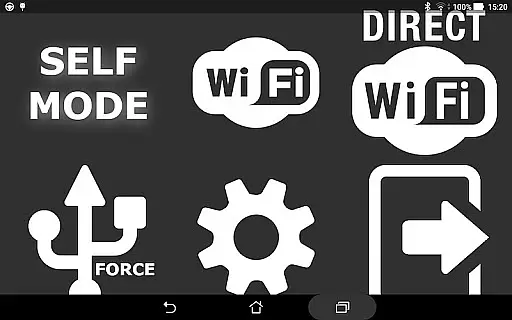
Headunit Reloaded Emulator HUR is a specialized application designed to emulate Android Auto on compatible head units. The app facilitates connectivity through USB, WiFi, or Self-mode, allowing users to mirror their smartphone's interface directly onto their car's display system. This versatile solution supports various connection methods and works with multiple Android-powered head units from manufacturers like Joying, Eonon, Xtrons, and others.
The core functionality of Headunit Reloaded centers around its ability to seamlessly integrate mobile devices with in-car entertainment systems. Users can enjoy features such as navigation, music playback, and hands-free calling through a user-friendly interface. Whether connecting via USB for stable performance, using WiFi for wireless convenience, or activating Self-mode for single-device setups, this app ensures an enhanced driving experience while maintaining focus on safety and accessibility.
This application is particularly beneficial for drivers who wish to extend the functionality of their vehicle's infotainment system without expensive upgrades. By supporting a wide range of devices and offering customizable settings, Headunit Reloaded provides a cost-effective solution for modernizing car interfaces. Its compatibility with different hardware configurations makes it a valuable tool for both casual users and automotive enthusiasts seeking advanced connectivity options.
Headunit Reloaded Emulator HUR offers several notable features that enhance its usability and performance. One key aspect is its support for multiple connection modes including USB, WiFi, and Self-mode. Each mode caters to different user preferences and scenarios, ensuring flexibility in how users interact with their car's display system. For instance, USB Mode provides reliable wired connections, while WiFi enables wireless freedom, making it easier to manage media and navigation apps remotely.
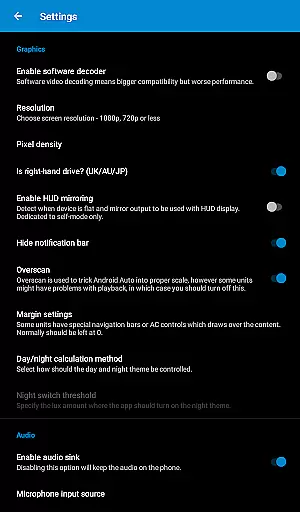
Another significant feature is the app's compatibility with numerous Android-powered head units. It works seamlessly with brands such as Joying, Eonon, Xtrons, PX5, PX3, RK3188, and more. This broad compatibility ensures that regardless of your specific hardware setup, you can likely use Headunit Reloaded to enhance your driving experience. Additionally, the app includes troubleshooting options like software decoding adjustments which help resolve common issues such as black screens during video playback.
Furthermore, Headunit Reloaded supports additional functionalities such as hardware key integration and intent support, providing deeper customization possibilities. These features allow users to tailor their experience according to personal preferences and device capabilities. With comprehensive documentation available on forums and direct support channels, users have access to resources that ensure smooth operation and optimal performance of the application across various scenarios.
Map accuracy is a crucial feature for any navigation app, and Headunit Reloaded Emulator HUR excels in this area. The application provides precise mapping data that ensures users can rely on the information displayed during their journeys.
The app achieves this accuracy through regular updates and by sourcing data from reputable providers. This means that whether you're using it with Joying, Xtrons, or other Android-powered head units, you'll experience consistent and reliable map details.
For drivers, this translates to trustworthy guidance that helps prevent wrong turns and ensures they are always aware of their surroundings. With Headunit Reloaded Emulator HUR, users gain peace of mind knowing that the maps reflect real-world road conditions.
Ultimately, the precision offered by Headunit Reloaded Emulator HUR enhances user confidence when navigating unfamiliar routes, making each trip more efficient and stress-free.
Route planning is an essential aspect of navigation apps, allowing users to find the most efficient paths to their destinations. Headunit Reloaded Emulator HUR offers advanced route planning capabilities tailored specifically for Android Auto environments.
This functionality includes multiple route options, live traffic updates, and estimated travel times. Users can select alternative routes based on current traffic situations, ensuring minimal delays and optimal travel experiences.
Additionally, the app's seamless integration with various devices such as Joying, Eonon, and PX5 units allows for smooth transitions between different modes like USB, WiFi, and Self-mode. This versatility ensures that no matter how you connect, your route planning remains uninterrupted.
By providing comprehensive route planning tools, Headunit Reloaded Emulator HUR empowers users to make informed decisions about their travels, ultimately saving time and enhancing overall driving satisfaction.
User-friendly interface
Multiple connection options
Broad device compatibility
Customizable settings
Comprehensive support resources
Requires compatible hardware
Occasional connectivity issues
Limited iOS support
Advanced setup may be complex
Potential black screen problems

Find AI powered cameras, ALPRs, and other surveillance infrastructure near you
 4.70
4.70
Offline maps & GPS for hiking, travel, fieldwork & outdoor adventures
4.70
Your guide to the recreational opportunities of the Bureau of Land Management!
3.40
Instant diesel discounts - save big with each fill up!
4.40
"Balad" is a map and navigator with a Persian voice assistant and a complete city guide
4.40
Explore with GPS Navigation with GPS offline, voice GPS, speed camera radar
4.60
Navigate seamlessly with Real-Time Traffic, Offline Maps, and Voice Navigation.
4.10
Park in Chicago, NYC, Boston, SF, Houston & more!
4.70
Get matched with a nearby driver — you’ll be on your way in minutes.
4.30
Rideshare, taxi cabs, and more for your airport travels and everyday trips.
4.50
CamSam PLUS - The speed and red light camera warning system!
4.40
Find radar maps, GPS coordinates, altitude, offline maps, location, travel route
4.40
Explore a light pollution map to find suitable dark sky locations for observing.
4.30
Phone Tracker and GPS Location Sharing
4.20
Find routes fast with GPS Maps, GPS Navigation & driving directions.
4.10
TACNAV-X: Precision MGRS navigation, built specifically for the military.
4.00
Get real-time bus and train schedules for easy, hassle-free city transportation.
3.90
MapQuest is your go-to app for maps, GPS, voice navigation & live traffic.
3.80
All of NHSA's trail information at your fingertips for the 2025-2026 season
4.2


User Reviews