
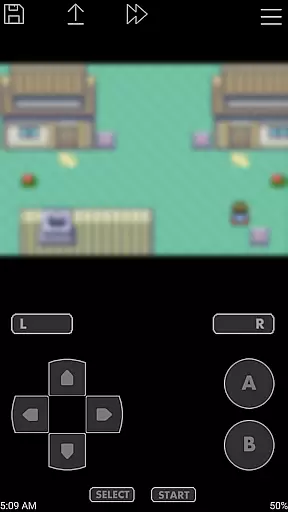
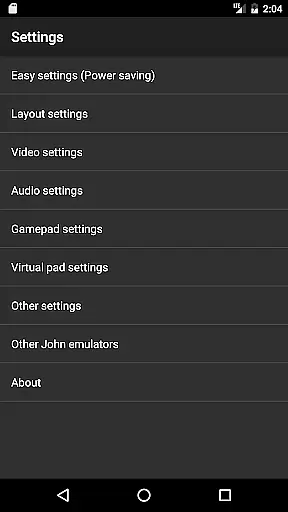
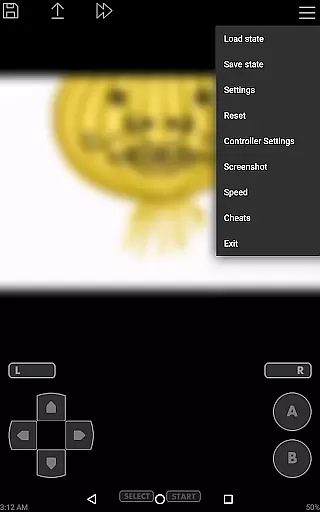
John GBA is a high-performance Game Boy Advance emulator designed for Android 6.0 and above, offering an authentic retro gaming experience on mobile devices. The app features an original GBA engine that ensures accurate game emulation while supporting various enhancements such as high-quality rendering and customizable controls.
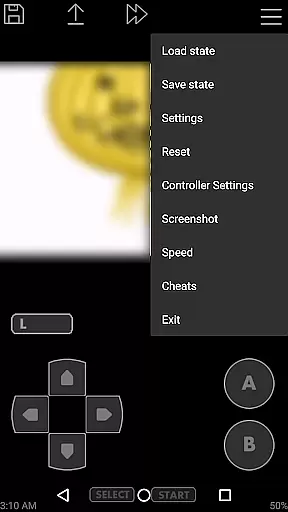
One of the standout capabilities of John GBA is its support for cheats, save states with previews, and turbo buttons, which significantly enhance gameplay flexibility. Gamers can enjoy both single and multiplayer experiences through Bluetooth or MOGA controller support. With no ads or internet connection required, this premium emulator provides an uninterrupted gaming session, provided users supply their own legally obtained game files.
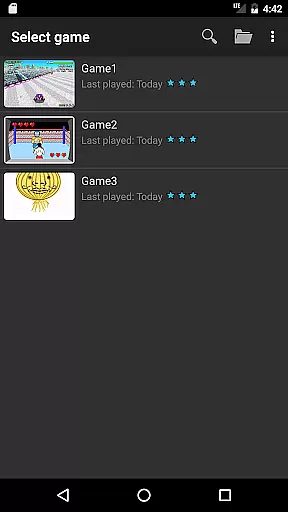
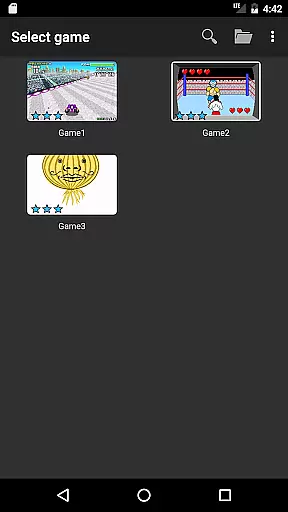
John GBA stands out in the crowded field of mobile emulators by combining powerful emulation capabilities with user-friendly features. The app supports zipped game files and allows players to search across internal storage and SD cards seamlessly. Its virtual on-screen keypad is fully customizable, enabling users to tailor the layout and button mappings to their preference.
Advanced functionalities include fast forward and slow down options ranging from 0.25x to 16x speed, making it suitable for both casual playthroughs and precision gaming. Additionally, John GBA offers unique features like Dropbox integration via John DataSync, allowing effortless cloud backups of save files. These robust features make it one of the most versatile GBA emulators available on Android today.
Arcade authenticity is a crucial aspect of any gaming emulator, and John GBA delivers an experience that stays true to the original Game Boy Advance. The app incorporates an authentic GBA engine, ensuring that games run as they were originally intended.
With features like cheats support (Raw/GameShark/CodeBreaker), users can relive classic gaming moments with the added flexibility of modern enhancements. This attention to detail extends to its high-quality rendering, which preserves the nostalgic pixel art style while offering improved visuals.
The emulator also supports zipped game files, save states with previews, and virtual on-screen keypads, all of which contribute to a seamless blend of retro gameplay and contemporary convenience. These elements ensure that players can enjoy their favorite arcade games without compromising the integrity of the original experience.
Control responsiveness is vital for an immersive gaming experience, and John GBA excels in delivering precision and fluidity. The app offers customizable keys and turbo buttons, allowing users to tailor controls to their preferences and playstyle.
With support for physical controllers via Bluetooth or MOGA, John GBA ensures that even the most demanding gamers can achieve the responsiveness they need. This feature enhances gameplay by reducing input latency, making every action feel immediate and accurate.
Additionally, the fast forward and slow down options (ranging from x0.25 to x16 speed) provide further control over gameplay pacing. Whether you're looking to speed through less engaging sections or savor complex moments, John GBA's responsive controls adapt to your needs.
High-quality rendering
No advertisements
Customizable controls
Save states with previews
Multiplayer support
Requires game files
Paid version only
No free trial
Needs decent hardware
Limited OS compatibility

GBA Emulator
 4.40
4.40
BallStack is a vibrant match-3 game where you stack and match colorful balls!
4.5
Nostalgia.GBA Pro is a high quality GBA emulator.
4.40
Bounce through platforms. Avoid obstacles. Get the bouncing ball to the finish.
4.00
Shoot the web, jump and teleport! Be a stickman hero and destroy your enemies!
4.50
Collect layers in running game & build the biggest slinky toy to beat the giant!
4.30
Absorb, or be absorbed...
4.70
The only Sega Saturn emulator for Android
4.40
Addictive basketball game with challenging one-touch controls
4.50
Catch ghosts, shoot monsters and defeat bosses in this RPG idle shooting game.
4.70
Ready… Set… DASH! Play now!
4.70
Meet Snake Run Race! Slither through an obstacle course in our fun running game!
4.70
Merge bowmasters to win the bow and arrow war! Play the fun archery game!
4.60
Payback 2 includes everything from tank battles to high speed helicopter races!
4.50
Use superpower in your magic hands. Defeat the enemies in a fun elemental game.
4.50
PC Engine/TurboGrafx-16 Emulator
4.50
Jump and fly your way through danger in this rythm-based action platformer!
4.50
Dad doesn’t let you go out, can you outwit your parents and escape?
4.00
Welcome back to Vice City. Welcome back to the 1980s.
3.30


User Reviews