
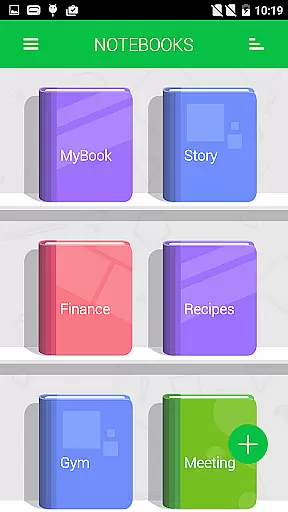
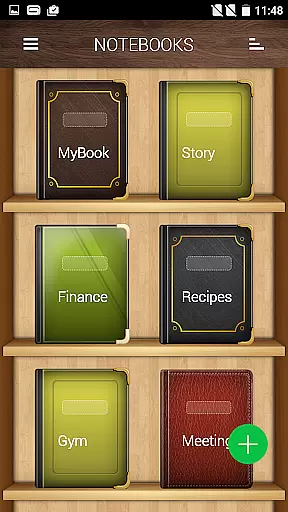
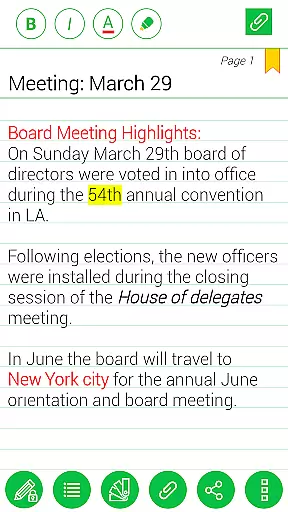
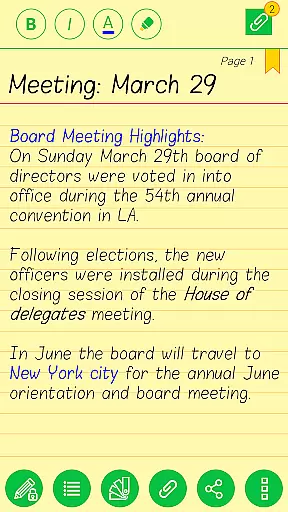
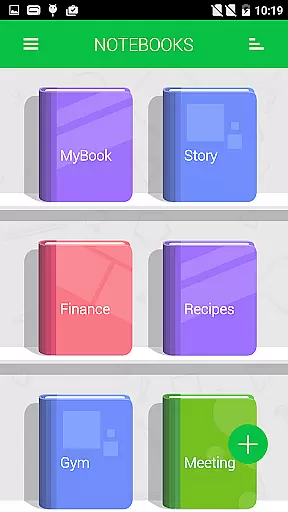
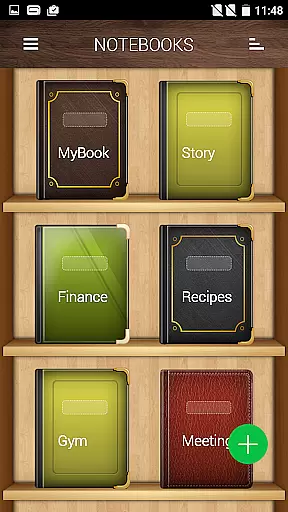
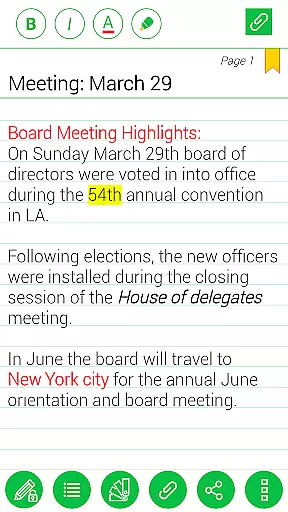
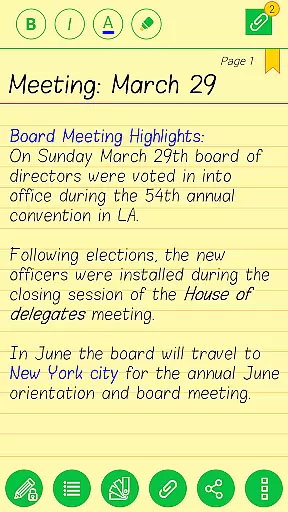
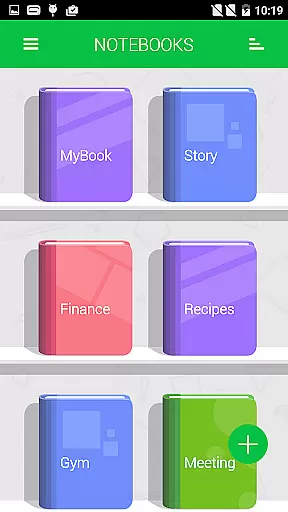
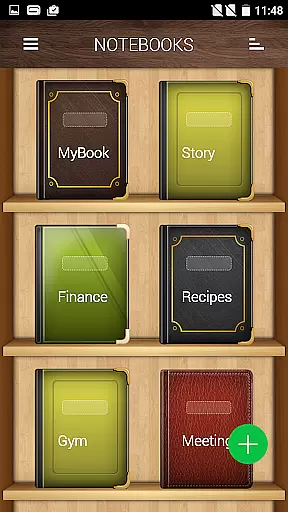
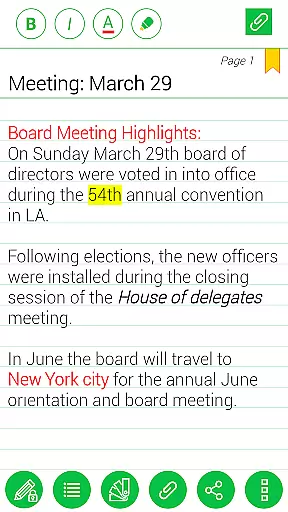
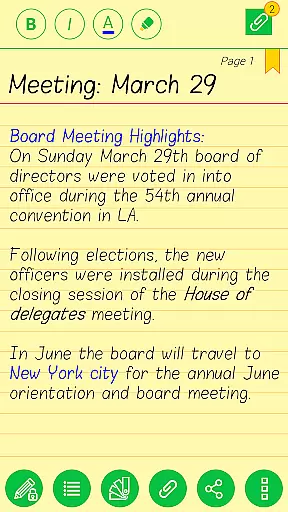
Notebooks Pro is a comprehensive note-taking application designed to help users organize their notes in a structured and stylish manner. The app allows you to create multiple notebooks for different subjects, each with customizable covers, titles, and page styles. With features like password protection, fingerprint unlocking, and instant search, managing your notes has never been easier.
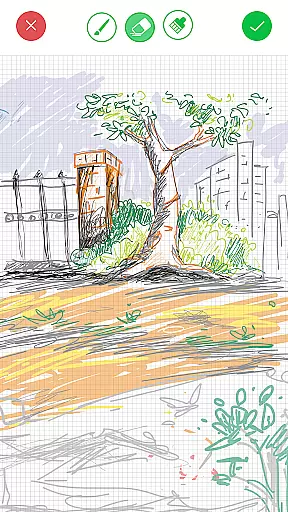
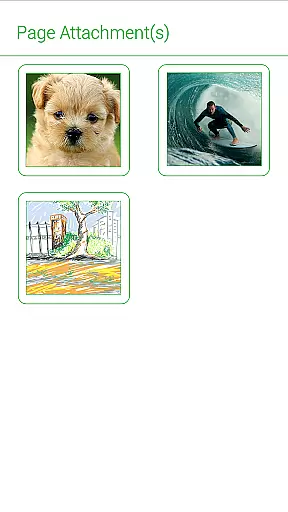
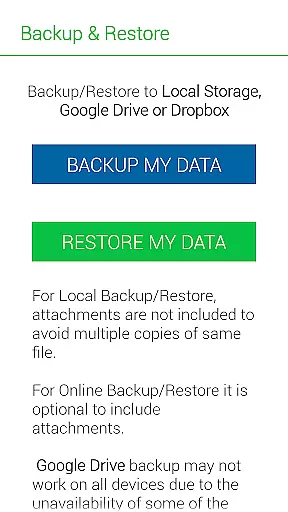
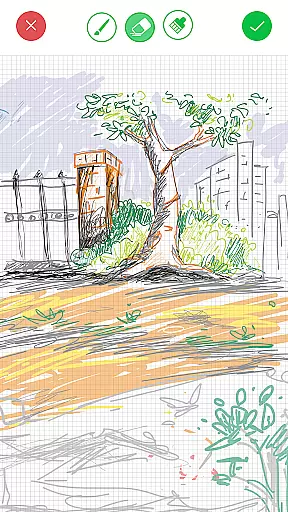
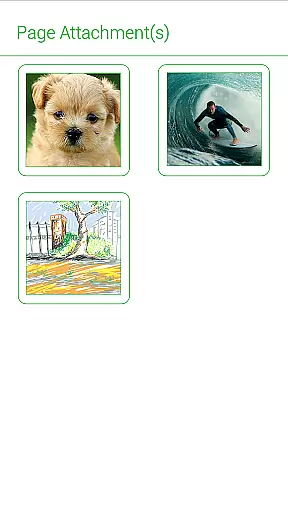
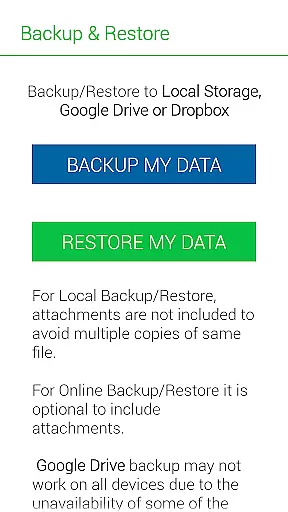
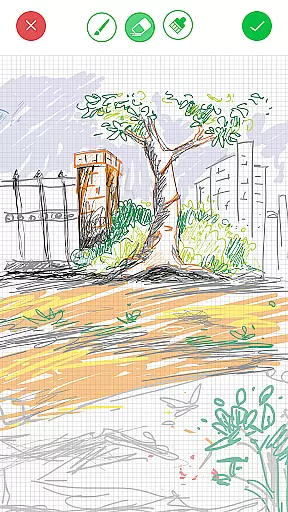
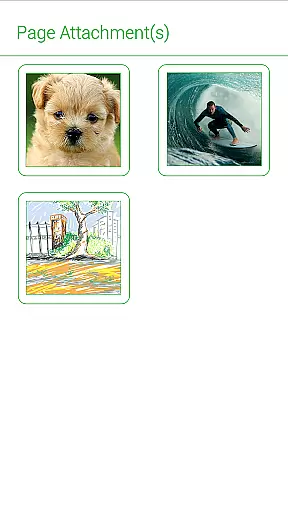
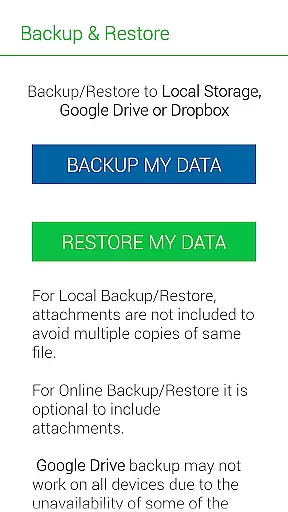
One of the standout capabilities of Notebooks Pro is its support for multimedia attachments, including freehand drawings and image files. This makes it an ideal tool for students, business professionals, and anyone who needs to take detailed and organized notes on their mobile devices. By backing up your data to Google Drive or Dropbox, you can ensure that your notes are always safe and accessible from any device.
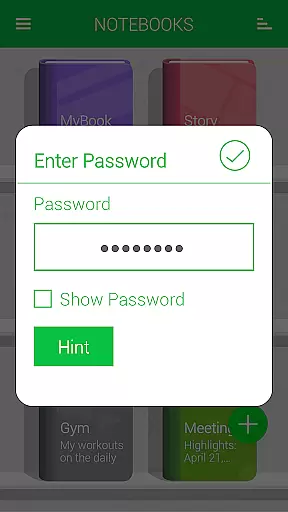
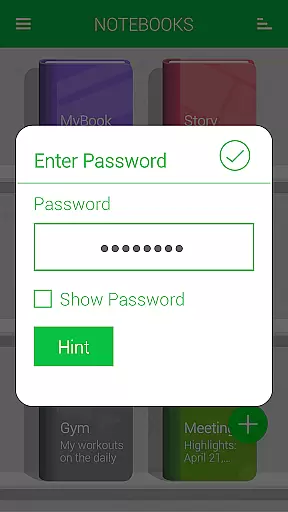
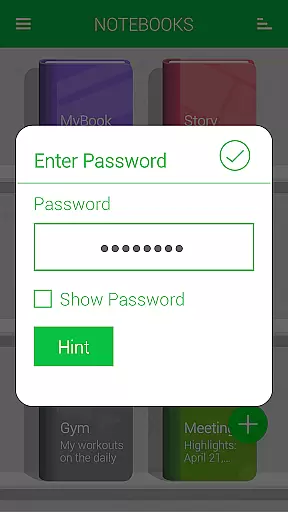
Notebooks Pro offers a rich set of features that cater to various note-taking needs. You can create multiple notebooks, each with its own customizable cover, title, number of pages, and page style. The app supports password protection and fingerprint unlocking, ensuring that your notes remain private and secure.
In addition to text notes, you can attach image files, create freehand drawings, and even bookmark important pages for quick access. The app provides instant search functionality within each notebook, making it easy to find specific entries. With options to export entire books or individual pages to PDF, along with custom fonts and themes for each notebook, Notebooks Pro ensures that your notes are not only functional but also visually appealing.
Notebooks Pro exemplifies comprehensive lifestyle category coverage by catering to a wide array of note-taking needs across different walks of life. Whether you are a student, a business professional, or someone who loves to jot down thoughts on the go, this app has features tailored for you.
The application allows users to create multiple notebooks for every subject, ensuring that notes remain organized and clutter-free. With customizable covers, titles, and page styles, it encourages creativity and personalization in organizing one's digital notes.
Moreover, Notebooks Pro supports attaching image files, free-hand drawings, and even exporting entire books or pages to PDFs with attachments. This versatility makes it an indispensable tool for anyone looking to maintain a structured yet creative approach to managing their information.
In today's digital age, content authenticity is paramount, and Notebooks Pro rises to the occasion by providing reliable and credible features that assure users of their data's safety and integrity. The app includes permissions for GET_ACCOUNTS and INTERNET solely for Google Drive communication, ensuring your account details are not stored within the app.
With password protection along with fingerprint unlocking, users can trust that their notes are secure from unauthorized access. Additionally, the instant search feature within each notebook and the ability to bookmark pages enhance user experience by making information retrieval seamless and efficient.
Notebooks Pro also offers FAQs and clear instructions on how to use its features effectively, reinforcing its commitment to delivering authentic and expertly crafted content that users can rely on for all their note-making needs.
User-friendly interface
Customizable notebooks
Secure with password
Multimedia attachments
Cloud backup
Limited language support
No collaboration features
Premium version required
Occasional bugs
Heavy on storage

Duo Watch Face (animated)
 4.1
4.1
Take Hobby Lobby with you wherever you go!
3.40
A watch face with transparency and fluid visuals inspired by liquid glass design
4.1
Spiritus Ghost Box is an Audio and Visual ITC tool for paranormal research.
4.00
Unique Dual Colors with 6 Custom Complications for Wear OS watches!
3.40
This app is intended to support professional EMDR therapy.
4.50
Unique "Isometric" style digital watch face for Wear OS
4.50
Earn money & gift cards when you take surveys, play games, scan receipts & more.
4.50
A smart Siddur with halachic times
4.50
Play. Earn. Repeat. Get rewarded for playing mobile games. Welcome to Mobius!
4.80
A unique and customizable watch face which rotates its layout every minute.
4.80
The Work of Byron Katie— the mobile app for inner peace.
4.40
Digital watch face design. Modern looking, hi-res & battery friendly.
4.00
BILT interactive 3D instructions help you get the job done right
3.50
Creativity and savings for kids, beginners and experts in arts and crafts
3.50
The Miracle Box includes methods used by Steve Huff of Huff Paranormal.
3.20
Unique Dark Analog style for Wear OS watches.
4.0
Immerse yourself in the serenity of lavender fields and white butterflies
4.1
Wear your favorite memories, loved ones, pets or travel photos on your watch
4.5


User Reviews