

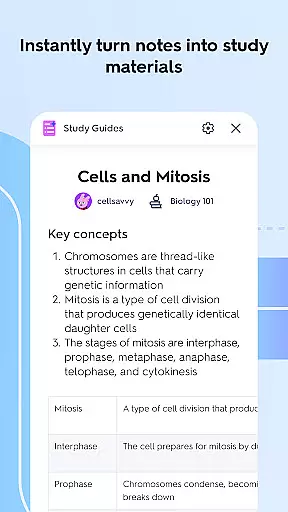


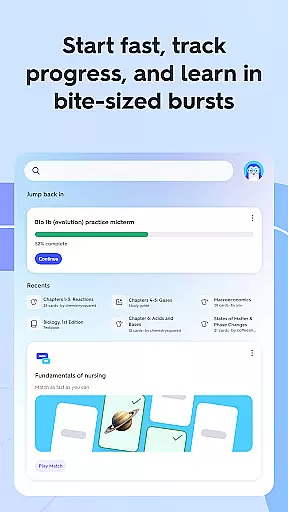
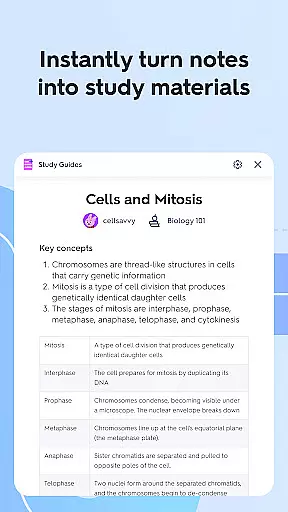
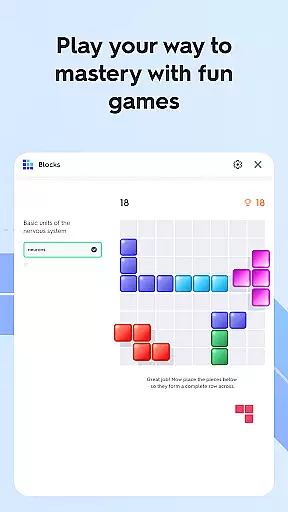
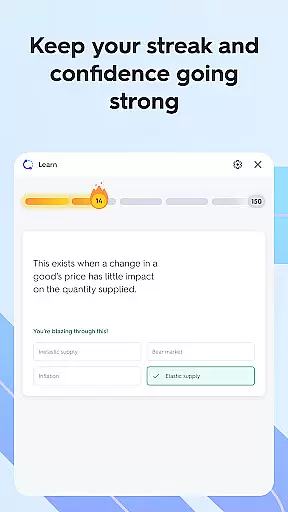

Quizlet is an innovative educational app designed to help students study smarter, not harder. The app's core functionality revolves around adaptive learning tools that create personalized study experiences. By leveraging AI technology, Quizlet transforms class notes into various study formats including flashcards, practice tests, and study guides.
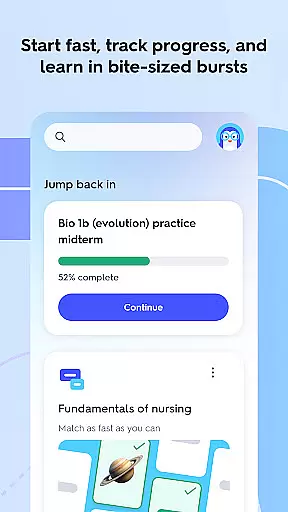
One of the app's standout features is its intelligent recommendation system. The personalized feed suggests relevant study materials based on your courses, institution, and popular topics among similar students. The Study Bites feature provides concise progress updates and tailored content to keep learners on track with their educational goals.
Quizlet proves particularly valuable during exam preparation periods. Students can simulate test conditions with customized practice exams generated from existing study materials. The app's cross-platform synchronization ensures seamless study sessions across multiple devices, making it an essential tool for modern education.
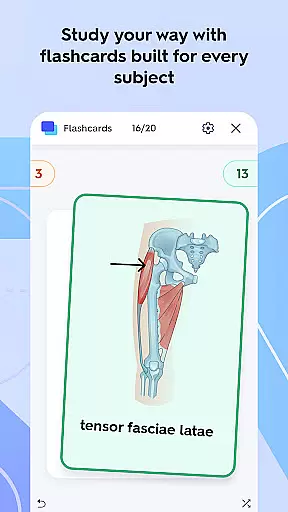
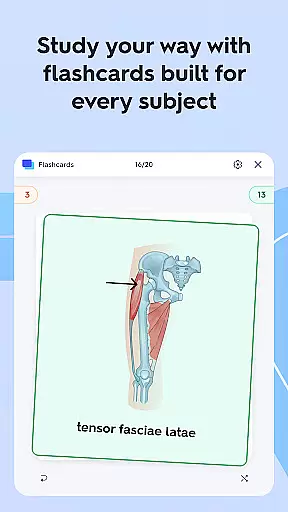
Quizlet offers a comprehensive suite of study tools that cater to diverse learning styles. The app's flashcard creation system stands out with its flexibility - users can build decks manually or utilize AI-powered generation from existing study materials. With millions of pre-made flashcard sets available, students can find resources for virtually any subject.
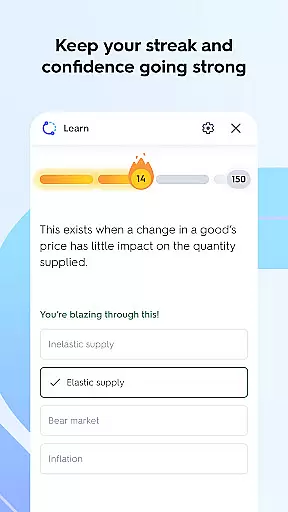
The app's adaptive learning system represents a significant technological advancement. It intelligently tracks user performance, automatically adjusting question difficulty and focusing on areas that need improvement. This personalized approach extends to various question formats including multiple choice, true/false, and written responses, providing a well-rounded learning experience.
Quizlet's collaborative features enhance group study sessions. The app enables students to share decks, combine strengths, and work through challenging material together. Additionally, the homework help section provides expert-authored solutions and AI-powered explanations for complex problems in subjects like Calculus and Chemistry, making it an invaluable resource for tackling difficult coursework.
When it comes to educational resources, the accuracy and authority of content are paramount. Quizlet ensures that all its study materials, whether created by students or teachers, meet high standards of correctness and reliability. This is achieved through a combination of user-generated content reviews and expert moderation.
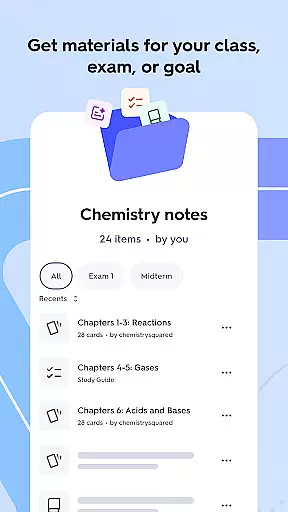
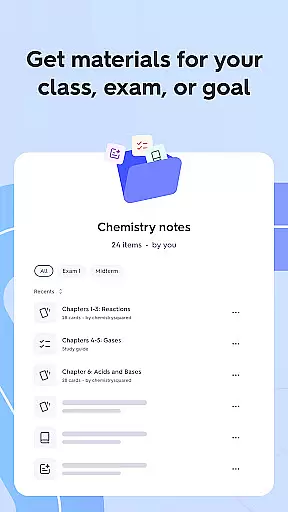
The platform allows users to create flashcards, practice tests, and study guides from their class notes. These materials are then available for others in the community to use, creating a vast repository of study aids. To maintain quality, Quizlet employs AI algorithms that help generate and verify content, ensuring that users receive accurate information tailored to their learning goals.
For subjects requiring detailed understanding such as Calculus, Chemistry, and Electrical Engineering, Quizlet offers step-by-step solutions crafted by experts. This not only helps in solving complex homework problems but also builds a solid foundation of knowledge. The inclusion of AI-powered support further enhances the learning experience by providing alternative approaches and explanations.
Ultimately, the emphasis on content accuracy and authority empowers students to walk into every test with confidence, knowing they have studied reliable and vetted material.
Personalization is at the heart of effective learning, and Quizlet excels in offering personalized learning paths that adapt to each student's needs. By analyzing individual performance and learning patterns, Quizlet tailors study recommendations to optimize the educational journey.
Upon logging in, users are greeted with a personalized feed that suggests exactly what to study next. This recommendation engine takes into account various factors including the useru2019s courses, school curriculum, and popular study trends among similar students. As a result, learners can focus on the most relevant topics without feeling overwhelmed by unnecessary information.
Quizletu2019s adaptive practice feature turns any flashcard set into customized practice questions. Whether itu2019s multiple choice, true/false, or written responses, the system adjusts based on the learneru2019s strengths and weaknesses. This targeted approach ensures that areas needing improvement receive extra attention while reinforcing already strong knowledge bases.
Furthermore, seamless synchronization across devices means users can pick up where they left off anytime, anywhere. This flexibility supports diverse learning routines and schedules, making education more accessible and convenient than ever before.
User-friendly interface
AI-powered study tools
Extensive content library
Cross-device synchronization
Adaptive learning technology
Premium subscription required
Limited offline functionality
Some features region-locked
Occasional AI inaccuracies
Basic features need upgrade

Grazing Risk Monitoring Service
 4.0
4.0
Study the questions most likely to be asked during the Oral & Practical Exams.
2.80
Explore myths and gods across cultures with in-depth insights and stories.
5.00
Short Lessons for Better Finances, Health, Skills, Jobs & Relationships.
4.80
Pickleball guide complete with illustrated Pickleball drills and helpful info
4.3
Experience the sky, planet earth and the solar system like never before
4.90
Astronomy Guide To Night Sky
4.30
Visit Daniel's house & make believe. Play doctor, make music, & feed fish.
3.20
A realistic sky map to observe stars, planets, satellites and constellations!
4.80
Childcare Management App: Daily sheets, sign in-out, billing and learning tools
4.70
Intuitive Transformer Lab - By a Lineman, For Linemen & Apprentices
4.50
Practice Casino Roulette Payouts for Table Game Dealers and Croupiers
4.40
Learn math, step-by-step
4.30
Turns you phone or tablet into TI graphing calculator (ROM required).
4.20
Learn to make peaceful contact with extraterrestrial civilizations
4.10
Make your own game and world. Draw and animate characters
3.70
Bebefinn and Baby Shark educational, animated videos & games for kids
3.40
The official CCM Glossary app, including 700+ terms and definitions.
2.90
Your best partner for learning Japanese words. Based on a best-selling textbook.
2.80


User Reviews