
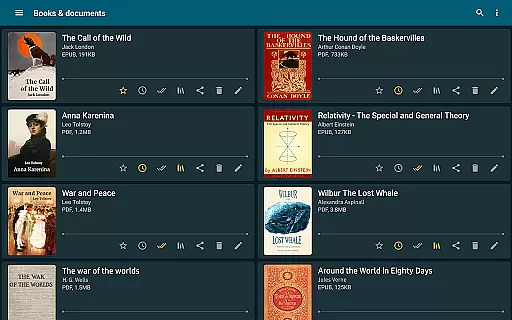
ReadEra is a versatile eBook reader app that supports an extensive range of formats including PDF, EPUB, Microsoft Word, Kindle, DJVU, FB2, TXT, ODT, and CHM. This application allows users to read books offline for free, without intrusive ads or the need for registration. Its comprehensive format support makes it an all-in-one solution for various reading materials, from novels to business documents.
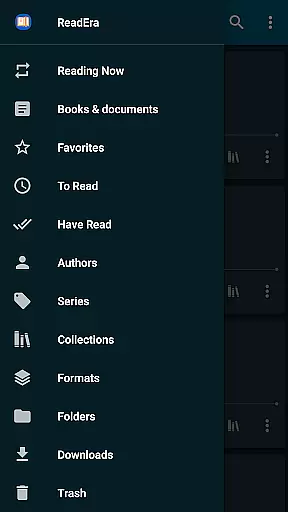
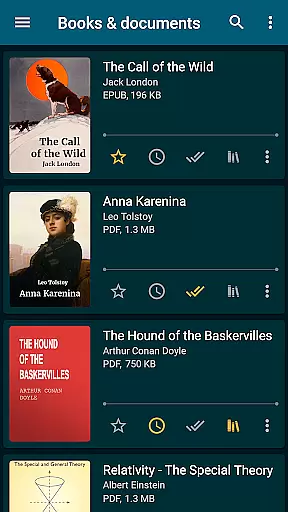
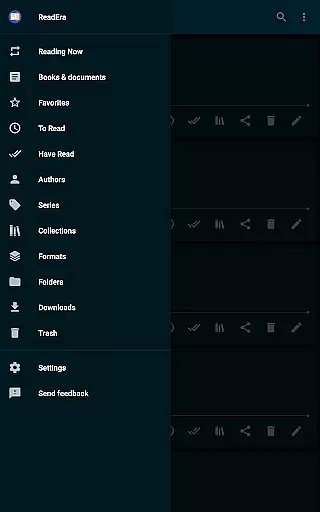
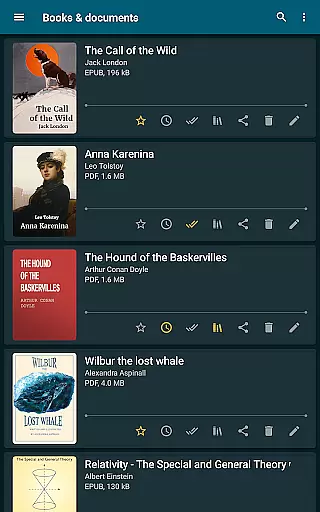
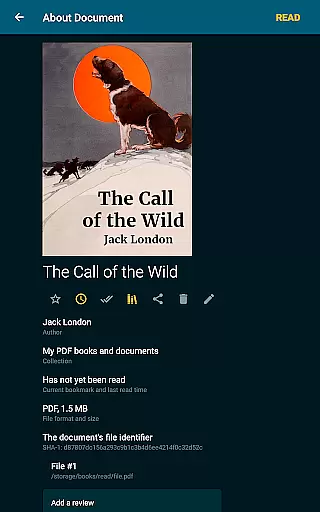
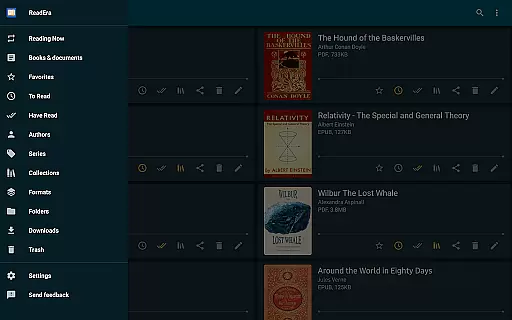
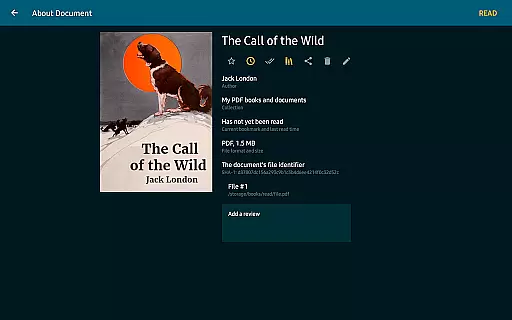
The app stands out with its advanced book management features, enabling auto-detection of books, organizing by authors and series, and creating personalized collections. Whether you're reading a PDF journal or an EPUB novel, ReadEra provides a seamless experience with easy navigation, customizable reading settings, and memory-efficient performance. The ability to handle large documents and zip archives adds to its practicality for avid readers and professionals alike.
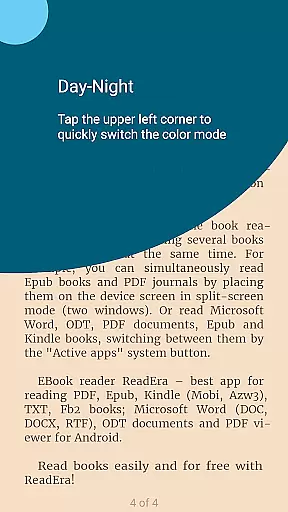
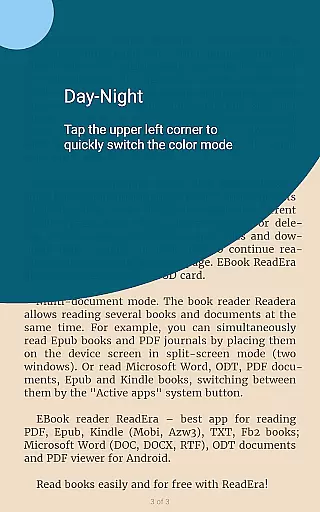
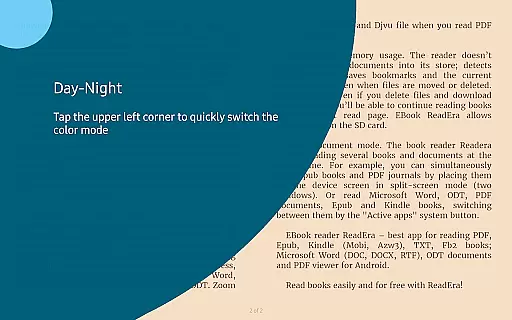
With its user-centric design, ReadEra ensures a pleasant reading experience through convenient features like day and night modes, adjustable fonts, and multi-document viewing. Users can enjoy their favorite books while customizing the interface to suit their preferences, making it an ideal choice for anyone looking to manage and read their digital library effortlessly.
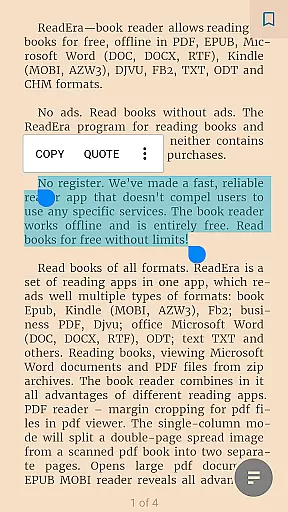
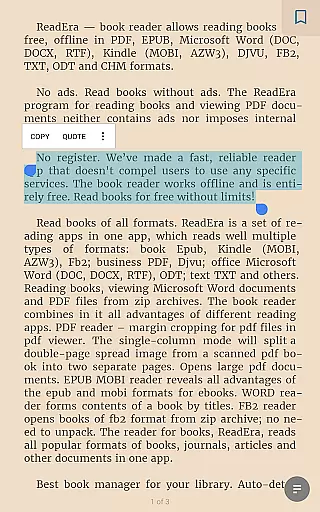
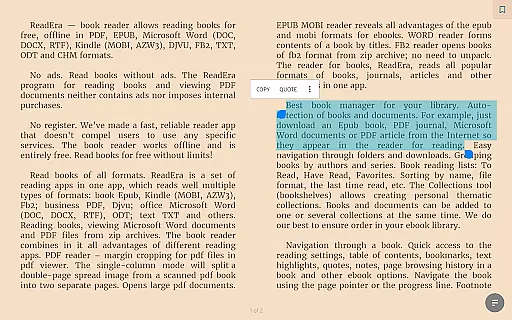
ReadEra offers a rich set of features designed to enhance the reading experience across different formats. One notable feature is its powerful PDF reader, which includes margin cropping and single-column modes for scanned books, ensuring optimal readability. The app also excels in managing EPUB and MOBI eBooks, providing well-structured tables of contents and proper footnote placement as in printed books.
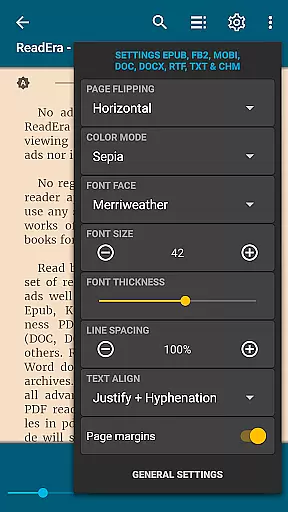
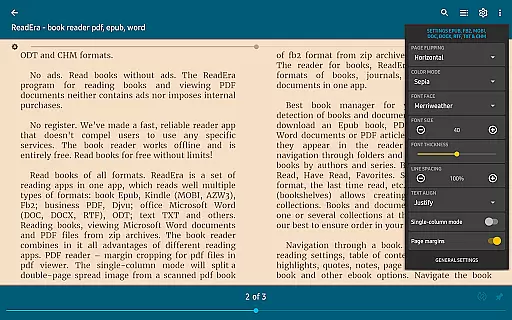
For document handling, ReadEra's Microsoft Word reader automatically generates a table of contents based on titles, streamlining navigation through lengthy documents. Additionally, the app supports reading directly from zip archives, eliminating the need for prior extraction. These capabilities are complemented by sophisticated reading settings such as customizable color modes, font adjustments, and page flipping orientations, catering to individual preferences.
ReadEra further impresses with its multi-document mode, allowing users to read several books simultaneously either in split-screen or by switching between active apps. This flexibility, combined with efficient memory usage that prevents data duplication and retains reading progress, underscores the app's commitment to delivering a robust and user-friendly reading platform.
ReadEra offers an extensive e-book library that supports multiple formats including PDF, EPUB, Microsoft Word, Kindle, DJVU, FB2, TXT, ODT, and CHM. This wide-ranging compatibility ensures users can access a vast collection of books and documents without restrictions.
The application guarantees copyright authenticity by allowing users to import their legally acquired files. It does not host or distribute e-books itself but focuses on providing a seamless reading experience for personal document collections.
With ReadEra, users benefit from a consolidated library where all their reading materials are organized in one place. The app's ability to manage various formats without compromising the original quality makes it an invaluable tool for avid readers and professionals alike.
One of ReadEra's standout features is its exceptional format compatibility. Supporting everything from standard text files to complex document types like Microsoft Word and PDFs, the app ensures that no matter the source, users can view and read their content effortlessly.
The app goes beyond basic viewing by offering specialized tools for different formats. For instance, PDFs can be margin-cropped, while EPUB and MOBI files provide enhanced navigation options. This adaptability enhances user experience by catering to specific needs based on the document type.
By prioritizing comprehensive format support, ReadEra empowers users to focus on content consumption rather than technical limitations. Whether for academic, professional, or leisure purposes, this versatility positions ReadEra as a top choice among e-readers.
User-friendly interface
Multi-format support
Offline functionality
No ads or in-app purchases
Advanced customization options
Limited cloud integration
No built-in store for new books
Occasional performance lags
Complex settings for beginners
Interface not highly modern

Cute bedtime story for kids
 4.30
4.30
Shop over 13 million new and used books at up to 80% off list price
4.20
A wonderful reader for good time spend.
4.20
Discover Stars and Planets: Live Map Shows Current Constellations in Full Detail
4.70
WebNovel - Read Solo Leveling novel and comic
4.10
Personalized Chat with Bible
4.80
Liturgy of the Hours totally off-line
4.80
Learn Electricians' Handbook PRO complete guide beginners to advance.
4.40
Daily rosary and gospel reflections for catholic
4.90
The Bible Audio Guide
4.80
Plan of Life that Saint Josemaría recommended
4.80
Read and study the Bible and other content in over 1,000 languages.
4.80
Learn Thai with 195,000+ entries, crisp Thai sounds, big text; works offline.
4.80
My Bible offers a comprehensive app by providing offline access, daily verses.
4.80
Translate into 100+ languages with the world’s most accurate AI translator.
4.70
F9 Cookbook Mobile App
4.60
Unlock unlimited access to bestselling ebooks, novels, stories, and audiobooks
4.60
KJV Bible works offline with Audio, Hebrew & Greek lexicon (concordance) & more!
4.20
“There was one last piece of cake. My little sister said ‘Me too!’”
4.00


User Reviews