
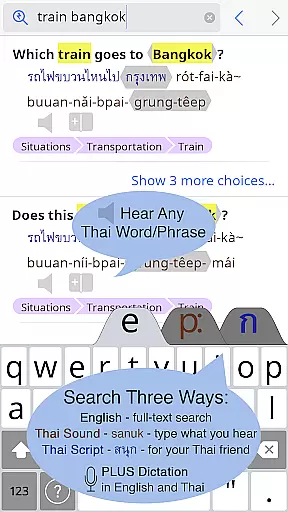
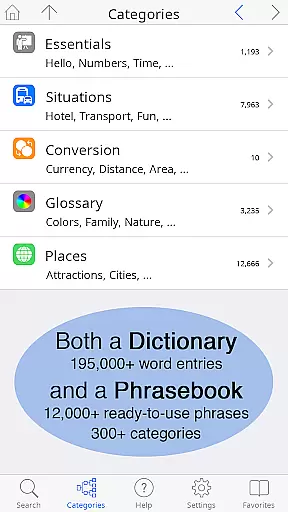
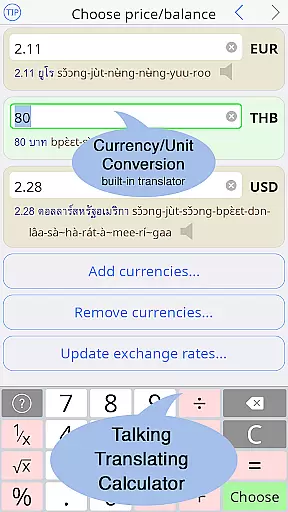
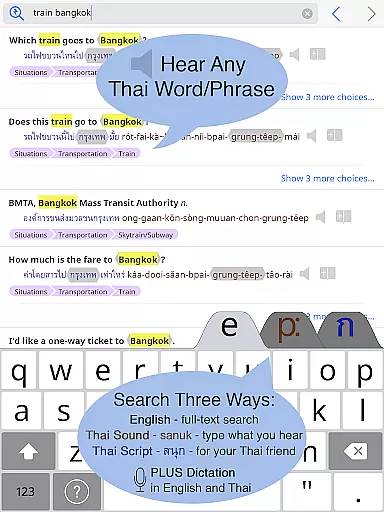
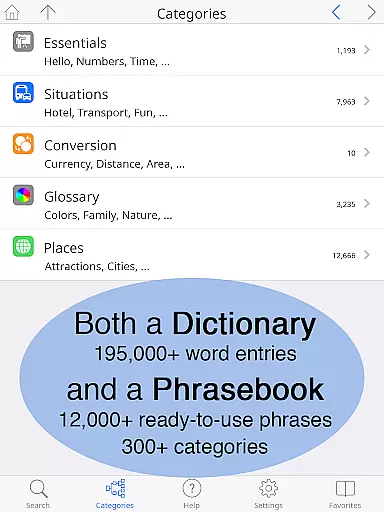
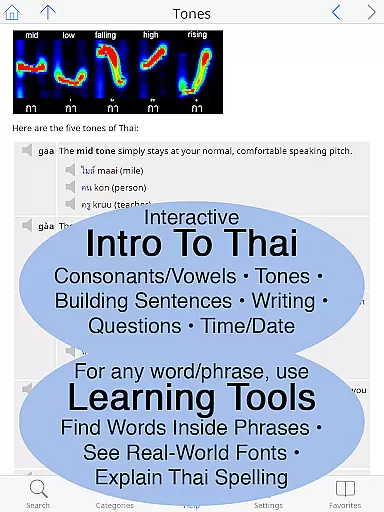
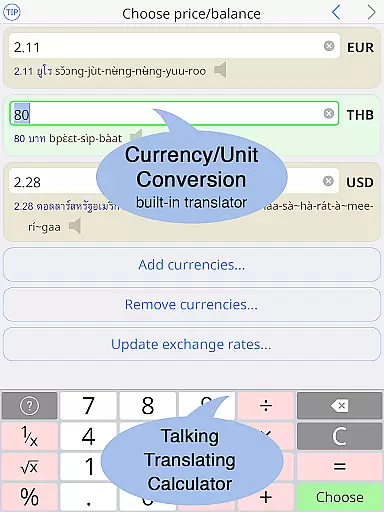
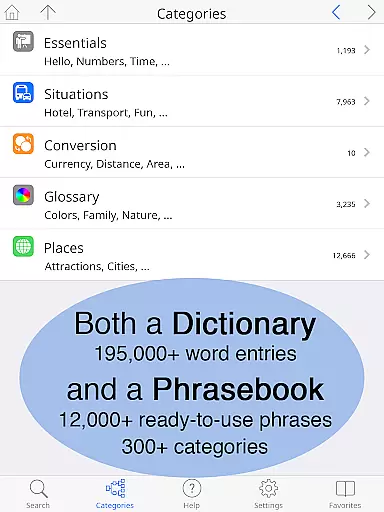
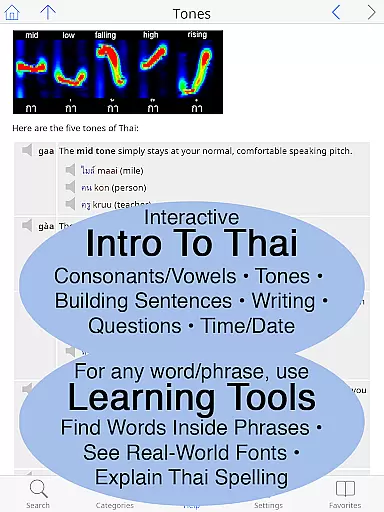
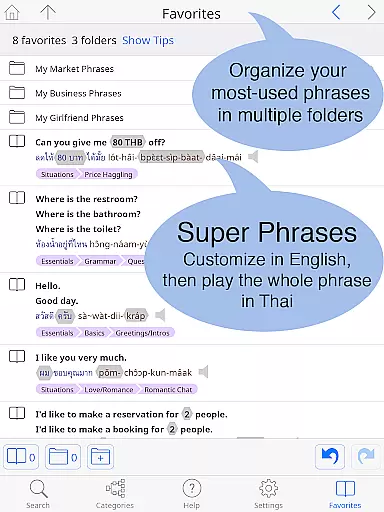
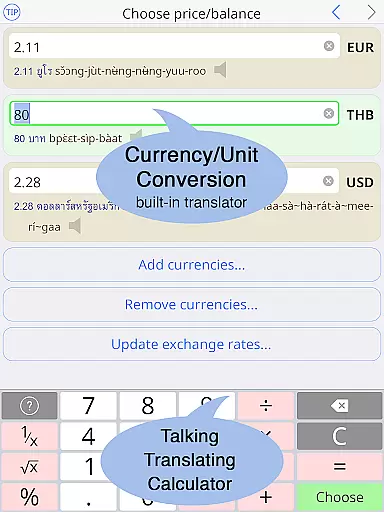
Thai <> English Dictionary is an essential language tool for travelers, expats, and Thai language learners. With over 195,000 entries and 250,000 translations, it offers comprehensive coverage of Thai and English vocabulary. The app works offline, storing all data on your device, making it perfect for use in areas with limited connectivity like markets or taxis. Its built-in phrasebook contains 300+ categories and 12,000+ ready-to-use phrases, ideal for various real-life situations.
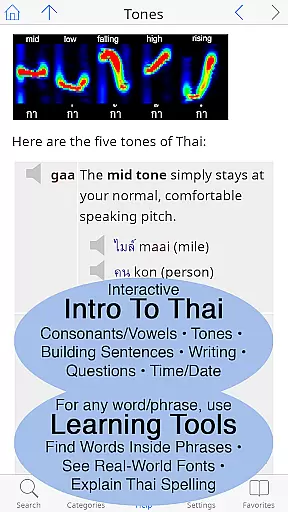
The dictionary stands out with its focus on learners' needs. It provides pronunciation guides in 12 systems, high-quality native speaker audio recordings, and detailed breakdowns of Thai words. Users can customize text size, choose different keyboard layouts, and access a comprehensive introduction to Thai language complete with grammar and writing sections. These features make it invaluable for both beginners and advanced learners seeking to deepen their understanding of Thai.
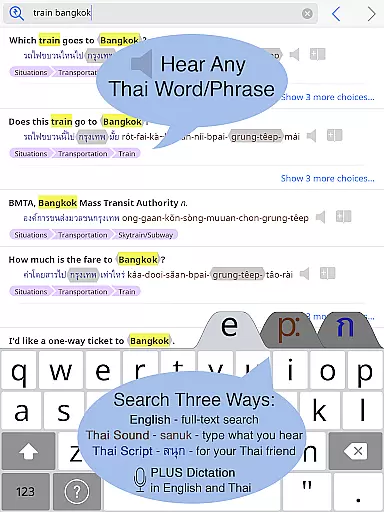
This dictionary app offers unique features that enhance the language learning experience. One standout feature is the ability to listen to any Thai word or phrase through studio-quality sound recordings by native speakers. This includes slow playback options at 2x/4x speed without pitch distortion, allowing users to grasp proper pronunciation easily. Additionally, the app supports offline functionality, ensuring users incur no data charges while traveling or in areas with poor internet connectivity.
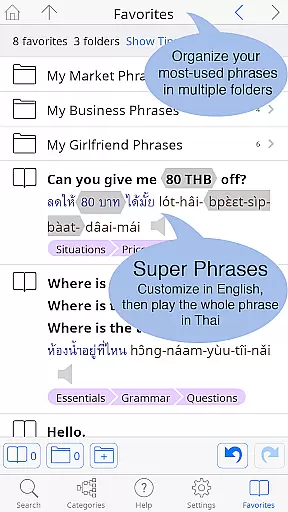
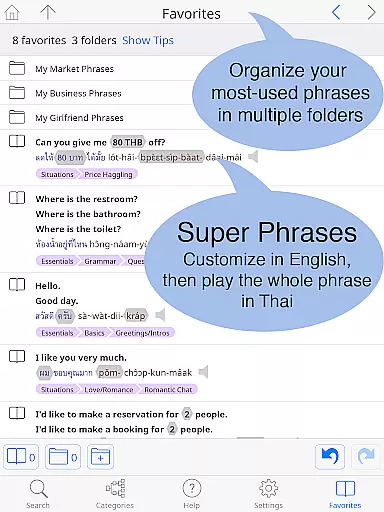
For those new to the Thai language, the app provides multiple tools to simplify learning. Users can look up words using pronunciation guides rather than Thai script, explore detailed breakdowns of syllables and spelling, and view words in various real-world fonts commonly seen on signs and menus. The Favorites screen allows organizing frequently used words into folders, while the big-text option and customizable layout cater to individual preferences. These thoughtful features create an optimal environment for mastering Thai effectively.
When evaluating a digital dictionary like the Thai <> English Dictionary, the size of the e-book library and copyright authenticity are crucial factors. This app boasts an impressive collection of 195,000+ entries with over 250,000 translations, ensuring comprehensive coverage for both casual learners and serious students of the Thai language.
The extensive library includes not only word-to-word translations but also a built-in phrasebook featuring 300+ categories and 12,000+ ready-to-use customizable phrases. The content is fully text-searchable, making it easy to find specific words or phrases quickly.
Regarding copyright authenticity, Paiboon Publishing has meticulously crafted each entry with the needs of language learners in mind. Unlike typical dictionaries based on free internet data, this app provides high-quality, legally obtained content that respects intellectual property rights while offering unparalleled depth and accuracy.
Users benefit from clear native sound recordings for every Thai word, even available offline. These recordings aren't just computer-generated tones but actual studio-recorded sounds by native speakers, enhancing the learning experience significantly.
For a language learning tool like the Thai <> English Dictionary, format compatibility plays a vital role in user experience. This app excels in providing multiple ways to access and interact with its content, catering to different learning styles and preferences.
The dictionary supports both Thai script and pronunciation guides using 12 different systems, allowing users who may not be familiar with the Thai alphabet to look up words by their sound. This dual-format approach ensures that learners at all levels can effectively use the resource.
Additionally, the app offers customizable layout options, including standard or big-key Thai keyboards and adjustable text sizes for both Thai and English content. Users can make the text as large as needed without requiring reading glasses, which is particularly beneficial for those with visual impairments.
Furthermore, the app's compatibility extends beyond just text formats; it includes audio components with high-quality sound recordings that can be played back at normal speed or slowed down to 2x/4x without changing pitch. This feature-rich compatibility makes the learning process more engaging and accessible to a wider audience.
Comprehensive Thai-English database
High-quality native audio recordings
Offline functionality with no data charges
User-friendly customizable interface
Extensive phrasebook for practical use
Premium price point may deter some users
Large file size requires significant storage
Occasional performance lags on older devices
Limited visual design appeal
Advanced features may overwhelm beginners

“I am the Lorax. I speak for the trees.”
 4.80
4.80
"BIG A, little a. What begins with A?"
4.10
A wonderful reader for good time spend.
4.20
Battle Royale Chapter 5 Season 2 HD Wallpapers Emotes Skins and BattlePass
3.00
Discover Stars and Planets: Live Map Shows Current Constellations in Full Detail
4.70
Translate into 100+ languages with the world’s most accurate AI translator.
4.70
Scan. Price. Grade.
4.60
Zerobooks Light Novel Reader by GOLDENAGATO
4.20
Fast loot guide for ARC Raiders. Simple tips, stats, maps, and item details.
4.2
Flora of Virginia Project (www.floraofvirginia.org)
5.00
Audiobook player with cross-device progress sync, playlists, and widget support.
4.80
Personalized Chat with Bible
4.80
This is the pro version King James bible Offline that we have
4.70
Words spoken by native English speakers and full definitions.
4.60
F9 Cookbook Mobile App
4.60
7 Languages, Google, Wiki, Vocabulary.com, Cambridge & Urban Dictionary!
4.50
Read the Quran in Arabic alongside its translation, with color coded Tajweed.
4.50
Mirror Bible - eye-opening paraphrase translation of the NT by Francois du Toit
4.30
CleverBook Pro makes the popular guide for the game even better!
4.00


User Reviews