
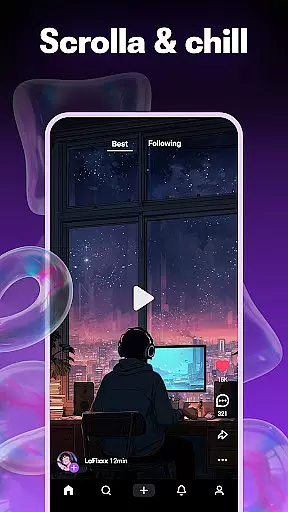
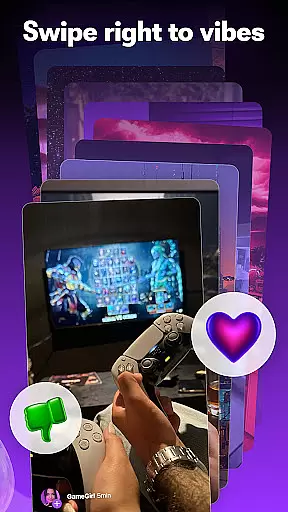


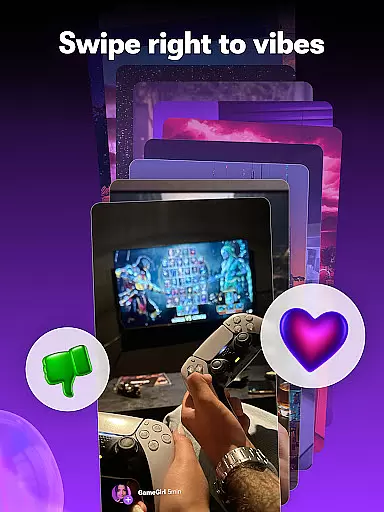


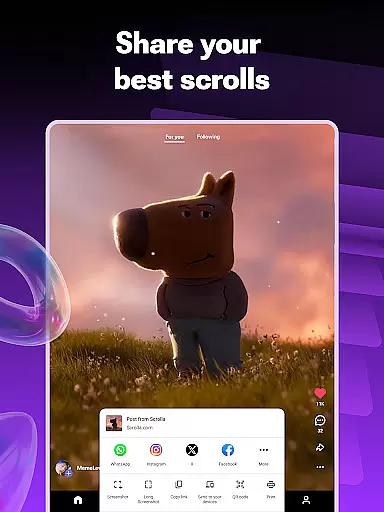
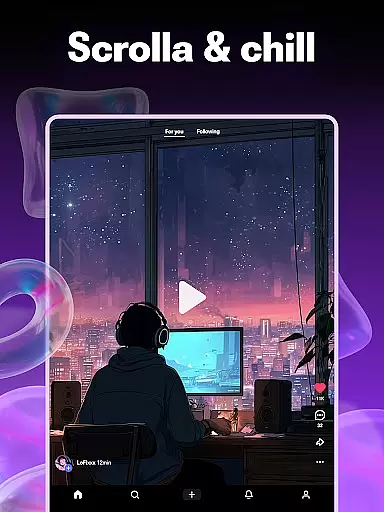


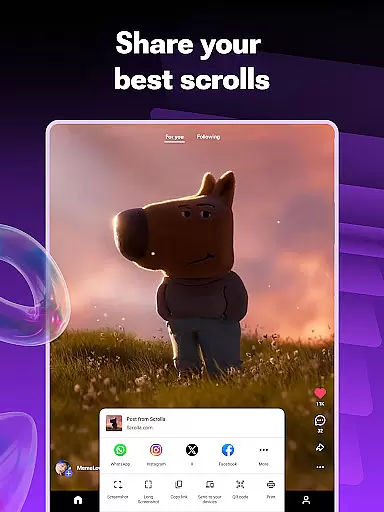
Scrolla is a dynamic communication app designed to provide users with an engaging experience through short-form video content. As a comprehensive reels app, it offers non-stop entertainment with hype shorts, trending clips, comedy videos, and weird pictures all available in one scrollable feed. The platform's intelligent algorithm learns user preferences, creating a personalized feed that improves with every interaction.
In addition to consuming content, Scrolla empowers users to become creators themselves. With built-in video maker tools, adding music and effects to create shareable content is simple. The app also fosters a community atmosphere where users can connect over shared interests, making it more than just a content consumption platform. Whether looking for laughs or seeking creative expression, Scrolla provides a pressure-free environment for enjoyment.
Scrolla stands out with its unique combination of content consumption and creation features. The app's scrolling feed delivers an endless stream of diverse short-form videos, ranging from comedy sketches to viral moments and unusual images. Its adaptive algorithm ensures that the more you use the app, the better it becomes at serving relevant content tailored to individual tastes.
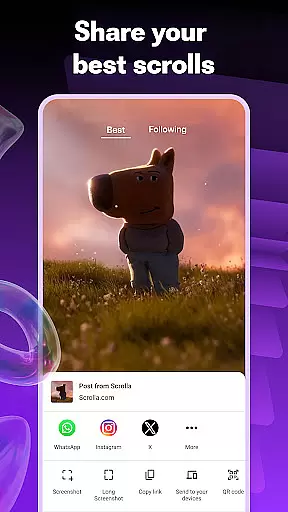
For content creators, Scrolla offers intuitive video creation tools. Users can easily produce professional-looking shorts using the built-in editor, complete with music tracks and visual effects. The app's sharing functionality extends beyond just posting content - it allows direct communication through video sharing and reactions. This dual focus on both content consumption and creation makes Scrolla a versatile communication tool in today's digital landscape.
Real-time messaging speed and reliability are crucial for any communication app, ensuring that messages are delivered instantly and without fail. Scrolla excels in this area by providing a seamless experience where users can send and receive short videos, comedy clips, and weird pictures without delay.
The app's infrastructure is designed to handle high volumes of data transmission efficiently. This means whether you're sharing a hilarious comedy video or reacting to a trending clip, your interactions are transmitted quickly and reliably. The result is an engaging environment where conversations flow naturally, enhancing user satisfaction.
Scrolla also employs advanced synchronization techniques to ensure message delivery even under poor network conditions. By prioritizing core communication functions, the app maintains its performance across various devices and connectivity scenarios. Users can trust that their content will reach the intended recipients promptly, fostering a reliable platform for interaction.
Media sharing support is another cornerstone of Scrolla's functionality, allowing users to exchange a wide variety of content types effortlessly. From hype shorts to random comedy videos, the app facilitates rich media exchanges that keep users engaged and entertained.
Scrolla supports multiple file formats, making it versatile for different kinds of media. Whether itu2019s a jaw-dropping weird picture or a cool moment captured on video, users can share these files with just one tap. This ease of use encourages more frequent interactions and enhances the overall user experience.
Additionally, Scrolla integrates social features like reactions and replies directly into the media-sharing process. This creates a dynamic environment where users can react, reply, or laugh together, even when they're miles apart. Such interactive elements make media sharing not just about exchanging files but about building connections and communities around shared interests.
User-friendly interface
Personalized content feed
Built-in video creation tools
Active community engagement
Diverse content categories
Requires constant updates
Heavy data usage
Limited professional tools
Algorithm learning curve
Content moderation issues

Enjoy secure messaging & calling. Safe Messenger: group chats, calls, messages.
 4.20
4.20
The ultimate productivity solution for all your email communication needs.
4.40
A Browser with powerful ad blocker to help focus on what really matters.
3.00
Quickly and easily identify and block unknown callers
3.70
Fast, Simple And Secure Application That Provides SMBv3 Server On Your Device
3.30
Smart and simple anti-wiring application - IMSI-catchers catcher
4.40
Watchgram for Telegram: Experience seamless Telegram messaging on your watch
1.80
SMS Messenger is a lightning-fast messaging app.
4.20
Caller ID, Spam Call & SMS Blocker
3.80
A browser that does more than load page, like keeping your privacy safe.
4.70
Fast internet with AI, Adblock & VPN. Browse on a safe, incognito web browser.
4.70
Identify unknown numbers, block spam calls, customize calls with cool themes.
4.60
Manage BoostMobile Account
4.60
Get through your inbox faster with the mail app designed to simplify your life.
4.40
Group Chat That’s Fun & Games
4.30
A customizable phone number in the cloud
4.20
SMS & MMS Messaging App to easily send messages or schedule SMS on Chat
4.10
Measure BHP, Torque & 0-60 Clear car OBD faults View engine data in Google Earth
4.00
Radio communication simulator for gaming communities
4.4


User Reviews