

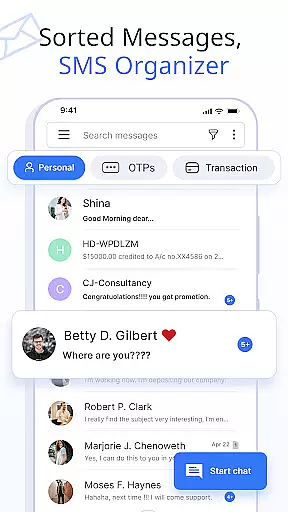
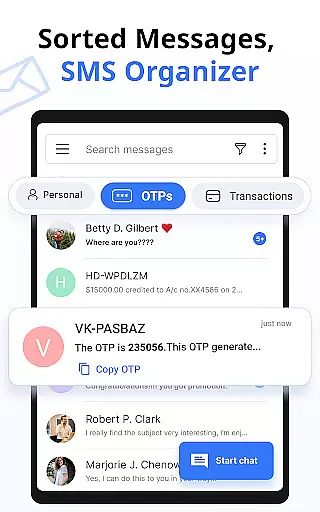



Messages is a feature-rich SMS and MMS messaging app designed to provide users with a smart, fast, and secure communication experience. The app automatically organizes text messages into categories such as Personal, Transactions, OTPs, and Offers using its built-in SMS Organizer. This ensures that users can easily manage their conversations while staying connected with friends and family.
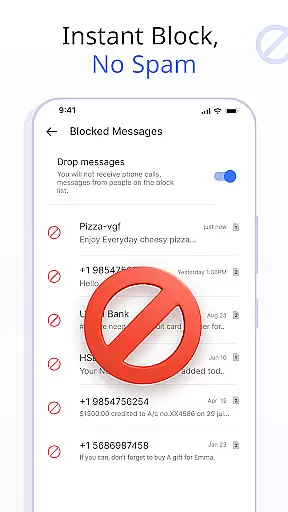
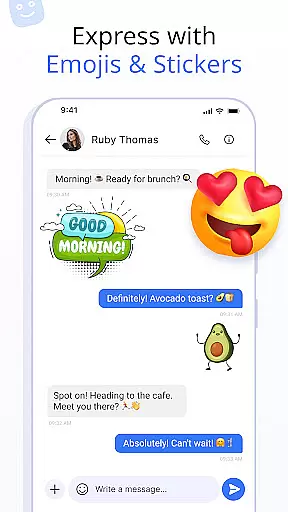
In addition to basic messaging, Messages offers advanced features like customizable notification alerts, scheduled messages, and delivery confirmation. Users can express themselves through emojis, stickers, and GIFs, while also enjoying practical tools such as auto-deleting conversations, blocking unwanted contacts, and backing up chats for safekeeping. With support for voice calls and compatibility across all major Android devices, this app truly enhances the overall messaging experience.
Whether you're scheduling important reminders or simply chatting with loved ones, Messages provides a reliable platform that combines functionality with user-friendly design. Its intuitive interface and robust security measures make it an ideal choice for anyone looking to upgrade their messaging capabilities.
Messages stands out due to its comprehensive set of features tailored to improve the way users interact with their SMS and MMS communications. One key highlight is the ability to customize notification alerts for individual contacts and chats. Users can adjust settings such as preview options, ringtones, vibration patterns, and Do Not Disturb modes to create a personalized experience.
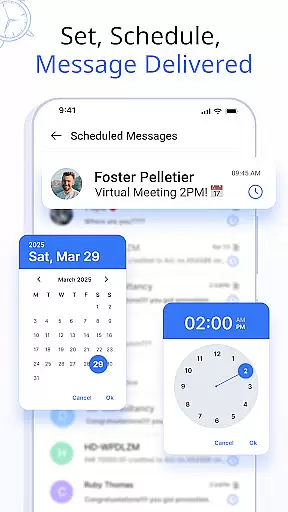
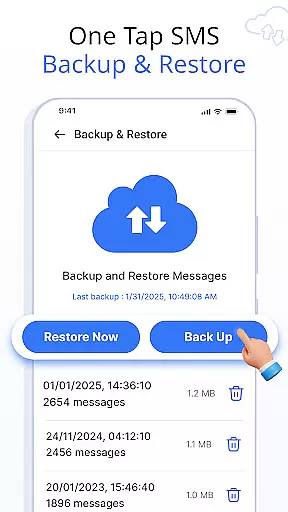
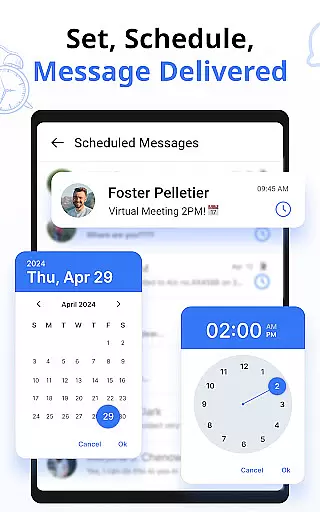
The app also includes practical functionalities like message scheduling, which allows users to plan texts for birthdays, work reminders, or other occasions in advance. Another standout feature is the secure backup and restore system, enabling users to save their conversations locally and retrieve them whenever needed. Additionally, swipe actions let users archive, delete, or mark messages as read with simple gestures, keeping the inbox organized efficiently.
Other notable features include delivery confirmation for sent messages, auto-deletion of old conversations, and support for expressive content like emojis, stickers, and GIFs. These tools not only enhance usability but also ensure that users have full control over their messaging environment. Combined with crystal-clear voice call integration, Messages delivers a complete communication solution.
Real-time messaging speed and reliability are crucial for maintaining seamless communication in any messaging app. The Messages app ensures that your texts are delivered instantly, allowing you to stay connected with friends and family without delays.
This SMS Messaging App uses advanced technology to optimize message delivery times, ensuring that your communications are sent and received promptly. Whether you're sending a simple text or an important notification, the app's infrastructure supports quick transmission speeds.
Reliability is at the core of the user experience, as missed messages can lead to miscommunication. With features like Delivery Confirmation, users gain peace of mind knowing their messages have been successfully sent and received.
Moreover, the app's robust system minimizes the chances of downtime or connectivity issues, making sure you're always reachable. This steadfast performance helps maintain trust in the platform, ensuring that it remains a dependable tool for both personal and professional messaging needs.
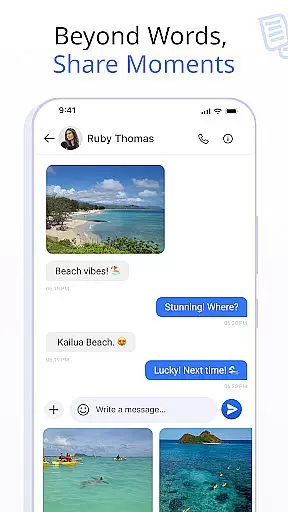
Media sharing support is an essential feature in modern messaging apps, enabling users to share various types of content beyond plain text. The Messages app offers comprehensive media sharing capabilities, allowing you to send images, videos, audio files, and documents effortlessly.
The app supports a wide range of file formats, which means you won't be limited by compatibility issues when sharing media. Whether you need to send high-resolution photos or important PDF documents, this messaging app handles it all with ease.
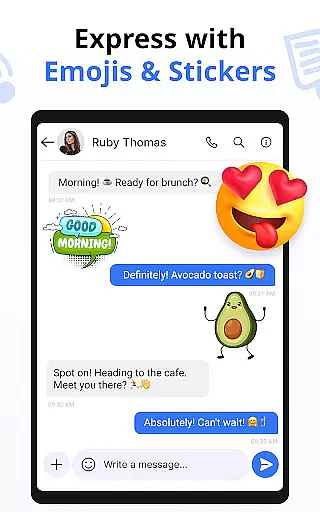
In addition to basic media sharing, the app enhances your experience with features like Emojis, Stickers & GIFs. These options let you express yourself more vividly and add fun elements to your conversations, enriching your interaction with others.
Furthermore, the integration of Voice Calls within the same platform ensures that if media doesn't suffice, you can switch to voice communication seamlessly. This holistic approach to communication makes the Messages app not just a tool for texting but a complete multimedia messaging solution.
User-friendly interface
Advanced customization options
Secure backup and restore
Wide device compatibility
Expressive content support
Limited iOS support
Occasional sync issues
Ads in free version
Large file size
Requires storage space

SMS Messenger ensures that communication become effortless and accessible.
 3.80
3.80
Save 10% automatically on your first international mobile top up.
4.60
Messages: Fast, simple SMS app with scheduling and smart features.
4.00
Messenger for SMS - texting message app, faster, simpler & safer, for you.
4.70
Phone Dialer with Caller ID, Address Book & Contacts Manager.
4.30
Our Black Friday sale is here. Unlock special discounts on Proton Mail now.
4.30
Messenger app for faster and simpler SMS text messaging, and personalized themes
4.10
Call Blocker app: Identify unknown callers, block spam calls, fraud & robocalls
4.30
Comprehensive and powerful scan tool app with enhanced functions
3.00
We’re taking the yada yada out of wireless—now we’ve taken it out of your app.
4.70
Messenger, an MMS & SMS messages app with Blockers, Driving mode & Private box
4.60
Build your web browser around you with private search, and more.
4.60
Experience real private browsing without tracking, surveillance, or censorship.
4.50
Group Chat That’s Fun & Games
4.30
BE PRIVATE
Anonymous. No Trace. Fast.
4.20
Share the moment!
4.10
Fast Dialer & Contact Manager with Caller ID and Spam Protection
4.00
Pure modern IRC experience for Android
3.70
Secure Messaging App to Enhance Messenger Texting Experience and Organize SMS.
3.50


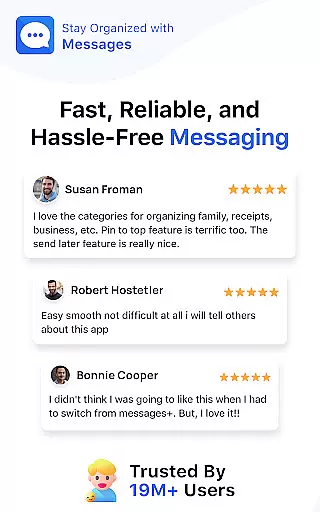
User Reviews