
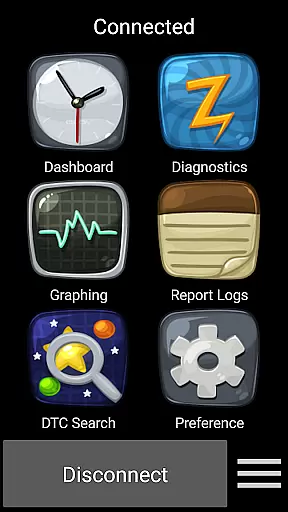
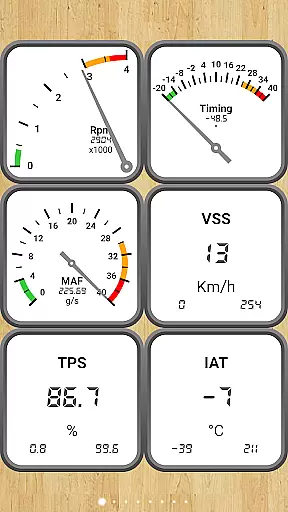
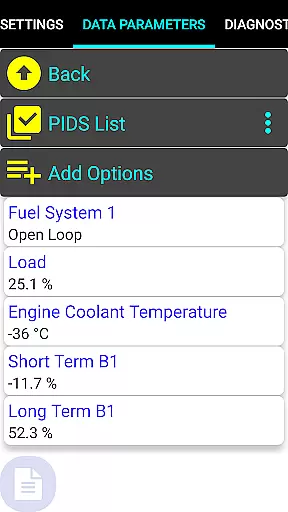
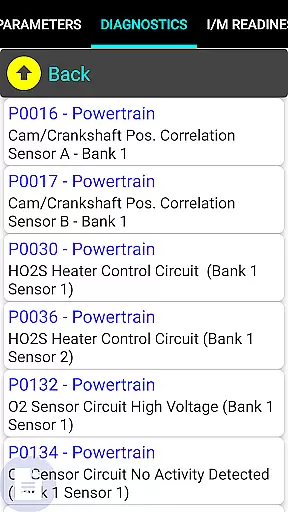
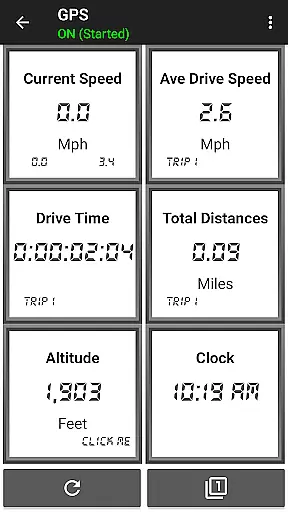
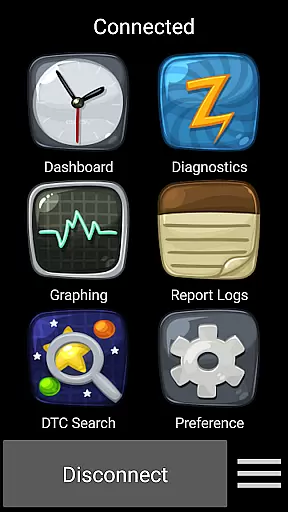
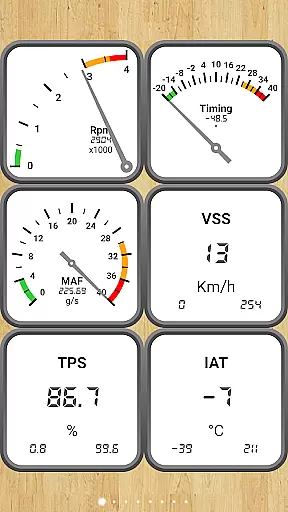
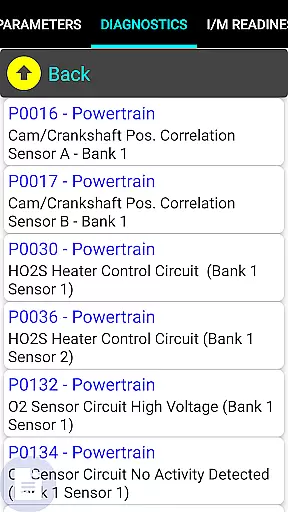
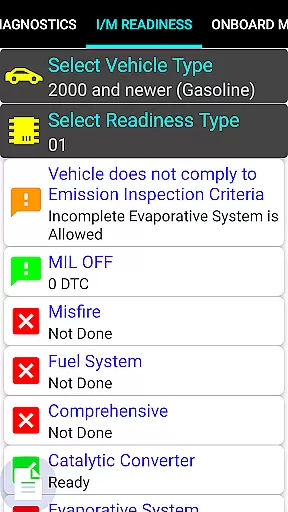
Car Gauge Pro is a comprehensive OBD2 diagnostic tool designed for all OBD2 compliant vehicles, offering both generic and enhanced diagnostic data. This app stands out with specialized support for Ford and Nissan vehicles, providing professional-level functionalities similar to factory scan tools. Users can access detailed vehicle data through the 16 Pin OBD2 connector using compatible Bluetooth adapters.
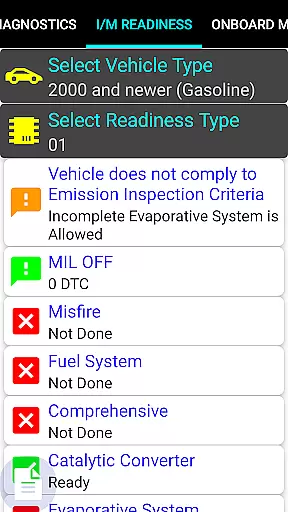
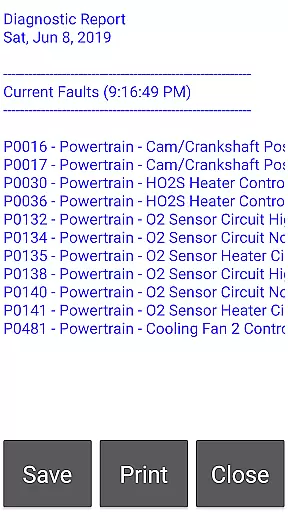
The application's core strength lies in its extensive diagnostic capabilities, including fault code reading/clearing, sensor testing, and emission monitoring. It serves as an essential tool for car owners and mechanics who need accurate vehicle diagnostics. Whether checking engine performance or preparing for emissions tests, this app delivers reliable results that help maintain optimal vehicle health.
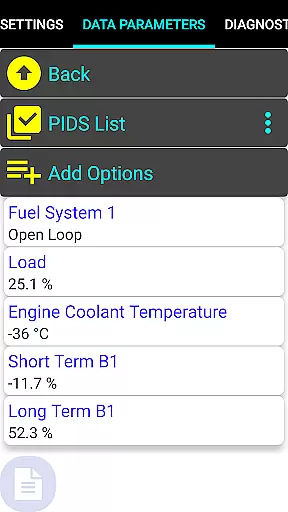
Car Gauge Pro offers an impressive range of features that cater to various diagnostic needs. The app supports all standard OBD2 modes, from basic data parameters to advanced emission test results. What sets it apart are the enhanced functions specifically developed for major car manufacturers like Ford, Nissan, GM, Toyota, and KIA.
For Ford vehicles (1996-2013), users can access over 2200 PIDS through multiple protocols including ISO, PWM, and CAN. Nissan owners (2001-2007) benefit from 634 PIDS across different systems like ECM, TCM, ABS, and BCM. The app enables active testing and self-diagnosis features that were previously only available through dealership tools. These specialized functions make Car Gauge Pro an invaluable resource for professional mechanics and automotive enthusiasts alike.
Real-time messaging speed and reliability are crucial for effective communication, especially in automotive diagnostic applications like Car Gauge Pro. This app ensures that data is transmitted instantly between the vehicle's onboard diagnostics system and the user's device.
Car Gauge Pro uses advanced Bluetooth technology through Elm 327 or STN adapters to maintain a stable connection. This guarantees that real-time data such as fault codes, sensor statuses, and performance metrics are relayed without delays.
The benefit to users is significant; mechanics and car enthusiasts can quickly diagnose issues, sometimes even before they become severe problems. Immediate access to this information allows for timely maintenance and repairs, ultimately saving time and money.
Moreover, the reliability of data transmission means fewer chances of misdiagnosis. Users can trust the information received, which enhances their ability to make informed decisions regarding vehicle upkeep.
Media sharing support in Car Gauge Pro refers to the app's capability to share diagnostic data and reports across various platforms. This feature is essential for collaborative work environments where multiple stakeholders need access to vehicle diagnostic information.
The app supports different types of media sharing, including exporting diagnostic reports as files and sharing them via email or cloud services. This makes it easy for users to send detailed reports to colleagues or clients without any hassle.
For professional mechanics, this feature streamlines workflows by allowing seamless information exchange with team members or customers. It also aids in maintaining comprehensive records of vehicle diagnostics over time, which can be crucial for tracking recurring issues.
Ultimately, robust media sharing support enhances productivity and ensures that everyone involved in vehicle maintenance has access to accurate and up-to-date information, facilitating better decision-making and more efficient operations.
User-friendly interface
Comprehensive diagnostic coverage
Specialized manufacturer support
Professional-level functionality
Real-time data monitoring
Requires separate hardware purchase
Limited device compatibility
Steep learning curve for beginners
Some features model-restricted
Occasional connection issues

BiP is a fast, secure, free messaging and HD video calling app!
 4.10
4.10
Secure Messaging App to Enhance Messenger Texting Experience and Organize SMS.
3.50
Use this Dialer app alone or as a TREK: Total Interface companion.
4.70
A web browser that respects your privacy.
4.30
Fast, Simple And Secure Application That Provides SMBv3 Server On Your Device
3.30
Federated instant messaging for your mobile device (Jabber, XMPP, Snikket)
4.10
RemoteHams.com Android RCForb Client Pre-Release
4.30
A softphone app with seamless SIP calling and an intuitive VoIP dialer
3.50
Stay in touch with the people who matter most.
4.60
Browse fast on Opera Mini, with Data Saving, News, Football Scores, and Download
4.60
Talk & text free with a second phone number plus unlimited 5G data, no fees.
4.50
The ultimate productivity solution for all your email communication needs.
4.40
Create a secure hotspot on-the-go with Portable WiFi - Mobile hotspot.
4.40
Caller ID App! Add names & photos to unknown calls & Call Recording
4.40
Get through your inbox faster with the mail app designed to simplify your life.
4.40
Phone Dialer with Caller ID, Address Book & Contacts Manager.
4.30
A customizable phone number in the cloud
4.20 3.90
3.90
Pure modern IRC experience for Android
3.70


User Reviews