
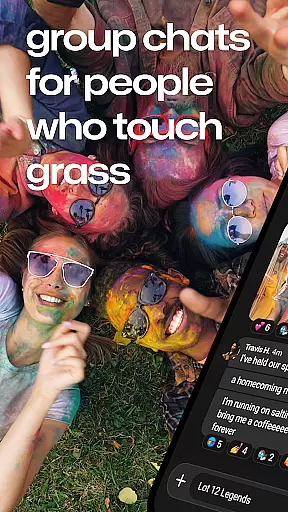
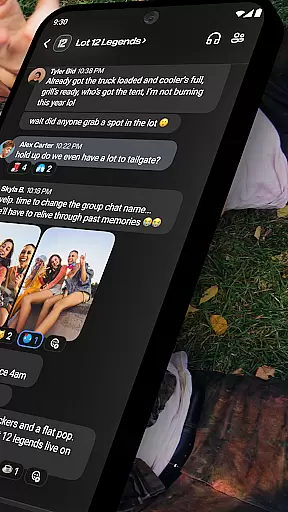
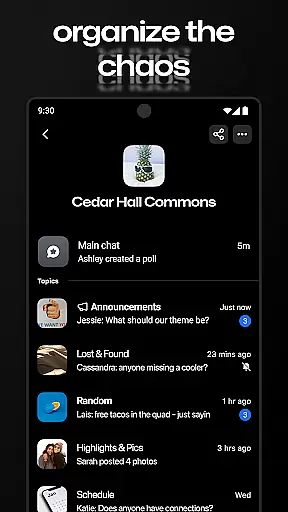
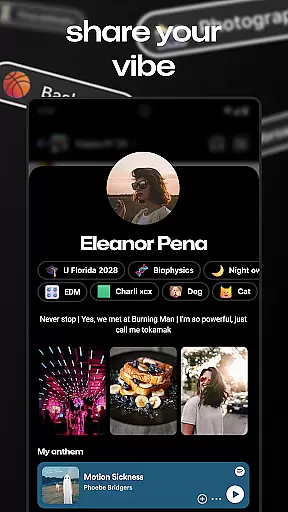
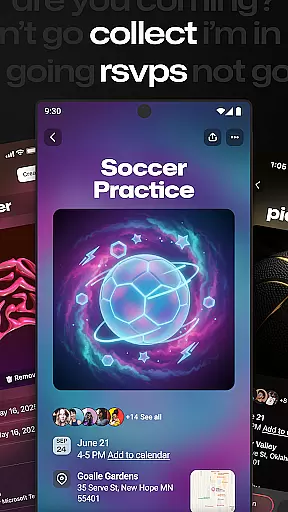
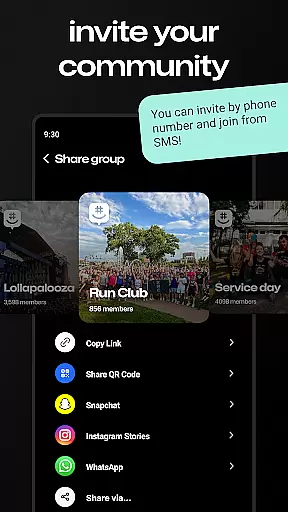
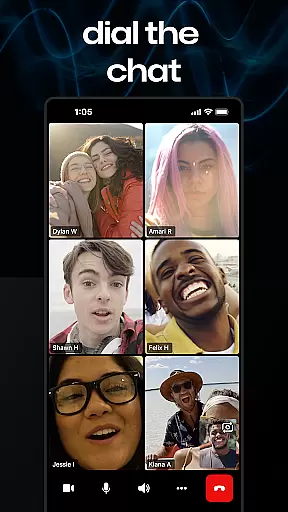
GroupMe is a free communication app that allows users to stay connected with important people in their lives through group chats. It supports various types of groups such as family, friends, coworkers, and more. The app offers features like adding anyone via phone number or email, controlling notifications, using exclusive emoji, sharing media, and exploring content shared from URLs.
With GroupMe, you can also enjoy direct messaging with all the group chat features but on a one-on-one basis. You can access your chats from anywhere, including your computer at groupme.com. Whether you're separated by a hallway or a hemisphere, GroupMe helps maintain meaningful connections.
GroupMe stands out with its comprehensive set of features tailored for seamless communication. Users can add participants to a group via phone numbers or email addresses, enabling SMS-based chatting for newcomers. Notification settings are highly customizable, allowing users to mute specific chats or the entire app.
The app includes an exclusive emoji set and supports sharing memes, GIFs, and URL content directly within chats. A gallery feature saves shared photos and videos for easy access later. Direct messages offer all group chat functionalities in a private setting, enhancing personal conversations. These features collectively make GroupMe a versatile tool for staying in touch.
Real-time messaging is crucial for maintaining seamless communication in today's fast-paced world. GroupMe ensures that messages are delivered instantly, allowing users to stay connected without delays.
The app employs optimized data transmission protocols to maintain high-speed message delivery across different network conditions. This guarantees that whether you're at home, work, or traveling, your conversations remain smooth and uninterrupted.
Users benefit from reliable messaging that keeps them in sync with family, friends, and colleagues. The assurance of message delivery provides peace of mind, knowing that important communications won't be missed.
GroupMe's commitment to real-time messaging speed and reliability makes it an indispensable tool for both personal and professional use, ensuring you're always connected with the people who matter most.
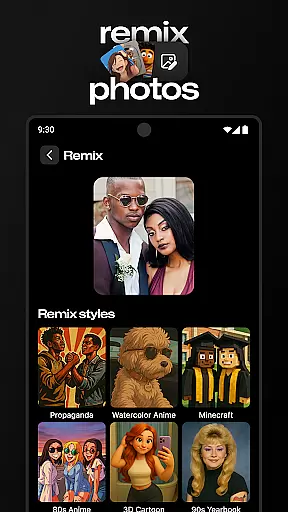
In addition to text-based communication, GroupMe offers robust media sharing capabilities, enhancing the way users interact and share experiences. This feature allows users to send images, videos, and other file types effortlessly within their chats.
The platform supports a wide range of media formats, making it versatile for various needs, from casual sharing to professional collaboration. Whether it's a memorable photo, an important document, or a funny GIF, GroupMe ensures that all content is delivered in high quality.
With easy access to shared media through the gallery feature, users can revisit past memories and important files anytime. This not only enriches conversations but also serves as a repository of shared experiences and information.
By integrating comprehensive media sharing support, GroupMe elevates the standard of digital communication, providing users with a dynamic and engaging way to connect with their groups.
User-friendly interface
Customizable notifications
Exclusive emoji collection
Integrated media sharing
Cross-platform accessibility
SMS limited to US
No video calling
Occasional bugs
Limited customization
Ads in free version

Pure modern IRC experience for Android
 3.70
3.70
A Browser with powerful ad blocker to help focus on what really matters.
3.00
Messages is Private SMS Messenger 2023 with text message, instant messaging.
4.00
Call Blocker app: Identify unknown callers, block spam calls, fraud & robocalls
4.30
Faster version of Messages. Messenger for your contacts.
4.50
Fast, Simple And Secure Application That Provides SMBv3 Server On Your Device
3.30
An app dedicated solely to marriage, not dating, and supported by a rigorous verification mechanism to ensure seriousness.
4.0
Build your web browser around you with private search, and more.
4.60
Say “hello” to privacy.
4.60
Use this Dialer app alone or as a TREK: Total Interface companion.
4.70
Messenger for SMS - texting message app, faster, simpler & safer, for you.
4.70
Adblock & VPN Browser: Blocks banners, pop-ups and video ads, fast downloader!
4.60
An agentic AI browser for Android, built by Perplexity
4.50
Manage your mobile phone plan, check unlimited 5g data usage and track rewards
4.50
Fast and mini browser with Ad Blocker,Video Downloader and Video Player
4.40
Phone Dialer with Caller ID, Address Book & Contacts Manager.
4.30
RemoteHams.com Android RCForb Client Pre-Release
4.30
Google's fast and secure browser
4.10
This app enables the phone to receive and send FT8 traffic!
3.80


User Reviews