
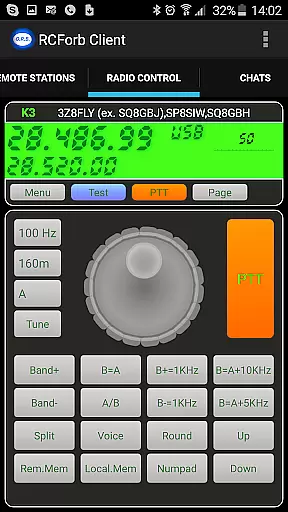
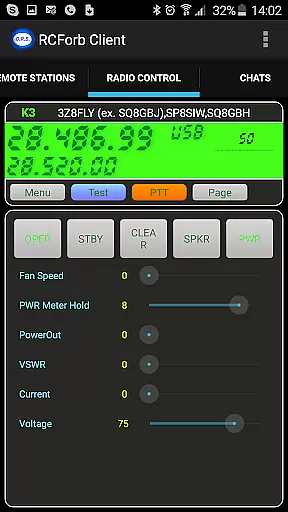
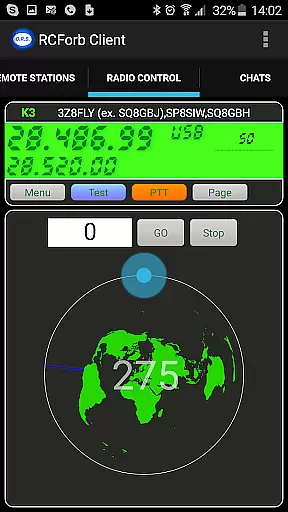
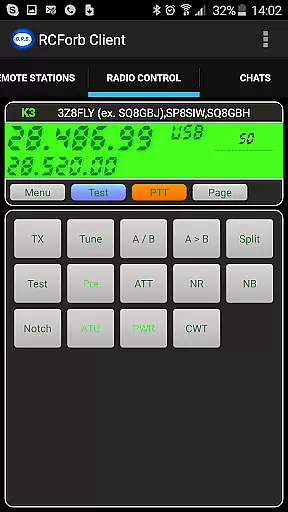
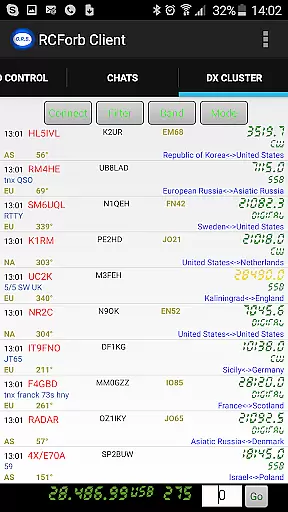
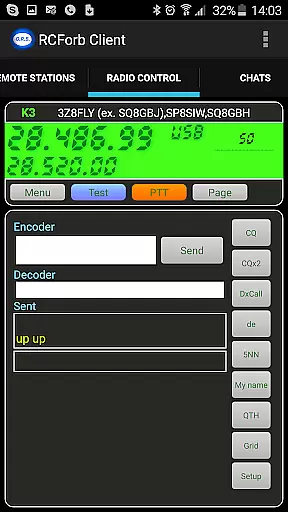
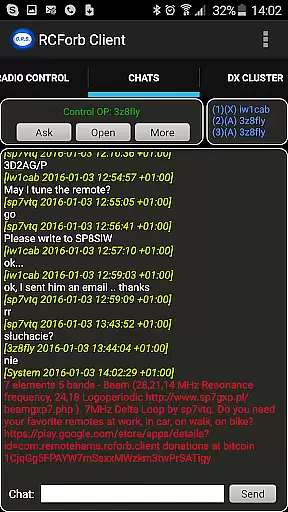
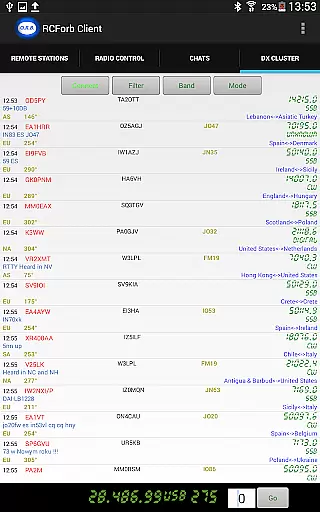
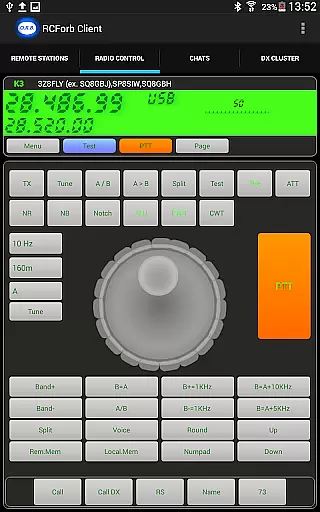
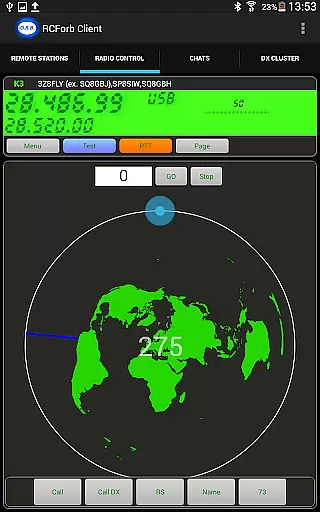
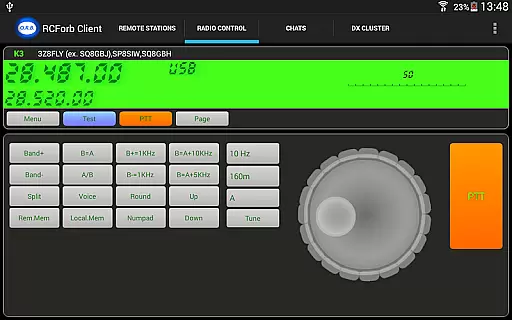
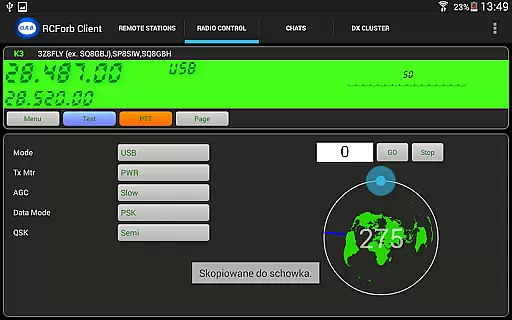
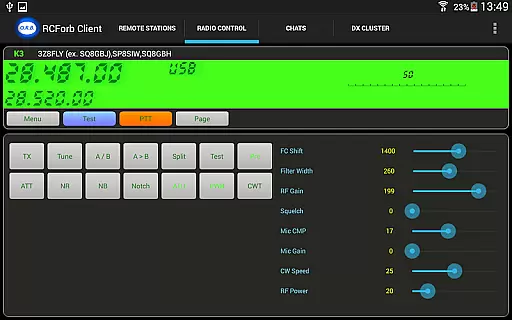
RCForb Client is a communication app designed for amateur radio enthusiasts, enabling remote operation of transceivers. The app allows users to test signal propagation and supports multiple operators for various radio activities.
While still in pre-release, it offers innovative ways to engage with the amateur radio community and ensures you never miss important DX signals. Integration with RemoteHams.com provides a complete ecosystem for radio operation.
The app features remote transceiver control, allowing users to operate equipment from anywhere. It includes signal testing capabilities to check if your signal reaches distant locations.
Multiple operator support enables collaborative radio activities like contesting and nets. The app is constantly updated based on user feedback to improve functionality and stability over time.
Real-time messaging speed and reliability are crucial for maintaining seamless communication in any application. RCForb Client excels in this area by ensuring messages are delivered instantly and consistently.
The app employs advanced algorithms to optimize data transmission, reducing latency and enhancing the overall user experience. This ensures that users can communicate without delays, even when operating remote amateur transceivers.
Moreover, RCForb Client supports multiple operator interactions, allowing new methods of contesting and collaboration between RF and REMOTE operators. This feature is particularly beneficial for testing signal propagation and engaging in nets or round tables.
By prioritizing real-time messaging capabilities, RCForb Client provides a dependable platform for both casual and professional communication needs.
Media sharing support is an essential feature for modern communication apps, enabling users to exchange various types of content effortlessly. RCForb Client offers robust media sharing capabilities, enhancing the interaction within the RemoteHams.com community.
Users can share audio clips, images, and other media files, enriching their communication experience. This functionality is vital for amateur radio enthusiasts who wish to document and share their experiences with rare DX signals or unique propagation tests.
In addition to basic media sharing, RCForb Client ensures compatibility with different file formats, making it versatile for diverse user needs. The app's integration with RemoteHams.com further streamlines the process, allowing users to focus on their conversations rather than technical limitations.
Overall, RCForb Client's media sharing support fosters a more engaging and interactive environment for its users, promoting collaboration and knowledge exchange.
User-friendly interface
Remote operation
Signal testing
Multi-operator
Community-driven
Pre-release version
Limited features
Account required
Internet needed
Feedback dependent

Identify unknown numbers, block spam calls, customize calls with cool themes.
 4.60
4.60
SMS & MMS Messaging App to easily send messages or schedule SMS on Chat
4.10
Manage BoostMobile Account
4.60
2nd Phone Number Line for Anonymous Texting, Calling, and Picture Messages
4.30
Manage Phone Calls, call history, and contacts easily with Phone Pro.
4.0
Auto Reply SMS, Text Messaging, Away SMS Response, Busy SMS messages, Block Text
3.10
Build your web browser around you with private search, and more.
4.60
Say “hello” to privacy.
4.60
Caller ID, Spam Call & SMS Blocker
3.80
Save 10% automatically on your first international mobile top up.
4.60
Experience real private browsing without tracking, surveillance, or censorship.
4.50
Talk & text free with a second phone number plus unlimited 5G data, no fees.
4.50
Smart and simple anti-wiring application - IMSI-catchers catcher
4.40
Share the moment!
4.10
Fast Dialer & Contact Manager with Caller ID and Spam Protection
4.00
Fun, free app that lets kids video call and message family and close friends.
3.80
Call & Text Anywhere With A Canadian Number.
3.60
Comprehensive and powerful scan tool app with enhanced functions
3.00
Watchgram for Telegram: Experience seamless Telegram messaging on your watch
1.80


User Reviews