

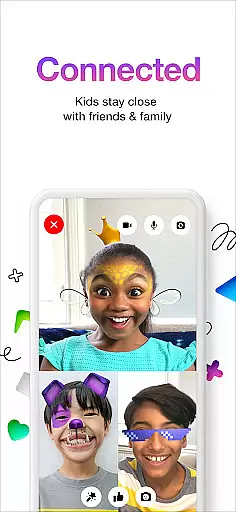
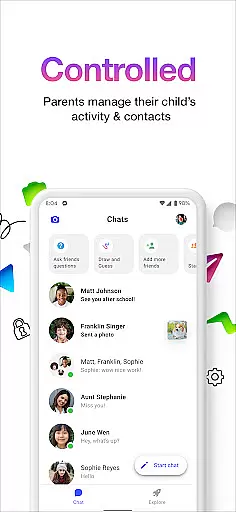
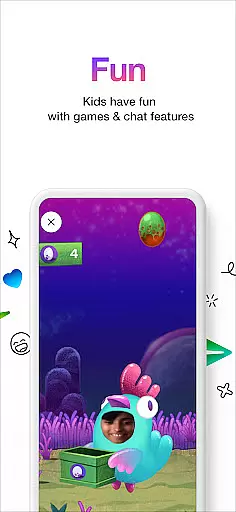
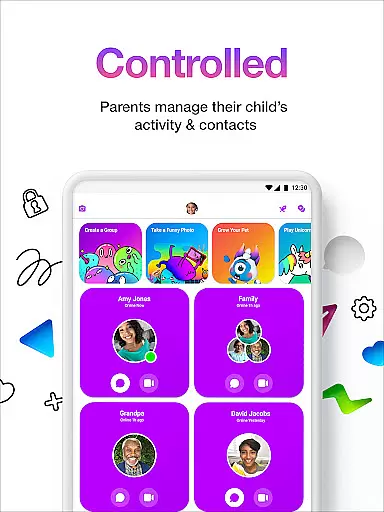

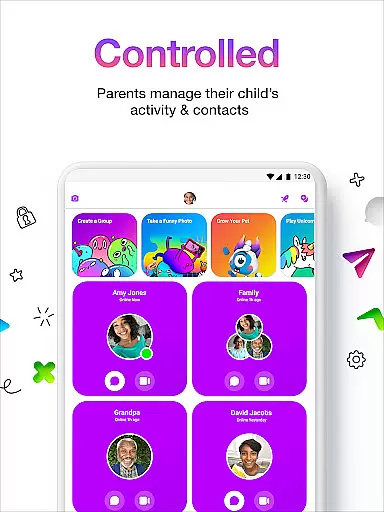
Messenger Kids is a communication app designed specifically for children, offering a safe and controlled environment for messaging and video calls. The app allows parents to manage their kids' contact lists through a Parent Dashboard, ensuring secure interactions with friends and family.
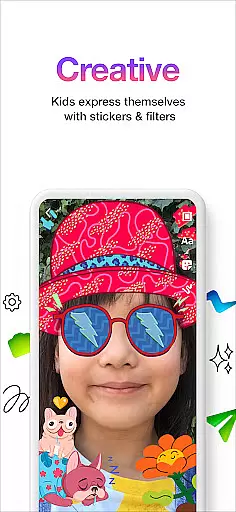
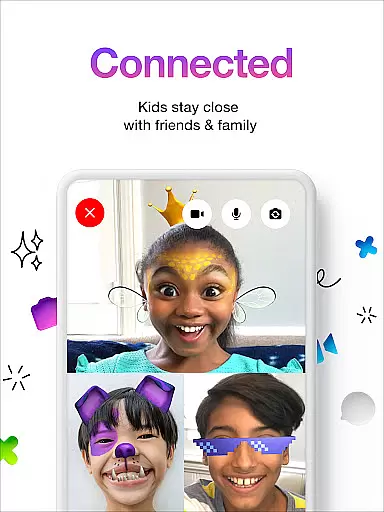
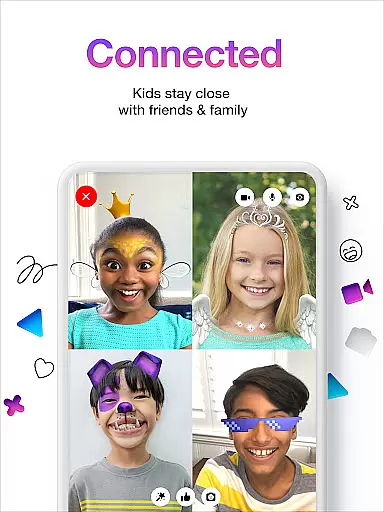
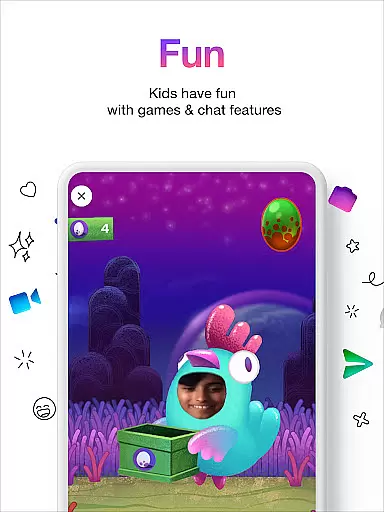
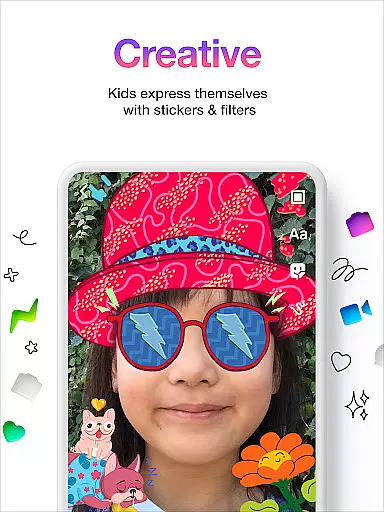
With fun filters, reactions, and sound effects, the app makes video chats more engaging for kids. Parents can also set usage limits during bedtime and rest assured that there are no in-app purchases or ads. Creative tools like stickers, GIFs, emojis, and drawing features provide children with various ways to express themselves while communicating.
This app is ideal for families looking to introduce digital communication to younger children without needing a phone number. Messenger Kids ensures worry-free interaction by combining entertainment with parental control.
Messenger Kids stands out with its robust parental controls and kid-friendly features. The Parent Dashboard enables parents to oversee contacts and monitor messages, providing peace of mind regarding their child's online safety.
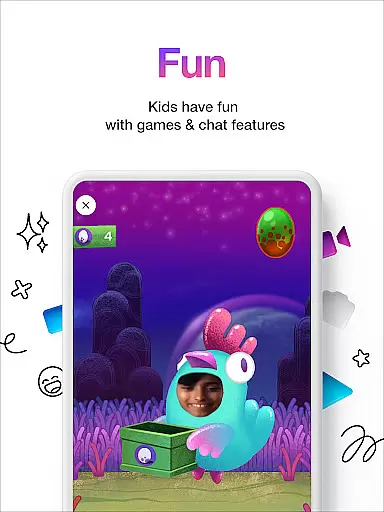
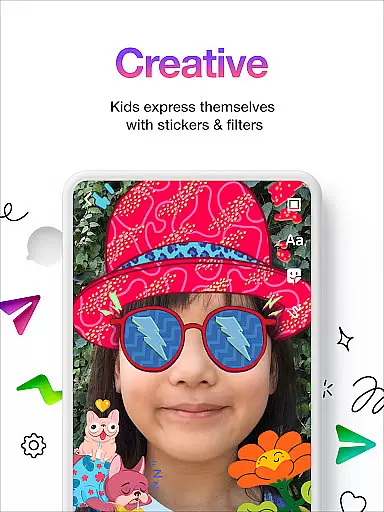
The app includes creative conversation tools such as stickers, GIFs, emojis, and drawing options, allowing kids to personalize their chats. Fun filters and sound effects enhance video calls, making them enjoyable and interactive.
Additionally, Messenger Kids eliminates concerns about inappropriate content or unexpected charges by excluding ads and in-app purchases. This ensures a focused and secure communication platform tailored specifically for young users.
Real-time messaging speed and reliability are crucial for a seamless communication experience, especially in apps designed for younger users. Messenger Kids excels in this area by providing instant message delivery and ensuring that conversations flow smoothly without delays.
The app employs optimized data transmission protocols that prioritize message delivery even under varying network conditions. This means that whether kids are at home or on the go, they can enjoy uninterrupted chats with friends and family.
Parents can rest assured knowing that important messages will reach their intended recipients promptly. The reliable messaging infrastructure also supports the delivery of stickers, GIFs, and emojis, allowing children to express themselves creatively without worrying about technical hiccups.
Furthermore, the stability of real-time messaging enhances the overall user experience by fostering a sense of connection and immediacy, which is essential for maintaining engaging conversations among young users.
Media sharing support is an integral feature of modern communication apps, enabling users to exchange photos, videos, and other files effortlessly. Messenger Kids offers robust media sharing capabilities while maintaining strict safety standards to protect children from inappropriate content.
The app allows kids to share images and videos with approved contacts only, ensuring that all media exchanges occur within a secure environment monitored by parents. This controlled approach gives families peace of mind when using the platform for creative expression and storytelling.
In addition to direct media sharing, Messenger Kids includes fun filters and sound effects that enhance video chats, making interactions more enjoyable and dynamic. These features encourage creativity while keeping the focus on safe, child-friendly communication practices.
By combining comprehensive parental controls with engaging multimedia tools, Messenger Kids delivers a well-rounded media sharing experience that prioritizes both fun and security for its young audience.
Parental controls
Kid friendly design
No ads or purchases
Fun creative tools
Safe environment
Limited features
Requires setup
Age restrictions
Parent monitoring
Device compatibility

BiP is a fast, secure, free messaging and HD video calling app!
 4.10
4.10
At select facilities, you now have an easy way to video visit your loved ones!
3.30
WazzapMigrator: transfer your WhatsApp history from iPhone to Android
4.00
HD Video Meeting app is a fast & unlimited video conferencing app across world.
4.30
Federated instant messaging for your mobile device (Jabber, XMPP, Snikket)
4.10
Manage Phone Calls, call history, and contacts easily with Phone Pro.
4.2
SMS Messenger is a lightning-fast messaging app.
4.20
Get through your inbox faster with the mail app designed to simplify your life.
4.40
Share the moment!
4.10
An agentic AI browser for Android, built by Perplexity
4.50
A web browser that respects your privacy.
4.30
Group Chat That’s Fun & Games
4.30
A customizable phone number in the cloud
4.20
Messages: Fast, simple SMS app with scheduling and smart features.
4.00
Threema is the messenger with the most consistent focus on security and privacy.
4.00
Measure BHP, Torque & 0-60 Clear car OBD faults View engine data in Google Earth
4.00
Watchgram for Telegram: Experience seamless Telegram messaging on your watch
1.80
Enables Plus features of Quick Search.
4.5
Radio communication simulator for gaming communities
4.0


User Reviews